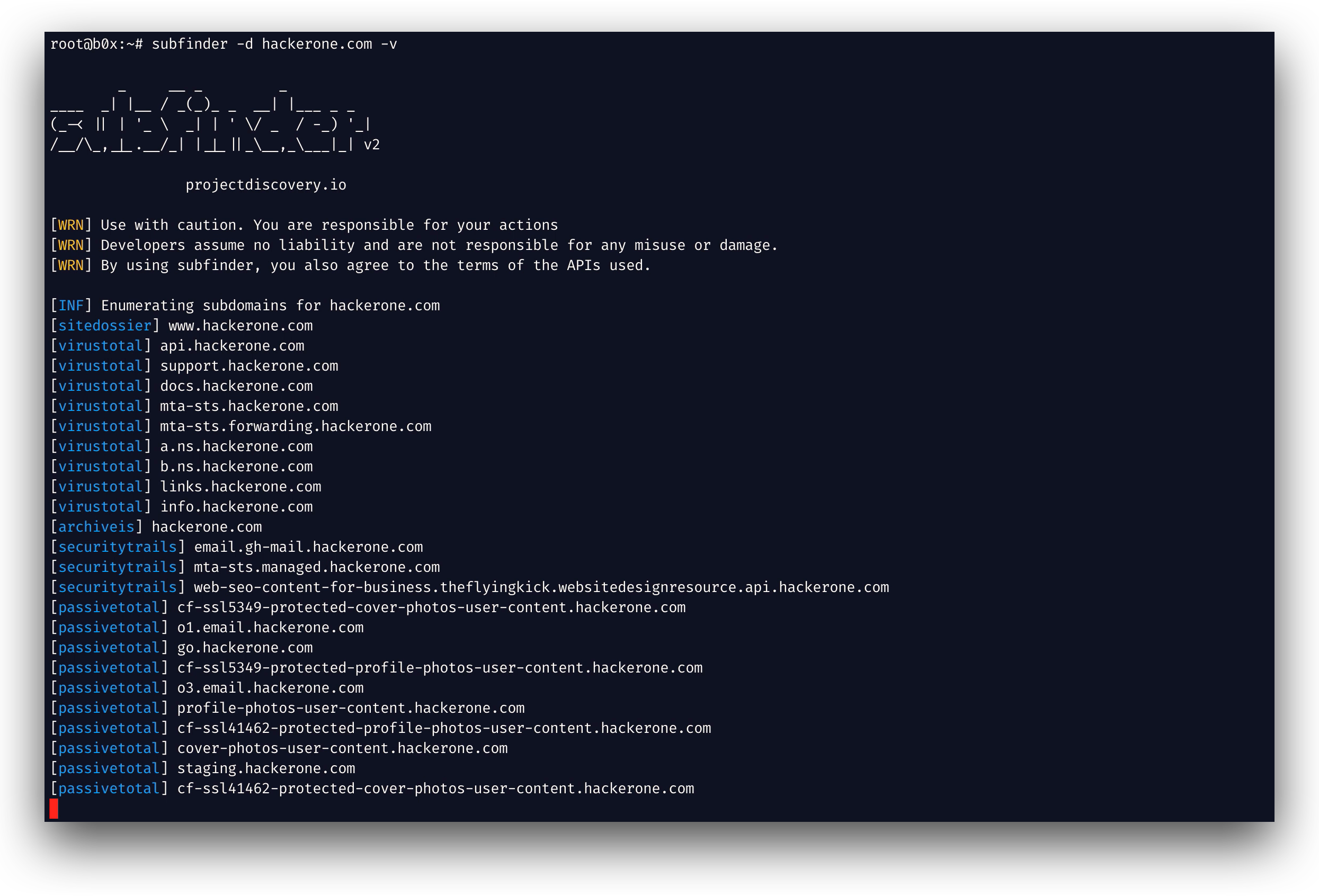

 projectdiscovery/subfinder
高速パッシブサブドメイン列挙ツール。





機能 • インストール • 使用方法 • API セットアップ • ライブラリ • Discord に参加
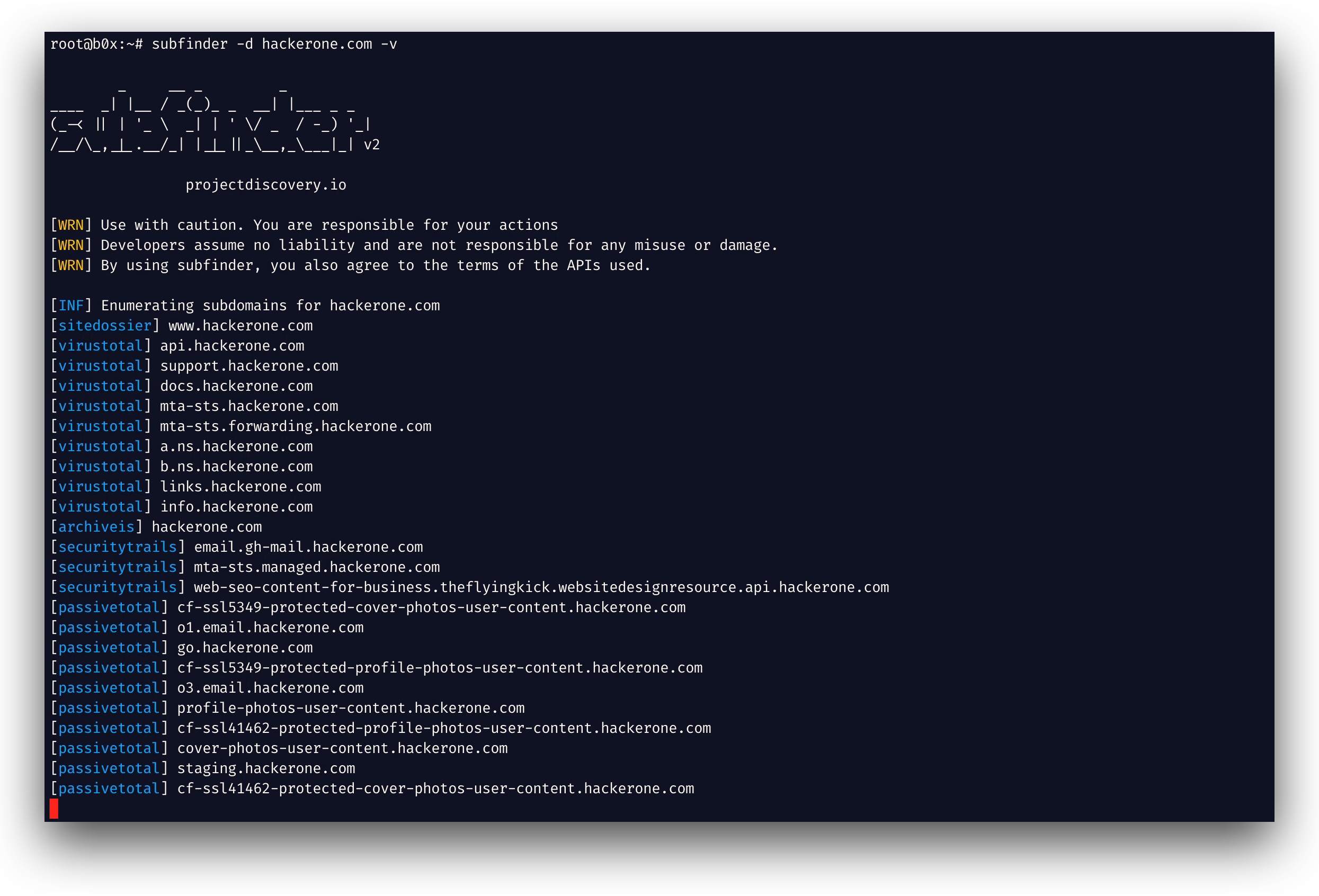
subfinder は、パッシブなオンラインソースを使用して、ウェブサイトの有効なサブドメインを返すサブドメイン探索ツールです。シンプルでモジュール式のアーキテクチャを持ち、速度に最適化されています。subfinder は
ただ一つのこと - パッシブサブドメイン列挙 - のために作られており、それを非常にうまくこなします。
私たちは、使用されているすべてのパッシブソースのライセンスと利用制限に準拠するようにこれを作成しました。パッシブモデルは、ペネトレーションテスターとバグバウンティ ハンターの両方が活用できる速度とステルス性を保証します。
subfinder -h
これにより、ツールのヘルプが表示されます。以下はサポートされているすべてのスイッチです。
Usage:
  ./subfinder [flags]

Flags:
INPUT:
  -d, -domain string[]  domains to find subdomains for
  -dL, -list string     file containing list of domains for subdomain discovery

SOURCE:
  -s, -sources string[]           specific sources to use for discovery (-s crtsh,github). Use -ls to display all available sources.
  -recursive                      use only sources that can handle subdomains recursively (e.g. subdomain.domain.tld vs domain.tld)
  -all                            use all sources for enumeration (slow)
  -es, -exclude-sources string[]  sources to exclude from enumeration (-es alienvault,zoomeyeapi)

FILTER:
  -m, -match string[]     subdomain or list of subdomain to match (file or comma separated)
  -f, -filter string[]     subdomain or list of subdomain to filter (file or comma separated)
  -match-regex string[]   regex or list of regex to match on output subdomain (cli, file)
  -filter-regex string[]  regex or list of regex to filter on output subdomain (cli, file)

RATE-LIMIT:
  -rl, -rate-limit int  maximum number of http requests to send per second
  -rls value            maximum number of http requests to send per second for providers in key=value format (-rls "hackertarget=10/s,shodan=15/s")
  -t int                number of concurrent goroutines for resolving (-active only) (default 10)

UPDATE:
  -up, -update                 update subfinder to latest version
  -duc, -disable-update-check  disable automatic subfinder update check

OUTPUT:
  -o, -output string       file to write output to
  -oJ, -json               write output in JSONL format
  -oD, -output-dir string  directory to write output (-dL only)
  -cs, -collect-sources    include all sources in the output (-json only)
  -oI, -ip                 include host IP in output (-active only)

CONFIGURATION:
  -config string                flag config file (default "$CONFIG/subfinder/config.yaml")
  -pc, -provider-config string  provider config file (default "$CONFIG/subfinder/provider-config.yaml")
  -r string[]                   comma separated list of resolvers to use
  -rL, -rlist string            file containing list of resolvers to use
  -nW, -active                  display active subdomains only
  -proxy string                 http proxy to use with subfinder
  -ei, -exclude-ip              exclude IPs from the list of domains
  -mr, -max-results int         limit the number of results per source (0 = unlimited; honored by paginating sources)

DEBUG:
  -silent             show only subdomains in output
  -version            show version of subfinder
  -v                  show verbose output
  -nc, -no-color      disable color in output
  -ls, -list-sources  list all available sources (-oJ for JSON)

OPTIMIZATION:
  -timeout int                  seconds to wait before timing out (default 30)
  -max-time int                 minutes to wait for enumeration results (default 10)
  -rsr, -response-size-read int max response body size to read in bytes from passive sources (0 = unlimited)
Subfinder は、設定ファイルのカスタムパスを指定するための環境変数をサポートしています:
SUBFINDER_CONFIG - config.yaml ファイルへのパス (デフォルトの $CONFIG/subfinder/config.yaml を上書き)SUBFINDER_PROVIDER_CONFIG - provider-config.yaml ファイルへのパス (デフォルトの $CONFIG/subfinder/provider-config.yaml を上書き)subfinder を正常にインストールするには go1.26 が必要です。最新バージョンをインストールするには、以下のコマンドを実行してください:
go install -v github.com/projectdiscovery/subfinder/v2/cmd/subfinder@latest
subfinder のその他のインストール方法についてはこちらをご覧ください: https://docs.projectdiscovery.io/tools/subfinder/install.
subfinder はインストール直後から使用できますが、多くのソースは動作するために API キーが必要です。詳細はこちらをご覧ください: https://docs.projectdiscovery.io/tools/subfinder/install#post-install-configuration.
Subfinder の実行方法についてはこちらをご覧ください: https://docs.projectdiscovery.io/tools/subfinder/running.
-match-regex と -filter-regex は Go の正規表現を受け取り、繰り返し指定するかファイルから (1 行に 1 つ) 読み込み、-match および -filter と組み合わせます:
subfinder -d example.com -match-regex '^(api|web)[0-9]{1,3}\.' -filter-regex '(^|\.)dev\.'
Subfinder はライブラリとしても使用でき、subfinder SDK を使用する最小限の例がこちらで利用可能です
subfinder は projectdiscovery チームによって 🖤 を込めて作られました。コミュニティの貢献がこのプロジェクトを現在の形にしました。詳細は
THANKS.md ファイルをご覧ください。
使用に関する免責事項は DISCLAIMER.md をお読みください。API の削除についてはお問い合わせください。
