 pingminus/safeguard
CLI Encryption tool written in Go


./safeguard --version
1.0
This project is a learning-oriented file encryption tool.
While it uses standard cryptographic primitives from Go’s standard library (e.g. AES-GCM for authenticated encryption), it does not use a modern, memory-hard password key derivation function such as Argon2 or scrypt.
Instead, keys are derived using a lightweight, standard-library-only method. This means:
git clone https://github.com/pingplus/SafeGuard.git
cd SafeGuard
go build
General syntax:
./safeguard <file> <action> <cipher> [options]
Actions:
--encrypt or e Encrypt a file--decrypt or d Decrypt a file--decrypt-directory or de Decrypt a whole directory (decrypting directory not available yet sorry :( )Options:
--inplace decrypt/encrypt a file in place (experimental)--key add key--output specify the output nameSupported ciphers:
./safeguard --list-ciphers
[i] Available ciphers:
  xor
  caesar
  aes
Encrypt a file:
./safeguard secret.txt e aes --key "your-strong-password"
# or
./safeguard secret.txt --encrypt aes --key "your-strong-password" --output secret.txt.aes
Decrypt a file:
./safeguard secret.txt d aes --key "your-strong-password"
# or
./safeguard secret.txt --decrypt aes --key "your-strong-password" --output secret.txt.dec
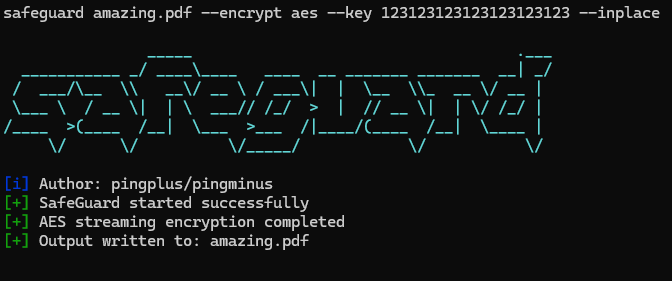
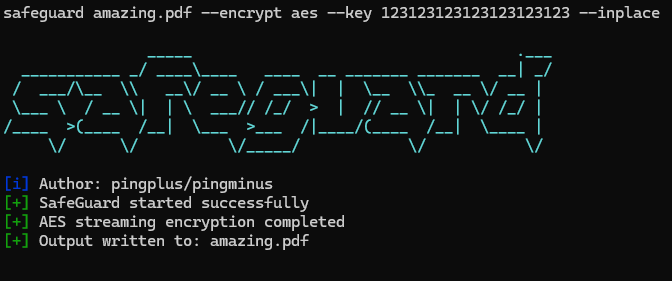
./safeguard secrets.txt e aes --key "123123123123123123123123" --inplace
# -> creates secrets.txt but encrypted
./safeguard secrets.txt.aes d aes --key "123123123123123123123123" --output secrets_decrypted.txt
