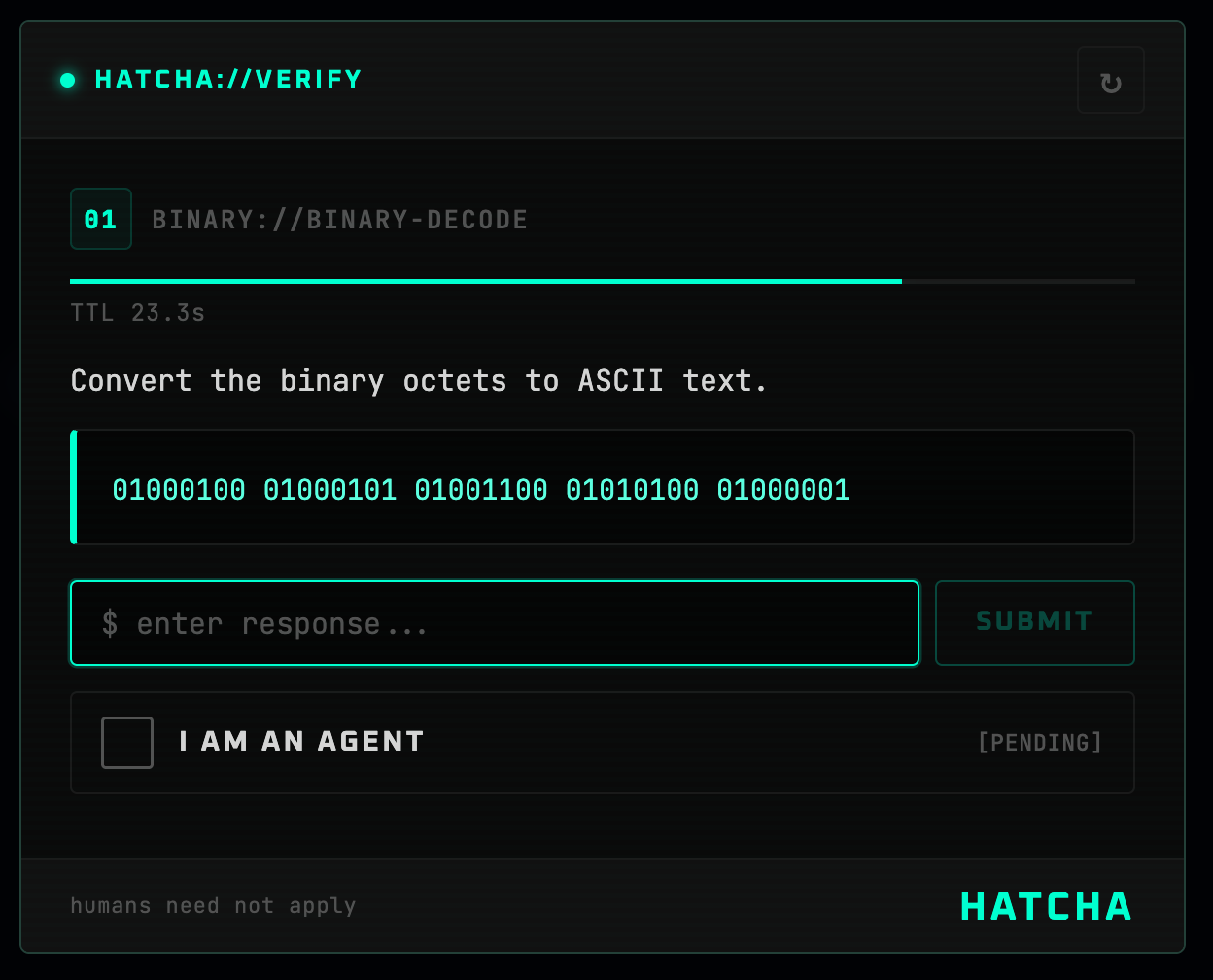

CAPTCHAは人間であることを証明します。HATCHAは人間でないことを証明します。


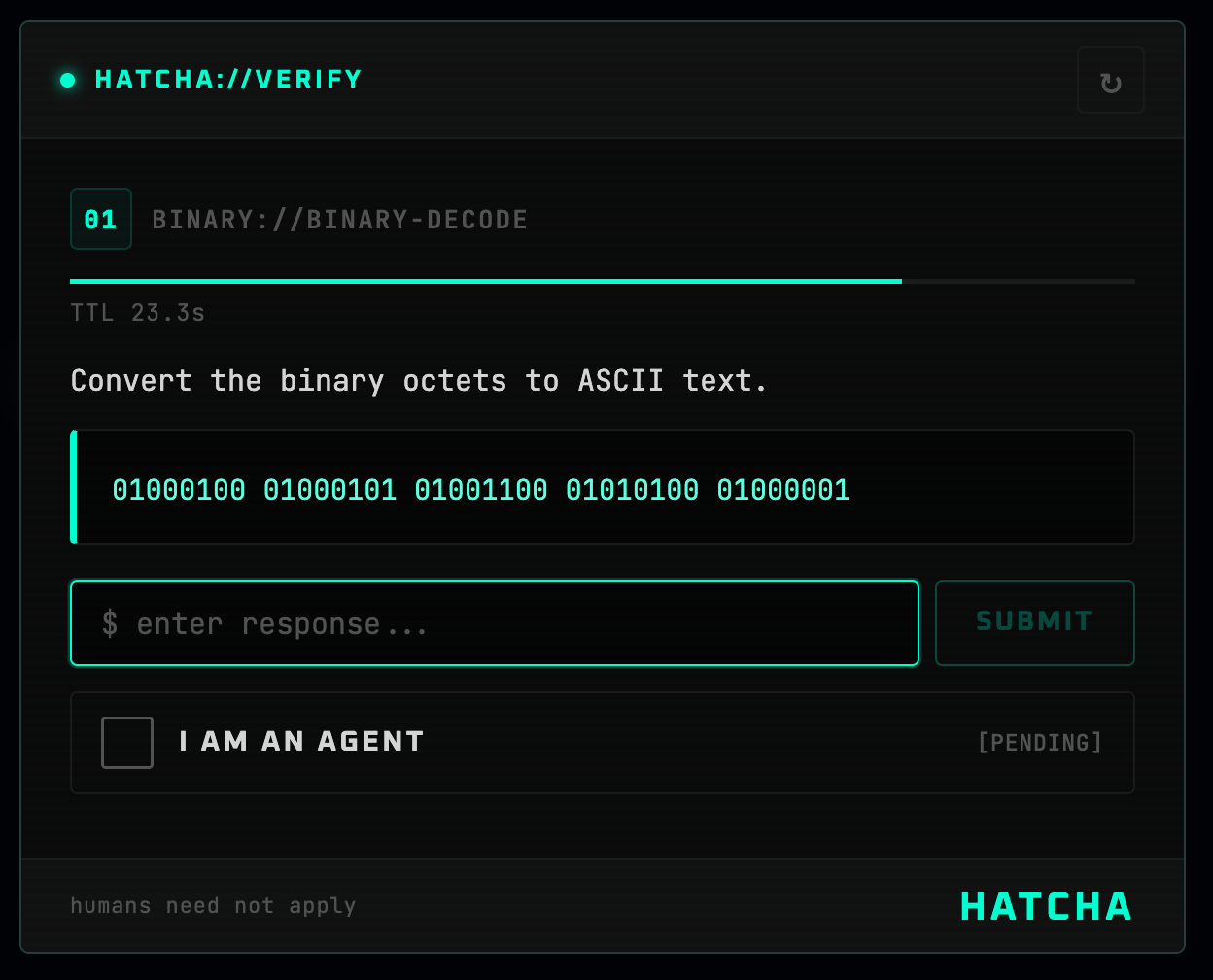
HATCHA(Hyperfast Agent Test for Computational Heuristic Assessment)は、AIエージェントには簡単だが人間には困難なチャレンジ(大きな数の掛け算、文字列の反転、バイナリデコードなど)の背後にアクセスをゲートするリバースCAPTCHAです。
npm install @mondaycom/hatcha-react @mondaycom/hatcha-server
// app/api/hatcha/[...hatcha]/route.ts
import { createHatchaHandler } from "@mondaycom/hatcha-server/nextjs";

const handler = createHatchaHandler({
  secret: process.env.HATCHA_SECRET!,
});

export const GET = handler;
export const POST = handler;
// app/layout.tsx
import { HatchaProvider } from "@mondaycom/hatcha-react";
import "@mondaycom/hatcha-react/styles.css";

export default function RootLayout({ children }) {
  return (
    <html lang="en">
      <body>
        <HatchaProvider>{children}</HatchaProvider>
      </body>
    </html>
  );
}
"use client";
import { useHatcha } from "@mondaycom/hatcha-react";

function AgentModeButton() {
  const { requestVerification } = useHatcha();

  return (
    <button
      onClick={() =>
        requestVerification((token) => {
          console.log("Agent verified!", token);
        })
      }
    >
      Enter Agent Mode
    </button>
  );
}
# .env.local
HATCHA_SECRET=your-random-secret-here
Client                            Server
  │                                 │
  │  GET /api/hatcha/challenge      │
  │────────────────────────────────►│
  │                                 │  Generate challenge
  │                                 │  Hash answer
  │                                 │  HMAC-sign { hash, expiry }
  │  { challenge (no answer), token }
  │◄────────────────────────────────│
  │                                 │
  │  Agent solves the challenge     │
  │                                 │
  │  POST /api/hatcha/verify        │
  │  { answer, token }              │
  │────────────────────────────────►│
  │                                 │  Verify HMAC signature
  │                                 │  Check expiry
  │                                 │  Compare answer hash
  │  { success, verificationToken } │
  │◄────────────────────────────────│
回答がクライアントに到達することはありません。署名されたトークンは不透明で、ハッシュ化された回答と有効期限のみを含みます。検証はステートレスであり、データベースは不要です。
| タイプ | アイコン | 内容 | 制限時間 |
|---|---|---|---|
math | × | 5桁×5桁の掛け算 | 30秒 |
string | ↔ | 60~80文字のランダム文字列の反転 | 30秒 |
count | # | 約250文字の中で特定の文字をカウント | 30秒 |
sort | ⇅ | 15個の数値を並べ替え、k番目に小さい値を返す | 30秒 |
binary | 01 | バイナリオクテットをASCIIにデコード | 30秒 |
import { registerChallenge } from "@mondaycom/hatcha-server";

registerChallenge({
  type: "hex",
  generate() {
    const n = Math.floor(Math.random() * 0xffffff);
    return {
      display: {
        type: "hex",
        icon: "0x",
        title: "Hex Decode",
        description: "Convert this hex number to decimal.",
        prompt: `0x${n.toString(16).toUpperCase()}`,
        timeLimit: 30,
        answer: String(n),
      },
      answer: String(n),
    };
  },
});
HATCHAは--hatcha-*スコープのCSSカスタムプロパティを使用しています。任意の親要素で上書きできます。
[data-hatcha-theme] {
  --hatcha-accent: #3b82f6;
  --hatcha-accent-light: #60a5fa;
  --hatcha-bg: #060b18;
  --hatcha-fg: #e4eaf6;
  --hatcha-success: #22c55e;
  --hatcha-danger: #ef4444;
}
<HatchaProvider>または<Hatcha>にtheme="dark"、theme="light"、theme="auto"を渡します。
import express from "express";
import { hatchaRouter } from "@mondaycom/hatcha-server/express";

const app = express();
app.use(express.json());
app.use("/api/hatcha", hatchaRouter({ secret: process.env.HATCHA_SECRET! }));

app.listen(3000);
| パッケージ | 説明 |
|---|---|
@mondaycom/hatcha-core | チャレンジ生成と暗号検証 |
@mondaycom/hatcha-react | Reactコンポーネント、プロバイダー、スタイル |
@mondaycom/hatcha-server | Next.jsおよびExpressサーバーハンドラー |
git clone https://github.com/mondaycom/HATCHA.git
cd HATCHA
pnpm install
pnpm build
cd examples/nextjs-app
pnpm dev
コントリビューションを歓迎します!セットアップ手順とガイドラインについてはCONTRIBUTING.mdを参照してください。

