

シンプルでありながら強力なツール – 純粋な Python で書かれています – 与えられたワードリストを取得し、動的な辞書にマージします。この辞書は、辞書ベース(またはブルートフォース)攻撃の弾薬として使用できます。


✨最新記事を読む: なぜ DyMerge はダメなのか✨
詳細は nikolaskama.me/dymergeproject をご覧ください。ブログ をチェックして、Twitter でフォローしてください。
DyMerge は Git リポジトリ をクローンすることでインストールできます:
~ ❯❯❯ git clone https://github.com/k4m4/dymerge.git
~ ❯❯❯ cd dymerge/
~/dymerge ❯❯❯ python dymerge.py
使い方: python dymerge.py {辞書ファイル} [オプション]

オプション:
  --version             プログラムのバージョン番号を表示して終了
  -h, --help            このヘルプメッセージを表示して終了
  -o OUTPUT_FILE, --output=OUTPUT_FILE
                        出力ファイル名
  -i INCLUDE_VALUES, --include=INCLUDE_VALUES
                        指定した値を辞書に含める
  -z ZIP_TYPE, --zip=ZIP_TYPE
                        指定したアーカイブ形式で zip ファイルを作成
  -s, --sort            出力をアルファベット順にソート
  -u, --unique          辞書の重複を削除
  -r, --reverse         辞書の項目を逆順にする
  -f, --fast            タスクを可能な限り高速に完了

例:
  python dymerge.py ~/dictionaries/ -s -u -o ~/powerful.txt
  python dymerge.py /usr/share/wordlists/rockyou.txt /lists/cewl.txt -s -u
  python dymerge.py /lists/cewl.txt /lists/awlg.txt -s -u -i and,this
  python dymerge.py ~/fsocity.dic -u -r -o ~/clean.txt
  python dymerge.py /dicts/crunch.txt /dicts/john.txt -u -f -z bz2
利用可能なすべてのオプションを表示するには、以下を実行します:
~/dymerge ❯❯❯ python dymerge.py -h
短いデモ動画です:
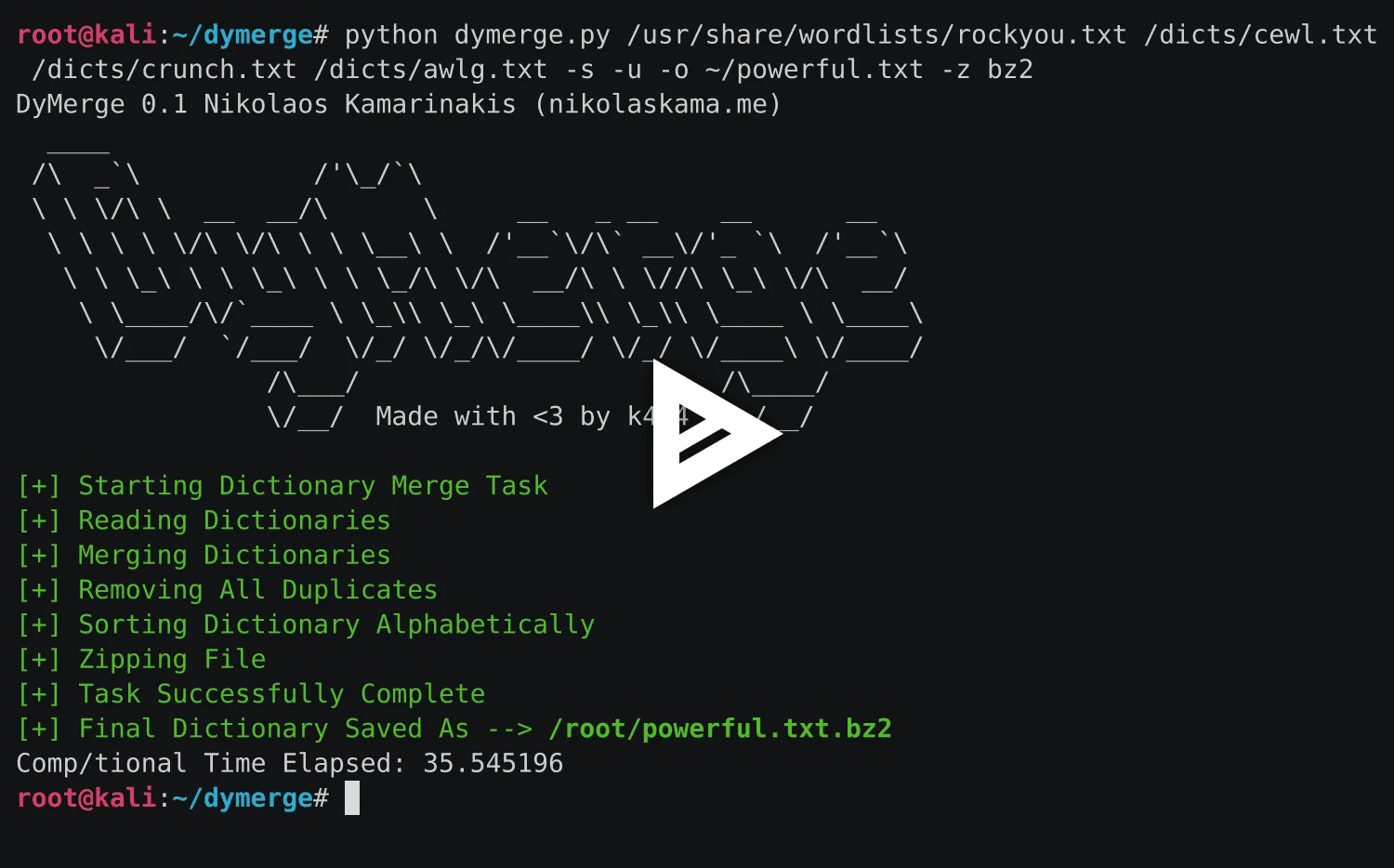
(その他のデモは こちら をクリック)
Copyright 2016-2017 Nikolaos Kamarinakis. All rights reserved.
DyMerge は MIT ライセンス の条件下で提供され、ライセンスファイル に記載されたすべての明確化が適用されます。
詳細は 公式プロジェクトページ をご覧ください。 また、いつでも nikolaskam{at}gmail{dot}com までメールでお問い合わせください。

