 k2/ehtrace
ATraceはWindows上でバイナリの実行をトレースするためのツールです。

EhTrace(「エートレース」と発音)は、Windows向けの高性能バイナリトレーシング&インストゥルメンテーションフレームワークです。ソースコード、バイナリの変更、従来のデバッグを必要とせずに、Windows実行ファイルの深いランタイム解析を可能にします。
EhTraceは、WindowsのVectored Exception Handling(VEH)とブロックステッピング技術を活用し、最小限のオーバーヘッドで包括的な実行トレースを提供します。従来のデバッグツールやインストゥルメンテーションツールとは異なり、EhTraceは完全にインプロセスで動作し、ターゲットバイナリにパッチを必要としません。
flowchart TB
    subgraph Target["🎯 Target Process"]
        direction TB
        APP[Application Code]
        VEH[Vectored Exception Handler]
        style APP fill:#e1f5ff,stroke:#01579b,stroke-width:3px,color:#000
        style VEH fill:#fff3e0,stroke:#e65100,stroke-width:3px,color:#000
    end

    subgraph EhTrace["⚡ EhTrace Engine"]
        direction TB
        BLOCK[Block Stepper]
        DISASM[Capstone Disassembler]
        FIGHTERS[BlockFighters]
        CTX[Context Manager]
        style BLOCK fill:#f3e5f5,stroke:#4a148c,stroke-width:3px,color:#000
        style DISASM fill:#e8f5e9,stroke:#1b5e20,stroke-width:3px,color:#000
        style FIGHTERS fill:#ffebee,stroke:#b71c1c,stroke-width:3px,color:#000
        style CTX fill:#e0f2f1,stroke:#004d40,stroke-width:3px,color:#000
    end

    subgraph Output["📊 Analysis Output"]
        direction TB
        SHMEM[Shared Memory Log]
        GRAPHS[Visual Graphs]
        REPORTS[Coverage Reports]
        style SHMEM fill:#fce4ec,stroke:#880e4f,stroke-width:3px,color:#000
        style GRAPHS fill:#f1f8e9,stroke:#33691e,stroke-width:3px,color:#000
        style REPORTS fill:#fff8e1,stroke:#f57f17,stroke-width:3px,color:#000
    end

    APP -->|Exception| VEH
    VEH -->|Single Step| BLOCK
    BLOCK -->|Instruction| DISASM
    DISASM -->|Analysis| FIGHTERS
    FIGHTERS -->|State| CTX
    CTX -->|Events| SHMEM
    SHMEM -->|Data| GRAPHS
    SHMEM -->|Data| REPORTS

    style Target fill:#e3f2fd,stroke:#0d47a1,stroke-width:4px
    style EhTrace fill:#f3e5f5,stroke:#6a1b9a,stroke-width:4px
    style Output fill:#e8f5e9,stroke:#2e7d32,stroke-width:4px
EhTraceは高度なパイプラインを通じて動作します:
フレームワークは、専用のコンテキスト構造を使用してスレッドごとに実行状態を維持し、カスタマイズ可能なインストゥルメンテーションのためのフックを提供します。
graph LR
    subgraph Traditional["🐌 Traditional Debugger"]
        T1[Single Step]
        T2[Context Switch]
        T3[Kernel Mode]
        T4[~1M events/sec]
        style T1 fill:#ffcdd2,stroke:#c62828,stroke-width:2px,color:#000
        style T2 fill:#ffcdd2,stroke:#c62828,stroke-width:2px,color:#000
        style T3 fill:#ffcdd2,stroke:#c62828,stroke-width:2px,color:#000
        style T4 fill:#ef5350,stroke:#b71c1c,stroke-width:3px,color:#fff
    end

    subgraph EhTrace["⚡ EhTrace"]
        E1[Block Step]
        E2[In-Process]
        E3[User Mode]
        E4[~43M events/sec]
        style E1 fill:#c8e6c9,stroke:#2e7d32,stroke-width:2px,color:#000
        style E2 fill:#c8e6c9,stroke:#2e7d32,stroke-width:2px,color:#000
        style E3 fill:#c8e6c9,stroke:#2e7d32,stroke-width:2px,color:#000
        style E4 fill:#66bb6a,stroke:#1b5e20,stroke-width:3px,color:#fff
    end

    T1 --> T2 --> T3 --> T4
    E1 --> E2 --> E3 --> E4

    style Traditional fill:#ffebee,stroke:#d32f2f,stroke-width:3px
    style EhTrace fill:#e8f5e9,stroke:#388e3c,stroke-width:3px
EhTraceは、いくつかの最適化によって高性能を実現しています:
📊 ベンチマーク: 10秒間に 428,833,152 イベント(各32バイト)をキャプチャ = 約43M イベント/秒
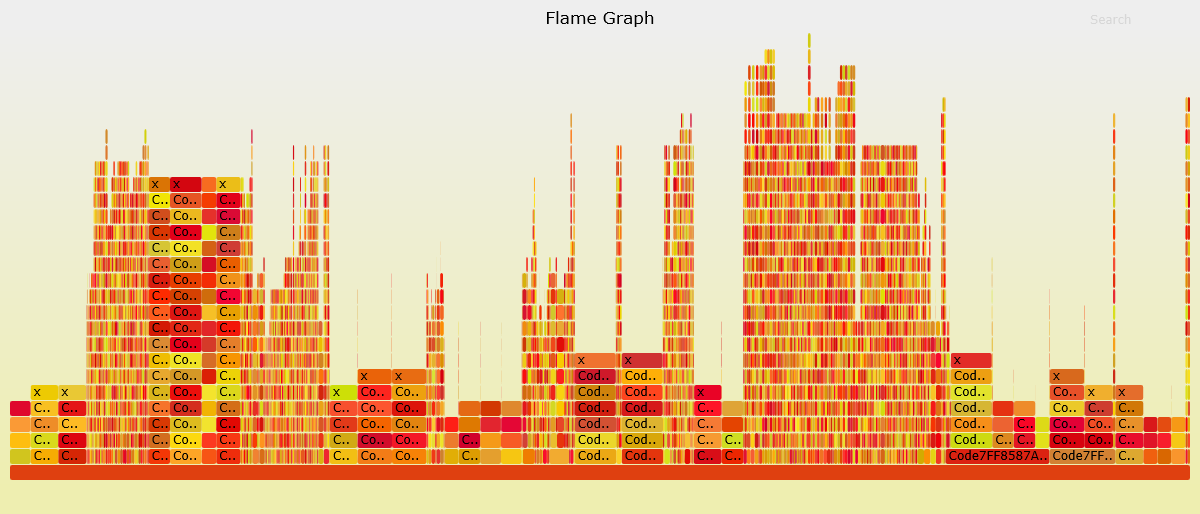
CSW16デモ、シンボルなしでnotepad.exeをトレース:
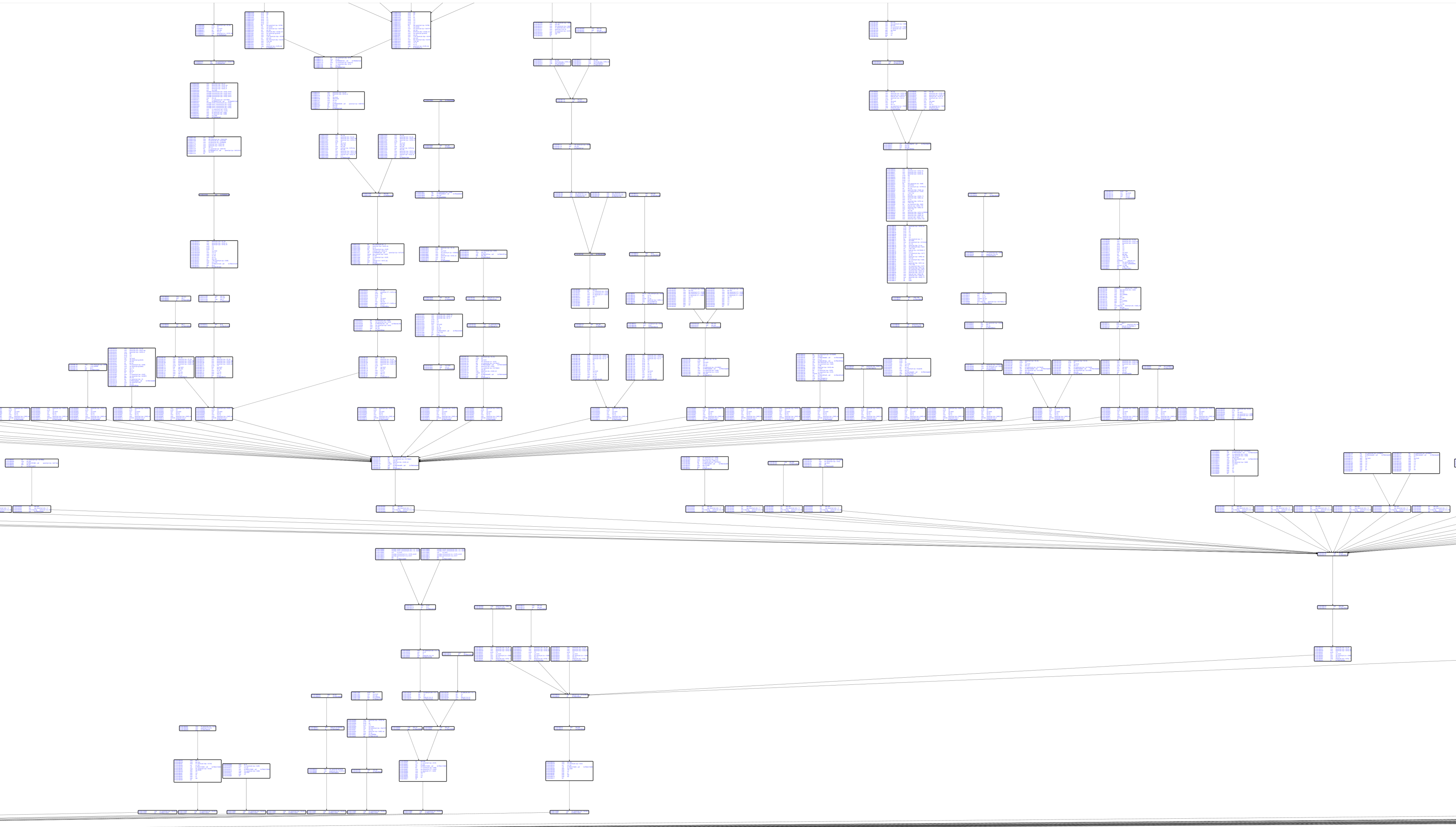
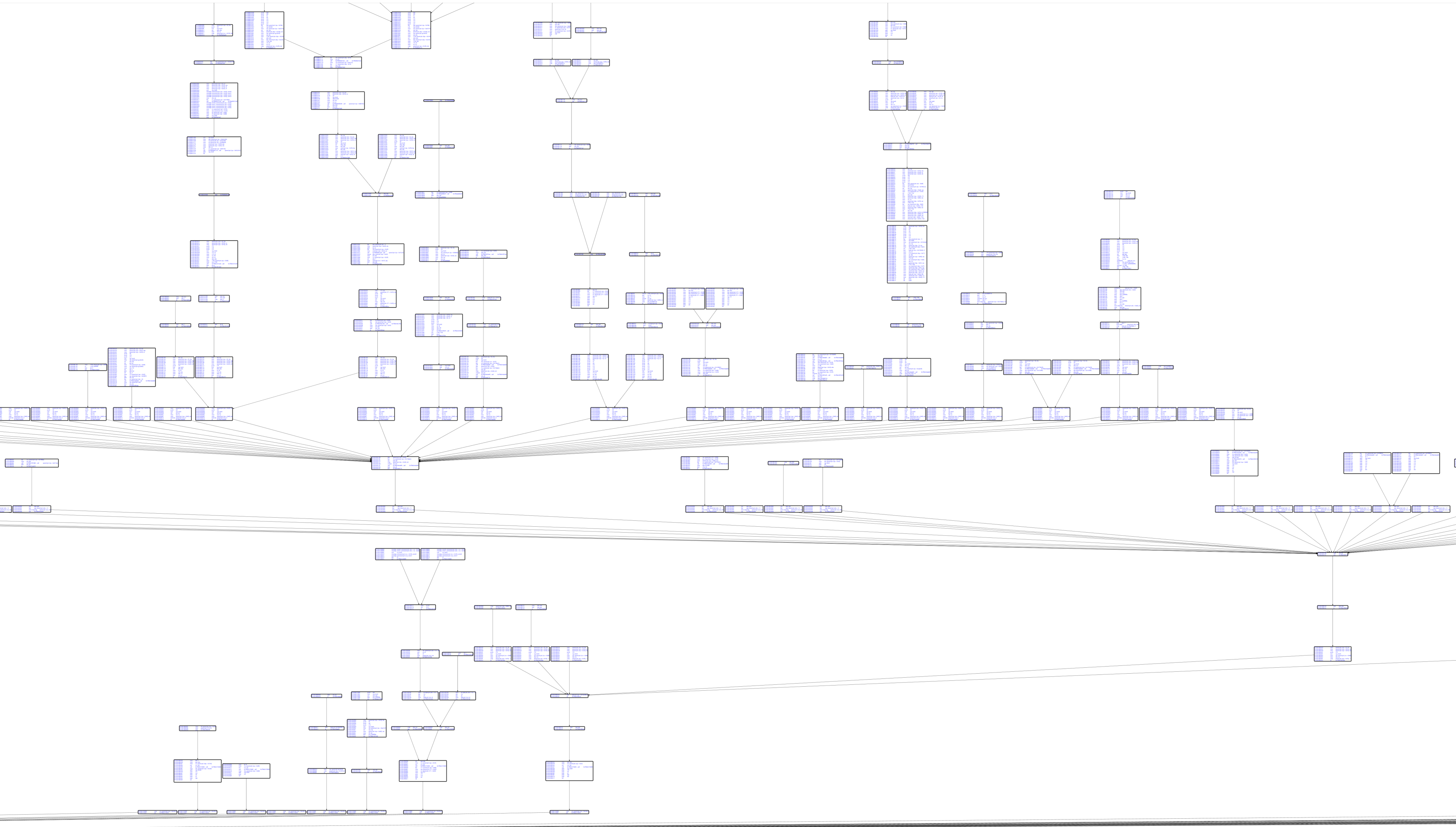
Capstone逆アセンブルを含む基本ブロックグラフ:
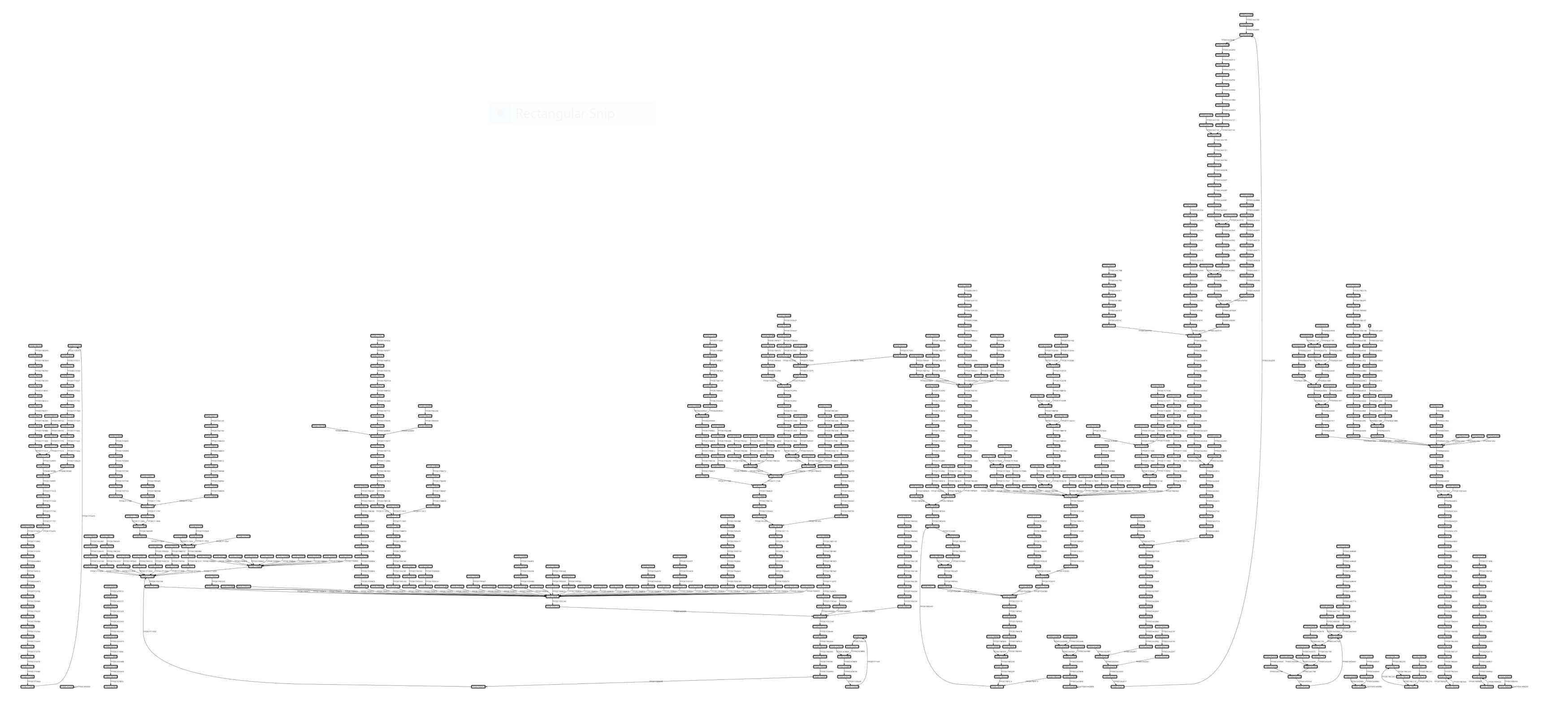
コードカバレッジの可視化:
graph TD
    subgraph Core["🎯 Core Components"]
        EH[EhTrace.dll<br/>Main Instrumentation]
        AC[Acleanout<br/>Log Dumper]
        AG[Agasm<br/>Graph Generator]
        style EH fill:#e1bee7,stroke:#6a1b9a,stroke-width:3px,color:#000
        style AC fill:#c5cae9,stroke:#3949ab,stroke-width:3px,color:#000
        style AG fill:#b2dfdb,stroke:#00695c,stroke-width:3px,color:#000
    end

    subgraph Tools["🔧 Supporting Tools"]
        AL[Aload<br/>DLL Injector]
        AP[Aprep<br/>Test EXE]
        AS[Astrace<br/>Stack Tracer]
        style AL fill:#ffe0b2,stroke:#e65100,stroke-width:3px,color:#000
        style AP fill:#f8bbd0,stroke:#c2185b,stroke-width:3px,color:#000
        style AS fill:#d1c4e9,stroke:#512da8,stroke-width:3px,color:#000
    end

    subgraph Fuzzing["🐛 Fuzzing Integration"]
        AWA[AWinAFL<br/>AFL Instrumentation]
        style AWA fill:#ffccbc,stroke:#d84315,stroke-width:3px,color:#000
    end

    subgraph Viz["📊 Visualization"]
        WPF[WPFx<br/>Graph Viewer]
        DIA[Dia2Sharp<br/>Symbol Resolver]
        ASF[AStackFolding<br/>Flame Graphs]
        style WPF fill:#c8e6c9,stroke:#2e7d32,stroke-width:3px,color:#000
        style DIA fill:#fff9c4,stroke:#f9a825,stroke-width:3px,color:#000
        style ASF fill:#ffecb3,stroke:#ff8f00,stroke-width:3px,color:#000
    end

    EH -->|Logs| AC
    AC -->|Data| AG
    AG -->|Graphs| WPF
    AL -->|Inject| EH
    DIA -->|Symbols| AG
    ASF -->|Process| AC
    AWA -->|Variant| EH

    style Core fill:#f3e5f5,stroke:#7b1fa2,stroke-width:4px
    style Tools fill:#fff3e0,stroke:#ef6c00,stroke-width:4px
    style Fuzzing fill:#fbe9e7,stroke:#bf360c,stroke-width:4px
    style Viz fill:#e8f5e9,stroke:#388e3c,stroke-width:4px
EhTraceエコシステムは、いくつかの統合プロジェクトで構成されています:
EhTrace.sln を開きます詳細なビルド手順については、BUILDING.md を参照してください。
