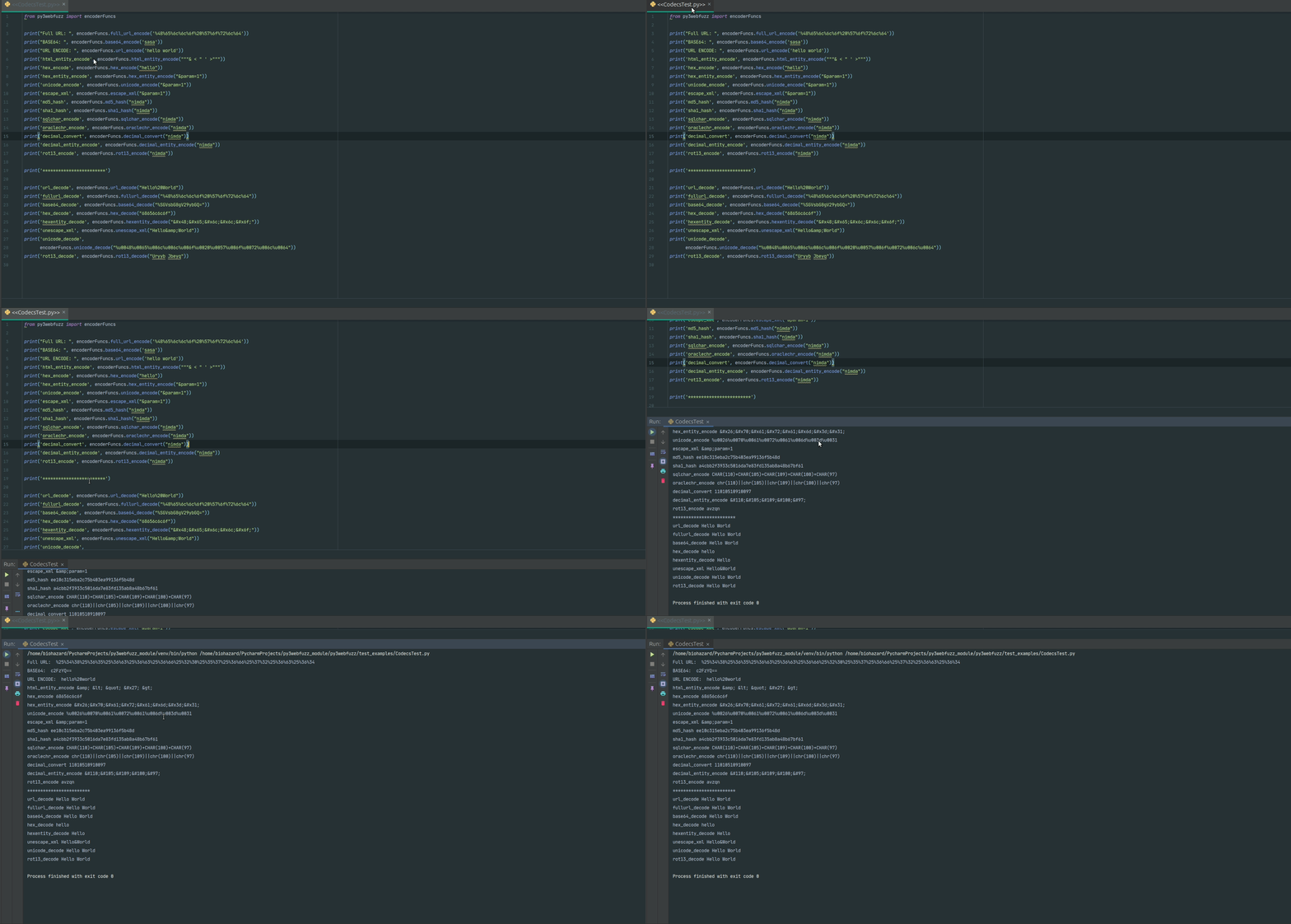


Python3 モジュール互換

pywebfuzz をベースにした Py3webfuzz は、Web アプリケーションや Web サービスにおける脆弱性の特定を、ブルートフォース、ファジング、分析によって支援する Python3 モジュールです。このモジュールは、Web アプリケーションのファジング、API エンドポイントのテスト、Web エクスプロイトの開発に役立つ一般的なテスト値、ジェネレータ、その他のユーティリティを提供します。
py3webfuzz は、fuzzdb およびその他の雑多なソースを Python のクラス、メソッド、関数として実装しており、使いやすくなっています。fuzzdb プロジェクトはテスト用の値のコレクションに過ぎません。ポイントは、fuzzdb プロジェクトやその他のソースから適切に選択された値を、クリーンアップして Python3 のクラス、メソッド、名前空間を通じて利用できるようにすることです。これにより、独自のエクスプロイトや PoC でこれらの値を使用する必要が生じた際に、より簡単で便利になります。
名前は、最新の fuzzdb プロジェクトのフォルダや値と同様になるように一致させる努力がなされました。この努力により、時には見た目が悪い名前空間になることもあります。このバランスは、fuzzdb プロジェクトに精通している人が Python コードにもその知識を活かせるようにするために取られました。例外として、ハイフンがアンダースコアに置き換えられています。
インストール方法はいくつかあります。仮想環境を使用する場合:
http://pypi.python.org/pypi/setuptools
$ git clone https://github.com/jangelesg/py3webfuzz.git
$ cd py3webfuzz/
提供されている setup.py を install コマンドで実行できます。
$ python setup.py install
インストール済みパッケージの管理に easy_install を使用している場合、それを使用することもできます。
$ easy_install py3webfuzz_VERSION.tar.gz
Web 上にある tar.gz の場所を指定することもできます。
$ easy_install URL_package
これで準備完了です。
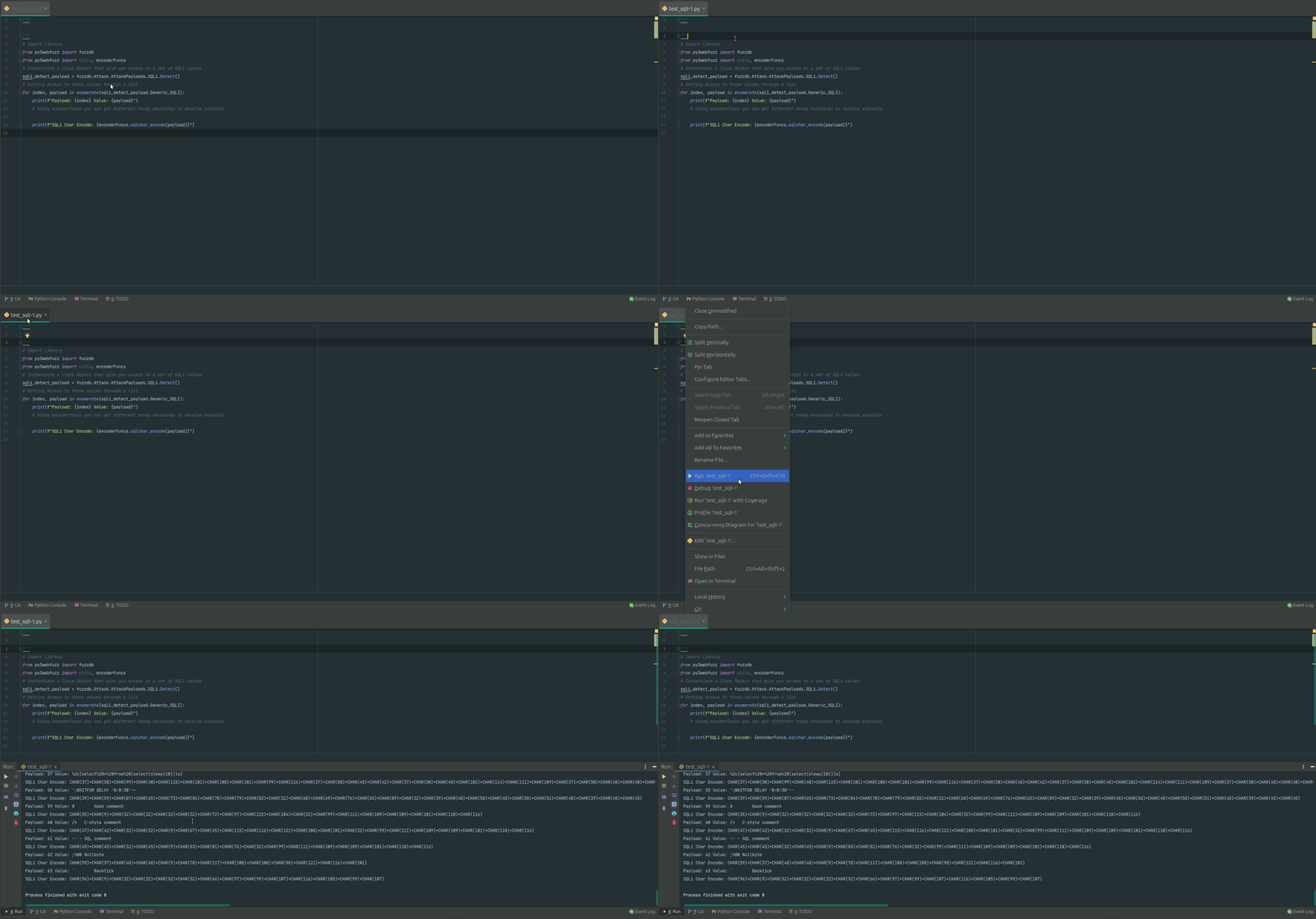
# Accessing SQLi values and encode them for further use
# Import Library
from py3webfuzz import fuzzdb
from py3webfuzz import utils, encoderFuncs
# Instantiate a Class Object that give you access to a set of SQLi values
sqli_detect_payload = fuzzdb.Attack.AttackPayloads.SQLi.Detect()
# Getting Access to those values through a list
for index, payload in enumerate(sqli_detect_payload.Generic_SQLI):
    print(f"Payload: {index} Value: {payload}")
    # Using encoderFuncs you can get different handy encodings to develop exploits
    print(f"SQLi Char Encode: {encoderFuncs.sqlchar_encode(payload)}")
# Send HTTP request to your target
# Import Library
from py3webfuzz import utils
# Custome your target and Headers
location = "http://127.0.0.1:8080/WebGoat/start.mvc#lesson/WebGoatIntroduction.lesson"
    headers = {"Host": "ssl.scroogle.org", "User-Agent": \
               "Mozilla/4.0 (compatible; MSIE 4.01; AOL 4.0; Mac_68K)",
               "Content-Type": "application/x-www-form-urlencoded"}
# at this point you have a dic object with all the elements for your pentest
# "headers": response.headers, "content": response.content, "status_code": response.status_code,
# 'json': response.json, "text": response.text, "time": f"Total in seconds: {time}"
res = utils.make_request(location, headers=headers, method="get")
# print the response
print(res)
将来の計画

