 gleeda/memtriage
Windowsマシン上のRAMアーティファクトを迅速に照会できるようにします

稼働中の Windows マシンから RAM アーティファクトを迅速に照会できます
このツールは、物理メモリにアクセスするために Winpmem ドライバーを、分析のために Volatility を利用します。
注意事項:
現在、以下がサポートされています:
usage: memtriage.exe [-h] [--unload] [--load] [--debug] [--service SERVICE]
                     [--output OUTPUT] [--dumpdir DUMPDIR] [--base BASE]
                     [--offset OFFSET] [--memory MEMORY] [--pid PID] [--leave]
                     [--plugins PLUGINS] [--physoffset PHYSOFFSET]
                     [--physical] [--ignore] [--regex REGEX] [--name NAME]
                     [--keepname] [--outfile OUTFILE] [--yararules YARARULES]
                     [--yarafile YARAFILE] [--kernel] [--all] [--case]
                     [--wide] [--size SIZE] [--reverse REVERSE]

Memtriage options:

optional arguments:
  -h, --help            show this help message and exit
  --unload              Unload the driver and exit
  --load                Load the driver and exit
  --debug               Output debug messages while running
  --service SERVICE     Change the service name (default: pmem)
  --output OUTPUT       Output type: json/text/csv
  --dumpdir DUMPDIR     Directory to dump files to
                        (dlldump,procdump,moddump,vaddump,dumpfiles)
  --base BASE           Base of PE file to dump (dlldump,procdump,moddump)
  --offset OFFSET       Physical offset of process to act on
                        (dlldump,procdump,moddump,vaddump,dumpfiles)
  --memory MEMORY       Carve as a memory sample rather than exe/disk
                        (dlldump,procdump,moddump)
  --pid PID             Operate on this process ID
  --leave               Leave pmem service running with driver
  --plugins PLUGINS     Comma delimited list of plugins to run: apihooks atoms
                        cmdline dlldump dlllist driverirp dumpfiles envars
                        getsids handles ldrmodules malfind moddump modules
                        netscan privs procdump pslist psxview shimcachemem
                        svcscan vaddump vadinfo verinfo volshell yarascan
  --physoffset PHYSOFFSET
                        Dump File Object at physical address PHYSOFFSET
                        (dumpfiles)
  --physical            Display the physical address of object
                        (pslist,handles,modules)
  --ignore              Ignore case in pattern match (dumpfiles,verinfo)
  --regex REGEX         Dump files matching REGEX (dumpfiles,driverirp,privs)
  --name NAME           Name of process/object to operate on
  --keepname            Keep original file name (dumpfiles)
  --outfile OUTFILE     Combined output file (default: stdout)
  --yararules YARARULES
                        Yara rule given on the commandline (yarascan)
  --yarafile YARAFILE   Yara rules given as a file (yarascan)
  --kernel              Scan kernel memory (yarascan)
  --all                 Scan both process and kernel memory (yarascan)
  --case                Make the search case insensitive (yarascan)
  --wide                Match wide (unicode) strings (yarascan)
  --size SIZE           Size of preview hexdump in bytes (default: 256)
                        (yarascan)
  --reverse REVERSE     Reverse [REVERSE] number of bytes (default: 0)
                        (yarascan)
Memtriage はプロファイルを自動的に判別し、適切な設定で実行しようとします。完全一致がない場合、Memtriage は利用可能な最も近い名前のプロファイルを使用しようとします。そのため、オブジェクト定義が正確に一致しない可能性があり(プロセス名など)、これは Volatility を誤ったプロファイルで実行した場合にも見られることがあります。プロファイルは Volatility のコードに追加でき、実行ファイルは pyinstaller で再コンパイルできます。
デフォルトでは、memtriage.exe は初回実行時にドライバをロードしようとし、終了時にアンロードします。ただし、--load および --unload オプションを使用してドライバを手動でロードおよびアンロードすることもできます。また、--leave オプションを使用して、プラグインの実行終了後もドライバをロードしたままにするよう要求することもできます。
> memtriage.exe --leave --plugins=dumpfiles --dumpdir=outdir --physoffset=1066160184 --keepname
デフォルトで作成されるサービス名は pmem です。--service= オプションで別のサービス名を指定できます。その場合、ドライバをロードしたままにしておくなら、以降の呼び出しでもこの --service= オプションを使用する必要があります。例:
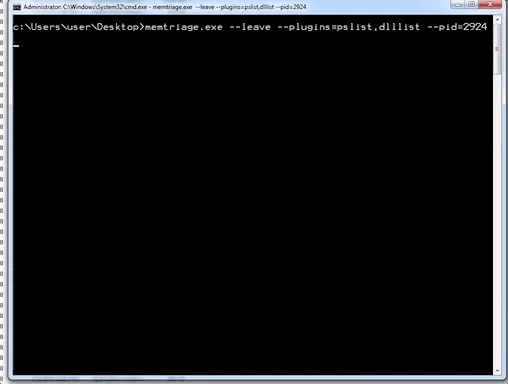
> memtriage.exe --leave --service=somename --plugins=dlllist --pid=2924
[snip]
> memtriage.exe --unload --service=somename
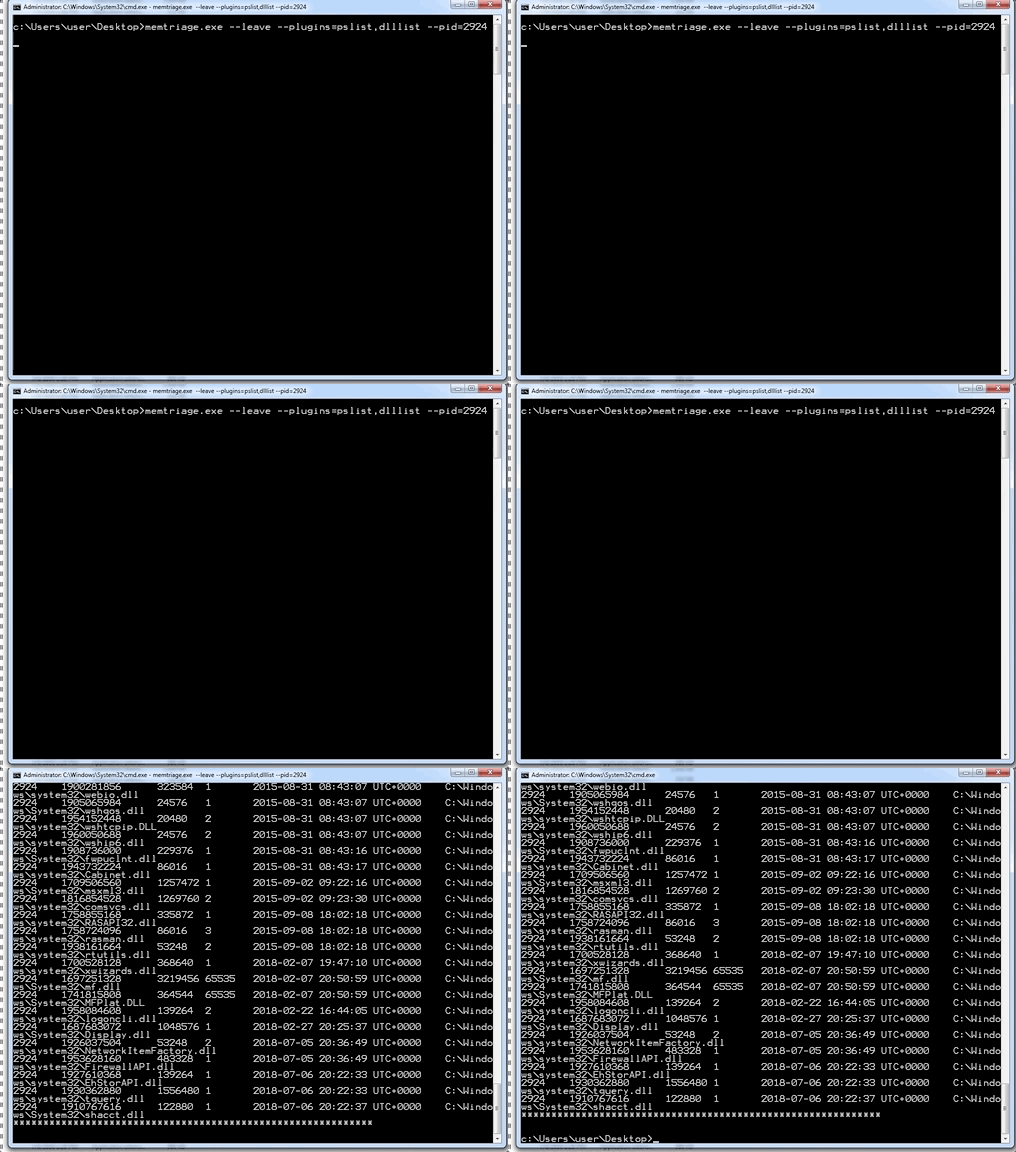
--plugins= オプションでカンマ区切りを指定することで、複数のプラグインを同時に実行できます。例:
> memtriage.exe --plugins=pslist,handles,dlllist
その他のオプションは、適切なプラグインに使用されます。例:
> memtriage.exe --plugins=pslist,handles,dlllist,dlldump,dumpfiles,shimcachemem,volshell --outfile=outfile.txt --pid=2924 --dumpdir=outdir --leave --keepname --physoffset=1066160184
pyinstaller のスタンドアロン実行ファイルを含むリリースはこちらで確認できます: https://github.com/gleeda/memtriage/releases
