 edoardottt/pphack
高度なクライアントサイドプロトタイプ汚染スキャナー

インストール • はじめに • 使用例 • 変更履歴 • コントリビューション • ライセンス
go install github.com/edoardottt/pphack/cmd/pphack@latest
pphack は chromedp に依存しているため、Chrome または Chromium ベースのブラウザが必要です。
Usage:
  pphack [flags]

Flags:
INPUT:
   -u, -url string   Input URL
   -l, -list string  File containing input URLs

CONFIGURATION:
   -c, -concurrency int       Concurrency level (default 50)
   -t, -timeout int           Connection timeout in seconds (default 20)
   -px, -proxy string         Set a proxy server (URL)
   -rl, -rate-limit int       Set a rate limit (per second)
   -ua, -user-agent string    Set a custom User Agent (random by default)
   -H, -headers string[]      Set custom headers
   -Hf, -headers-file string  File containing custom headers

SCAN:
   -p, -payload string            Custom payload
   -js, -javascript string        Run custom Javascript on target
   -jsf, -javascript-file string  File containing custom Javascript to run on target
   -e, -exploit                   Automatic Exploitation

OUTPUT:
   -o, -output string  File to write output results
   -v, -verbose        Verbose output
   -s, -silent         Silent output. Print only results
   -j, -json           JSON output
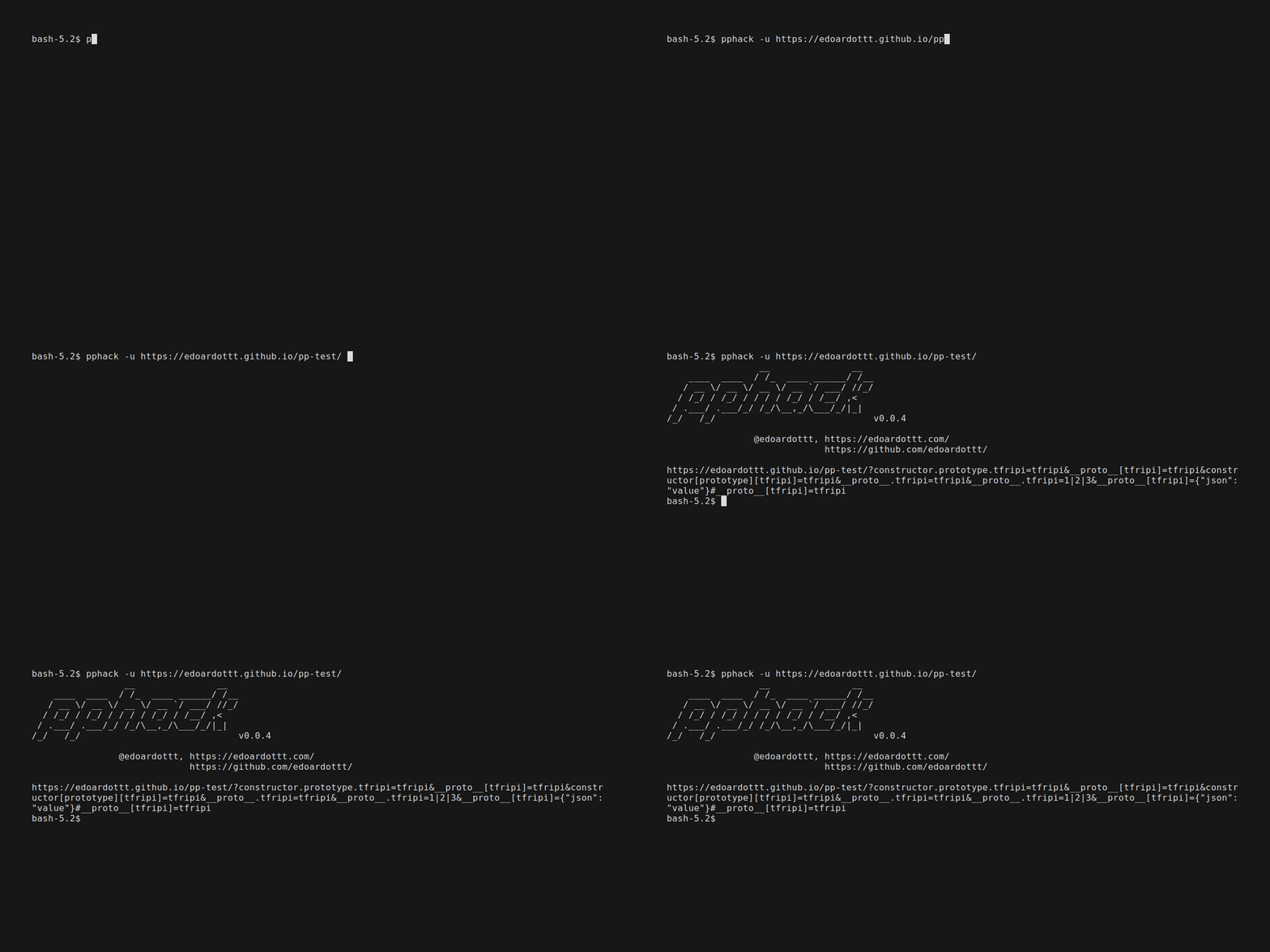
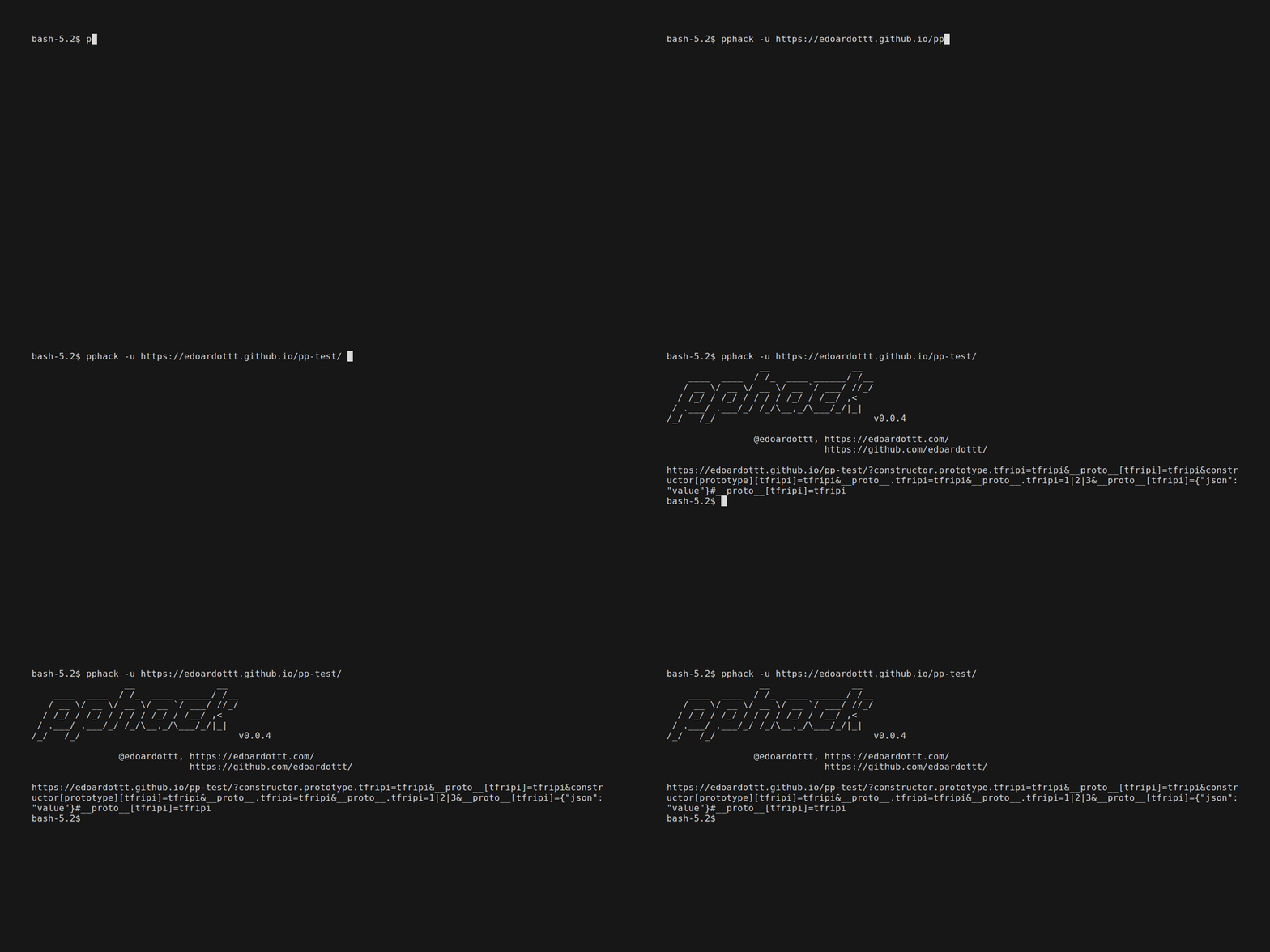
単一の URL をスキャンする
pphack -u https://edoardottt.github.io/pphack-test/
echo https://edoardottt.github.io/pphack-test/ | pphack
URL のリストをスキャンする
pphack -l targets.txt
cat targets.txt | pphack
自動エクスプロイト
pphack -e -u https://edoardottt.github.io/pphack-test/
pphack の使用方法については Wiki をお読みください。
各リリースの詳細な変更点は リリースノート に記載されています。
issue / pull request を作成するだけです。
pull request を作成する前に、golangci-lint をダウンロードして実行してください
golangci-lint run
エラーがなければ、そのまま進めてください :)
このリポジトリは MIT License の下にあります。
連絡先は edoardottt.com まで。

