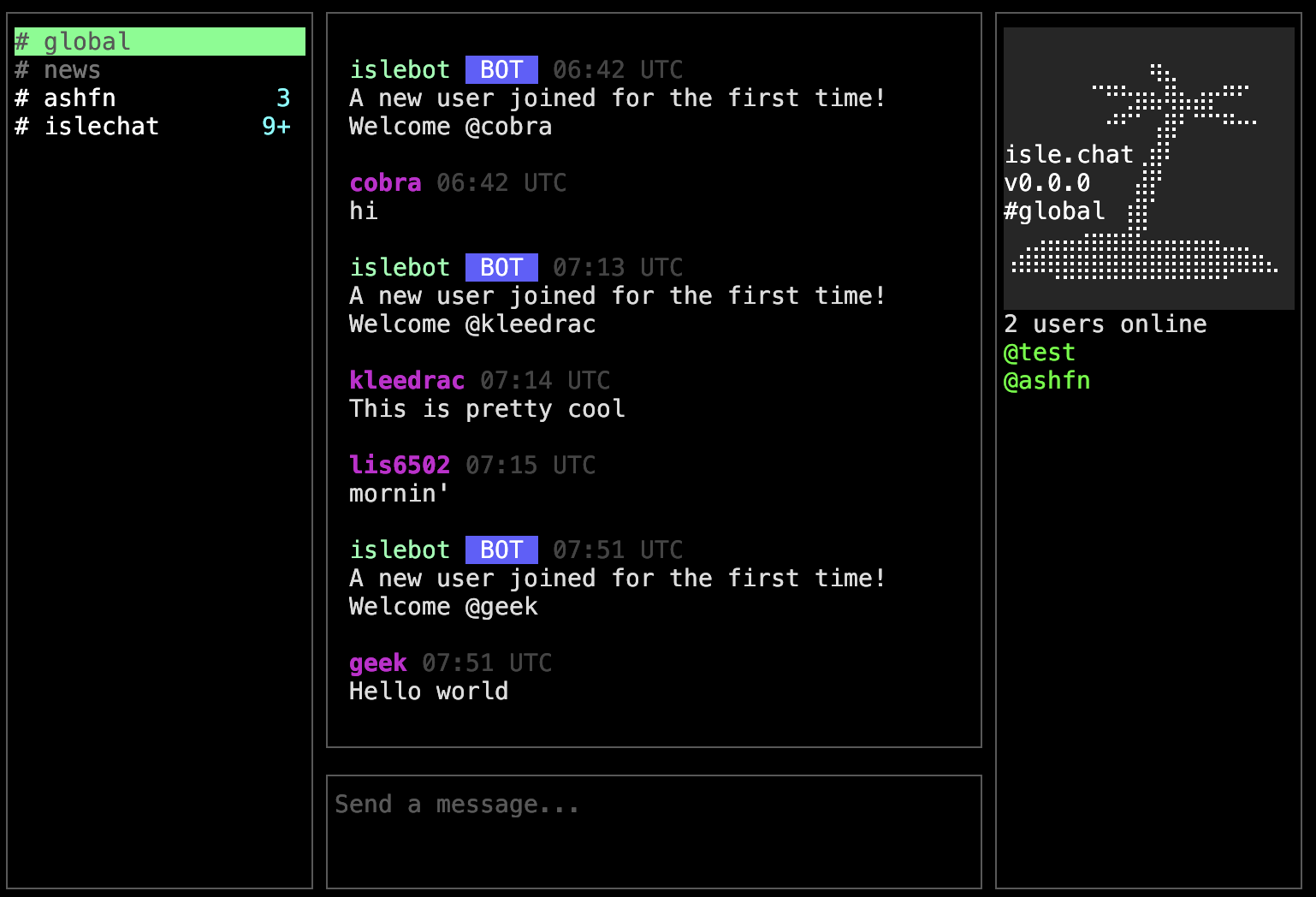

SSH を利用したパブリックチャンネルとプライベート(招待制)チャンネルを備えたチャットサーバー
各チャンネルにはオーナーがおり、バナーを変更したりユーザーを招待できます(パブリックの場合は誰でも参加可能)。
デモは以下で実行:
ssh [email protected]
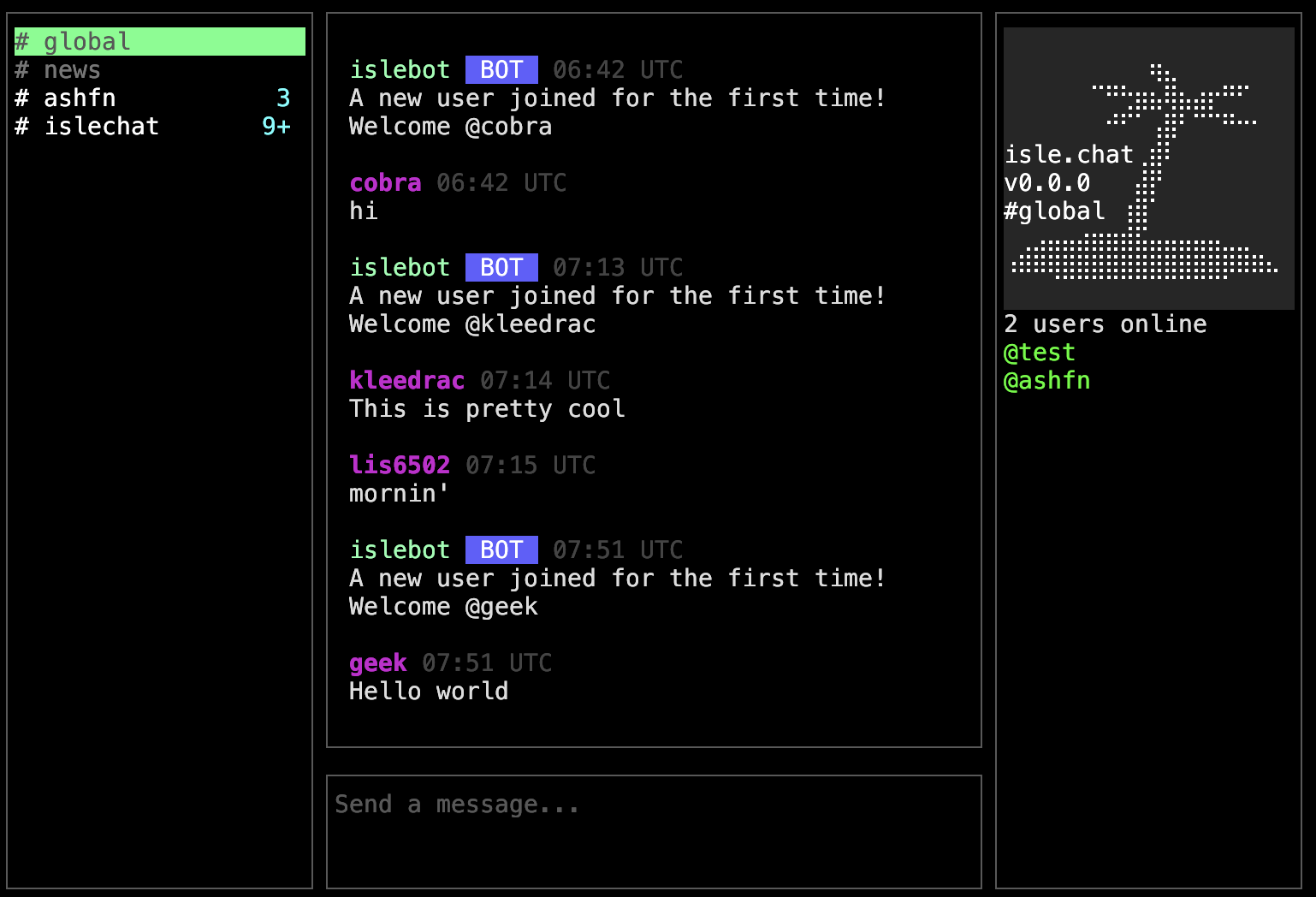
このプロジェクトはまだ非常に新しいため、重要な目的に依存しないでください。
現在、コードはすべて main.go という1つのファイルにありますが、特にコマンドロジックを整理して分割する予定です。
charm bubbletea/wish スタックを使用して構築されています。
go build を使って自分でバイナリをビルドするか、Docker を使用できます。
docker run -t -i -p 2222:2222 -e CLICOLOR_FORCE=1 -e COLORTERM=truecolor -e TERM=xterm-256color --tmpfs /tmp -v ./ssh_keys/id_ed25519:/home/islechat/app/.ssh/id_ed25519:ro -v ./config.toml:/home/islechat/config.toml ashfn0/islechat
さらに、docker-compose ファイルがこのリポジトリにあります。config.toml ファイルの形式は次の通りです:
Host = "0.0.0.0"
Port = "2222"
ServerName = "isle.chat" # Name of the server
AdminUsername = "admin" # Admin's username (Can post in the announcement channel)
BotUsername = "islebot" # Username of the bot for system messages
GlobalBanner = "banner" # Banner used for the #global channel
AnnouncementChannel = "news" # Name of read-only announcement channel
DefaultBanner = "banner" # Default banner for new channels
WelcomeMessage = "A new user joined for the first time! Welcome @%s. Run /help for information" # Message sent when a user joins. %s is the username of the user
FilterPublicMessages = false # Whether or not public messages should be filtered for profanity
RegistrationHeader = "isle.chat registration   " # Text shown at top of registration page
DatabaseMode = "sqlite" # Either sqlite or postgres
PostgresHost = "postgres"
PostgresUser = "islechat"
PostgresPassword = "password"
PostgresDBName = "islechat"
PostgresPort = "5432"
PostgresSSL = "disable"
SSH キーはパス .ssh/id_ed25519 から使用されます(指定しない場合は自動生成されます)。
IPベースのタイムゾーン検出を機能させたい場合は、ウェブサイトから GeoLite2-City.mmdb をダウンロードし(アカウント作成が必要ですが無料です)、定期的に更新する必要があります。

