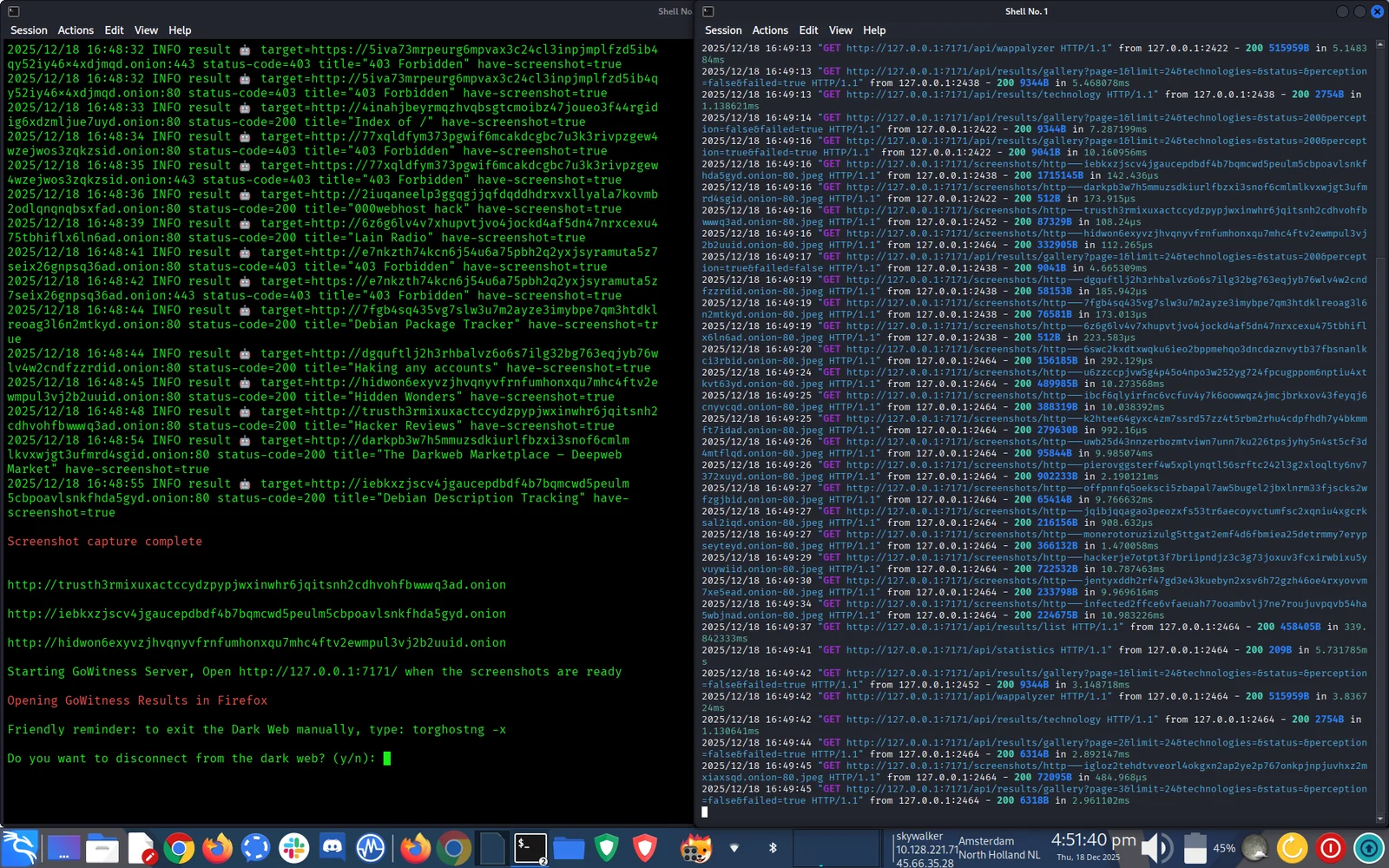
 aryanguenthner/darkfox
CTI サイバー脅威インテリジェンス OSINT ダークウェブ ディープウェブ リサーチ。ランサムウェアギャングの情報収集ツール。

ダークウェブ CTI & OSINT 調査フレームワーク
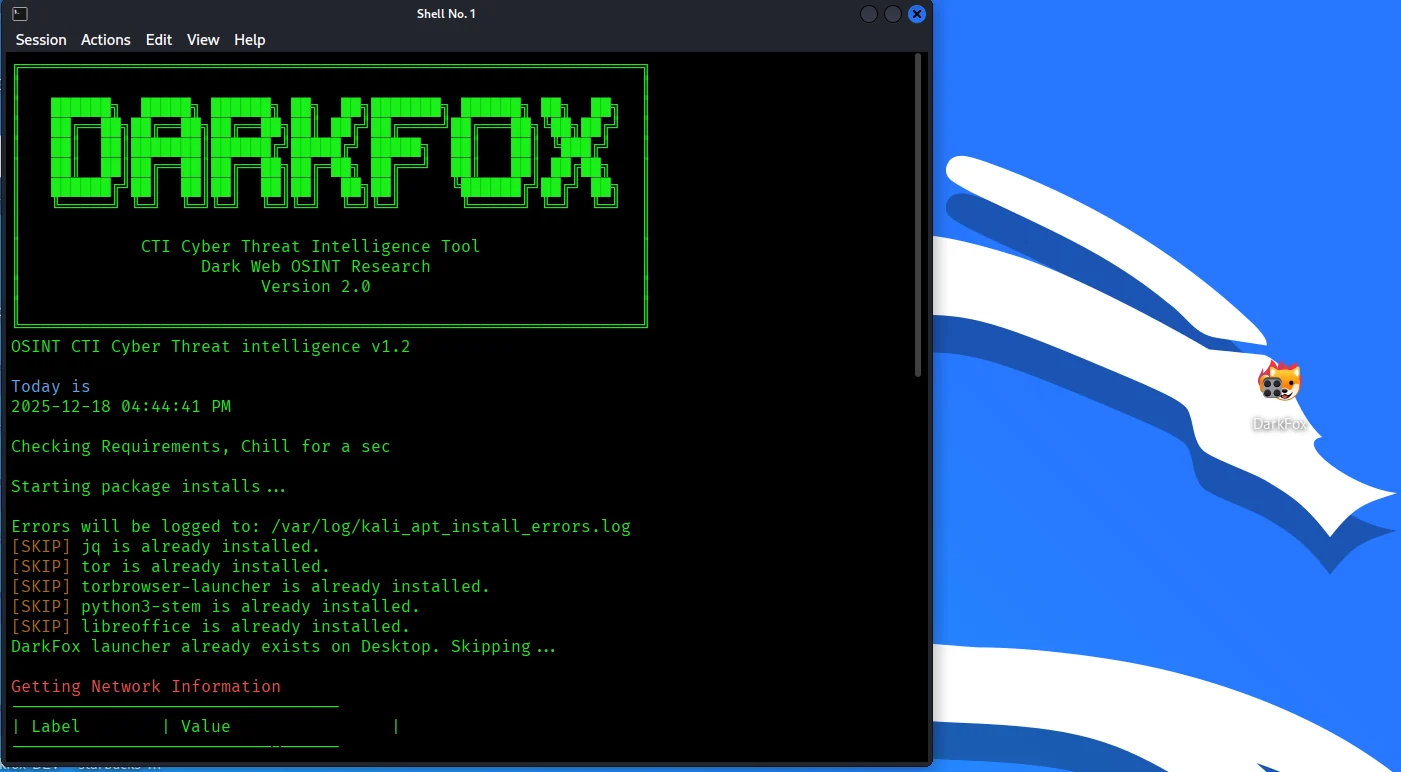



⚠️ 法的免責事項: DarkFox は、許可されたセキュリティ研究、サイバー脅威インテリジェンス (CTI)、および合法的な OSINT 調査のみを目的として設計されています。ユーザーは、適用されるすべての法律および規制を遵守する責任を負います。コンピュータシステムへの不正アクセスは違法です。
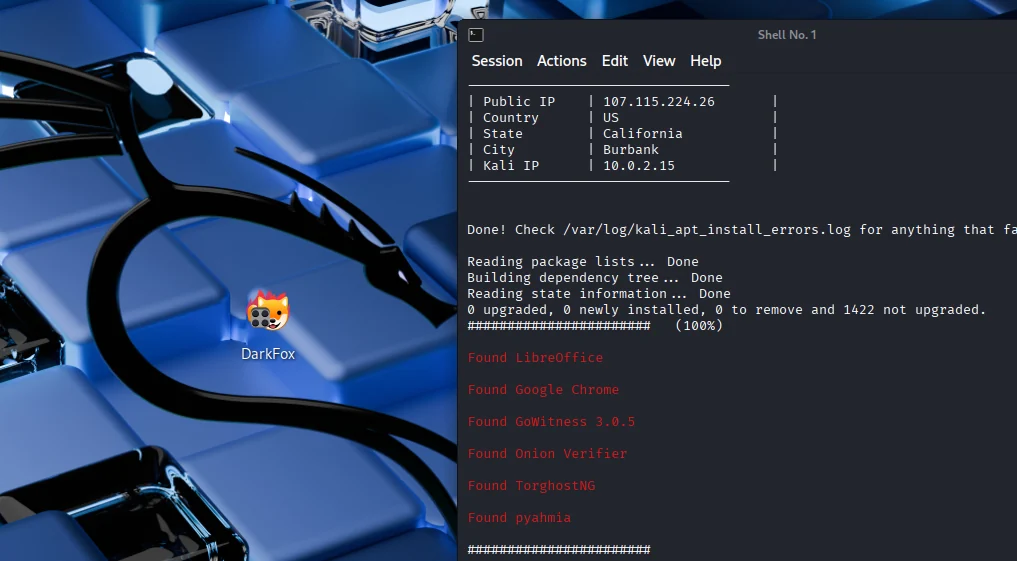
🦊 DarkFox は、OSINT/CTI ワークフローを効率化する自動化されたダークウェブ調査フレームワークです:
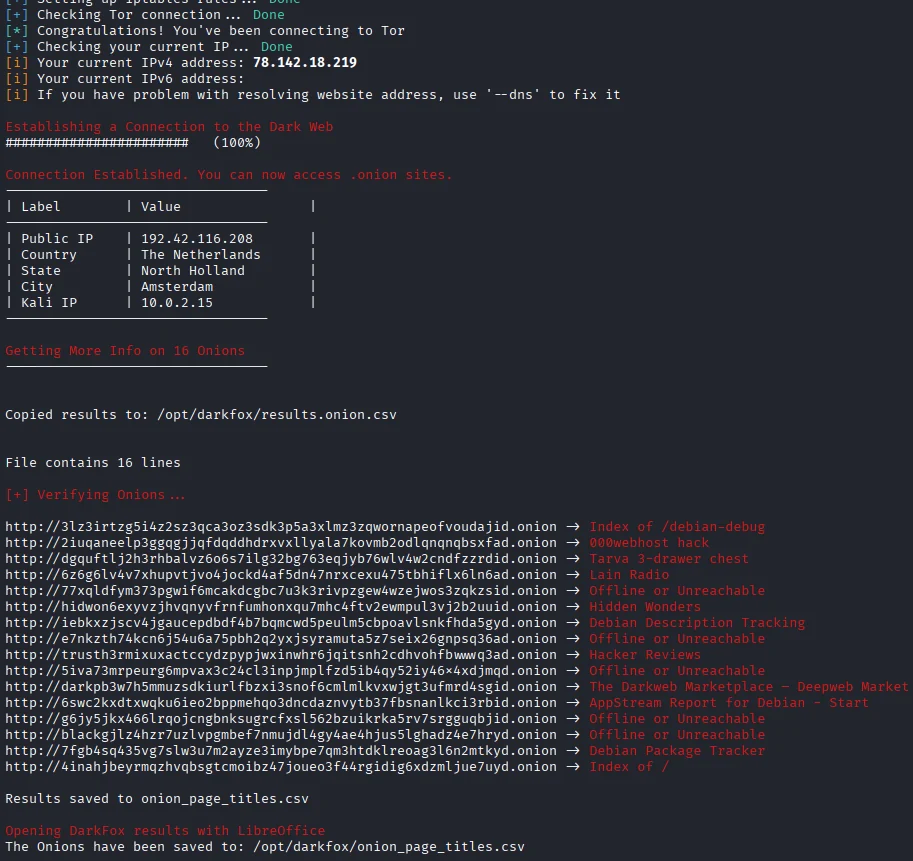
最適な用途:
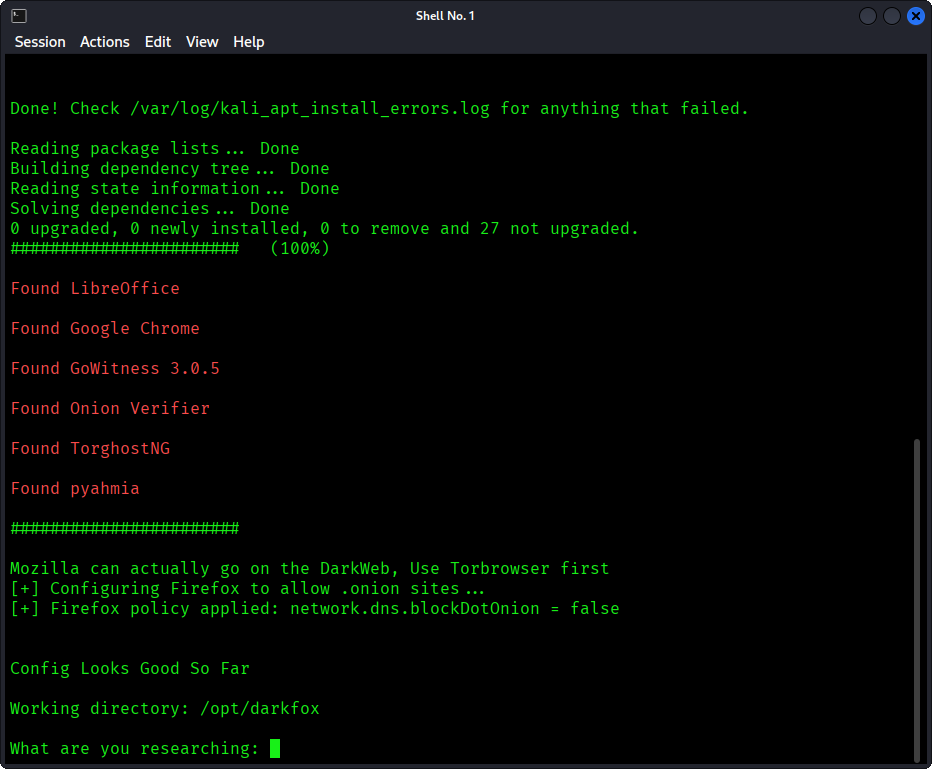
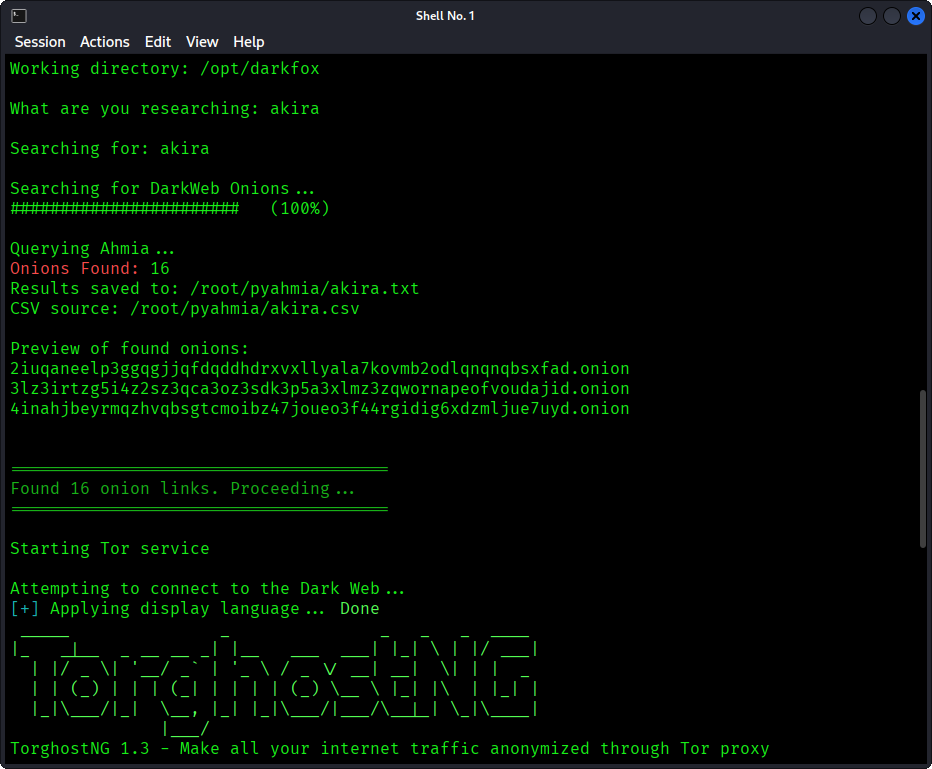
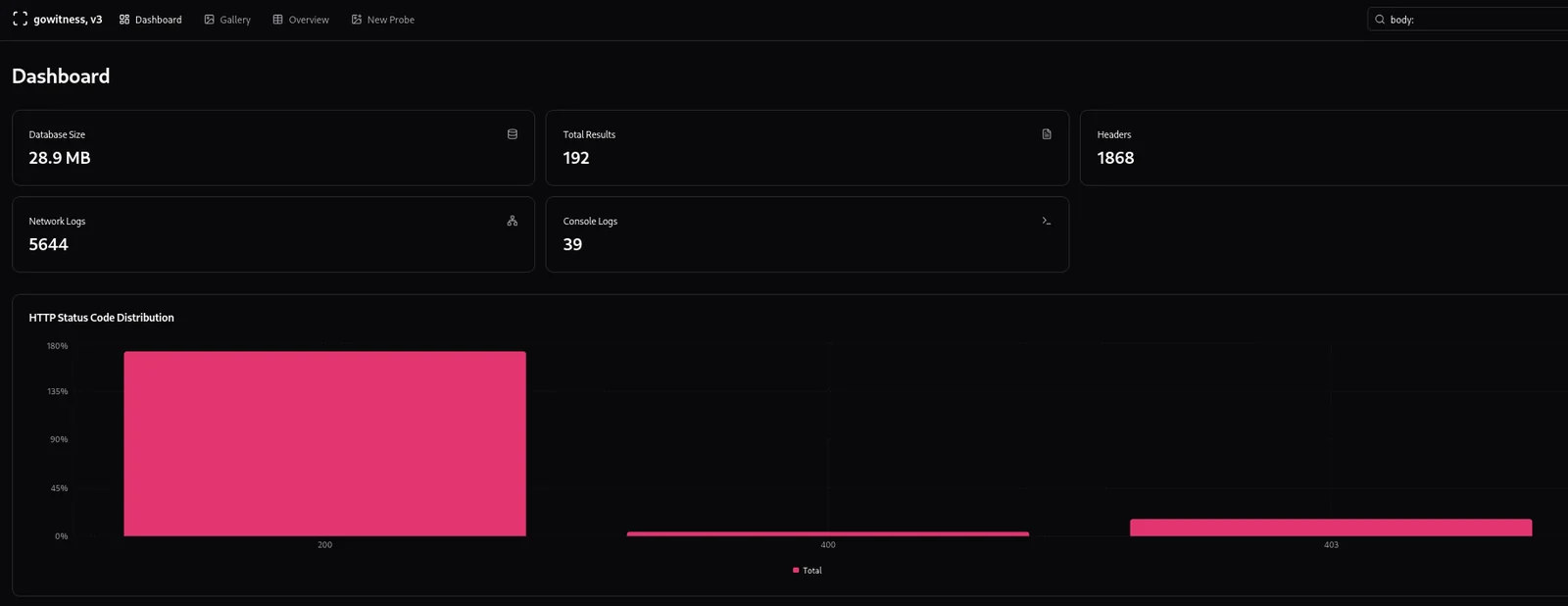
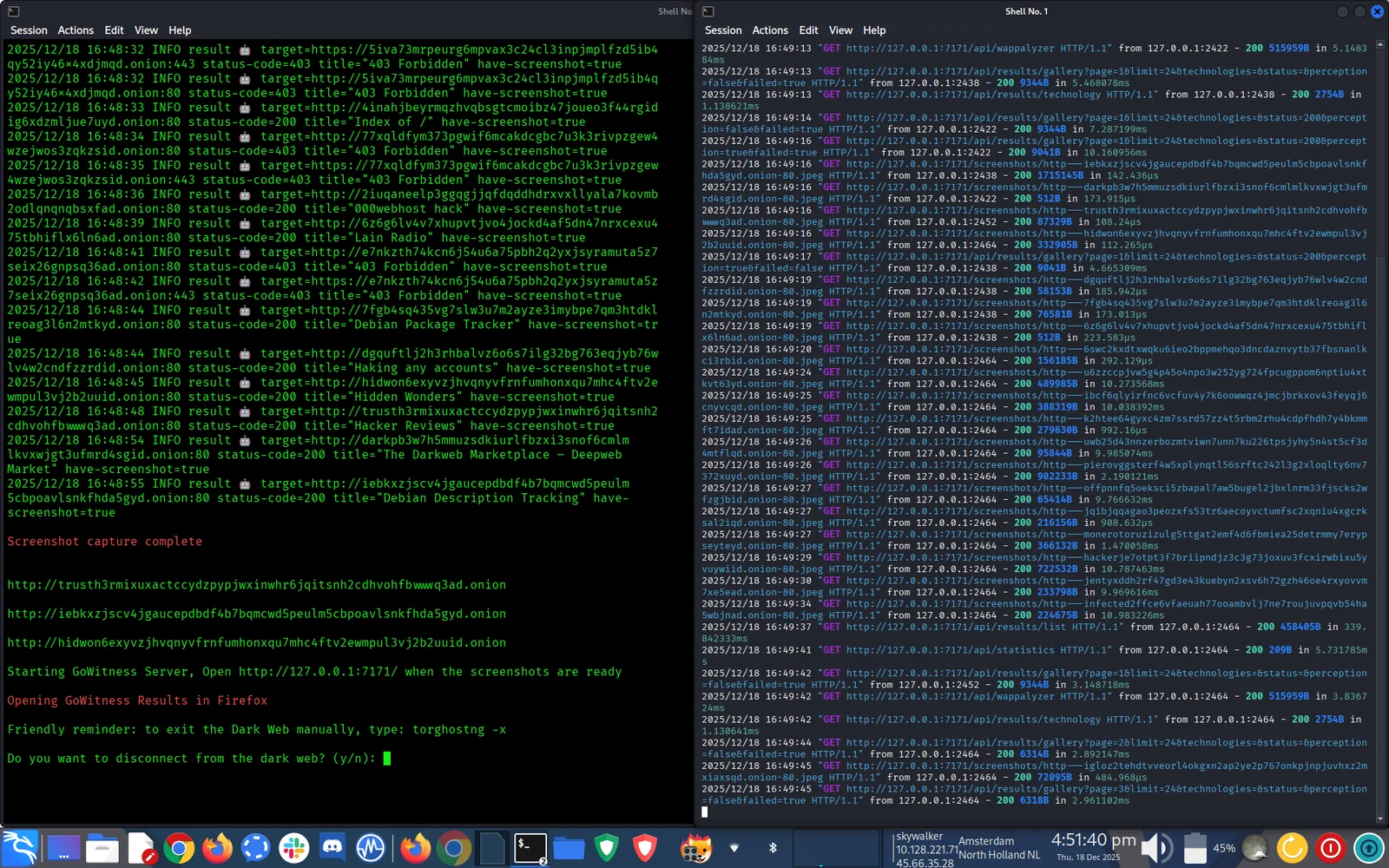

必須:
DarkFox の要件:
# Clone the repository
sudo git clone https://github.com/aryanguenthner/darkfox /opt/darkfox

# Navigate to directory
cd /opt/darkfox

# Make scripts executable
sudo chmod +x darkfox.sh

# Run DarkFox
sudo bash darkfox.sh
ツールを実行する:
sudo bash darkfox.sh
検索クエリを入力してください:
What are you researching: cybercrime forums
結果を待つ:
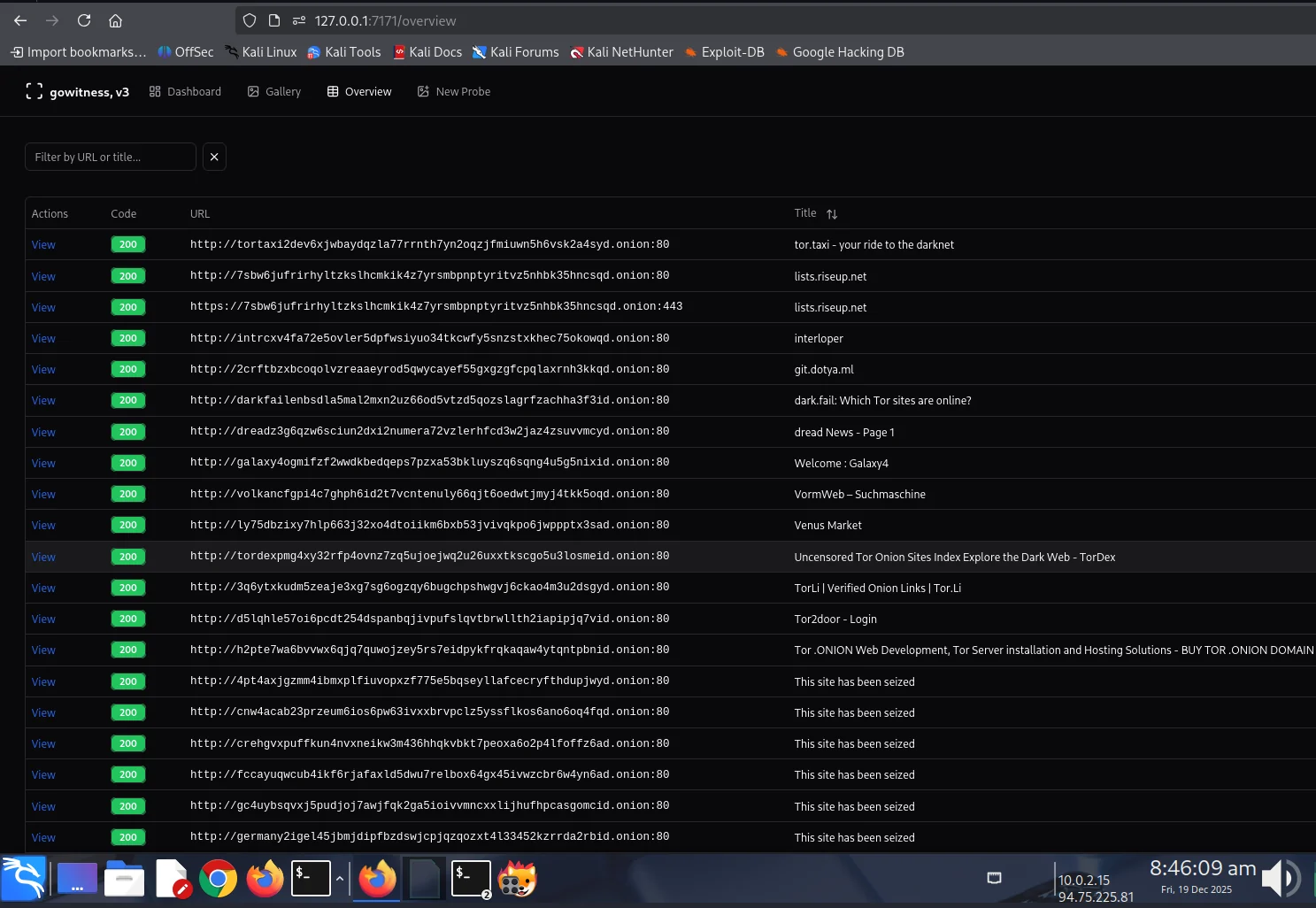
CTI の調査結果を確認する:
sudo bash darkfox.sh
プロンプトに従って操作します:
カスタム Tor 出口国:
darkfox.sh を編集して以下を変更します:
connect_tor_network "nl"  # Netherlands (default)
# Options: nl, cz, de, us, ca, mx, ru, br, gb, fr, etc.
# Exit the Tor: torghostng -x --dns
スクリーンショットのスレッド数を調整:
# In darkfox.sh, find GoWitness command:
--threads 10  # Increase for faster scanning (use with caution)
インストール後、DarkFox は以下を作成します:
/opt/darkfox/
├── investigations/              # All investigation results
│   └── [topic_name_timestamp]/  # Individual investigation
│       ├── results.onion.csv    # Raw search results
│       ├── onion_page_titles.csv # Verified sites with titles
│       ├── screenshots/         # GoWitness captures
│       └── gowitness.db        # Screenshot database
├── tools/
│   ├── gowitness              # Screenshot tool
│   └── onion_verifier.py      # Verification script
├── logs/
│   ├── tor_connection.log     # Tor connection logs
│   ├── verification.log       # Onion verification logs
│   └── gowitness.log         # Screenshot capture logs
└── venv/                      # Python virtual environment
| ツール | 目的 | バージョン |
|---|---|---|
| Ahmia | ダークウェブ検索エンジン | 0.7.3 |
| GoWitness | スクリーンショット取得 | 3.0.5 |
| TorGhostNG | Tor ルーティングと匿名性 | 最新 |
| LibreOffice Calc | ドキュメント作成とレポート | 最新 |
| Firefox ESR | .onion サイトの閲覧 | 最新 |
darkfox.sh - メインのオーケストレーションスクリプトonion_verifier.py - .onion アドレスを検証DarkFox が防御するもの:
DarkFox が防御しないもの:
常にオペレーショナルセキュリティ(OPSEC)を実践してください!
# Check Tor service
sudo systemctl status tor

# Restart Tor
sudo systemctl restart tor

# Try different exit country
# Edit darkfox.sh: connect_tor_network "us"
# Check if running
ps aux | grep gowitness

# Manually download
cd /opt/darkfox/tools
wget https://github.com/sensepost/gowitness/releases/download/3.0.5/gowitness-3.0.5-linux-amd64 -O gowitness
chmod +x gowitness
# Fix ownership (replace 'kali' with your username)
sudo chown -R kali:kali /opt/darkfox/investigations

# Fix permissions
sudo chmod 755 /opt/darkfox
sudo chmod a+x /opt/darkfox/*.sh
# Manually configure Firefox
# Open Firefox, go to about:config
# Search: network.dns.blockDotOnion
# Set to: false
