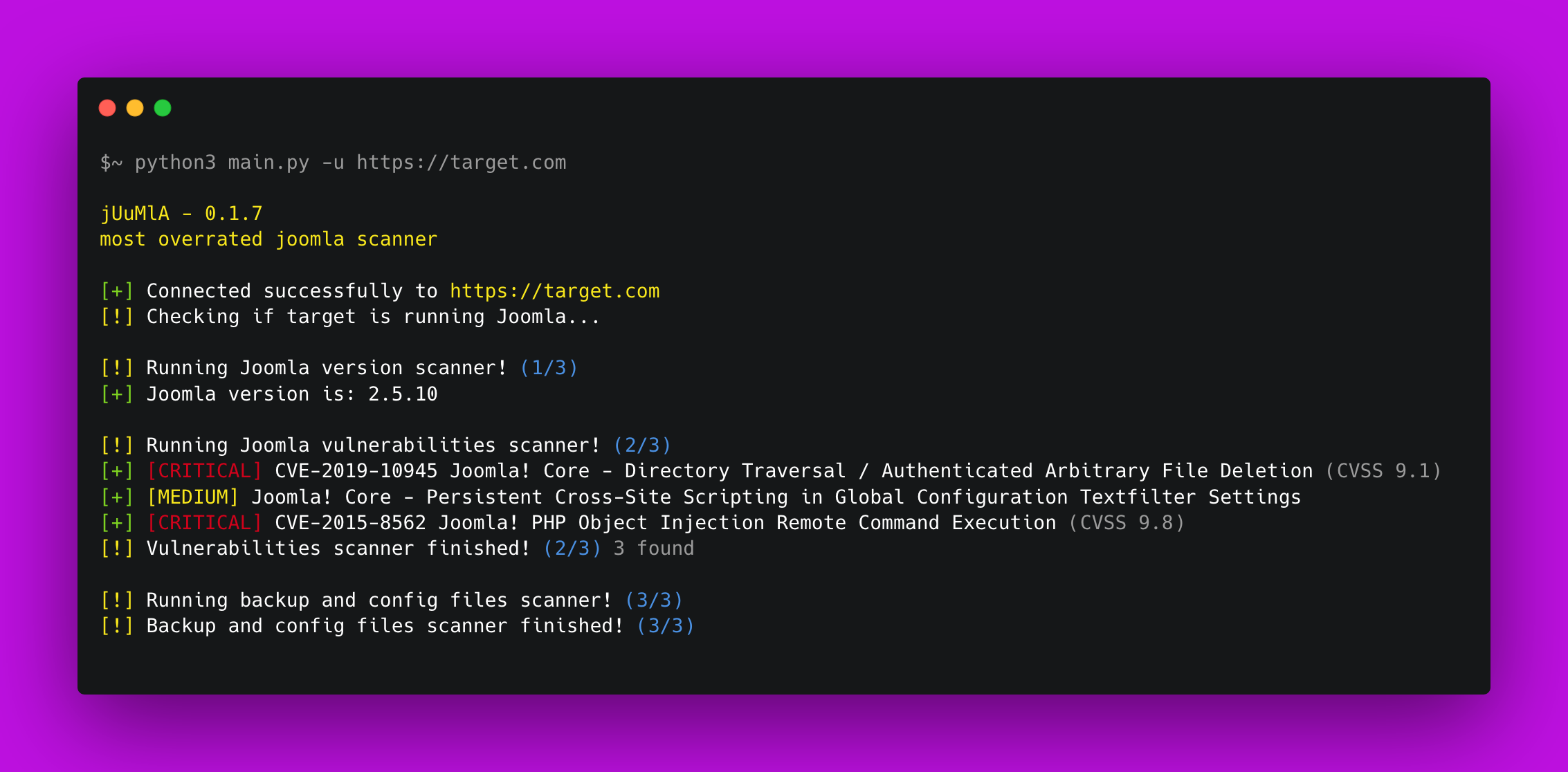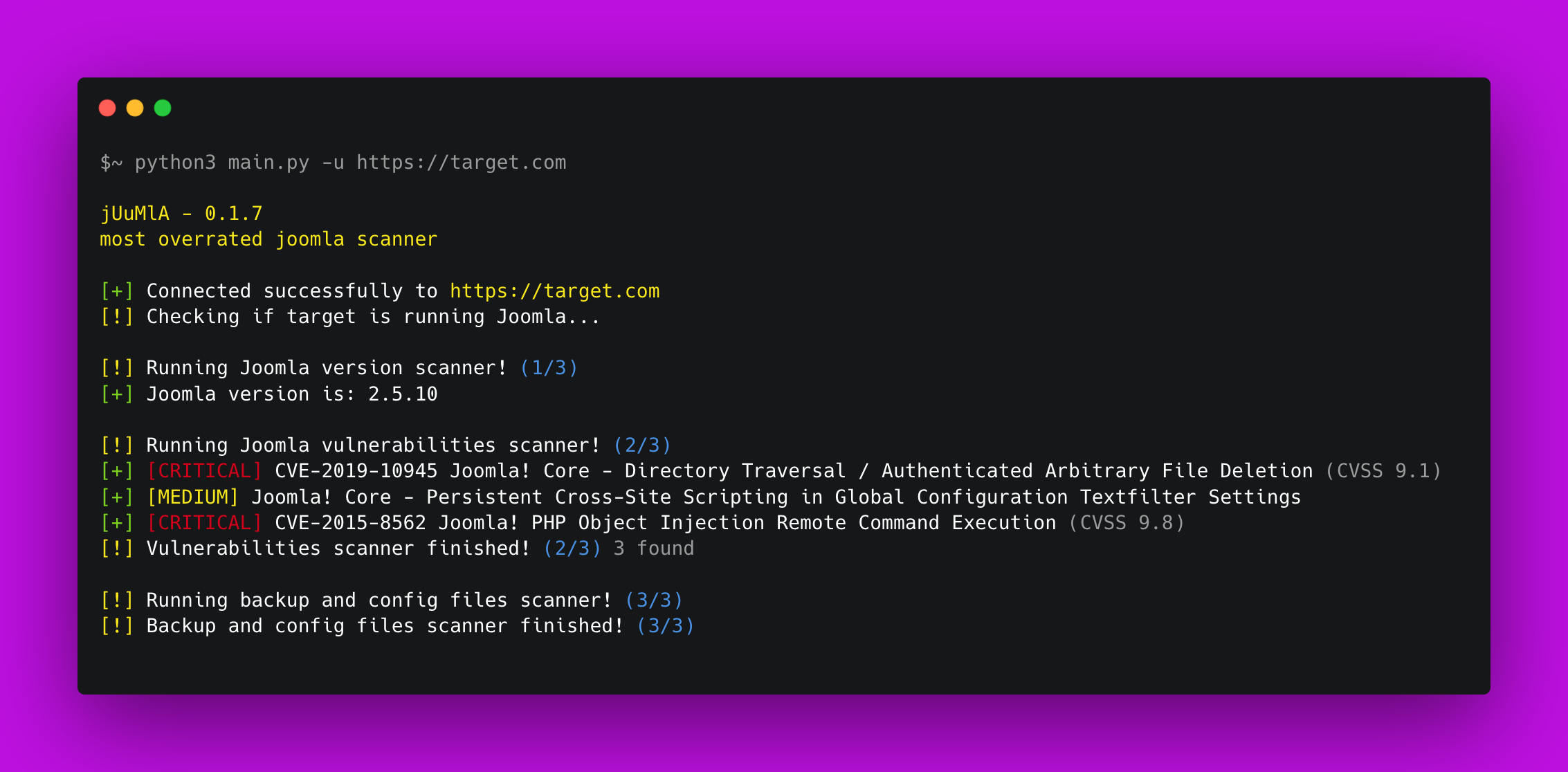


🦁 Juumla Juumla は、Joomla のバージョンを特定し、脆弱性や機密ファイルをスキャンするために作成された Python ツールです。
Juumla のインストールと使用方法についての簡単なガイドです。
1. Clone the repository - git clone https://github.com/oppsec/juumla.git
2. Install the libraries - pip3 install -r requirements.txt
3. Run Juumla - python3 main.py -u https://example.com
Juumla を Docker コンテナで実行する場合は、以下のコマンドに従ってください。
1. Clone the repository - git clone https://github.com/oppsec/juumla.git
2. Build the image - sudo docker build -t juumla:latest .
3. Run container - sudo docker run juumla:latest
Joomla 環境を Docker コンテナで作成する場合は、以下のコマンドに従ってください。
1. Clone the repository - git clone https://github.com/oppsec/juumla.git (or download the docker-compose.yml file)
2. Install docker-compose (e.g: sudo apt install docker-compose)
3. sudo docker-compose up
4. Access http://localhost:8080/

The default root password is: example
The default database name is: joomladb
The default DBMS is: MySQL 5.6
pip3 install -r requirements.txt でライブラリをインストールする。プロジェクトへのコントリビューション方法についての簡単なガイドです。
1. Create a fork from Juumla repository
2. Download the project with git clone https://github.com/your/juumla.git
3. Make your changes
4. Commit and makes a git push
5. Open a pull request