
New releaseSep 10, 2026
scilla v1.3.4
情報収集ツール - DNS / サブドメイン / ポート / ディレクトリの列挙

🏴☠️ 情報収集ツール 🏴☠️ - DNS / サブドメイン / ポート / ディレクトリの列挙

💙 を込めて edoardottt がコーディング
Twitter で共有!
インストール • はじめに • 使用例 • 変更履歴 • コントリビューション • ライセンス
インストール 📡
Homebrew
brew install scilla
Snap
sudo snap install scilla
Golang
go install -v github.com/edoardottt/scilla/cmd/scilla@latest
ソースからのビルド
Go (>=1.23) が必要です
Linux および Windows 向けのソースからのビルド
Linux
git clone https://github.com/edoardottt/scilla.git
cd scilla
go get ./...
make linux # (to install)
make unlinux # (to uninstall)
APIキーを使用する場合は、~/.config/scilla/keys.yaml ファイルを編集してください。
ワンライナー: git clone https://github.com/edoardottt/scilla.git && cd scilla && go get ./... && make linux
Windows
実行ファイルは cariddi フォルダ内でのみ動作することに注意してください(エイリアス?)。
git clone https://github.com/edoardottt/scilla.git
cd scilla
.\make.bat windows # (to install)
.\make.bat unwindows # (to uninstall)
keys.yaml ファイルは、API キーを使用する場合に作成します。
Docker の使用
docker build -t scilla .
docker run scilla help
例 💡
-
DNS 列挙:
scilla dns -target example.comscilla dns -oj output -target example.comscilla dns -oh output -target example.comscilla dns -ot output -target example.comscilla dns -plain -target example.com
-
サブドメイン列挙:
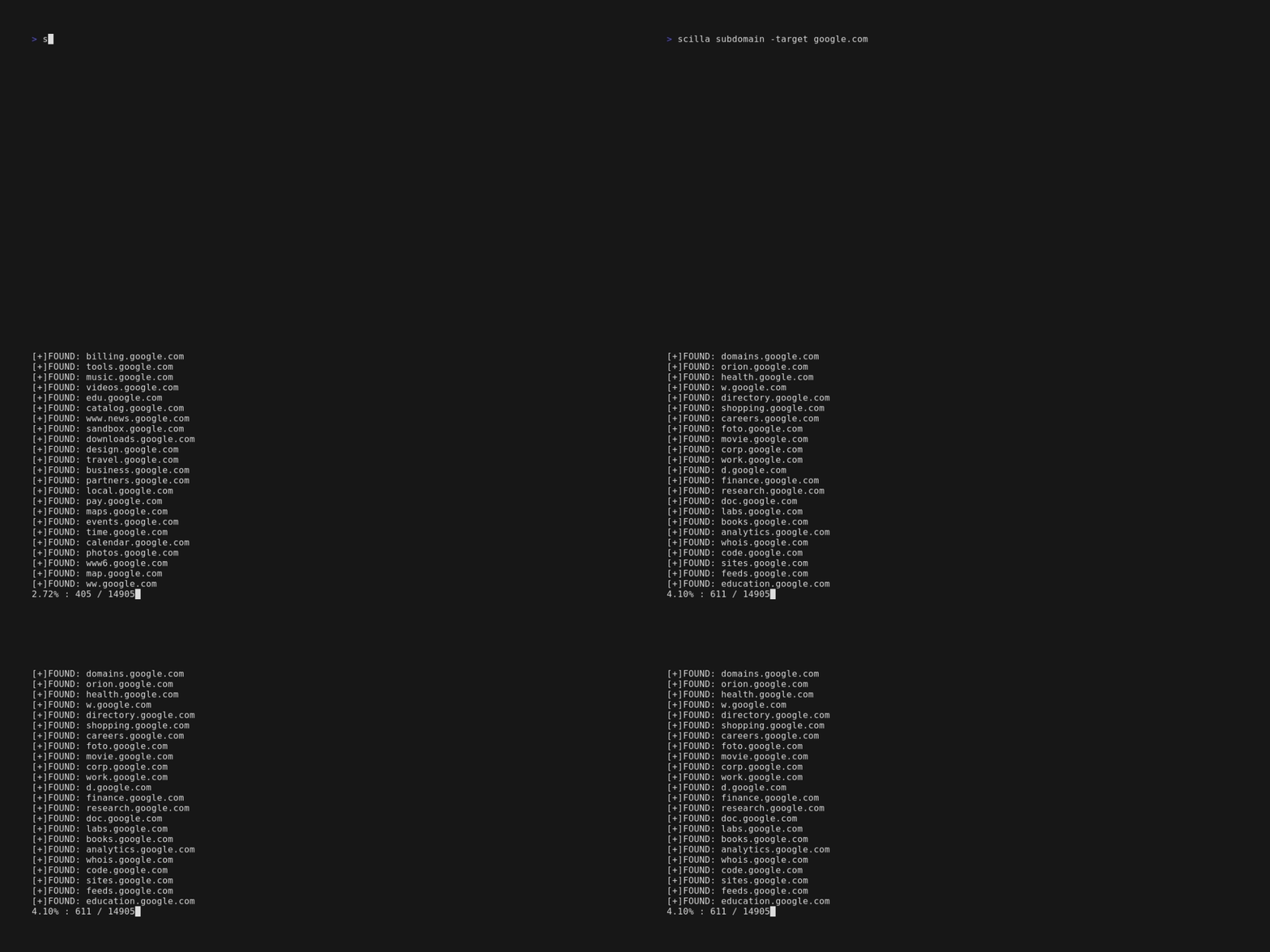
scilla subdomain -target example.comscilla subdomain -w wordlist.txt -target example.comscilla subdomain -oj output -target example.comscilla subdomain -oh output -target example.comscilla subdomain -ot output -target example.comscilla subdomain -i 400 -target example.comscilla subdomain -i 4** -target example.comscilla subdomain -c -target example.comscilla subdomain -db -target example.comscilla subdomain -plain -target example.comscilla subdomain -db -no-check -target example.comscilla subdomain -db -vt -target example.comscilla subdomain -db -bw -target example.comscilla subdomain -ua "CustomUA" -target example.comscilla subdomain -rua -target example.comscilla subdomain -dns 8.8.8.8 -target example.comscilla subdomain -alive -target example.com
-
ディレクトリ列挙:
scilla dir -target example.comscilla dir -w wordlist.txt -target example.comscilla dir -oj output -target example.comscilla dir -oh output -target example.comscilla dir -ot output -target example.comscilla dir -i 500,401 -target example.comscilla dir -i 5**,401 -target example.comscilla dir -c -target example.comscilla dir -plain -target example.comscilla dir -nr -target example.comscilla dir -ua "CustomUA" -target example.comscilla dir -rua -target example.com
-
ポート列挙:
- デフォルト (全ポート、つまり 1-65635)
scilla port -target example.com - ポート範囲の指定
scilla port -p 20-90 -target example.com - 開始ポートの指定 (最後のポートまで)
scilla port -p 20- -target example.com - 終了ポートの指定 (最初のポートから)
scilla port -p -90 -target example.com - 複数ポートの指定
scilla port -p 21,25,80 -target example.com - 一般的なポートの指定
scilla port -common -target example.com - 単一ポートの指定
scilla port -p 80 -target example.com - 出力形式の指定 (json)
scilla port -oj output -target example.com - 出力形式の指定 (html)
scilla port -oh output -target example.com - 出力形式の指定 (txt)
scilla port -ot output -target example.com - 結果のみを出力
scilla port -plain -target example.com
- デフォルト (全ポート、つまり 1-65635)
-
完全なレポート:
- デフォルト(全ポート、つまり1-65635)
scilla report -target example.com - ポート範囲を指定
scilla report -p 20-90 -target example.com - 開始ポートを指定(最後のポートまで)
scilla report -p 20- -target example.com - 終了ポートを指定(最初のポートから)
scilla report -p -90 -target example.com - 単一ポートを指定
scilla report -p 80 -target example.com - 複数ポートを指定
scilla report -p 21,25,80 -target example.com - 出力形式を指定(json)
scilla report -oj output -target example.com - 出力形式を指定(html)
scilla report -oh output -target example.com - 出力形式を指定(txt)
scilla report -ot output -target example.com - ディレクトリ用ワードリストを指定
scilla report -wd dirs.txt -target example.com - サブドメイン用ワードリストを指定
scilla report -ws subdomains.txt -target example.com - ディレクトリスキャンで無視するステータスコードを指定
scilla report -id 500,501,502 -target example.com - サブドメインスキャンで無視するステータスコードを指定
scilla report -is 500,501,502 -target example.com - ディレクトリスキャンで無視するステータスコードクラスを指定
scilla report -id 5**,4** -target example.com - サブドメインスキャンで無視するステータスコードクラスを指定
scilla report -is 5**,4** -target example.com - ディレクトリ列挙にWebクローラーも使用
scilla report -cd -target example.com - サブドメイン列挙にWebクローラーも使用
scilla report -cs -target example.com - サブドメイン列挙に公開データベースも使用
scilla report -db -target example.com - 一般的なポートを指定
scilla report -common -target example.com - リダイレクトを追跡しない
scilla report -nr -target example.com - サブドメインのソースとしてVirusTotalを使用
scilla report -db -vt -target example.com - User Agentを設定
scilla report -ua "CustomUA" -target example.com - リクエストごとにランダムなUser Agentを生成
scilla report -rua -target example.com - サブドメインを解決するDNS IPを設定
scilla report -dns 8.8.8.8 -target example.com - サブドメインが稼働しているかも確認
scilla report -alive -target example.com
- デフォルト(全ポート、つまり1-65635)
はじめに 🎉
scilla help を実行すると、コマンドラインにヘルプが表示されます。
usage: scilla subcommand { options }