 taurusomar/psobf
पावरशेल ऑबफ़स्केटर

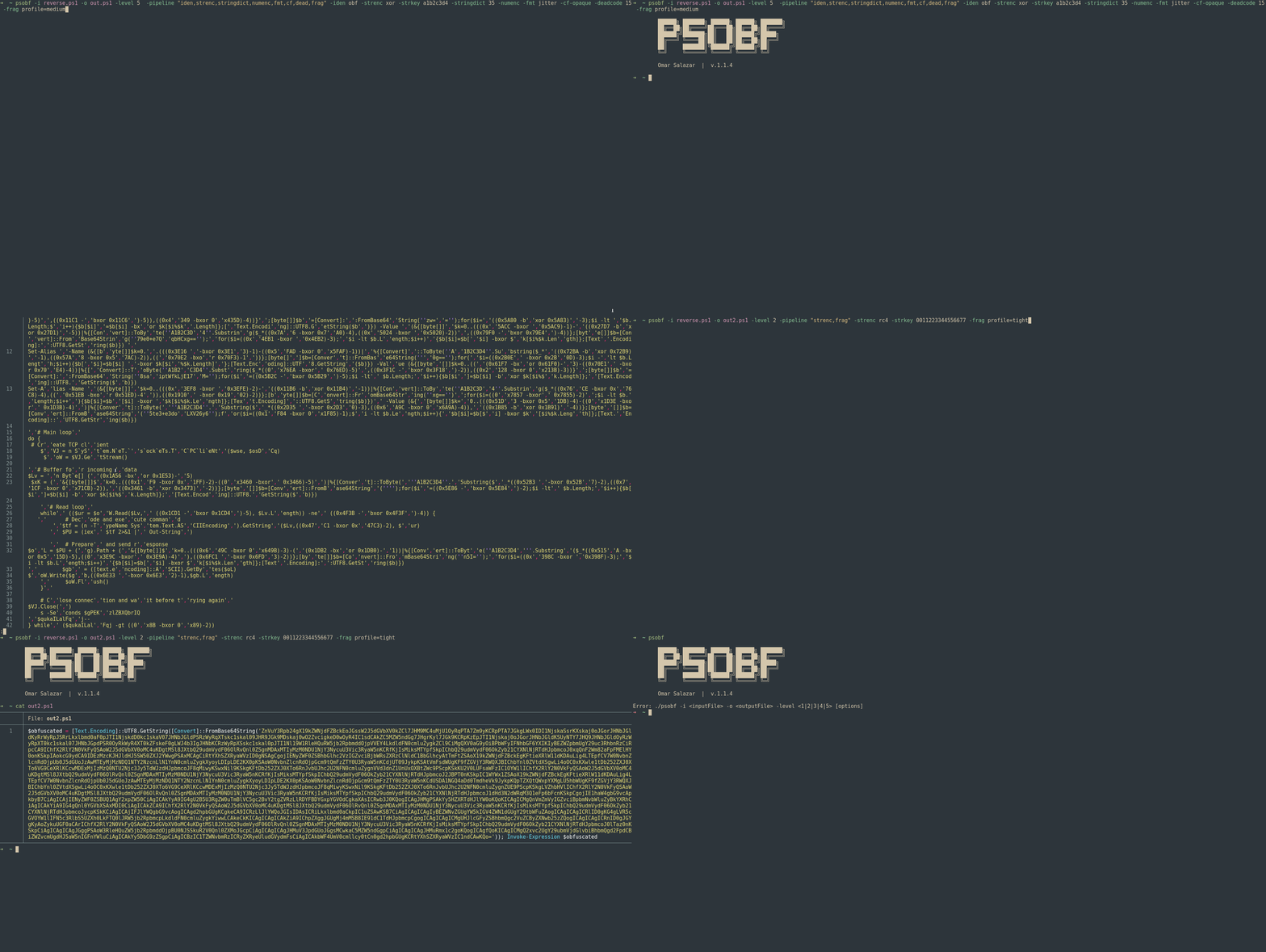
इसका लक्ष्य कोड को बदलना है ताकि विश्लेषण और स्थिर हस्ताक्षरों में बाधा उत्पन्न हो, प्रयोगशालाओं और अधिकृत Red Team/Pentesting अभियानों में उपयोगी।
6 स्तरों के अस्पष्टीकरण के साथ-साथ एक transforms/pipeline आर्किटेक्चर का समर्थन करता है जो string tokenization, light literal encryption, number masking, identifier morphing, format "jitter," control-flow cosmetics, dead code injection, fragmentation profiles, और deterministic profiles जैसी तकनीकों को स्टैक करने की अनुमति देता है।
⚠️ जिम्मेदार उपयोग: यह उपकरण केवल अनुसंधान और अधिकृत परीक्षण के लिए है। न करें दुर्भावनापूर्ण उद्देश्यों के लिए उपयोग।```powershell
./psobf -h
██████╗ ███████╗ ██████╗ ██████╗ ███████╗
██╔══██╗██╔════╝██╔═══██╗██╔══██╗██╔════╝
██████╔╝███████╗██║   ██║██████╔╝█████╗
██╔═══╝ ╚════██║██║   ██║██╔══██╗██╔══╝
██║     ███████║╚██████╔╝██████╔╝██║
╚═╝     ╚══════╝ ╚═════╝ ╚═════╝ ╚═╝
Omar Salazar
v.2.0.0
Usage: psobf -i -o -level <1|2|3|4|5|6> [options]
Obfuscation Levels: 1 - Char join encoding 2 - Base64 encoding 3 - Base64 encoding (alternate) 4 - GZip + Base64 compression 5 - Script fragmentation 6 - AES-256 CTR encryption (NEW in 2.0.0)
Transform Pipeline Options (use with -pipeline): iden - Identifier morphing (use with -iden obf) strenc - String encryption (use with -strenc xor|rc4) stringdict - String tokenization (use with -stringdict N) numenc - Number encoding fmt - Format jitter (use with -fmt jitter) cf - Control flow obfuscation (use with -cf-opaque, -cf-shuffle) dead - Dead code injection (use with -deadcode N) hexenc - Hex string encoding (NEW) alias - Cmdlet alias substitution (NEW) unicode - Unicode character encoding (NEW) antidebug - Anti-debugging/VM detection (NEW) iexobf - Invoke-Expression obfuscation (NEW)
Examples:
psobf -i script.ps1 -o out.ps1 -level 2
psobf -i script.ps1 -o out.ps1 -level 6 -profile heavy
psobf -i script.ps1 -o out.ps1 -level 4 -pipeline "iden,alias,hexenc,antidebug,iexobf" -iden obf
psobf -i script.ps1 -o out.ps1 -level 4 -pipeline "strenc" -strenc rc4 -strkey 0011223344556677
## विशेषताएँ

<h1 align="center">
  <img src="https://assets.kitploit.com/production/public/readmes/6598/11956ab9f65e8dc1b0460652042c601f70d28bb67e9fd6f0a89813ed5369997f.gif" alt="psobf" width="700px"></a>
  <br>
</h1>

<h1 align="center">
  <img src="https://raw.githubusercontent.com/taurusomar/psobf/HEAD/static/poc2.gif" alt="psobf" width="700px"></a>
  <br>
</h1>

---

## स्थापना```bash
go install github.com/TaurusOmar/psobf/v2/cmd/[email protected]
psobf -i input.ps1 -o out.ps1 -level 1..6 [options] psobf -h # full help
## विशेषताएँ

<h1 align="center">
  <img src="https://assets.kitploit.com/production/public/readmes/6598/11956ab9f65e8dc1b0460652042c601f70d28bb67e9fd6f0a89813ed5369997f.gif" alt="psobf" width="700px"></a>
  <br>
</h1>

<h1 align="center">
  <img src="https://raw.githubusercontent.com/taurusomar/psobf/HEAD/static/poc2.gif" alt="psobf" width="700px"></a>
  <br>
</h1>

---

## स्थापना```bash
go install github.com/TaurusOmar/psobf/cmd/[email protected]
psobf -i input.ps1 -o out.ps1 -level 1..6 [options] psobf -h # full help
---

## पूर्ण फ़्लैग संदर्भ
