 shmilylty/cheetah
एक बहुत तेज़ ब्रूट फोर्स वेबशेल पासवर्ड टूल







Cheetah एक शब्दकोश-आधारित ब्रूट फोर्स पासवर्ड वेबशेल टूल है, जो चीते की तरह शिकार की तलाश में तेज़ी से दौड़ता है।
चीता का कार्य सिद्धांत यह है कि यह एक बार में विभिन्न वेब सेवाओं के आधार पर बड़ी संख्या में पहचान पासवर्ड सबमिट कर सकता है, विस्फोटक दक्षता अन्य सामान्य ब्रूट फोर्स पासवर्ड वेबशेल टूल्स की तुलना में हज़ारों गुना अधिक है।
इस संस्करण को बाद में शायद ही कभी अपडेट किया जाएगा, कृपया Cheetah GUI संस्करण का उपयोग करें!
तेज़ गति।
python 2.x और python 3.x का समर्थन करता है।
बड़ी पासवर्ड शब्दकोश फ़ाइल पढ़ने का समर्थन।
बड़ी पासवर्ड शब्दकोश फ़ाइल के डुप्लिकेट पासवर्ड हटाने का समर्थन।
वेब सेवाओं का स्वचालित पता लगाने का समर्थन।
बैच वेबशेल URL पासवर्ड के लिए ब्रूट फोर्स का समर्थन करता है।
स्वचालित नकली अनुरोध हेडर का समर्थन।
वर्तमान में php, jsp, asp, aspx वेबशेल का समर्थन करता है।
$ docker build -t xshuden/cheetah .
$ docker run --rm -it xshuden/cheetah
$ docker run --rm -it xshuden/cheetah -h
$ docker run --rm -it xshuden/cheetah -u http://google.com
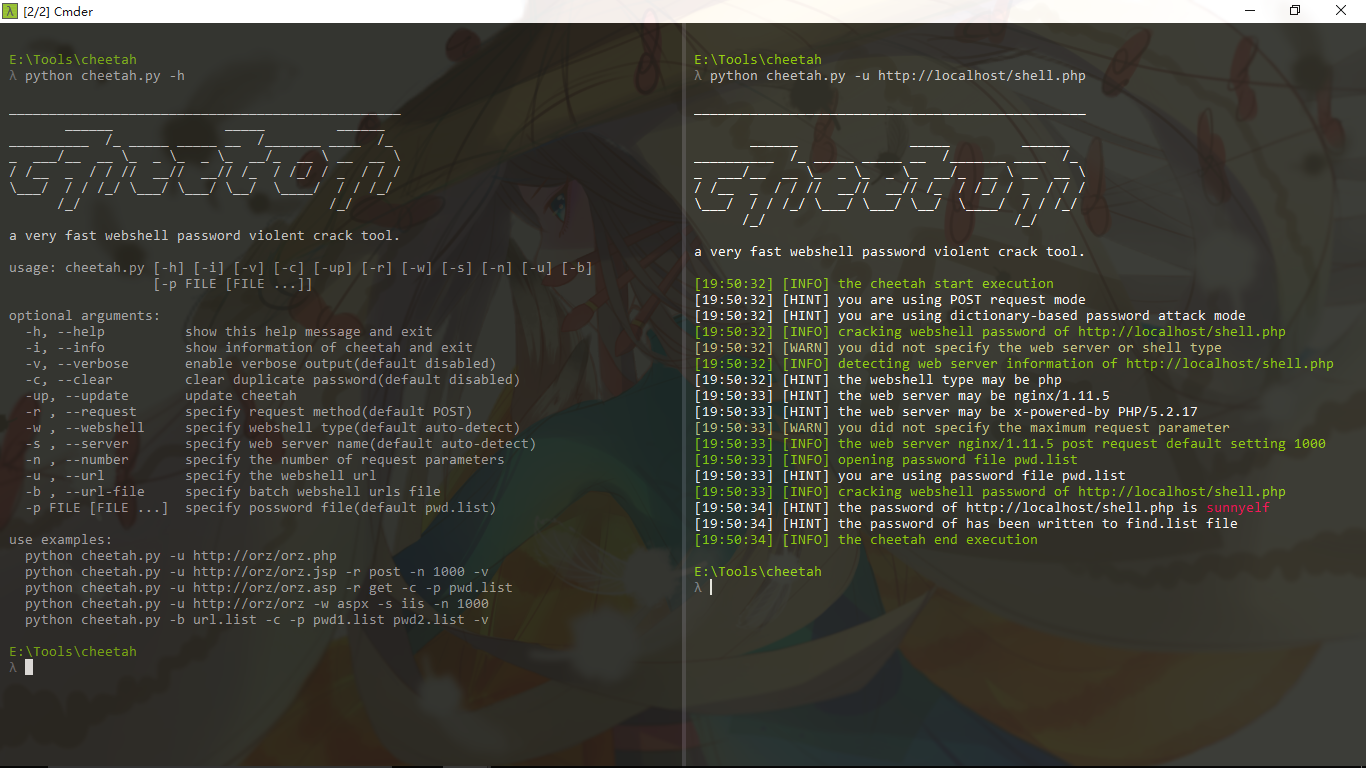
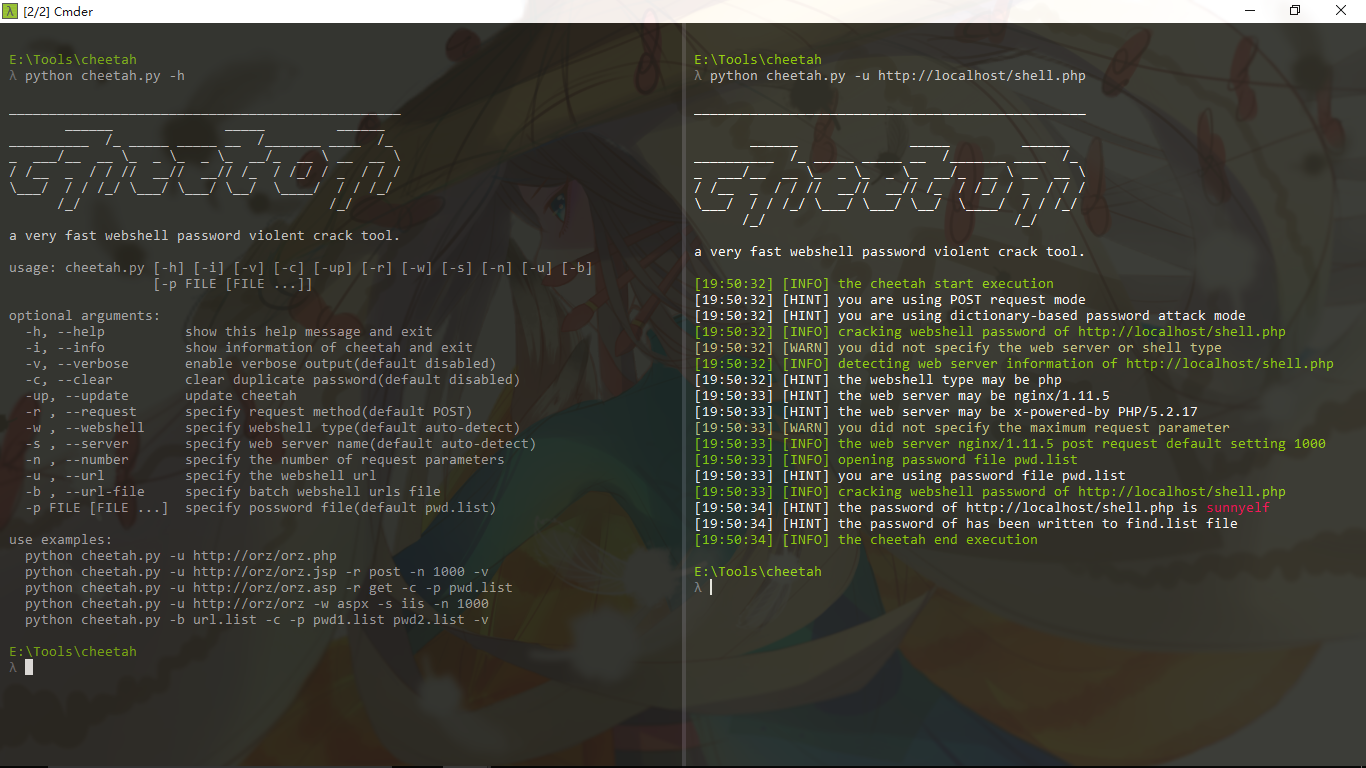
python cheetah.py -h
_________________________________________________
       ______              _____         ______
__________  /_ _____ _____ __  /_______ ____  /_
_  ___/__  __ \_  _ \_  _ \_  __/_  __ \ __  __ \
/ /__  _  / / //  __//  __// /_  / /_/ / _  / / /
\___/  / / /_/ \___/ \___/ \__/  \____/  / / /_/
      /_/                               /_/

a very fast brute force webshell password tool.

usage: cheetah.py [-h] [-i] [-v] [-c] [-up] [-r] [-w] [-s] [-n] [-u] [-b]
                   [-p [file [file ...]]]

optional arguments:
  -h, --help            show this help message and exit
  -i, --info            show information of cheetah and exit
  -v, --verbose         enable verbose output(default disabled)
  -c, --clear           clear duplicate password(default disabled)
  -up, --update         update cheetah
  -r , --request        specify request method(default POST)
  -t , --time           specify request interval seconds(default 0)
  -w , --webshell       specify webshell type(default auto-detect)
  -s , --server         specify web server name(default auto-detect)
  -n , --number         specify the number of request parameters
  -u , --url            specify the webshell url
  -b , --url-file       specify batch webshell urls file
  -p file [file ...]    specify possword file(default data/pwd.list)

use examples:
  python cheetah.py -u http://orz/orz.php
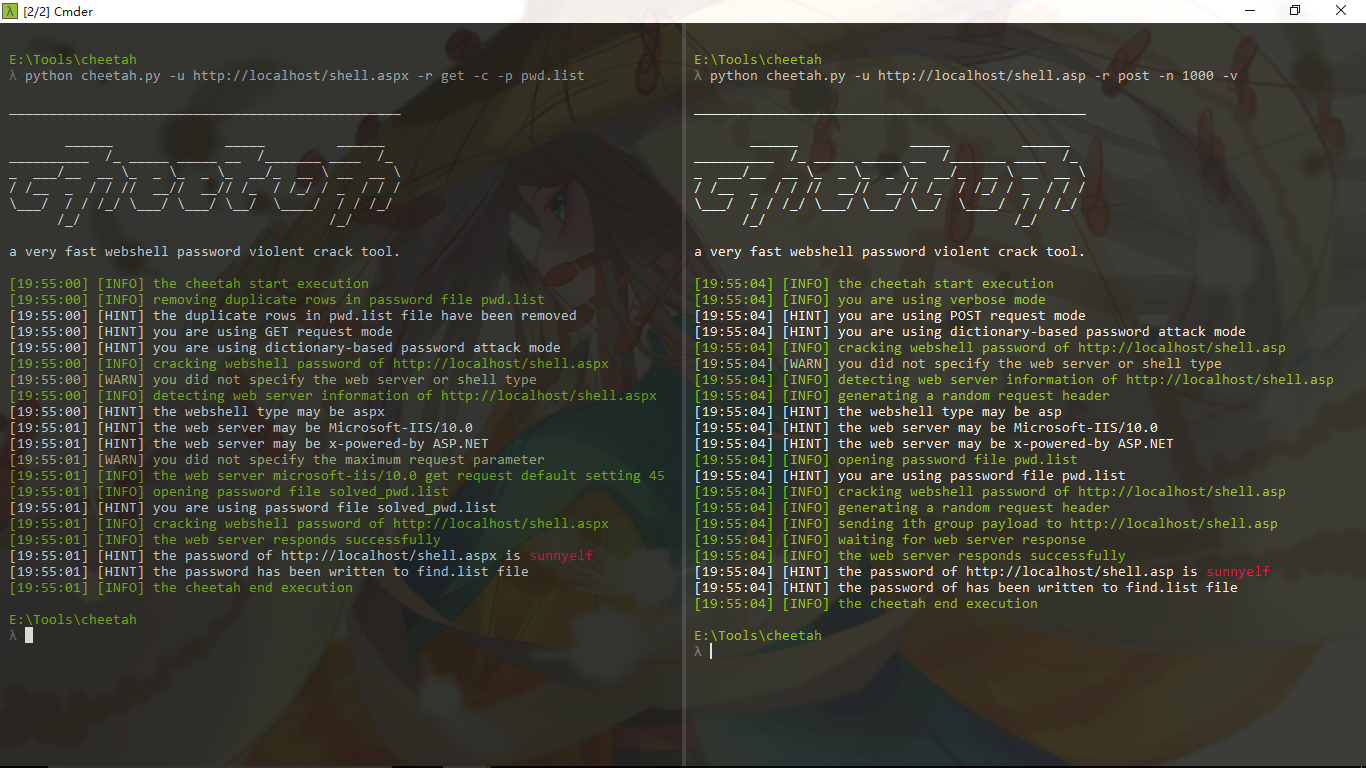
  python cheetah.py -u http://orz/orz.jsp -r post -n 1000 -v
  python cheetah.py -u http://orz/orz.asp -r get -c -p pwd.list
  python cheetah.py -u http://orz/orz -w aspx -s iis -n 1000
  python cheetah.py -b url.list -c -p pwd1.list pwd2.list -v
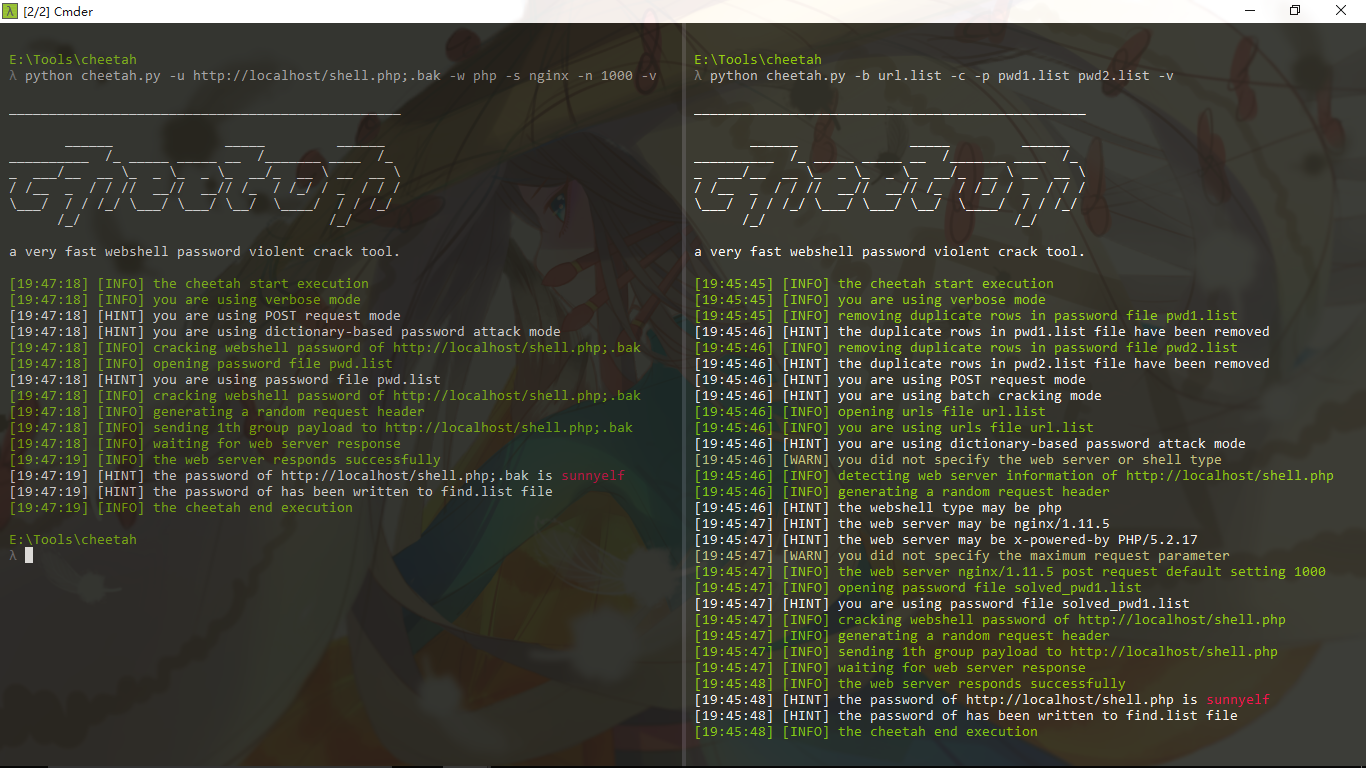
git clone https://github.com/sunnyelf/cheetah.git
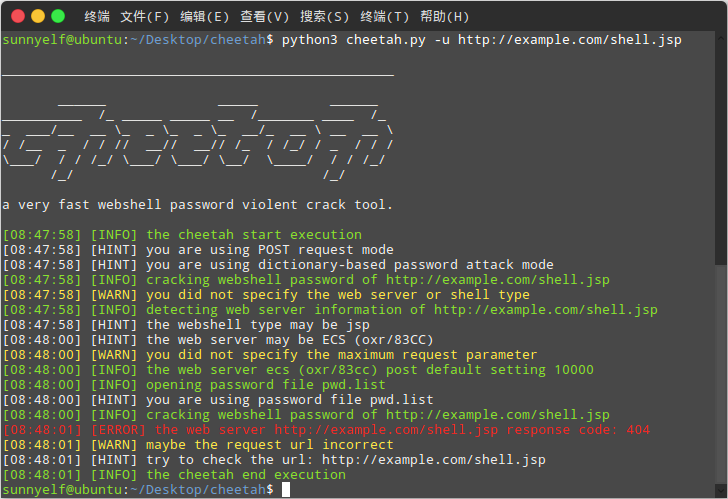
python cheetah.py
git pull orgin master
cheetah:
│  .codeclimate.yml
│  .gitignore
│  .travis.yml
│  cheetah.py              main program
│  LICENSE
│  README.md
│  README_zh.md
│  update.py               update module
│
├─data
│      big_shell_pwd.7z   big shell password file
│      pwd.list           default shell password file
│      url.list           default batch webshell urls file
│      user-agent.list    user agent file
│
└─images
        1.png
        2.png
        3.png
        4.png
        logo.jpg
