 hahwul/gitls
🖇 URL / उपयोगकर्ता / संगठन की सूची से गिट रिपॉजिटरी URL की गणना करें। पाइपलाइन के अनुकूल।






URL/User/Orgकी सूची से git रिपॉजिटरी URL की गणना करें। पाइपलाइन के अनुकूल
यह टूल तब उपलब्ध है जब रिपॉजिटरी (जैसे github) बगबाउंटी दायरे में शामिल हो। कभी-कभी किसी विशिष्ट रिपॉजिटरी के बजाय कोई org नाम या उपयोगकर्ता नाम निर्दिष्ट किया जाता है, तब आप इस टूल का उपयोग org/user में शामिल सभी सार्वजनिक रिपॉजिटरी से URL निकालने के लिए कर सकते हैं।
इसका उपयोग कई रिपॉजिटरी के लिए स्कैनिंग या क्लोनिंग जैसी विभिन्न क्रियाओं के लिए किया जा सकता है।
🚧 सूचना
github api में अप्रमाणित अनुरोधों के लिए दर सीमा प्रति घंटे अधिकतम 60 अनुरोधों की अनुमति देती है। अप्रमाणित अनुरोध उत्पन्न करने वाले IP पते से जुड़े होते हैं, न कि अनुरोध करने वाले उपयोगकर्ता से। https://docs.github.com/en/rest/overview/resources-in-the-rest-api
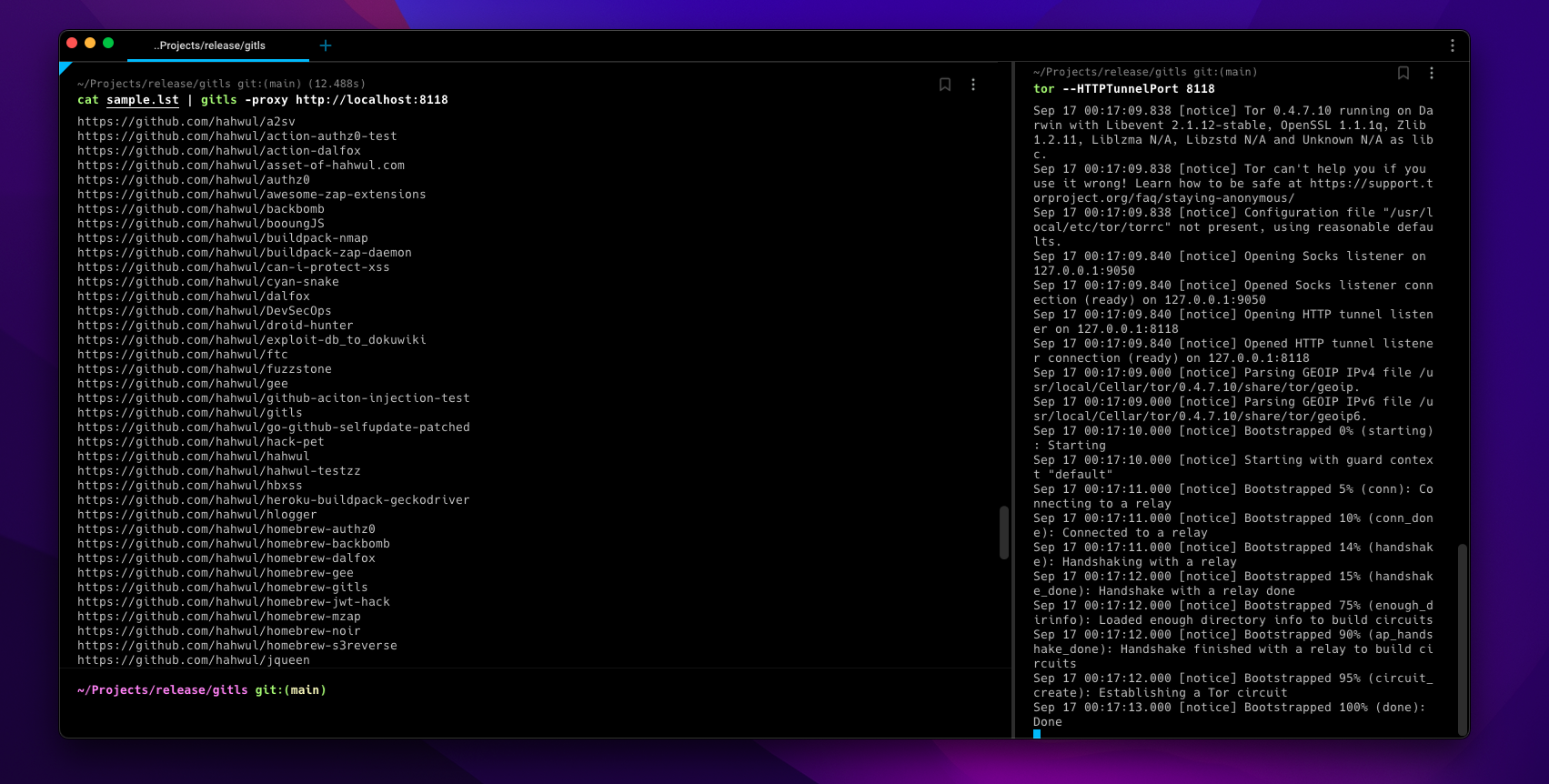
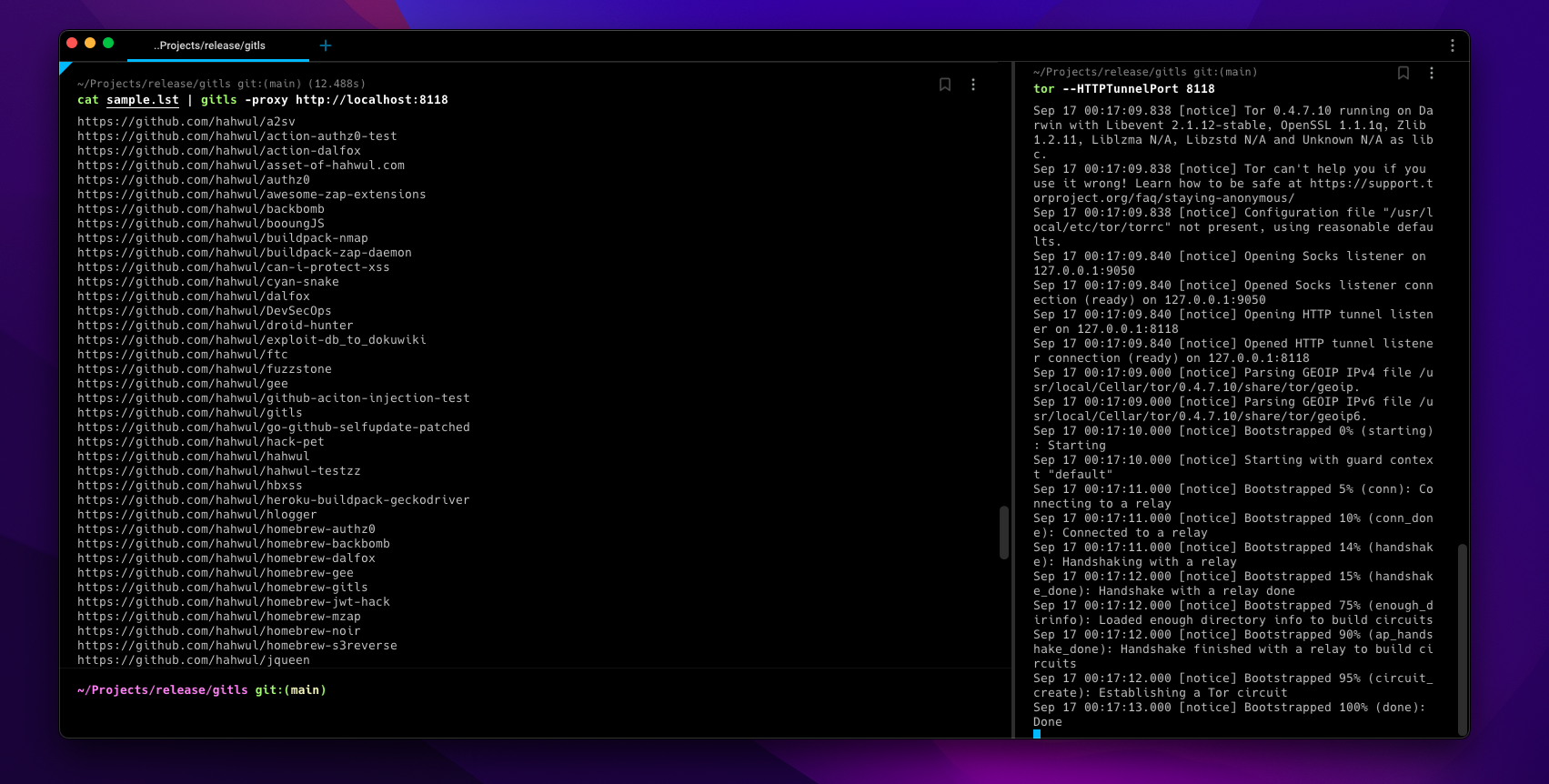
इसलिए बहुत अधिक कार्य github से एक निश्चित समय के लिए API द्वारा अवरुद्ध किए जा सकते हैं। ऐसे में, आप उपयुक्त गंतव्य का चयन कर सकते हैं या torsocks (जैसेtorsocks gitls -l user.list) या-torया-proxy http://localhost:<TOR-PORT>विकल्पों का उपयोग करके किसी भी IP का उपयोग कर सकते हैं।
▶ go install -v github.com/hahwul/gitls@latest
▶ brew tap hahwul/gitls
▶ brew install gitls
▶ sudo snap install gitls
Usage of gitls:
  -include-users
    	include repo of org users(member)
  -l string
    	List of targets (e.g -l sample.lst)
  -o string
    	write output file (optional)
  -proxy string
    	using custom proxy
  -tor
    	using tor proxy / localhost:9050
  -version
    	version of gitls
sample.lst
https://github.com/hahwul
https://github.com/tomnomnom/gron
https://github.com/tomnomnom/httprobe
https://github.com/s0md3v
नमूना फ़ाइल से repo URL सूची बनाएँ
▶ gitls -l sample.lst
https://github.com/hahwul/a2sv
https://github.com/hahwul/action-dalfox
https://github.com/hahwul/asset-of-hahwul.com
https://github.com/hahwul/awesome-zap-extensions
https://github.com/hahwul/backbomb
https://github.com/hahwul/booungJS
https://github.com/hahwul/buildpack-nmap
https://github.com/hahwul/buildpack-zap-daemon
https://github.com/hahwul/can-i-protect-xss
https://github.com/hahwul/cyan-snake
https://github.com/hahwul/dalfox
https://github.com/hahwul/DevSecOps
https://github.com/hahwul/droid-hunter
https://github.com/hahwul/exploit-db_to_dokuwiki
https://github.com/hahwul/ftc
https://github.com/hahwul/gitls
https://github.com/hahwul/go-github-selfupdate-patched
https://github.com/hahwul/hack-pet
...snip...
https://github.com/hahwul/zap-cloud-scan
https://github.com/tomnomnom/gron
https://github.com/tomnomnom/httprobe
https://github.com/s0md3v/Arjun
https://github.com/s0md3v/AwesomeXSS
https://github.com/s0md3v/Blazy
https://github.com/s0md3v/Bolt
...snip...
https://github.com/s0md3v/velocity
https://github.com/s0md3v/XSStrike
https://github.com/s0md3v/Zen
https://github.com/s0md3v/zetanize
▶ echo https://github.com/paypal | ./gitls -include-users
....
https://github.com/paypal/tech-talks
https://github.com/paypal/TLS-update
https://github.com/paypal/yurita
https://github.com/ahunnargikar
https://github.com/ahunnargikar/docker-chronos-image
https://github.com/ahunnargikar/docker-tomcat7
https://github.com/ahunnargikar/DockerConDemo
https://github.com/ahunnargikar/elasticsearch-registry-backend
https://github.com/ahunnargikar/elasticsearchindex
https://github.com/ahunnargikar/jenkins-dind
https://github.com/ahunnargikar/jenkins-standalone
https://github.com/ahunnargikar/vagrant-mesos
https://github.com/ahunnargikar/vagrant_docker_registry
https://github.com/anandpalanisamy
https://github.com/anilgursel
https://github.com/anilgursel/squbs-sample
https://github.com/bluepnume
▶ gitls -l sample.lst | xargs -I % gitleaks --repo-url=% -v
▶ echo "https://github.com/paypal" | gitls | xargs -I % git clone %

