 edoardottt/scilla
सूचना संग्रह उपकरण - DNS / सबडोमेन / पोर्ट / निर्देशिकाओं की गणना


🏴☠️ सूचना संग्रहण उपकरण 🏴☠️ - DNS / सबडोमेन / पोर्ट / निर्देशिका प्रगणना

edoardottt द्वारा 💙 के साथ कोडित
Twitter पर साझा करें!
इंस्टॉल करें • शुरू करें • उदाहरण • चेंजलॉग • योगदान • लाइसेंस
brew install scilla
sudo snap install scilla
go install -v github.com/edoardottt/scilla/cmd/scilla@latest
आपको Go (>=1.23) की आवश्यकता है
git clone https://github.com/edoardottt/scilla.git
cd scilla
go get ./...
make linux # (to install)
make unlinux # (to uninstall)
यदि आप API कुंजियों का उपयोग करना चाहते हैं तो ~/.config/scilla/keys.yaml फ़ाइल को संपादित करें।
वन-लाइनर: git clone https://github.com/edoardottt/scilla.git && cd scilla && go get ./... && make linux
ध्यान दें कि निष्पादन योग्य फ़ाइल केवल cariddi फ़ोल्डर में काम करती है (Alias?)।
git clone https://github.com/edoardottt/scilla.git
cd scilla
.\make.bat windows # (to install)
.\make.bat unwindows # (to uninstall)
यदि आप API कुंजियों का उपयोग करना चाहते हैं तो एक keys.yaml फ़ाइल बनाएं।
docker build -t scilla .
docker run scilla help
DNS प्रगणना:
scilla dns -target example.comscilla dns -oj output -target example.comscilla dns -oh output -target example.comscilla dns -ot output -target example.comscilla dns -plain -target example.comसबडोमेन प्रगणना:
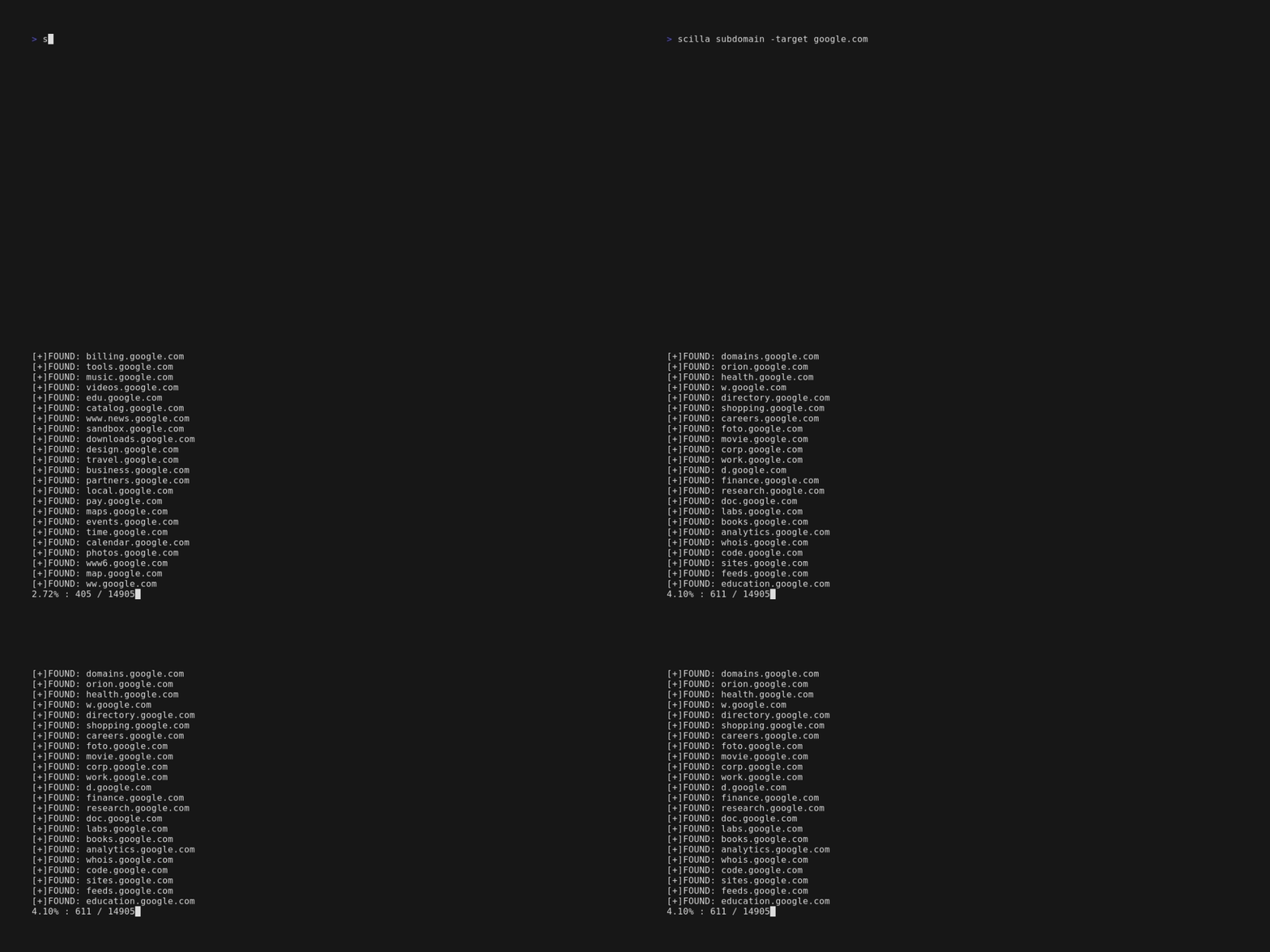
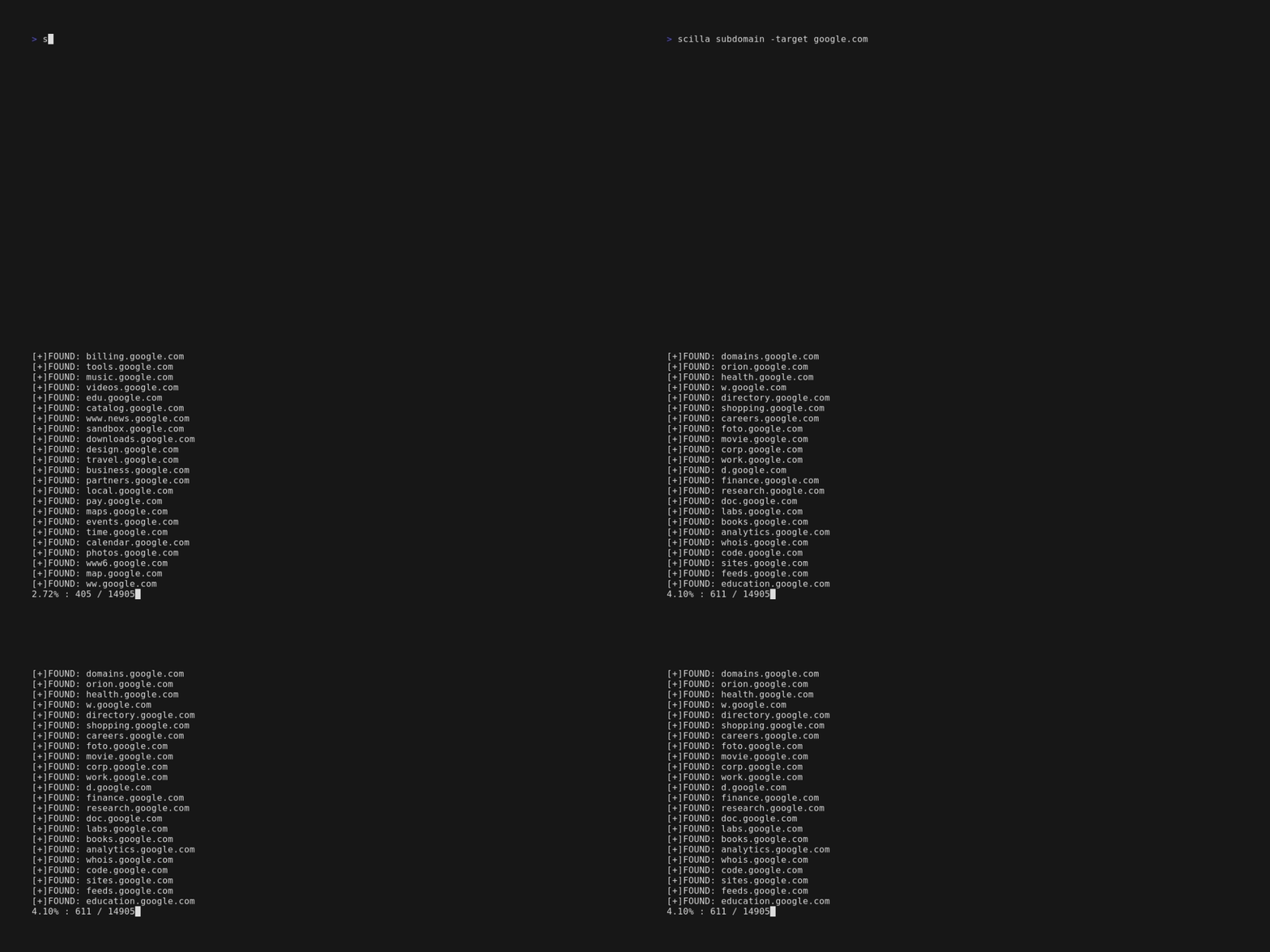
scilla subdomain -target example.comscilla subdomain -w wordlist.txt -target example.comscilla subdomain -oj output -target example.comscilla subdomain -oh output -target example.comscilla subdomain -ot output -target example.comscilla subdomain -i 400 -target example.comscilla subdomain -i 4** -target example.comscilla subdomain -c -target example.comscilla subdomain -db -target example.comscilla subdomain -plain -target example.comscilla subdomain -db -no-check -target example.comscilla subdomain -db -vt -target example.comscilla subdomain -db -bw -target example.comscilla subdomain -ua "CustomUA" -target example.comscilla subdomain -rua -target example.comscilla subdomain -dns 8.8.8.8 -target example.comscilla subdomain -alive -target example.comनिर्देशिका प्रगणना:
scilla dir -target example.comscilla dir -w wordlist.txt -target example.comscilla dir -oj output -target example.comscilla dir -oh output -target example.comscilla dir -ot output -target example.comscilla dir -i 500,401 -target example.comscilla dir -i 5**,401 -target example.comscilla dir -c -target example.comscilla dir -plain -target example.comscilla dir -nr -target example.comscilla dir -ua "CustomUA" -target example.comscilla dir -rua -target example.comपोर्ट प्रगणना:
scilla port -target example.comscilla port -p 20-90 -target example.comscilla port -p 20- -target example.comscilla port -p -90 -target example.comscilla port -p 21,25,80 -target example.comscilla port -common -target example.comscilla port -p 80 -target example.comscilla port -oj output -target example.comscilla port -oh output -target example.comscilla port -ot output -target example.comscilla port -plain -target example.comपूर्ण रिपोर्ट:
scilla report -target example.comscilla report -p 20-90 -target example.comscilla report -p 20- -target example.comscilla report -p -90 -target example.comscilla report -p 80 -target example.comscilla report -p 21,25,80 -target example.comscilla report -oj output -target example.comscilla report -oh output -target example.comscilla report -ot output -target example.comscilla report -wd dirs.txt -target example.comscilla report -ws subdomains.txt -target example.comscilla report -id 500,501,502 -target example.comscilla report -is 500,501,502 -target example.comscilla report -id 5**,4** -target example.comscilla report -is 5**,4** -target example.comscilla report -cd -target example.comscilla report -cs -target example.comscilla report -db -target example.comscilla report -common -target example.comscilla report -nr -target example.comscilla report -db -vt -target example.comscilla report -ua "CustomUA" -target example.comscilla report -rua -target example.comscilla report -dns 8.8.8.8 -target example.comscilla report -alive -target example.comscilla help कमांड लाइन में सहायता प्रिंट करता है।
usage: scilla subcommand { options }
