 caio-ishikawa/netscout
OSINT उपकरण जो किसी दिए गए सीड URL के लिए डोमेन, सबडोमेन, निर्देशिकाएँ, एंडपॉइंट और फ़ाइलें ढूंढता है।

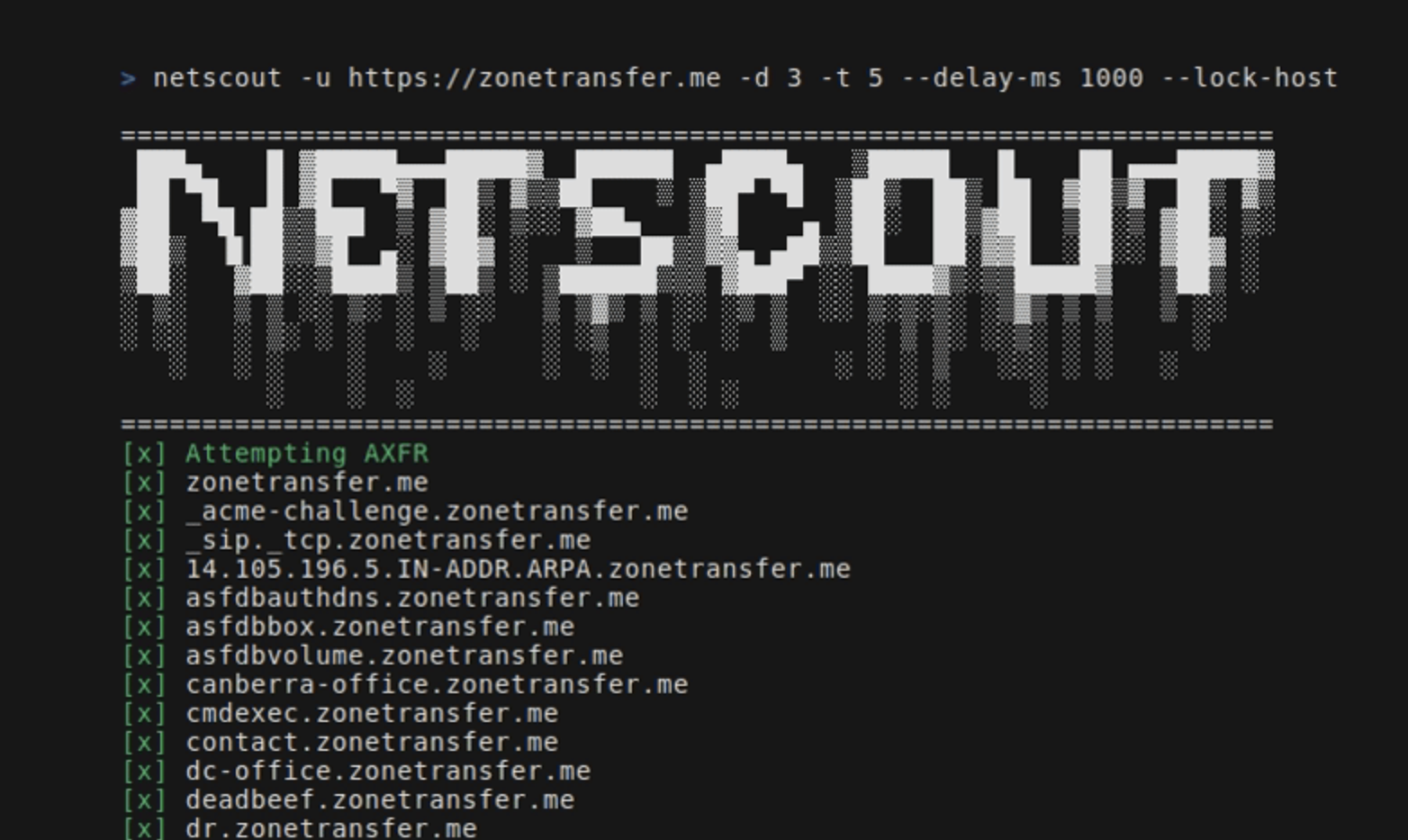
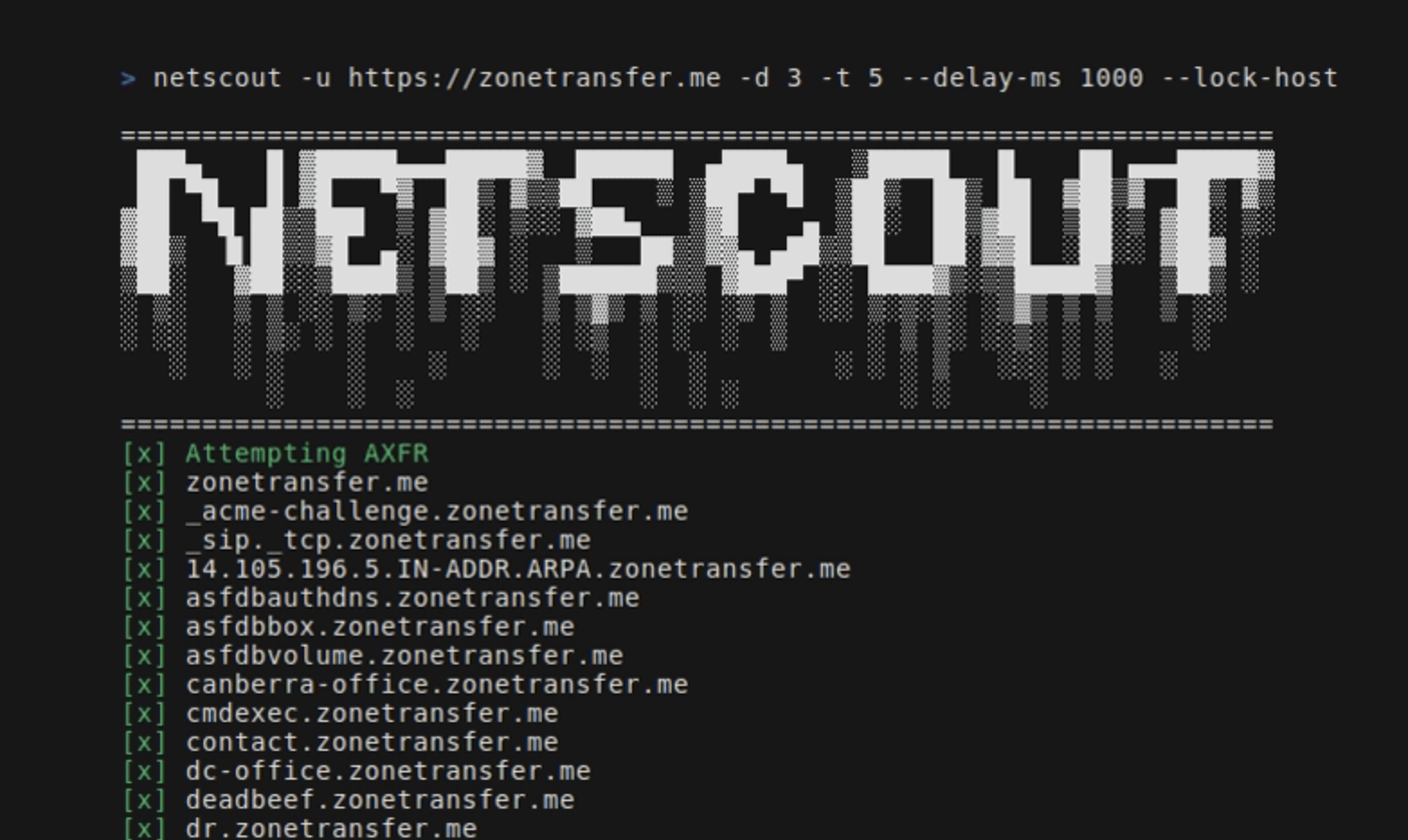
NetScout एक OSINT उपकरण है जो किसी दिए गए सीड URL के लिए डोमेन, सबडोमेन, निर्देशिकाएँ, एंडपॉइंट और फ़ाइलें ढूँढता है। इसमें निम्नलिखित घटक शामिल हैं:
go install github.com/caio-ishikawa/netscout@latest चलाएँmake install चलाएँNetScout दो बाहरी APIs का उपयोग करता है: BinaryEdge और SerpAPI। BinaryEdge का उपयोग सीड URL पर पंजीकृत सबडोमेन के ऐतिहासिक डेटा को क्वेरी करने के लिए किया जाता है, और SERP API का उपयोग सीड URL के लिए विशिष्ट फ़ाइल प्रकारों के लिए Google खोज परिणाम एकत्र करने के लिए किया जाता है।
NetScout अपेक्षा करता है कि API कुंजियाँ पर्यावरण चर के रूप में सेट हों:
export BINARYEDGE_API_KEY="<key>"export SERP_API_KEY="<key>"उपयोग:
=======================================================================
 ███▄    █ ▓█████▄▄▄█████▓  ██████  ▄████▄   ▒█████   █    ██ ▄▄▄█████▓
 ██ ▀█   █ ▓█   ▀▓  ██▒ ▓▒▒██    ▒ ▒██▀ ▀█  ▒██▒  ██▒ ██  ▓██▒▓  ██▒ ▓▒
▓██  ▀█ ██▒▒███  ▒ ▓██░ ▒░░ ▓██▄   ▒▓█    ▄ ▒██░  ██▒▓██  ▒██░▒ ▓██░ ▒░
▓██▒  ▐▌██▒▒▓█  ▄░ ▓██▓ ░   ▒   ██▒▒▓▓▄ ▄██▒▒██   ██░▓▓█  ░██░░ ▓██▓ ░
▒██░   ▓██░░▒████▒ ▒██▒ ░ ▒██████▒▒▒ ▓███▀ ░░ ████▓▒░▒▒█████▓   ▒██▒ ░
░ ▒░   ▒ ▒ ░░ ▒░ ░ ▒ ░░   ▒ ▒▓▒ ▒ ░░ ░▒ ▒  ░░ ▒░▒░▒░ ░▒▓▒ ▒ ▒   ▒ ░░
░ ░░   ░ ▒░ ░ ░  ░   ░    ░ ░▒  ░ ░  ░  ▒     ░ ▒ ▒░ ░░▒░ ░ ░     ░
   ░   ░ ░    ░    ░      ░  ░  ░  ░        ░ ░ ░ ▒   ░░░ ░ ░   ░
         ░    ░  ░              ░  ░ ░          ░ ░     ░
=======================================================================
Usage:
  -u string
        A string representing the URL
  -d int
        An integer representing the depth of the crawl
  -t int
        An integer representing the amount of threads to use for the scans (default 5)
  -delay-ms int
        An integer representing the delay between requests in miliseconds
  -lock-host
        A boolean - if set, it will only save URLs with the same host as the seed
  -o string
        A string representing the name of the output file
  -h string
        A comma-separated key-value string representing request headers
  -c string
        A comma-separated key-value string representing the cookies
  -v
        A boolean - if set, it will display all found URLs


  -skip-axfr
        A bool - if set, it will skip the DNS zone transfer attempt
  -skip-binaryedge
        A bool - if set, it will skip BinaryEdge subdomain scan
  -skip-google-dork
        A bool - if set, it will skip the Google filetype scan
  -headless
        A bool - if set, all requests in the crawler will be made through a headless Chrome browser (requires Google Chrome)
  -deep
        A bool - if set, the shortened URL scan will be performed (can take several minutes)
सीड URL, गहराई और आउटपुट फ़ाइल सेट करता है:
netscout -u https://crawler-test -d 2 -o netscout.txt
BinaryEdge और Google dork को स्किप करता है:
netscout -u https://crawler-test.com -d 2 --skip-binaryedge --skip-google-dork -o netscout.txt
थ्रेड की संख्या 5, अनुरोध विलंब 1000ms सेट करता है, और अनुरोधों को हेडलेस Chrome ब्राउज़र के माध्यम से करने के लिए बाध्य करता है।
netscout -u https://crawler-test.com -d 2 -t 5 --delay-ms 1000 --headless -o netscout.txt
गहराई 2 सेट करता है, और कुकीज़ और हेडर मान जोड़ता है
netscout -u https://crawler-test.com --deep -d 2 -t 5 -h "key=test,key_two=test_2" -c "key=test,key_two=test_2"
शॉर्टन्ड URL स्कैन सक्षम करता है, क्रॉलर की गहराई 2 और थ्रेड्स 5 सेट करता है
netscout -u https://crawler-test.com --deep -d 2 -t 5
PR सबमिट करने से पहले, कृपया सुनिश्चित करें कि प्रोजेक्ट सफलतापूर्वक बिल्ड होता है और सभी मौजूदा टेस्ट पास होते हैं। अधिक जानकारी Testing पर।
इस प्रोजेक्ट में योगदान देने में रुचि दिखाने के लिए धन्यवाद!
टेस्ट उसी निर्देशिका में रखे जाते हैं जहाँ टेस्ट की गई फ़ाइल होती है, और क्रॉलर टेस्ट के लिए DVWA (Damn Vulnerable Web App) को स्थानीय रूप से पोर्ट 80 खुला रखकर चलाना आवश्यक होता है। टेस्ट चलाने से पहले, टेस्ट फ़ाइलों को सेट करना आवश्यक है।
टेस्ट के लिए आवश्यक सभी सेटअप Makefile में संभाला जाता है:
make test-container-pull चलाएँmake testfiles-setupmake test-container-runmake testmake testfiles-teardown