 antropos17/aegis
Desktop monitoring and local security reviews for AI agents, with opt-in policy-controlled execution and MCP action tools. Windows primary; macOS/Linux experimental.

Local monitoring and action review for AI agents
AEGIS helps you see what local AI agents are doing, review agent files before use, and check policies for selected actions. Monitoring records processes, file activity, TCP endpoints and attribution evidence without requiring an agent plugin.
Current source also includes opt-in policy-controlled execution and MCP tools for operator-selected actions. These routes require explicit setup; ordinary agent monitoring does not automatically intercept or block commands.
Open-source, monitor-first, no usage telemetry or cloud sync. Monitoring data is stored locally. Endpoint naming uses DNS queries. Optional AI analysis sends activity metadata to Anthropic on request; update checks contact GitHub. See privacy and key handling.





Download · Start with a task · Documentation · Local demo · Known limits · Report a bug
Current source version: 0.17.0-alpha
The published release is built from its tag; later source changes require a new release.
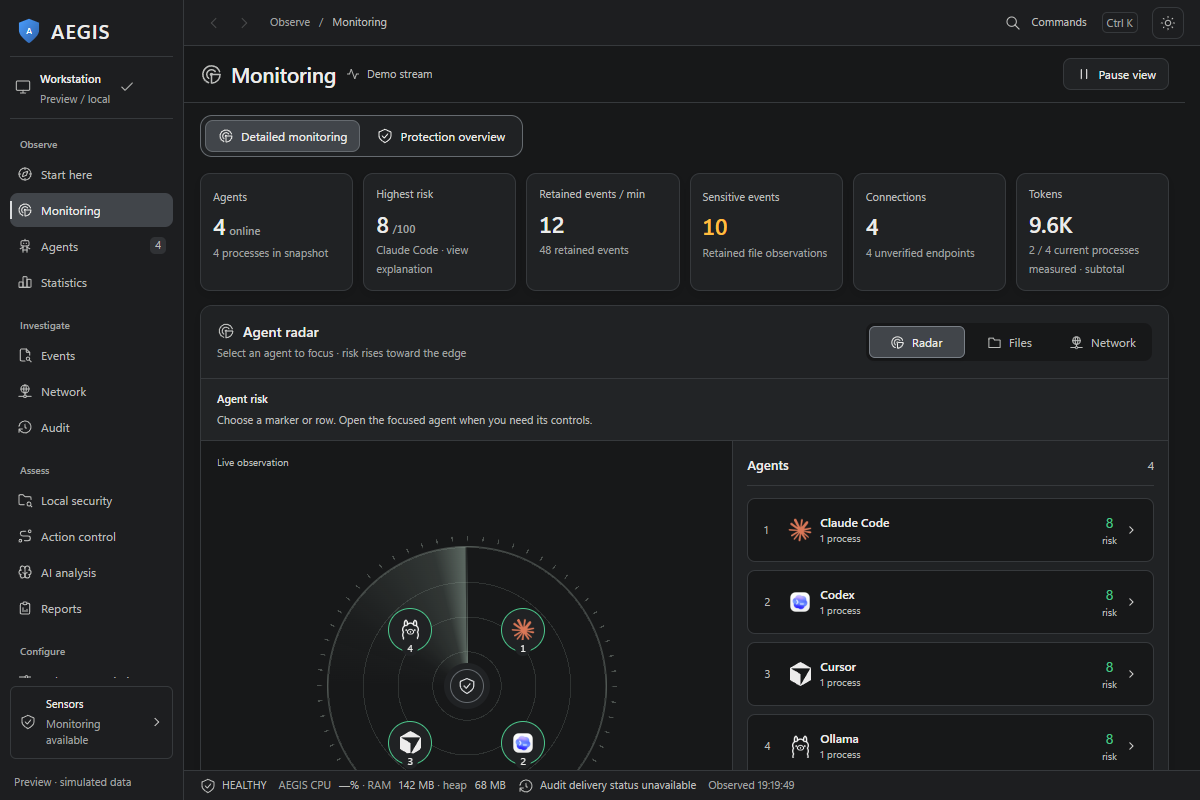
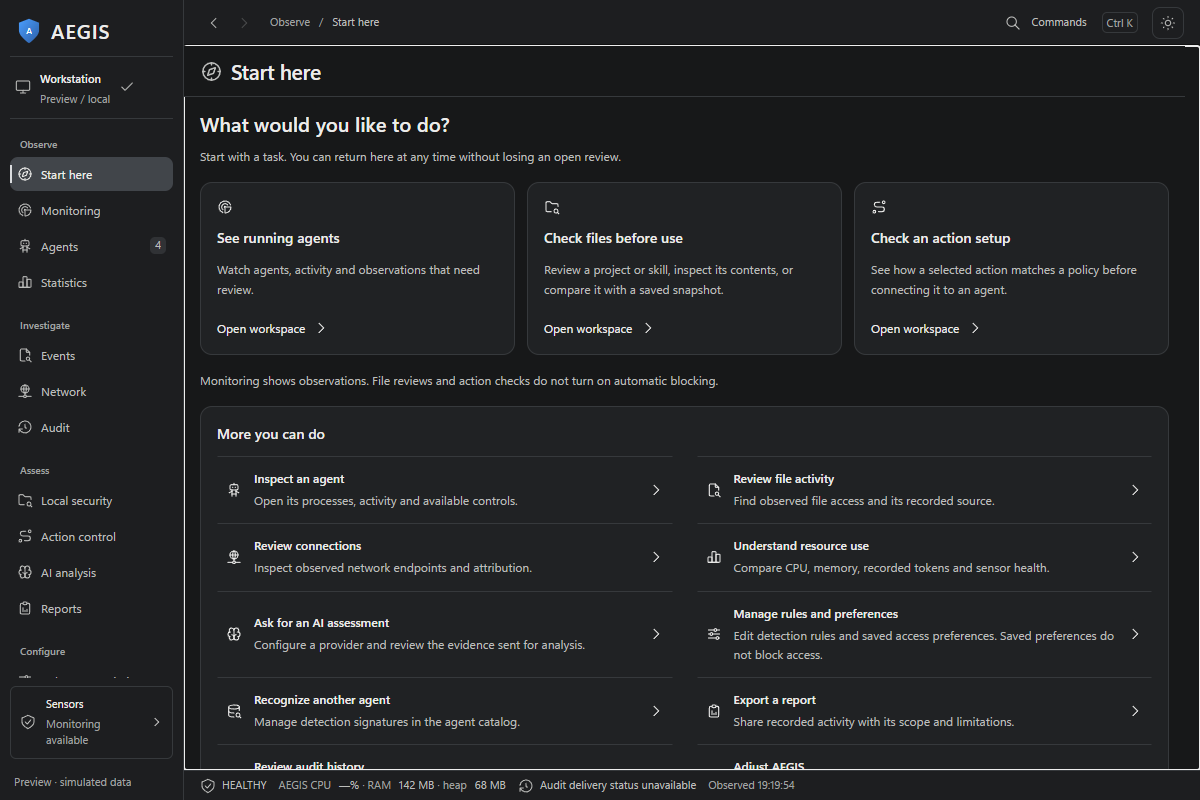
Observatory preview with simulated data, captured from current source on 27 September 2026.
| What you want to do | Where to start |
|---|---|
| See running agents and review their activity | Monitoring, then an agent's processes, files or connections |
| Review a sensitive-file alert | Alerts in Observatory, then inspect the captured evidence |
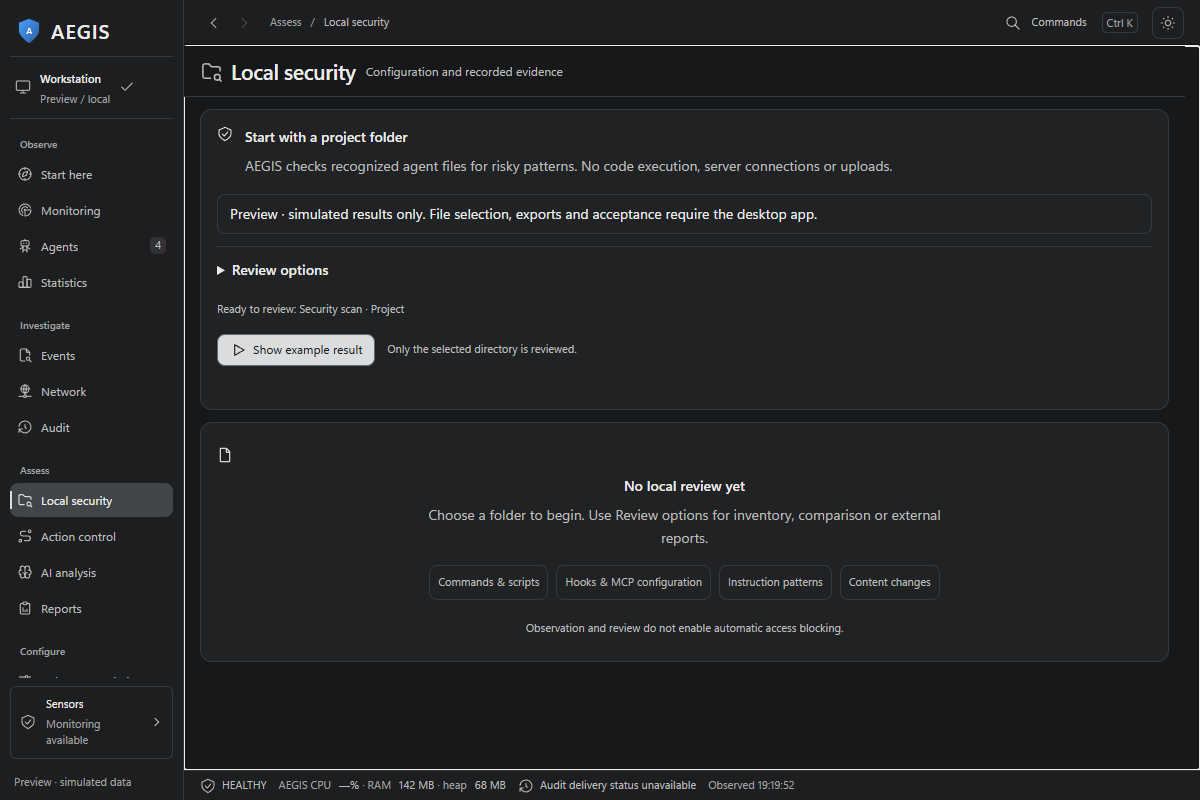
| Check a project, skill or agent profile before use | Local security: static review, inventory, comparison and offline report import |
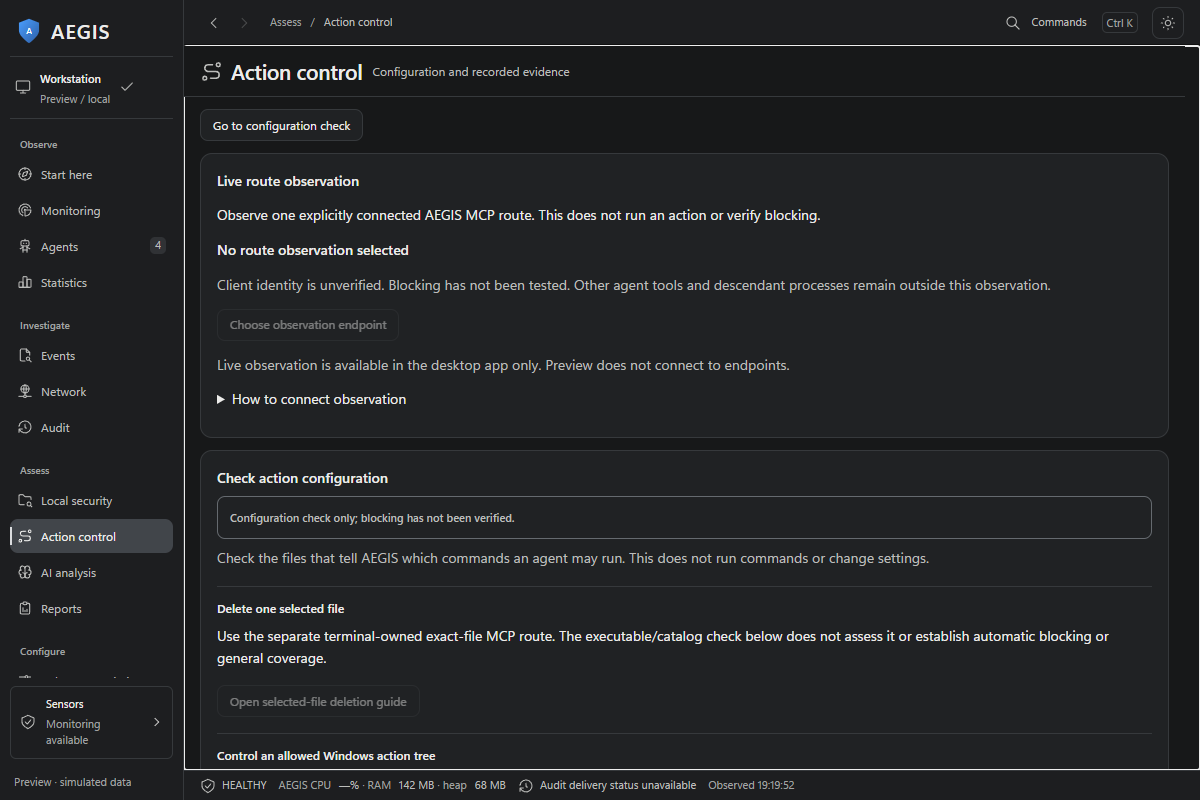
| Check how a selected action matches a policy | Action control: choose files and review the captured outcome |
| Connect selected actions to an agent | MCP setup, explicitly configured from a terminal |
| Explore settings, reports and the other tools | Start here in the sidebar, or Commands (Ctrl K) |
The guided interface keeps results above setup, uses distinct icons for each workspace and reveals technical details on request. File and action checks do not execute commands or establish safety. This describes current source; the published installer can contain an earlier UI.
| Layer | Coverage |
|---|---|
| Processes | 112 agents (265 process-name signatures), parent-chain and IDE-host detection, with limited WSL and IDE-extension discovery |
| Files | Changes in configured sensitive directories and agent config paths; Windows open-handle and Restart Manager observations |
| Network | TCP endpoints for detected agent PIDs, forward-confirmed reverse DNS, and allowlisted / unknown / flagged verdicts |
| Behavior | 73 sensitive-path detection rules across 8 categories, rolling 10-session baselines, anomaly scoring and sequence correlations |
| Local LLMs | Ollama and LM Studio runtime probes; other supported runtimes detected by process signature |
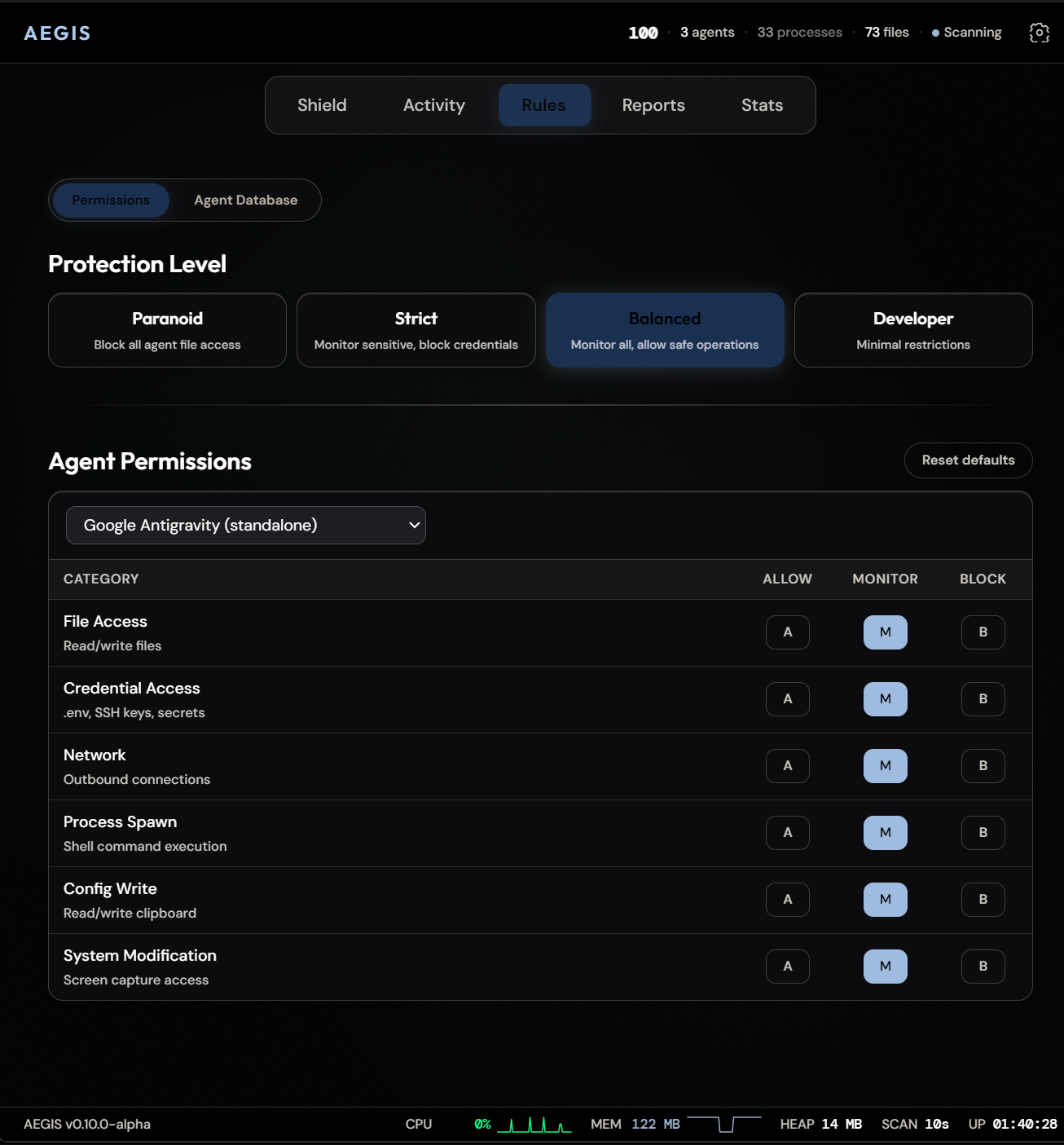
The Observatory workspace provides a live instance radar, separate agent instances, file and network views, rules, custom agent catalog, AI analysis, reports, audit, statistics and settings. Activity can be filtered and grouped, inspected by stamped instance identity, and exported to JSON, CSV, HTML or ZIP. The agent database and contributor guide describe how to extend detection.
Default monitoring observes and logs; it does not automatically block or contain agents. Kill, suspend and resume are manual actions. Monitoring presets and endpoint allowlists do not establish that an agent is safe. The opt-in routes below control only selected launches. The Windows Job route bounds the lifetime of its participating descendants. The separate AppContainer CLI route adds Windows access restrictions for one reviewed offline action in a new workspace; other execution routes retain caller privileges.
The sensitive-activity review list is scoped to the current desktop window; marking an alert reviewed does not quarantine its file or grant access.
AEGIS is alpha software. This README describes current source; installed builds contain the features available at their release tag.
An operator can select an exact executable, working directory, arguments and environment, then route that action through AEGIS: