 0xdsm/juumla
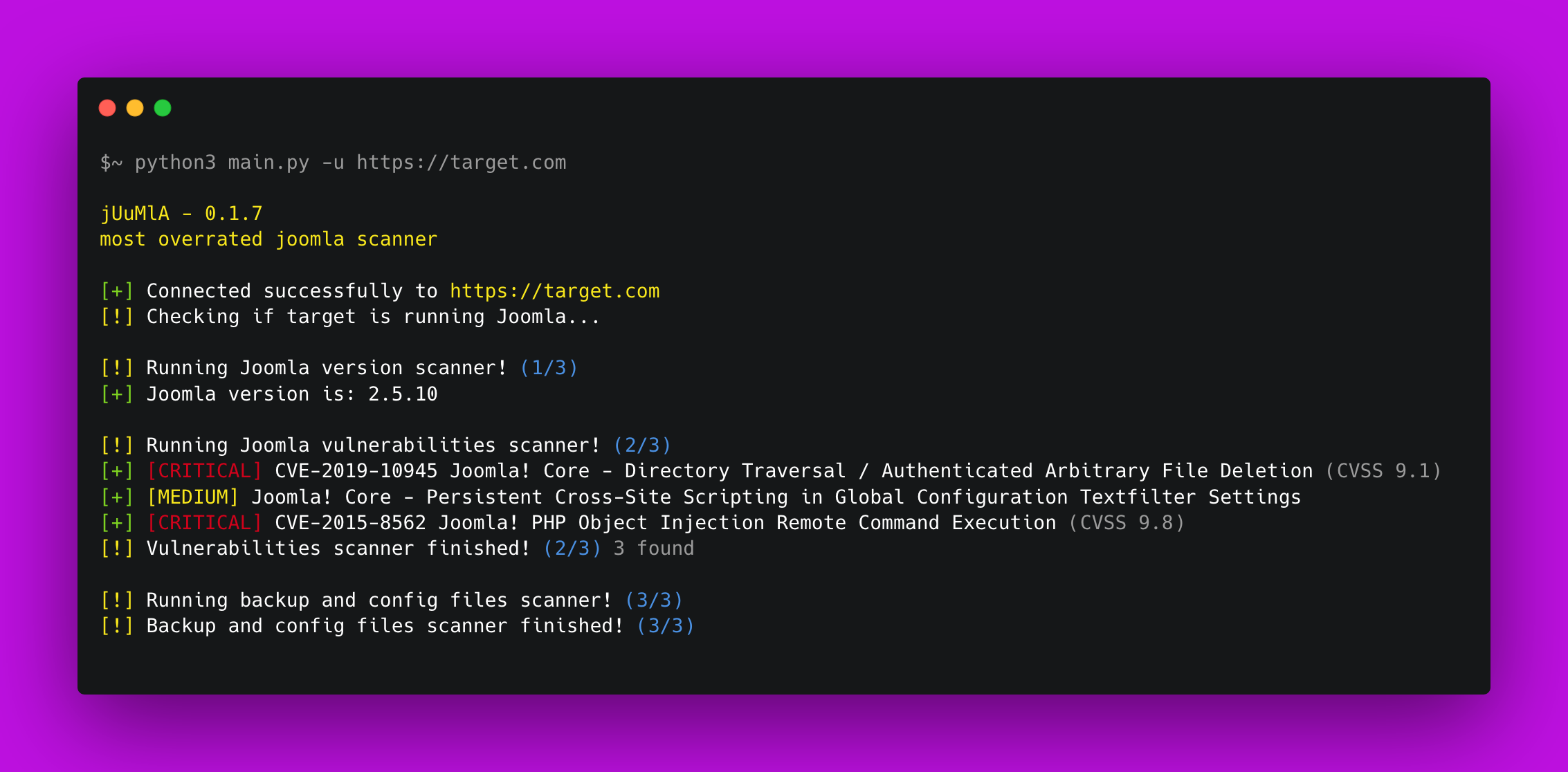
🦁 Joomla CMS परियोजना से संबंधित कमजोरियों की पहचान और स्कैन करने के लिए Python प्रोजेक्ट। यह सामान्य गलत कॉन्फ़िगरेशन और सार्वजनिक कमजोरियों के लिए स्कैन करता है।

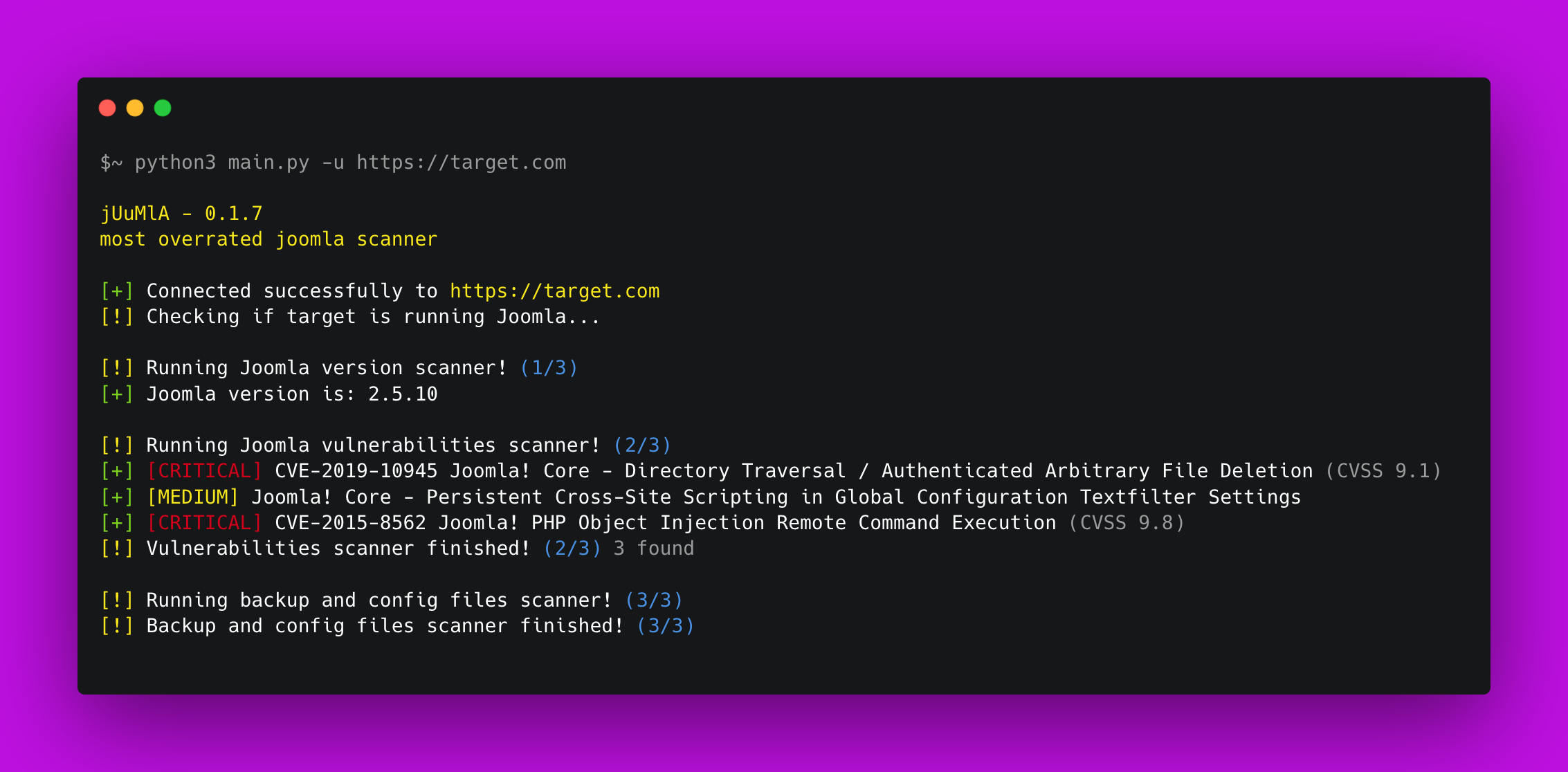


🦁 Juumla Juumla एक पायथन टूल है जो जूमला संस्करण की पहचान करने, कमजोरियों और संवेदनशील फाइलों को स्कैन करने के लिए बनाया गया है।
जुमला को स्थापित करने और उपयोग करने का एक त्वरित गाइड।
1. Clone the repository - git clone https://github.com/oppsec/juumla.git
2. Install the libraries - pip3 install -r requirements.txt
3. Run Juumla - python3 main.py -u https://example.com
यदि आप जुमला को डॉकर कंटेनर में चलाना चाहते हैं, तो इन आदेशों का पालन करें:
1. Clone the repository - git clone https://github.com/oppsec/juumla.git
2. Build the image - sudo docker build -t juumla:latest .
3. Run container - sudo docker run juumla:latest
यदि आप डॉकर कंटेनर में जूमला वातावरण बनाना चाहते हैं, तो इन आदेशों का पालन करें:
1. Clone the repository - git clone https://github.com/oppsec/juumla.git (or download the docker-compose.yml file)
2. Install docker-compose (e.g: sudo apt install docker-compose)
3. sudo docker-compose up
4. Access http://localhost:8080/

The default root password is: example
The default database name is: joomladb
The default DBMS is: MySQL 5.6
pip3 install -r requirements.txt से स्थापित करें।परियोजना में योगदान करने का एक त्वरित गाइड।
1. Create a fork from Juumla repository
2. Download the project with git clone https://github.com/your/juumla.git
3. Make your changes
4. Commit and makes a git push
5. Open a pull request

