 0xsamy/sweet-pineapple-builder
Construisez votre propre firmware WiFi Pineapple Tetra sur mesure pour tout routeur basé sur l'architecture MIPS 24Kc. (WiFi Pineapple Tetra DIY)

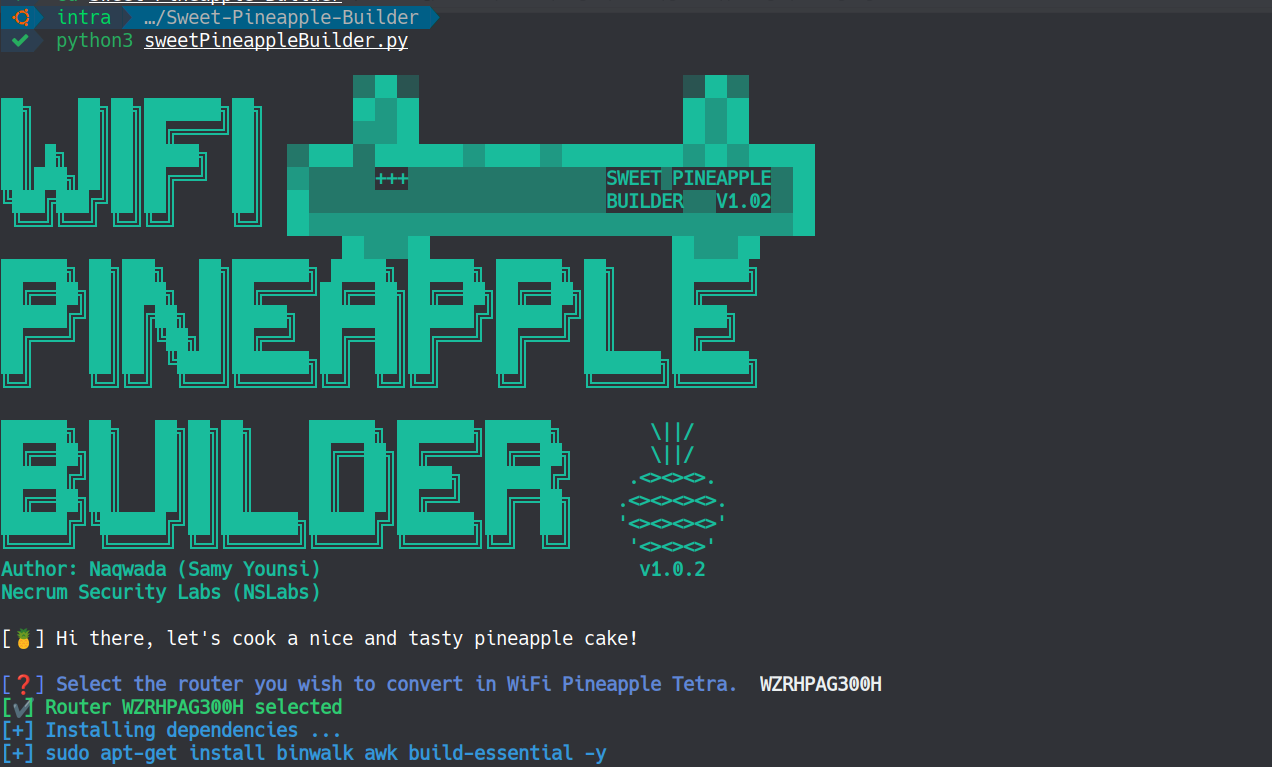
Sweet Pineapple Builder est un script Python qui automatise tout le processus de création d'une image personnalisée du WiFi Pineapple Tetra. Comme le firmware du WiFi Pineapple Tetra est une version personnalisée d'OpenWrt (19.07.2), il est donc possible de créer notre propre firmware personnalisé adapté à tout routeur basé sur l'architecture MIPS 24Kc.
Article de blog complet pour plus de détails : https://samy.link/blog/build-your-own-wifi-pineapple-tetra-for-7

Pour l'instant, le script ne supporte que les routeurs suivants :
Clonez ce dépôt et exécutez :
pip install -r requirements.txt
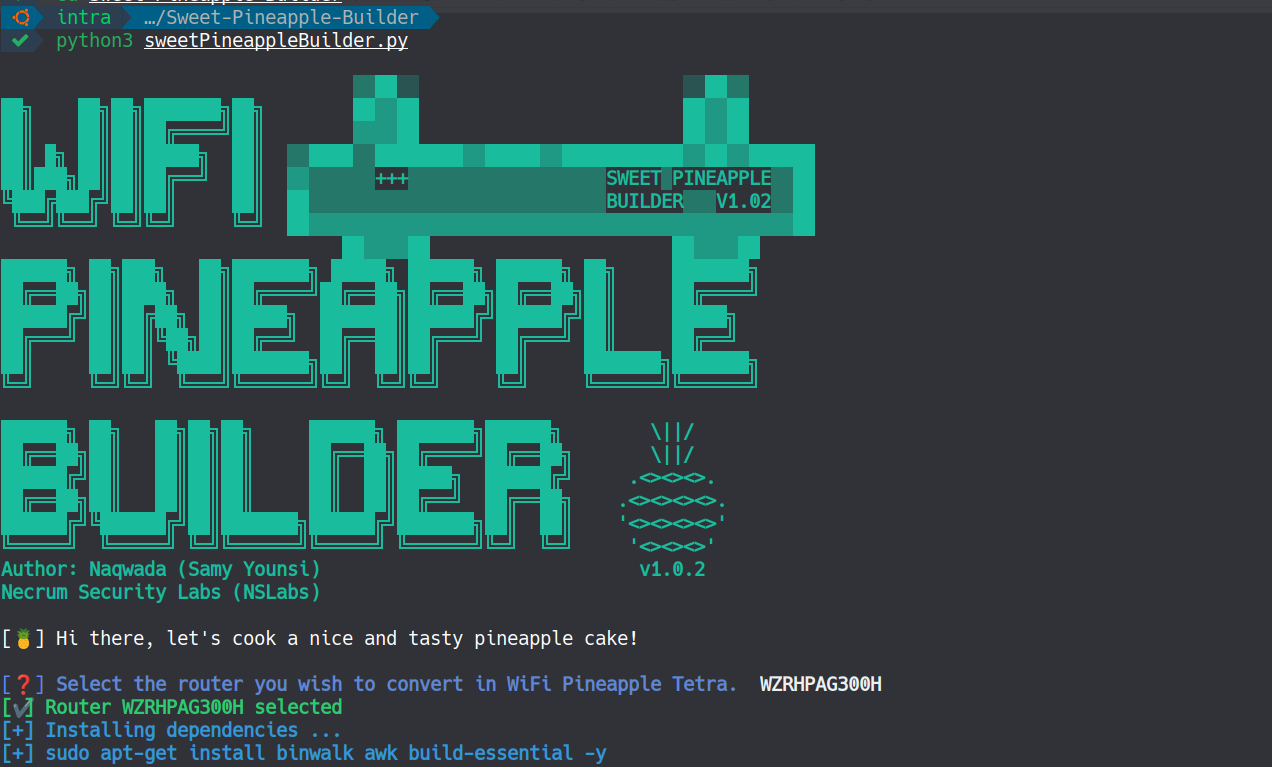
python3 sweetPineappleBuilder.py
Sélectionnez ensuite votre routeur dans la liste et c'est tout.
Maintenant, soyez patient pendant environ 10 minutes pour terminer le processus de téléchargement et de compilation.
Pour simplifier encore les choses, j'ai également créé une image Docker avec l'outil et tous les paquets OpenWrt déjà préinstallés, ~1,4 Go.
Pour l'utiliser, exécutez simplement :
docker pull naqwada/sweetpineapplebuilder
docker run -dit naqwada/sweetpineapplebuilder sleep infinity
docker ps -a
docker exec -it <CONTAINER ID> /bin/bash
cd /home/Sweet-Pineapple-Builder
python3 sweetPineappleBuilder.py

Ne vous inquiétez pas, vous trouverez dans la section Releases toutes les images pré-compilées !
https://gitlab.com/Naqwada/sweet-pineapple-builder/-/releases/v1.0.1
| Appareil | Image du firmware |
|---|---|
| WZR450HP2 | Télécharger la dernière version |
| WZR600DHP | Télécharger la dernière version |
| WZRHPAG300H | Télécharger la dernière version |
| WZRHPG300NH | Télécharger la dernière version |
| WZRHPG300NH2 | Télécharger la dernière version |
| WZRHPG450H | Télécharger la dernière version |
| DGL5500A1 | Télécharger la dernière version |
| DIR835A1 | Télécharger la dernière version |
| dir-869-a1 | Télécharger la dernière version |
| gl-ar300 | Télécharger la dernière version |
| gl-ar300m | Télécharger la dernière version |
| gl-ar750 | Télécharger la dernière version |
| gl-ar750s | Télécharger la dernière version |
| archer-c7-v2 | Télécharger la dernière version |
| archer-c7-v4 | Télécharger la dernière version |
| archer-c7-v5 | Télécharger la dernière version |
Si vous rencontrez des difficultés pour compiler l'image, vous pouvez consulter mon article de blog (https://samy.link/blog/build-your-own-wifi-pineapple-tetra-for-7) ou créer un ticket dans l'onglet "issues" et j'essaierai de vous aider.
