 wipi-hunter/pikarma
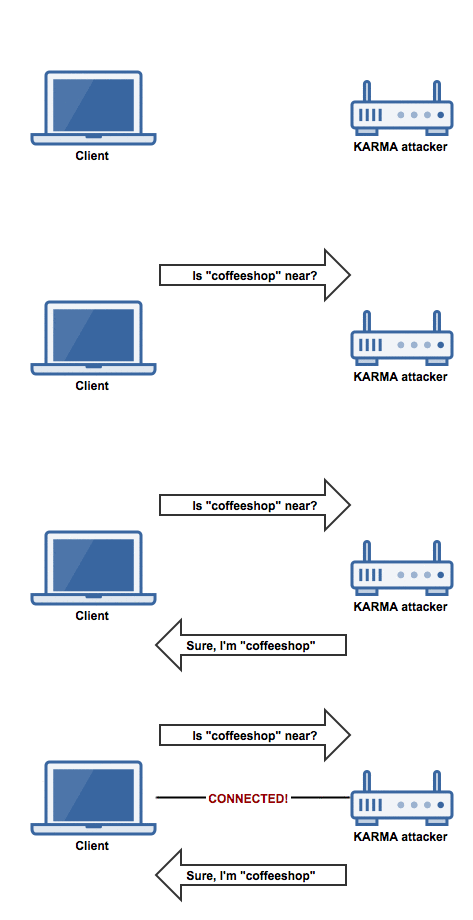
📡🍓🍍 Détecte les attaques réseau sans fil effectuées par le module KARMA (AP factice). Lance une attaque de désauthentification (pour les points d'accès factices).

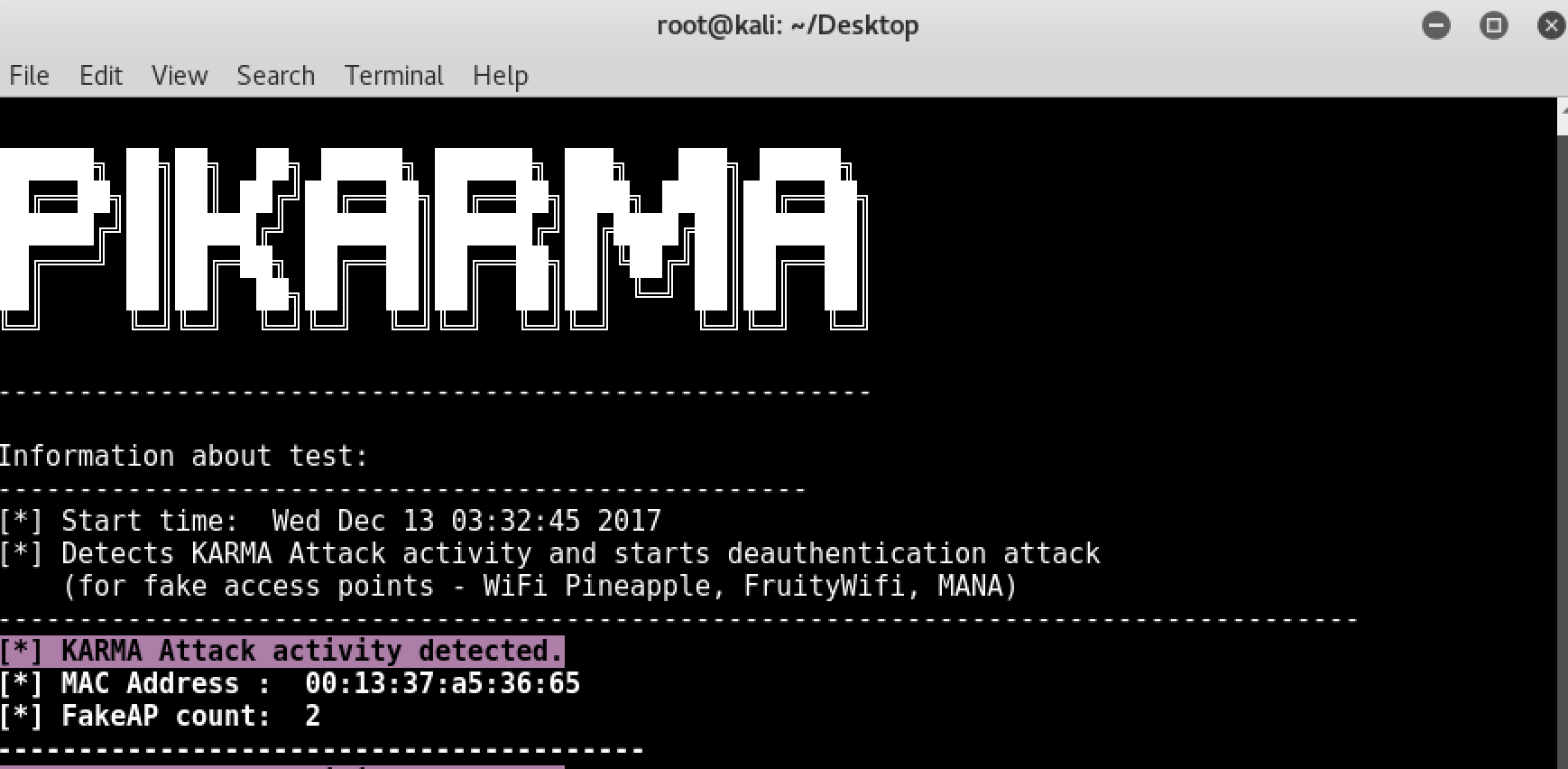
                              ██████╗ ██╗██╗  ██╗ █████╗ ██████╗ ███╗   ███╗ █████╗
                              ██╔══██╗██║██║ ██╔╝██╔══██╗██╔══██╗████╗ ████║██╔══██╗
                              ██████╔╝██║█████╔╝ ███████║██████╔╝██╔████╔██║███████║
                              ██╔═══╝ ██║██╔═██╗ ██╔══██║██╔══██╗██║╚██╔╝██║██╔══██║
                              ██║     ██║██║  ██╗██║  ██║██║  ██║██║ ╚═╝ ██║██║  ██║
                              ╚═╝     ╚═╝╚═╝  ╚═╝╚═╝  ╚═╝╚═╝  ╚═╝╚═╝     ╚═╝╚═╝  ╚═╝

                            Detects wireless network attacks performed by KARMA module




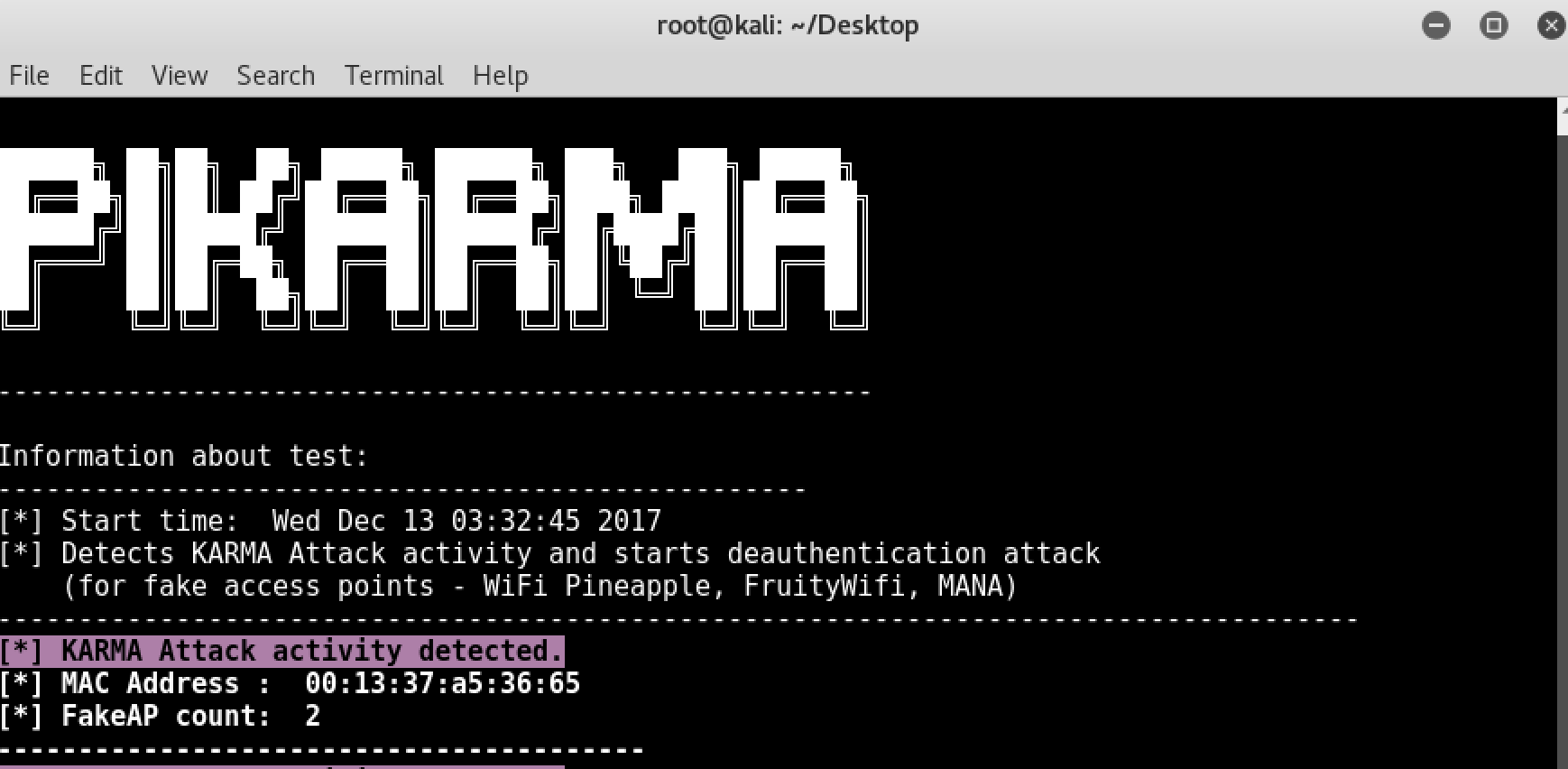
Exemple :
Télécharger PiKarma :
git clone https://github.com/WiPi-Hunter/PiKarma.git
Installer la ou les bibliothèques Python :
pip install termcolor
C'est fait !
Exécutez le programme avec la commande suivante :
Mode moniteur :
airmon-ng start interface(wlan0,wlan1) (Monitor mode)

or

ifconfig wlan0 down
iwconfig wlan0 mode Monitor
ifconfig wlan0 up
Exécuter :
cd PiKarma
python PiKarma.py -h
