 sevagas/swap_digger
Automatise l'analyse du swap Linux pour extraire les identifiants utilisateur, les données de formulaires web, les clés WiFi et l'authentification HTTP lors d'investigations post-exploitation ou forensiques.


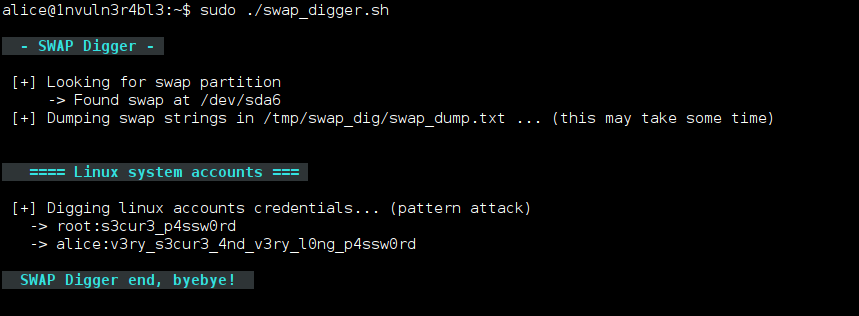
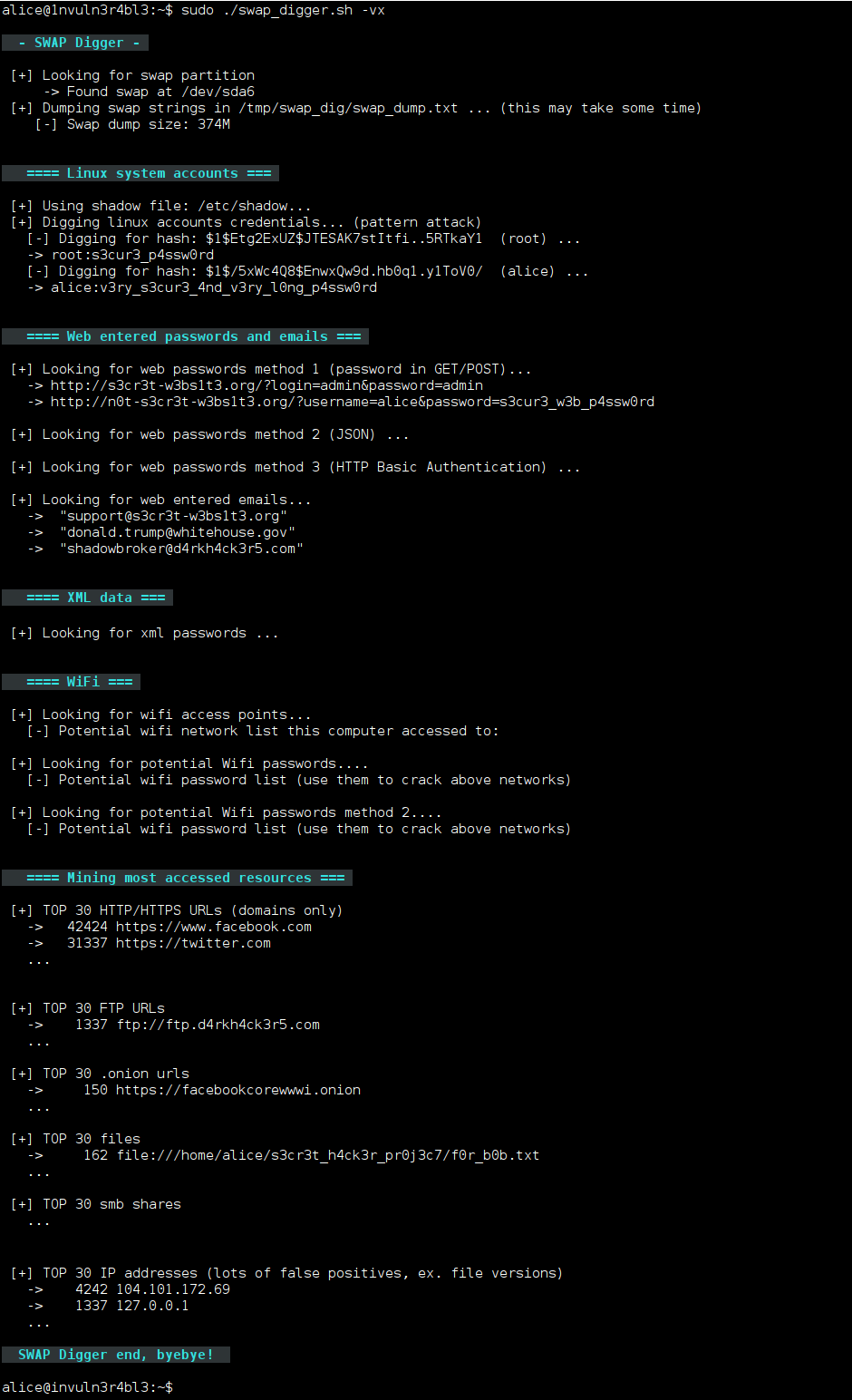
swap_digger est un script bash utilisé pour automatiser l'analyse du swap Linux à des fins de post-exploitation ou de forensique. Il automatise l'extraction du swap et recherche des identifiants d'utilisateurs Linux, des identifiants de formulaires web, des emails de formulaires web, l'authentification HTTP basique, les SSID WiFi et clés, etc.
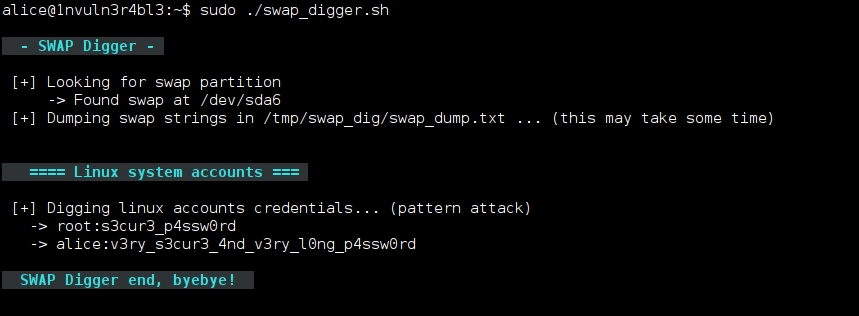
Utilisez les commandes suivantes pour télécharger et exécuter le script sur votre machine :
git clone https://github.com/sevagas/swap_digger.git
cd swap_digger
chmod +x swap_digger.sh
sudo ./swap_digger.sh -vx
Pour utiliser swap_digger sur un disque dur monté, procédez comme suit :
Tout d'abord, téléchargez le script avec les commandes suivantes :
git clone https://github.com/sevagas/swap_digger.git
cd swap_digger
chmod +x swap_digger.sh
Ensuite, trouvez le fichier/partition swap cible avec :
sudo ./swap_digger.sh -S
Enfin, analysez la cible en exécutant :
sudo ./swap_digger.sh -vx -r path/to/mounted/target/root/fs -s path/to/target/swap/device
Utilisez les commandes suivantes pour télécharger et exécuter le script sur une machine tierce (utile pour les pentests et CTF) :
wget https://raw.githubusercontent.com/sevagas/swap_digger/master/swap_digger.sh
chmod +x swap_digger.sh
sudo ./swap_digger.sh -vx -c
Remarque : Utilisez l'option -c pour supprimer automatiquement le répertoire créé par swap_digger (/tmp/swap_dig).
Si vous avez uniquement besoin de récupérer les mots de passe des utilisateurs Linux en clair, exécutez simplement :
sudo ./swap_digger.sh
Toutes les options :
 ./swap_digger.sh [ OPTIONS ]
 Options :
  -x, --extended    Run Extended tests on the target swap to retrieve other interesting data
        (web passwords, emails, wifi creds, most accessed urls, etc)
  -g, --guessing  Try to guess potential passwords based on observations and stats
        Warning: This option is not reliable, it may dig more passwords as well as hundreds false positives.
  -h, --help    Display this help.
  -v, --verbose Verbose mode.
  -l, --log Log all outputs in a log file (protected inside the generated working directory).
  -c, --clean Automatically erase the generated working directory at end of script (will also remove log file)
  -r PATH, --root-path=PATH   Location of the target file-system root (default value is /)
        Change this value for forensic analysis when target is a mounted file system.
        This option has to  be used along the -s option to indicate path to swap device.
  -s PATH, --swap-path=PATH   Location of swap device or swap dump to analyse
        Use this option for forensic/remote analysis of a swap dump or a mounted external swap partition.
        This option should be used with the -r option where at least /<root-path>/etc/shadow exists.
  -S, --swap-search   Search for all available swap devices (use for forensics).
Articles de blog sur le swap digging :
N'hésitez pas à me contacter sur mon compte Twitter @EmericNasi
The GNU General Public License version 3
Copyright 2017-2021 Emeric « Sio » Nasi (blog)
