 projectdiscovery/tldfinder
Un outil rationalisé pour découvrir les TLD privés pour la recherche en sécurité.




Fonctionnalités • Installation • Utilisation • Exécution de tldfinder • Rejoindre Discord
Un outil simplifié pour découvrir des TLD privés dans le cadre de la recherche en sécurité.
tldfinder nécessite Go 1.21 pour être installé correctement. Pour l'installer, exécutez simplement la commande ci-dessous ou téléchargez le binaire précompilé depuis la page des releases.
go install github.com/projectdiscovery/tldfinder/cmd/tldfinder@latest
tldfinder -h
Ceci affichera l'aide de l'outil. Voici toutes les options qu'il prend en charge.
A streamlined tool for discovering private TLDs for security research.

Usage:
  ./tldfinder [flags]

Flags:
INPUT:
   -d, -domain string[]  domain or list of domains for discovery (file or comma separated)

SOURCE:
   -s, -sources string[]           specific sources to use for discovery (-s censys,dnsrepo). Use -ls to display all available sources.
   -es, -exclude-sources string[]  sources to exclude from enumeration (-es censys,dnsrepo)
   -dm, -discovery-mode value      discovery mode (dns,tld,domain) (default dns)
   -all                            use all sources for enumeration (slow)

FILTER:
   -m, -match string[]   domain or list of domain to match (file or comma separated)
   -f, -filter string[]   domain or list of domain to filter (file or comma separated)

RATE-LIMIT:
   -rl, -rate-limit int      maximum number of http requests to send per second (global)
   -rls, -rate-limits value  maximum number of http requests to send per second four providers in key=value format (-rls hackertarget=10/m) (default ["waybackarchive=15/m", "whoisxmlapi=50/s", "whoisxmlapi=30/s"])
   -t int                    number of concurrent goroutines for resolving (-active only) (default 10)

UPDATE:
   -up, -update                 update tldfinder to latest version
   -duc, -disable-update-check  disable automatic tldfinder update check

OUTPUT:
   -o, -output string       file to write output to
   -oJ, -json               write output in JSONL(ines) format
   -oD, -output-dir string  directory to write output (-dL only)
   -cs, -collect-sources    include all sources in the output (-json only)
   -oI, -ip                 include host IP in output (-active only)

CONFIGURATION:
   -config string                flag config file (default "/Users/user/Library/Application Support/tldfinder/config.yaml")
   -pc, -provider-config string  provider config file (default "/Users/user/Library/Application Support/tldfinder/provider-config.yaml")
   -r string[]                   comma separated list of resolvers to use
   -rL, -rlist string            file containing list of resolvers to use
   -nW, -active                  display active domains only
   -proxy string                 http proxy to use with tldfinder
   -ei, -exclude-ip              exclude IPs from the list of domains

DEBUG:
   -silent             show only domains in output
   -version            show version of tldfinder
   -v                  show verbose output
   -nc, -no-color      disable color in output
   -ls, -list-sources  list all available sources
   -stats              report source statistics

OPTIMIZATION:
   -timeout int   seconds to wait before timing out (default 30)
   -max-time int  minutes to wait for enumeration results (default 10)
tldfinder est conçu pour la recherche en sécurité afin de découvrir des TLD privés. Il accepte un domaine ou un TLD privé en entrée.
Utilisez -domain ou -d pour spécifier l'entrée et fournissez plusieurs valeurs sous forme d'entrée séparée par des virgules.
[!NOTE] Seuls les TLD privés sont acceptés, car tldfinder est destiné à la découverte de TLD privés.
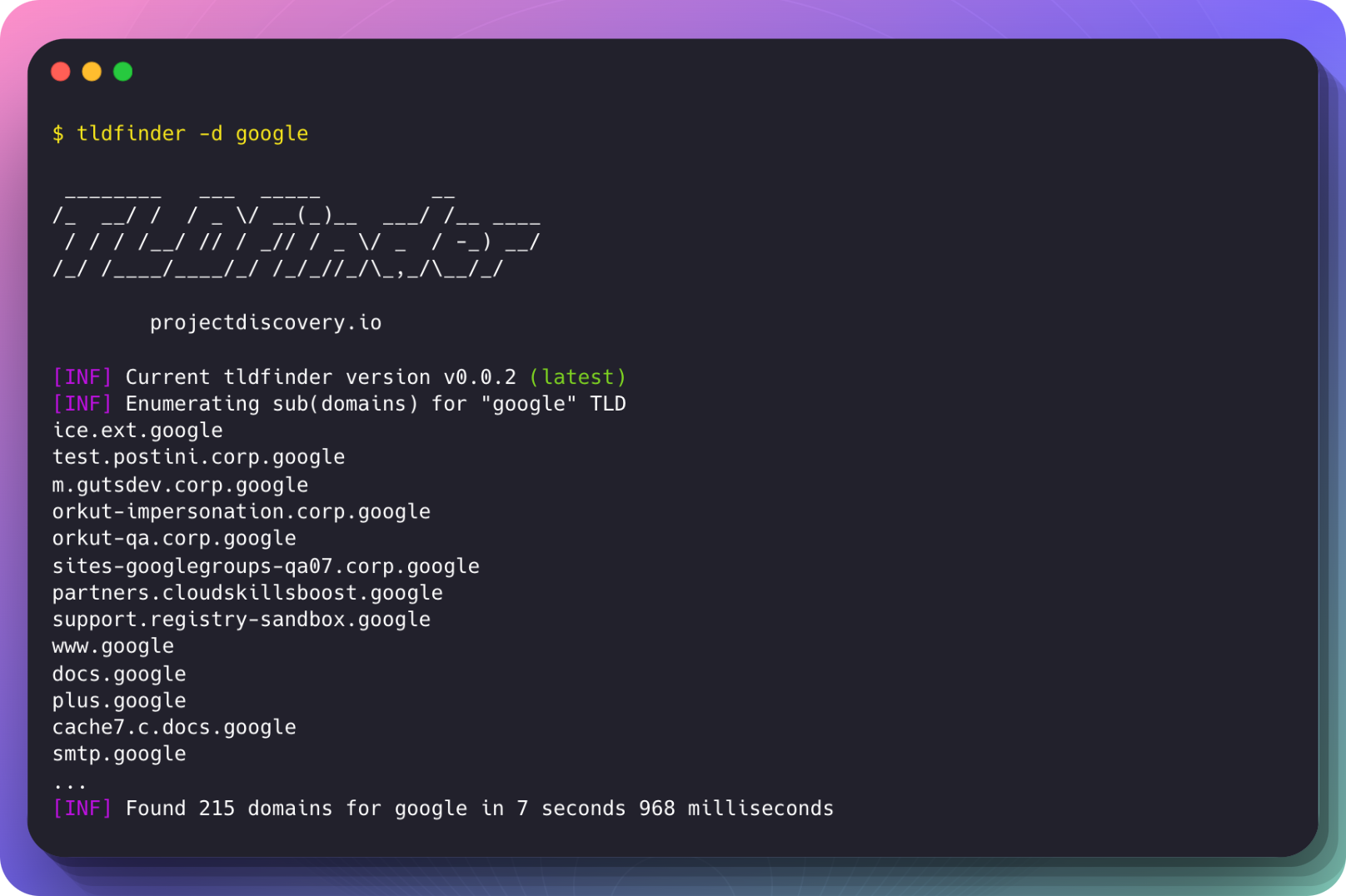
Exemple d'exécution :
$ tldfinder -d google

 ________   ___  _____         __
/_  __/ /  / _ \/ __(_)__  ___/ /__ ____
 / / / /__/ // / _// / _ \/ _  / -_) __/
/_/ /____/____/_/ /_/_//_/\_,_/\__/_/

      projectdiscovery.io

[INF] Current tldfinder version v0.0.2 (latest)
[INF] Enumerating sub(domains) for "google" TLD
ice.ext.google
test.postini.corp.google
m.gutsdev.corp.google
orkut-impersonation.corp.google
orkut-qa.corp.google
sites-googlegroups-qa07.corp.google
partners.cloudskillsboost.google
support.registry-sandbox.google
www.google
docs.google
plus.google
cache7.c.docs.google
smtp.google
...
[INF] Found 215 domains for google in 7 seconds 968 milliseconds
tldfinder est fait avec ❤️ par l'équipe projectdiscovery et distribué sous licence MIT.