 praetorian-inc/fingerprintx
Utilitaire autonome pour la découverte de services sur les ports ouverts !





Fonctionnalités • Installation • Utilisation • Exécution de fingerprintx • Utilisation comme bibliothèque • Pourquoi pas nmap ? • Notes • Remerciements
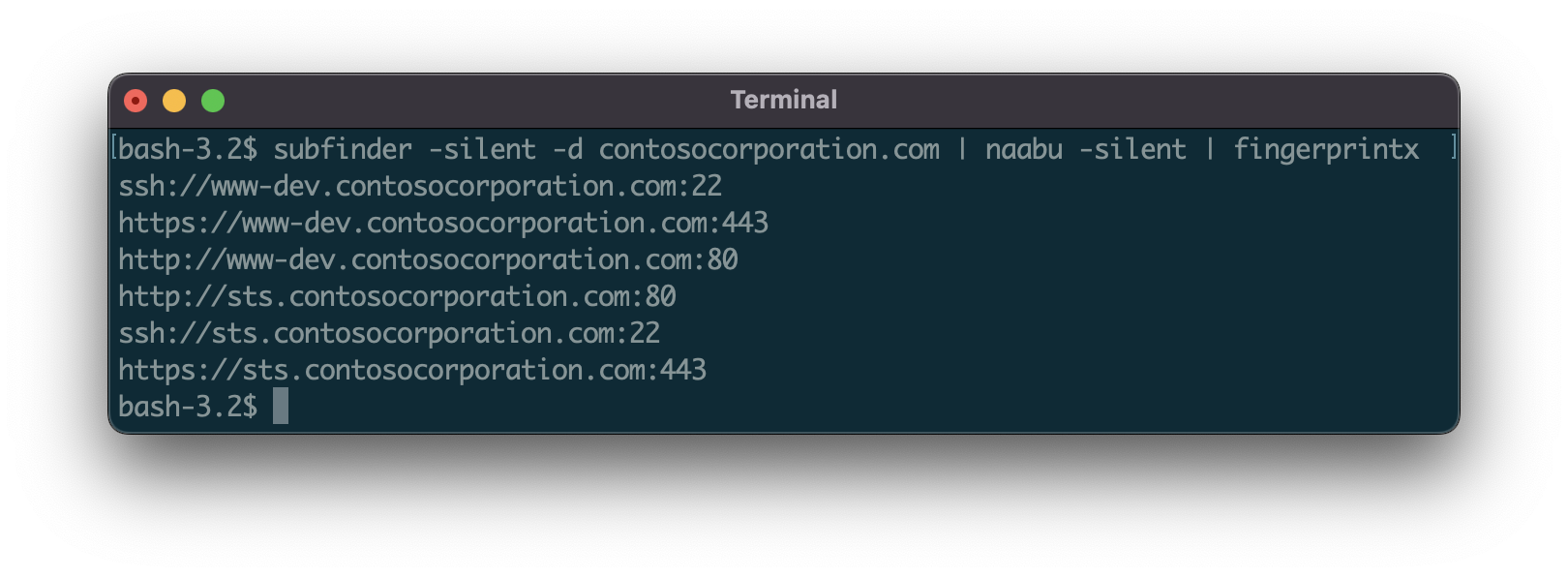
fingerprintx est un utilitaire similaire à httpx qui prend également en charge l'identification de services tels que RDP, SSH, MySQL, PostgreSQL, Kafka, etc. fingerprintx peut être utilisé aux côtés de scanners de ports comme Naabu pour identifier un ensemble de ports découverts lors d'un scan de ports. Par exemple, un ingénieur peut souhaiter scanner une plage IP puis identifier rapidement le service exécuté sur tous les ports découverts.
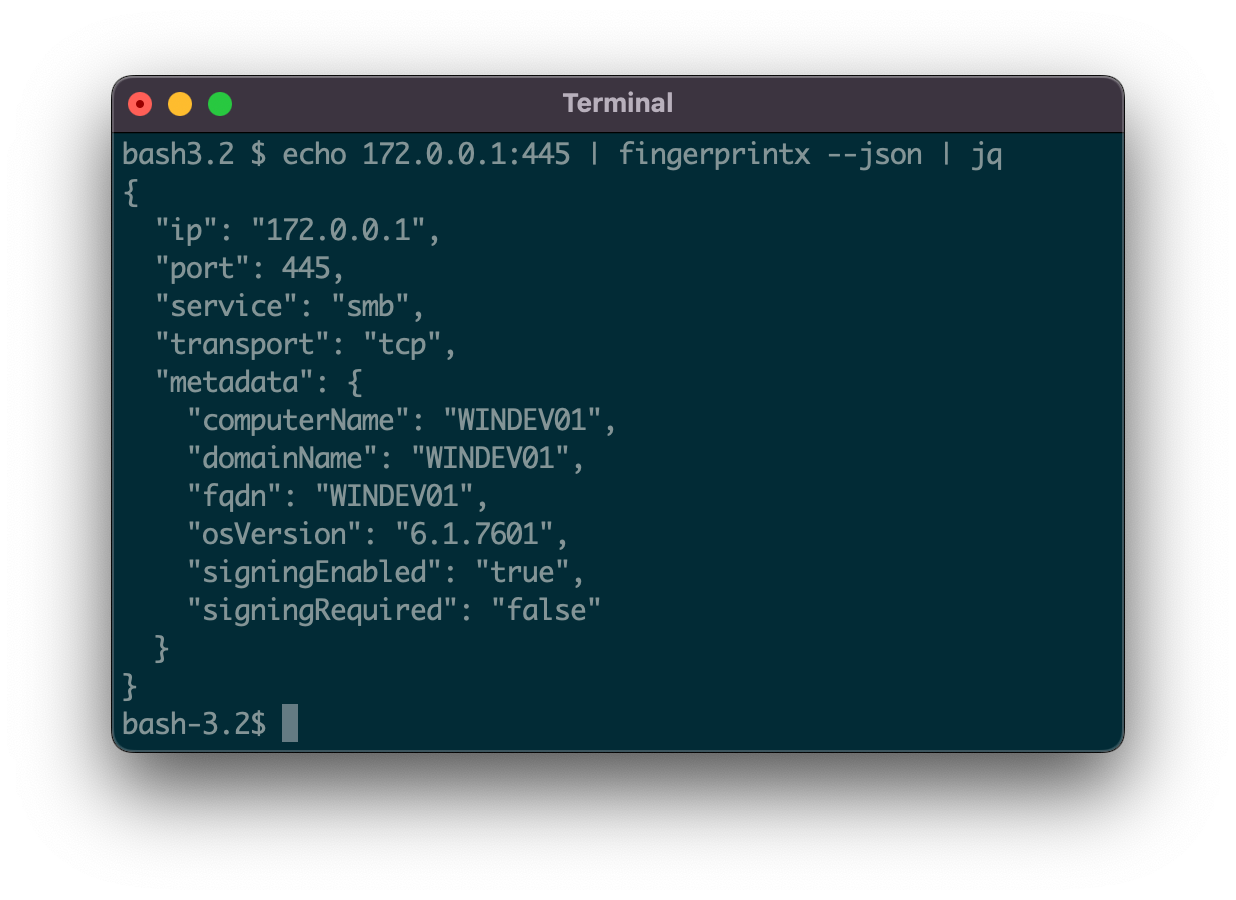
51 plugins de détection de services prenant en charge les protocoles TCP et UDP :
| SERVICE | TRANSPORT |
|---|---|
| Cassandra | TCP |
| ChromaDB | TCP |
| CouchDB | TCP |
| DB2 | TCP |
| DHCP | UDP |
| Diameter | TCP |
| DNS | TCP/UDP |
| Echo | TCP |
| Elasticsearch | TCP |
| Firebird | TCP |
| FTP | TCP |
| HTTP/HTTPS | TCP |
| IMAP | TCP |
| InfluxDB | TCP |
| IPMI | TCP |
| IPSEC | UDP |
| Java RMI | TCP |
| JDWP | TCP |
| Kafka | TCP |
| LDAP | TCP |
| Linux RPC | TCP |
| Memcached | TCP |
| Milvus | TCP |
| Modbus | TCP |
| MongoDB | TCP |
| MQTT | TCP |
| MSSQL | TCP |
| MySQL | TCP |
| Neo4j | TCP |
| NetBIOS-NS | UDP |
| NTP | UDP |
| OpenVPN | UDP |
| OracleDB | TCP |
| Pinecone | TCP |
| POP3 | TCP |
| PostgreSQL | TCP |
| RDP | TCP |
| Redis | TCP |
| Rsync | TCP |
| RTSP | TCP |
| SMB | TCP |
| SMPP | TCP |
| SMTP | TCP |
| SNMP | UDP |
| SNPP | TCP |
| SSH | TCP |
| STUN | UDP |
| Sybase | TCP |
| Telnet | TCP |
| VNC | TCP |
Depuis Github
go install github.com/praetorian-inc/fingerprintx/cmd/fingerprintx@latest
Depuis les sources (go version > 1.18)
$ git clone [email protected]:praetorian-inc/fingerprintx.git
$ cd fingerprintx

# with go version > 1.18
$ go build ./cmd/fingerprintx
$ ./fingerprintx -h
Docker
$ git clone [email protected]:praetorian-inc/fingerprintx.git
$ cd fingerprintx

# build
docker build -t fingerprintx .

# and run it
docker run --rm fingerprintx -h
docker run --rm fingerprintx -t praetorian.com:80 --json
fingerprintx -h
L'option -h affichera tous les indicateurs pris en charge pour fingerprintx.
Usage:
  fingerprintx [flags]
TARGET SPECIFICATION:
	Requires a host and port number or ip and port number. The port is assumed to be open.
	HOST:PORT or IP:PORT
EXAMPLES:
	fingerprintx -t praetorian.com:80
	fingerprintx -l input-file.txt
	fingerprintx --json -t praetorian.com:80,127.0.0.1:8000

Flags:
      --csv               output format in csv
  -f, --fast              fast mode
  -h, --help              help for fingerprintx
      --json              output format in json
  -l, --list string       input file containing targets
  -o, --output string     output file
  -t, --targets strings   target or comma separated target list
  -w, --timeout int       timeout (milliseconds) (default 500)
  -U, --udp               run UDP plugins
  -v, --verbose           verbose mode
Le mode fast tentera uniquement d'identifier le service par défaut associé à ce port pour chaque cible. Par exemple, si praetorian.com:8443 est l'entrée, seul le plugin https sera exécuté. Si https n'est pas exécuté sur praetorian.com:8443, il n'y aura AUCUNE sortie. Pourquoi faire cela ? C'est un moyen rapide d'identifier la plupart des services dans une grande liste d'hôtes (pensez à la règle des 80/20).
Avec une cible :
$ fingerprintx -t 127.0.0.1:8000
http://127.0.0.1:8000
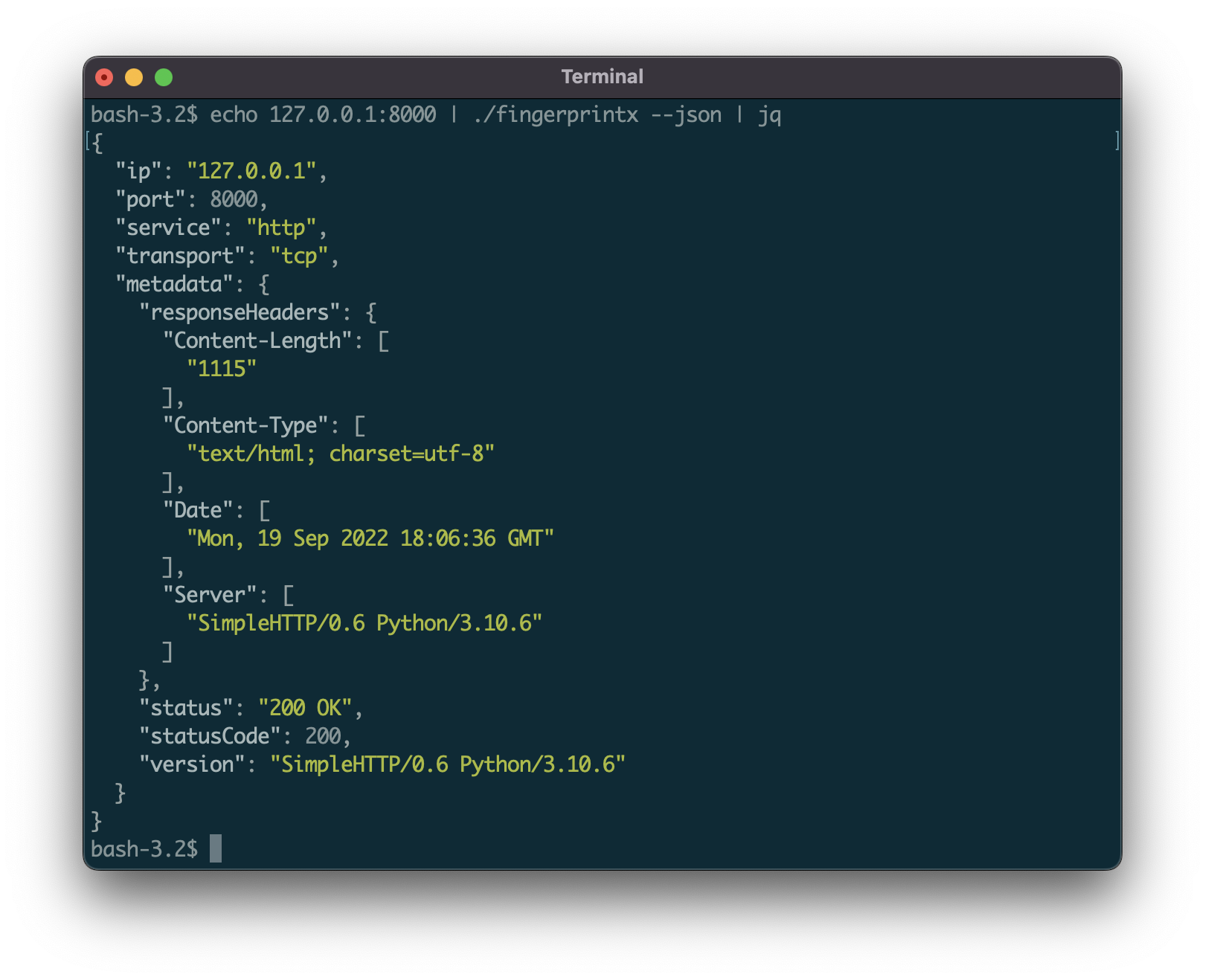
Par défaut, la sortie est sous la forme : SERVICE://HOST:PORT. Pour obtenir une sortie de service plus détaillée, spécifiez JSON avec l'option --json :
$ fingerprintx -t 127.0.0.1:8000 --json
{"ip":"127.0.0.1","port":8000,"service":"http","transport":"tcp","metadata":{"responseHeaders":{"Content-Length":["1154"],"Content-Type":["text/html; charset=utf-8"],"Date":["Mon, 19 Sep 2022 18:23:18 GMT"],"Server":["SimpleHTTP/0.6 Python/3.10.6"]},"status":"200 OK","statusCode":200,"version":"SimpleHTTP/0.6 Python/3.10.6"}}
Redirigez la sortie d'un autre programme (comme naabu) :
$ naabu 127.0.0.1 -silent 2>/dev/null | fingerprintx
http://127.0.0.1:8000
ftp://127.0.0.1:21
Exécution avec un fichier d'entrée :
$ cat input.txt | fingerprintx
http://praetorian.com:80
telnet://telehack.com:23
