 noob-hackers/kalimux
Installer et utiliser Kali Linux avec interface graphique dans Termux









Kalimux est un script basé sur bash qui installe automatiquement Kali Linux dans Termux sans problème et sans root. Cet outil fonctionne à la fois sur les appareils Android rootés et non rootés.
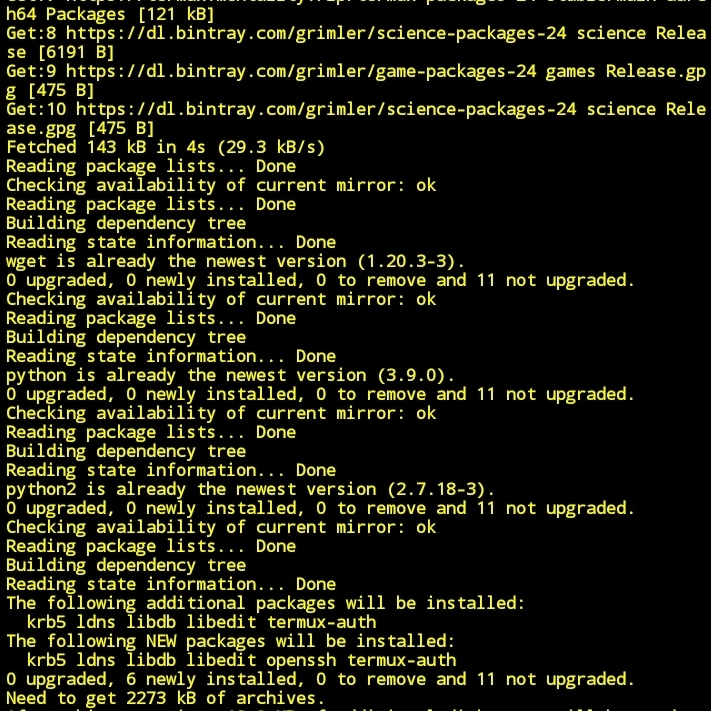
apt-get update -yapt-get upgrade -ypkg install python -ypkg install python2 -ypkg install git -ypip install lolcatgit clone https://github.com/noob-hackers/kalimuxcd $HOMElscd kalimuxlssh kalimux.sh* So after installtion completes the text files will occur just copy it by long click on text
./start-kali.sh
Now linux has been installed succesfullly in termux without root. But wait if you like to use kali linus as GUI in your android device then you need to download a application called VNC viewer after downloading that. just start kali linux in termux and paste that copied text in that and wait for it to install complete linux os in termux. After installation completes just apply this command in kali
vncserver-start
Now the server starts on host 127.0.0.1:5901

Now open VNC viewer and click on + icon and create host access

Now the the gui of kali linux has been started in VNC viewer so start practising now......

Note:- Don't remove termux from background while using kali linux in VNC viwer beacuse the vnc host files are present in termux app so.

[+]--Now you need internet connection to continue further process...

[+]--You can select any option by clicking on your keyboard

[+]--Note:- Don't delete any of the scripts included in core files

[+]--new session and start TOR (tor) before starting the attack
DÉMARRAGE :
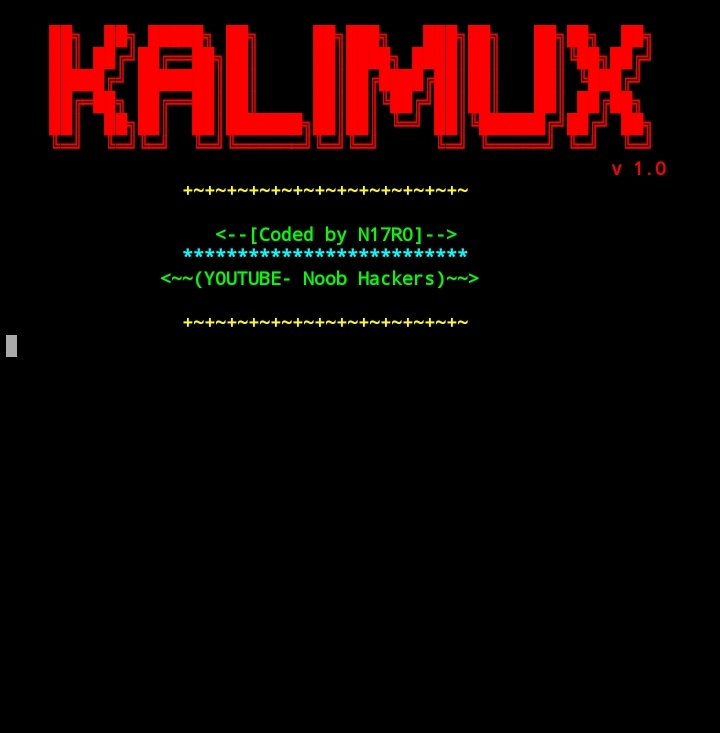









Cet outil est uniquement à des fins éducatives. Si vous utilisez cet outil à d'autres fins que l'éducation, nous ne serons pas responsables dans de tels cas.
