
Kit de test d'applications mobiles
Scrounger - une personne qui emprunte ou vit aux dépens des autres.
Il n'y a pas de meilleure description pour cet outil pour deux raisons principales, la première est que cet outil s'inspire de nombreux autres outils déjà publiés, la seconde est qu'il vit des vulnérabilités des applications mobiles.
Bien que plusieurs autres outils d'analyse d'applications mobiles aient été développés, il n'existe pas d'outil unique pouvant être utilisé à la fois pour android et ios et pouvant être considéré comme un outil « standard » à utiliser lors de chaque évaluation d'application mobile.
L'idée derrière Scrounger est de créer un outil à la manière de Metasploit qui ne fera pas le travail du pentester mais l'aidera dans son évaluation en exécutant des tâches répétitives qui doivent être effectuées sur toutes les évaluations.
Les principales fonctionnalités offertes par Scrounger que les autres n'offrent pas :
Scrounger a été inspiré par d'autres outils, un grand merci aux développeurs de :
En guise d'avertissement, toutes les conclusions identifiées par Scrounger doivent toujours être vérifiées manuellement.
Lors de l'utilisation de modules nécessitant un appareil Android ou iOS, Scrounger a besoin d'un appareil Rooté ou Jailbreaké respectivement.
Scrounger a été testé pour fonctionner sur iOS 11 et Android 8.1.
Scrounger a été développé uniquement pour python 2.7.
git clone https://github.com/nettitude/scrounger.git cd scrounger bash setup.sh pip install -r requirements.txt python setup.py install
## Développement```
git pull https://github.com/nettitude/scrounger.git
cd scrounger
bash setup.sh
pip install -r requirements.txt
python setup.py develop
cd scrounger git pull python setup.py install --upgrade
## Binaires requis
### Pour les modules Android
* java (<http://www.oracle.com/technetwork/java/javase/downloads/index.html>)
* jd-cli (<https://github.com/kwart/jd-cmd>)
* apktool (<https://ibotpeaches.github.io/Apktool/>)
* d2j-dex2jar (<https://github.com/pxb1988/dex2jar>)
* adb (<https://developer.android.com/studio/releases/platform-tools>)
* Autres (Optionnel) :
* avdmanager (<https://developer.android.com/studio/#downloads>)
### Pour les modules iOS
* jtool (Linux) (<http://www.newosxbook.com/tools/jtool.html>)
* otool (MacOS) (<https://developer.apple.com/xcode/>)
* ldid (<https://github.com/daeken/ldid.git>)
* iproxy (Paquet : libimobiledevice)
* lsusb (Paquet : usbutils)
* unzip
### Binaires iOS
* Binaires inclus :
* dump_backup_flag
* dump_file_protection
* dump_keychain
* dump_log
* listapps
* Dépôt Cydia de Karen (https://cydia.angelxwind.net) (Optionnel) :
* AppSync Unified (Paquet : net.angelxwind.appsyncunified)
* appinst (Paquet : com.linusyang.appinst)
* Dépôt Cydia de Shmoo419 (https://shmoo419.github.io/) (Optionnel) :
* uncrypt11 (Paquet : com.shmoo.uncrypt11)
* gdb (Paquet : gdb71050)
* Dépôt Cydia d'Ichitaso (http://cydia.ichitaso.com/) (Optionnel) :
* clutch (Paquet : com.kjcracks.clutch2)
## Scripts d'installation
### Linux```
# install iproxy lsusb
sudo apt-get install libimobiledevice usbutils
# install jd-cli
if [ ! -x "$(which jd-cli)" ]; then
curl -L -o /tmp/jdcli.zip https://github.com/kwart/jd-cmd/releases/download/jd-cmd-0.9.2.Final/jd-cli-0.9.2-dist.zip
unzip /tmp/jdcli.zip /usr/local/share/jd-cli
ln -s /usr/local/share/jd-cli/jd-cli /usr/local/bin/jd-cli
ln -s /usr/local/share/jd-cli/jd-cli.jar /usr/local/bin/jd-cli.jar
rm -rf /tmp/jdcli.zip
fi
# install apktool
if [ ! -x "$(which apktool)" ]; then
mkdir /usr/local/share/apktool
curl -L -o /usr/local/share/apktool/apktool https://raw.githubusercontent.com/iBotPeaches/Apktool/master/scripts/osx/apktool
curl -L -o /usr/local/share/apktool/apktool.jar https://bitbucket.org/iBotPeaches/apktool/downloads/apktool_2.3.3.jar
chmod +x /usr/local/share/apktool /usr/local/share/apktool/apktool.jar
ln -s /usr/local/share/apktool /usr/local/bin/apktool
ln -s /usr/local/share/apktool.jar /usr/local/bin/apktool.jar
fi
# install dex2jar
if [ ! -x "$(which d2j-dex2jar)" ]; then
curl -L -o /tmp/d2j.zip https://github.com/pxb1988/dex2jar/files/1867564/dex-tools-2.1-SNAPSHOT.zip
unzip /tmp/d2j.zip -d /tmp/d2j
dirname=$(ls --color=none /tmp/d2j)
mv /tmp/d2j/$dirname /usr/local/share/d2j-dex2jar
ln -s /usr/local/share/d2j-dex2jar/d2j-dex2jar.sh /usr/local/bin/d2j-dex2jar.sh
ln -s /usr/local/share/d2j-dex2jar/d2j-apk-sign.sh /usr/local/bin/d2j-apk-sign.sh
rm -rf /tmp/d2j.zip
fi
if [ ! -x "$(which d2j-dex2jar)" ]; then
ln -s /usr/local/bin/d2j-dex2jar.sh /usr/local/bin/d2j-dex2jar
fi
# install adb
if [ ! -x "$(which adb)" ]; then
curl -L -o /tmp/platform-tools.zip https://dl.google.com/android/repository/platform-tools-latest-linux.zip
unzip /tmp/platform-tools.zip -d /tmp/pt
mv /tmp/pt/platform-tools /usr/local/share/
ln -s /usr/local/share/platform-tools/adb /usr/local/bin/adb
ln -s /usr/local/share/platform-tools/fastboot /usr/local/bin/fastboot
fi
# install ldid
if [ ! -x "$(which ldid)" ]; then
git clone https://github.com/daeken/ldid.git /tmp/ldid
cd /tmp/ldid
./make.sh
mv ldid /usr/local/bin/
cd /tmp
rm -rf /tmp/ldid
fi
# install jtool
if [ ! -x "$(which jtool)" ]; then
curl -L -o /tmp/jtool.tar http://www.newosxbook.com/tools/jtool.tar
mkdir /tmp/jtool
tar xvf /tmp/jtool.tar -C /tmp/jtool
mv /tmp/jtool/jtool.ELF64 /usr/local/bin/jtool
rm -rf /tmp/jtool.tar /tmp/jtool
fi
# install scrounger
git clone [email protected]:nettitude/scrounger.git
cd scrounger
pip install -r requirements.txt
python setup.py install
brew tap jlhonora/lsusb && brew install lsusb libimobiledevice ldid
if [ ! -x "$(which jd-cli)" ]; then curl -L -o /tmp/jdcli.zip https://github.com/kwart/jd-cmd/releases/download/jd-cmd-0.9.2.Final/jd-cli-0.9.2-dist.zip unzip /tmp/jdcli.zip /usr/local/share/jd-cli ln -s /usr/local/share/jd-cli/jd-cli /usr/local/bin/jd-cli ln -s /usr/local/share/jd-cli/jd-cli.jar /usr/local/bin/jd-cli.jar rm -rf /tmp/jdcli.zip fi
if [ ! -x "$(which apktool)" ]; then mkdir /usr/local/share/apktool curl -L -o /usr/local/share/apktool/apktool https://raw.githubusercontent.com/iBotPeaches/Apktool/master/scripts/osx/apktool curl -L -o /usr/local/share/apktool/apktool.jar https://bitbucket.org/iBotPeaches/apktool/downloads/apktool_2.3.3.jar chmod +x /usr/local/share/apktool /usr/local/share/apktool/apktool.jar ln -s /usr/local/share/apktool /usr/local/bin/apktool ln -s /usr/local/share/apktool.jar /usr/local/bin/apktool.jar fi
if [ ! -x "$(which d2j-dex2jar)" ]; then curl -L -o /tmp/d2j.zip https://github.com/pxb1988/dex2jar/files/1867564/dex-tools-2.1-SNAPSHOT.zip unzip /tmp/d2j.zip -d /tmp/d2j dirname=$(ls --color=none /tmp/d2j) mv /tmp/d2j/$dirname /usr/local/share/d2j-dex2jar ln -s /usr/local/share/d2j-dex2jar/d2j-dex2jar.sh /usr/local/bin/d2j-dex2jar.sh ln -s /usr/local/share/d2j-dex2jar/d2j-apk-sign.sh /usr/local/bin/d2j-apk-sign.sh rm -rf /tmp/d2j.zip fi
if [ ! -x "$(which d2j-dex2jar)" ]; then ln -s /usr/local/bin/d2j-dex2jar.sh /usr/local/bin/d2j-dex2jar fi
if [ ! -x "$(which adb)" ]; then curl -L -o /tmp/platform-tools.zip https://dl.google.com/android/repository/platform-tools-latest-darwin.zip unzip /tmp/platform-tools.zip -d /tmp/pt mv /tmp/pt/platform-tools /usr/local/share/ ln -s /usr/local/share/platform-tools/adb /usr/local/bin/adb ln -s /usr/local/share/platform-tools/fastboot /usr/local/bin/fastboot fi
xcode-select --install
git clone [email protected]:nettitude/scrounger.git cd scrounger pip install -r requirements.txt python setup.py install
## Ajout de modules personnalisés
Lors de l'installation de l'application, un dossier `~/.scrounger` sera créé.
À l'intérieur de `~/.scrounger` se trouvera un dossier nommé `modules/custom` avec la même structure que les modules scrounger par défaut, par exemple `analysis/android/module_name`.
Pour créer un nouveau module personnalisé, ajoutez simplement un nouveau fichier avec le nom du module souhaité et il sera inclus la prochaine fois que vous lancerez scrounger.
### Exemple
Ajout du module suivant (`~/.scrounger/modules/custom/misc/test.py`) :```
from scrounger.core.module import BaseModule
class Module(BaseModule):
meta = {
"author": "RDC",
"description": """Just a Test module""",
"certainty": 100
}
options = [
{
"name": "output",
"description": "local output directory",
"required": False,
"default": None
},
]
def run(self):
print("This is a print from the custom module")
return {
"print": "This will be print by scrounger's console."
}
$ scrounger-console Starting Scrounger console...
scrounger > list custom/misc
Module Certainty Author Description
custom/misc/test 100% RDC Just a Test module
scrounger > use custom/misc/test
scrounger custom/misc/test > options
Global Options:
Name Value
---- -----
device
output /tmp/scrounger-app
Module Options (custom/misc/test):
Name Required Description Current Setting
---- -------- ----------- ---------------
output False local output directory /tmp/scrounger-app
scrounger custom/misc/test > run This is a print from the custom module [+] This will be print by scrounger's console.
scrounger custom/misc/test >
## Exemples
### Lister / Rechercher des modules```
$ scrounger-console
Starting Scrounger console...
> help
Documented commands (type help <topic>):
========================================
add_device devices list print results set unset
back help options quit run show use
> help list
Lists all available modules
> list ios
Module Certainty Author Description
------ --------- ------ -----------
analysis/ios/app_transport_security 90% RDC Checks if there are any Application Transport Security misconfigurations
analysis/ios/arc_support 90% RDC Checks if a binary was compiled with ARC support
analysis/ios/backups 90% RDC Checks the application's files have the backup flag on
analysis/ios/clipboard_access 75% RDC Checks if the application disables clipboard access
analysis/ios/debugger_detection 75% RDC Checks if the application detects debuggers
analysis/ios/excessive_permissions 90% RDC Checks if the application uses excessive permissions
analysis/ios/file_protection 90% RDC Checks the application's files specific protection flags
analysis/ios/full_analysis 100% RDC Runs all modules in analysis and writes a report into the output directory
analysis/ios/insecure_channels 50% RDC Checks if the application uses insecure channels
analysis/ios/insecure_function_calls 75% RDC Checks if the application uses insecure function calls
analysis/ios/jailbreak_detection 60% RDC Checks if the application implements jailbreak detection
analysis/ios/logs 60% RDC Checks if the application logs to syslog
analysis/ios/passcode_detection 60% RDC Checks if the application checks for passcode being set
analysis/ios/pie_support 100% RDC Checks if the application was compiled with PIE support
analysis/ios/prepared_statements 60% RDC Checks if the application uses sqlite calls and if so checks if it also uses prepared statements
analysis/ios/ssl_pinning 60% RDC Checks if the application implements SSL pinning
analysis/ios/stack_smashing 90% RDC Checks if a binary was compiled stack smashing protections
analysis/ios/third_party_keyboard 65% RDC Checks if an application checks of third party keyboards
analysis/ios/unencrypted_communications 80% RDC Checks if the application implements communicates over unencrypted channels
analysis/ios/unencrypted_keychain_data 70% RDC Checks if the application saves unencrypted data in the keychain
analysis/ios/weak_crypto 60% RDC Checks if the application uses weak crypto
analysis/ios/weak_random 50% RDC Checks if a binary uses weak random functions
analysis/ios/weak_ssl_ciphers 50% RDC Checks if a binary uses weak SSL ciphers
misc/ios/app/archs 100% RDC Gets the application's available architectures
misc/ios/app/data 100% RDC Gets the application's data from the remote device
misc/ios/app/entitlements 100% RDC Gets the application's entitlements
misc/ios/app/flags 100% RDC Gets the application's compilation flags
misc/ios/app/info 100% RDC Pulls the Info.plist info from the device
misc/ios/app/start 100% RDC Launches an application on the remote device
misc/ios/app/symbols 100% RDC Gets the application's symbols out of an installed application on the device
misc/ios/class_dump 100% RDC Dumps the classes out of a decrypted binary
misc/ios/decrypt_bin 100% RDC Decrypts and pulls a binary application
misc/ios/install_binaries 100% RDC Installs iOS binaries required to run some checks
misc/ios/keychain_dump 100% RDC Dumps contents from the connected device's keychain
misc/ios/local/app/archs 100% RDC Gets the application's available architectures
misc/ios/local/app/entitlements 100% RDC Gets the application's entitlements from a local binary and saves them to file
misc/ios/local/app/flags 100% RDC Gets the application's compilation flags using local tools. Will look for otool and jtool in the PATH.
misc/ios/local/app/info 100% RDC Pulls the Info.plist info from the unzipped IPA file and saves an XML file with it's contents to the output folder
misc/ios/local/app/symbols 100% RDC Gets the application's symbols out of an installed application on the device
misc/ios/local/class_dump 100% RDC Dumps the classes out of a decrypted binary
misc/ios/pull_ipa 100% RDC Pulls the IPA file from a remote device
misc/ios/unzip_ipa 100% RDC Unzips the IPA file into the output directory
$ scrounger-console Starting Scrounger console...
use misc/android/decompile_apk
misc/android/decompile_apk > options
Global Options:
Name Value
---- -----
device
output /tmp/scrounger-app
Module Options (misc/android/decompile_apk):
Name Required Description Current Setting
---- -------- ----------- ---------------
output True local output directory /tmp/scrounger-app
apk True local path to the APK file
misc/android/decompile_apk > set output scrounger-demo-output
misc/android/decompile_apk > set apk ./a.apk
misc/android/decompile_apk > options
Global Options:
Name Value
---- -----
device
output /tmp/scrounger-app
Module Options (misc/android/decompile_apk):
Name Required Description Current Setting
---- -------- ----------- ---------------
output True local output directory scrounger-demo-output
apk True local path to the APK file ./a.apk
misc/android/decompile_apk > run 2018-05-01 10:29:53 - decompile_apk : Creating decompilation directory 2018-05-01 10:29:53 - decompile_apk : Decompiling application 2018-05-01 10:29:59 - manifest : Checking for AndroidManifest.xml file 2018-05-01 10:29:59 - manifest : Creating manifest object [+] Application decompiled to scrounger-demo-output/com.eg.challengeapp.decompiled
### Utilisation des résultats d'autres modules```
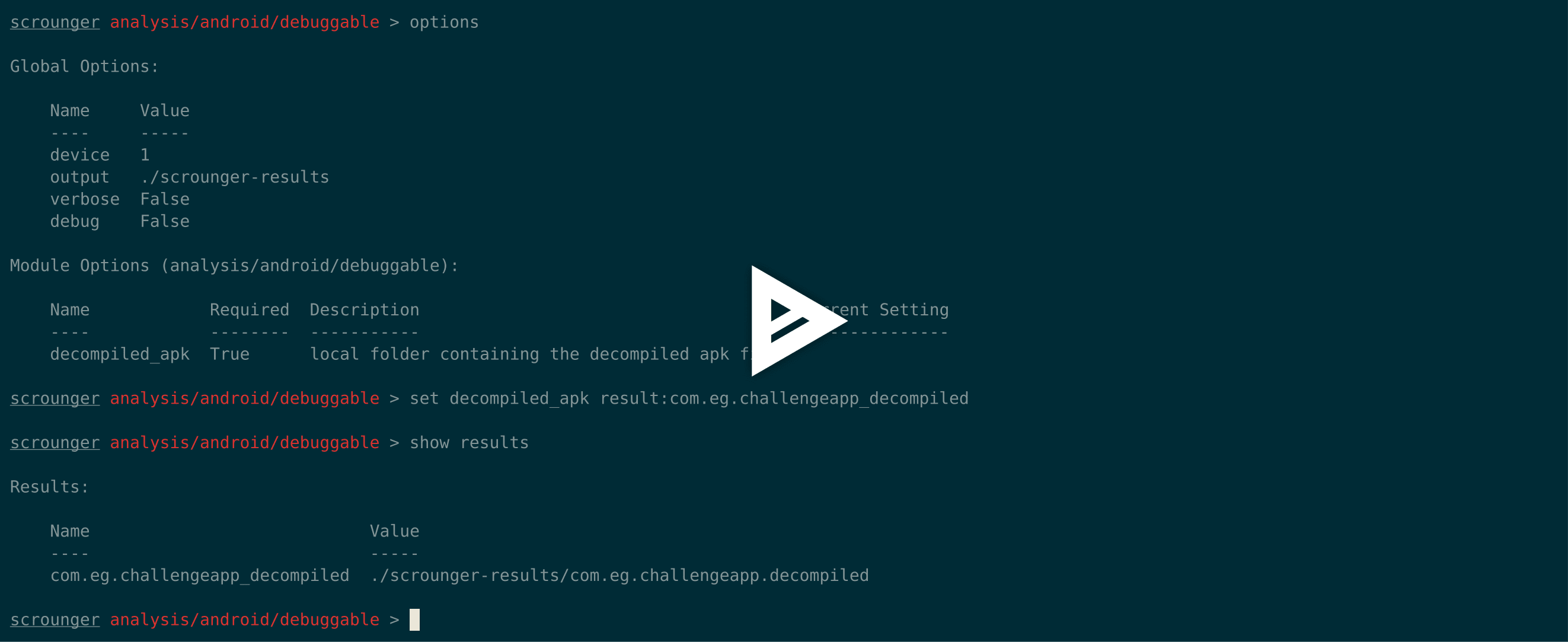
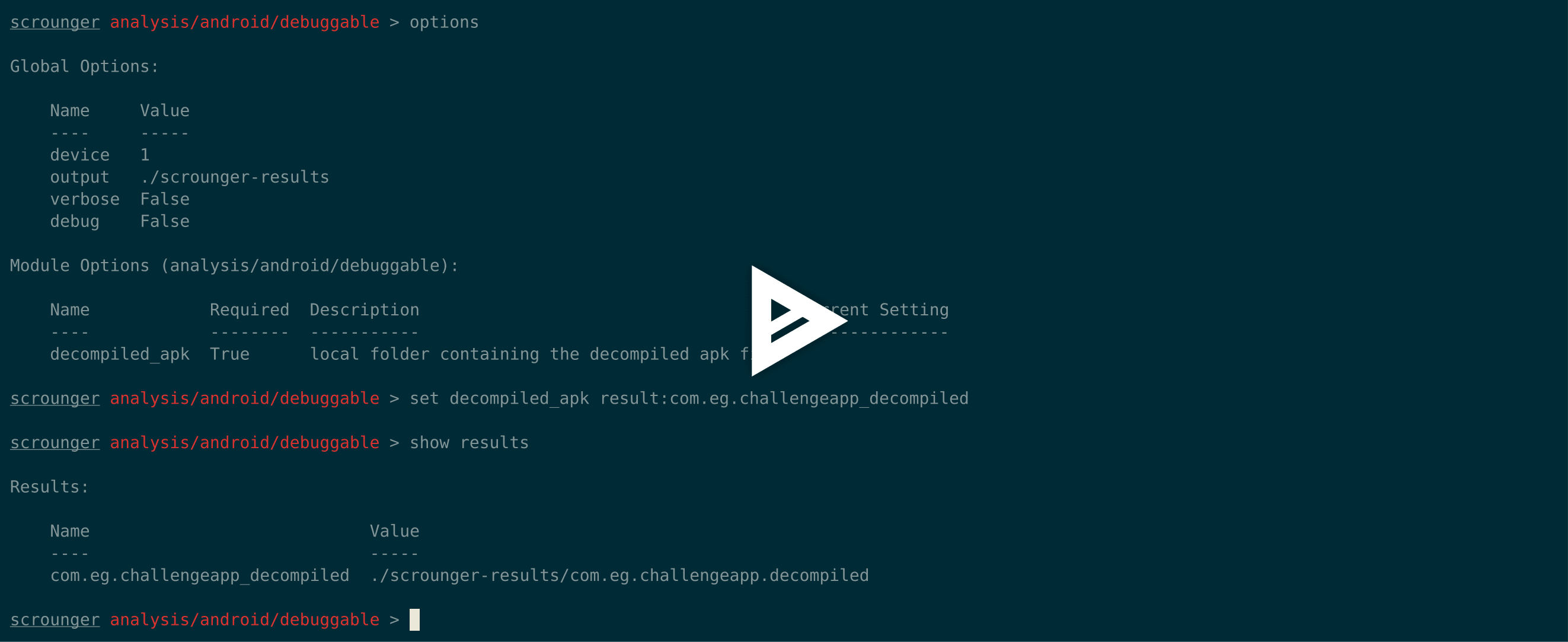
misc/android/decompile_apk > show results
Results:
Name Value
---- -----
com.eg.challengeapp_decompiled scrounger-demo-output/com.eg.challengeapp.decompiled
misc/android/decompile_apk > use analysis/android/permissions
analysis/android/permissions > options
Global Options:
Name Value
---- -----
device
output /tmp/scrounger-app
Module Options (analysis/android/permissions):
Name Required Description Current Setting
---- -------- ----------- ---------------
decompiled_apk True local folder containing the decompiled apk file
permissions True dangerous permissions to check for, seperated by ; android.permission.GET_TASKS;android.permission.BIND_DEVICE_ADMIN;android.permission.USE_CREDENTIALS;com.android.browser.permission.READ_HISTORY_BOOKMARKS;android.permission.PROCESS_OUTGOING_CA
analysis/android/permissions > print option permissions
Option Name: permissions
Value: android.permission.GET_TASKS;android.permission.BIND_DEVICE_ADMIN;android.permission.USE_CREDENTIALS;com.android.browser.permission.READ_HISTORY_BOOKMARKS;android.permission.PROCESS_OUTGOING_CALLS;android.permission.READ_LOGS;android.permission.READ_SMS;android.permission.READ_CALL_LOG;android.permission.RECORD_AUDIO;android.permission.MANAGE_ACCOUNTS;android.permission.RECEIVE_SMS;android.permission.RECEIVE_MMS;android.permission.WRITE_CONTACTS;android.permission.DISABLE_KEYGUARD;android.permission.WRITE_SETTINGS;android.permission.WRITE_SOCIAL_STREAM;android.permission.WAKE_LOCK
analysis/android/permissions > set decompiled_apk result:com.eg.challengeapp_decompiled
analysis/android/permissions > options
Global Options:
Name Value
---- -----
device
output /tmp/scrounger-app
Module Options (analysis/android/permissions):
Name Required Description Current Setting
---- -------- ----------- ---------------
decompiled_apk True local folder containing the decompiled apk file result:com.eg.challengeapp_decompiled
permissions True dangerous permissions to check for, seperated by ; android.permission.GET_TASKS;android.permission.BIND_DEVICE_ADMIN;android.permission.USE_CREDENTIALS;com.android.browser.permission.READ_HISTORY_BOOKMARKS;android.permission.PROCESS_OUTGOING_CA
analysis/android/permissions > run
2018-05-01 10:54:58 - manifest : Checking for AndroidManifest.xml file
2018-05-01 10:54:58 - manifest : Creating manifest object
2018-05-01 10:54:58 - permissions : Analysing application's manifest permissions
[+] Analysis result:
The Application Has Inadequate Permissions
Report: True
Details:
* android.permission.READ_SMS
$ scrounger-console Starting Scrounger console...
show devices
Added Devices:
Scrounger ID Device OS Identifier
------------ --------- ----------
add_device android ios
add_device android 00cd7e67ec57c127
show devices
Added Devices:
Scrounger ID Device OS Identifier
------------ --------- ----------
1 android 00cd7e67ec57c127
set global device 1
options
Global Options:
Name Value
---- -----
device 1
output /tmp/scrounger-app
use misc/list_apps
misc/list_apps > options
Global Options:
Name Value
---- -----
device 1
output /tmp/scrounger-app
Module Options (misc/list_apps):
Name Required Description Current Setting
---- -------- ----------- ---------------
output False local output directory /tmp/scrounger-app
device True the remote device 1
misc/list_apps > unset output
misc/list_apps > options
Global Options:
Name Value
---- -----
device 1
output /tmp/scrounger-app
Module Options (misc/list_apps):
Name Required Description Current Setting
---- -------- ----------- ---------------
output False local output directory
device True the remote device 1
misc/list_apps > run [+] Applications installed on 00cd7e67ec57c127:
com.android.sharedstoragebackup com.android.providers.partnerbookmarks com.google.android.apps.maps com.google.android.partnersetup de.codenauts.hockeyapp ...
### Aide en ligne de commande```
$ scrounger --help
usage: scrounger [-h] [-m analysis/ios/module1;analysis/ios/module2]
[-a argument1=value1;argument1=value2;]
[-f /path/to/the/app.[apk|ipa]] [-d device_id] [-l] [-o]
[-p /path/to/full-analysis.json] [-V] [-D]
_____
/ ____|
| (___ ___ _ __ ___ _ _ _ __ __ _ ___ _ __
\___ \ / __| '__/ _ \| | | | '_ \ / _` |/ _ \ '__|
____) | (__| | | (_) | |_| | | | | (_| | __/ |
|_____/ \___|_| \___/ \__,_|_| |_|\__, |\___|_|
__/ |
|___/
optional arguments:
-h, --help show this help message and exit
-m analysis/ios/module1;analysis/ios/module2, --modules analysis/ios/module1;analysis/ios/module2
modules to be run - seperated by ; - will be run in order
-a argument1=value1;argument1=value2;, --arguments argument1=value1;argument1=value2;
arguments for the modules to be run
-f /path/to/the/app.[apk|ipa], --full-analysis /path/to/the/app.[apk|ipa]
runs a full analysis on the application
-d device_id, --device device_id
device to be used by the modules
-l, --list list available devices and modules
-o, --options prints the required options for the selected modules
-p /path/to/full-analysis.json, --print-results /path/to/full-analysis.json
prints the results of a full analysis json file
-V, --verbose prints more information when running the modules
-D, --debug prints more information when running scrounger
$ scrounger -o -m "misc/android/decompile_apk"
Module Options (misc.android.decompile_apk):
Name Required Description Default
---- -------- ----------- -------
output True local output directory None
apk True local path to the APK file None
$ scrounger -m "misc/android/decompile_apk" -a "apk=./a.apk;output=./cli-demo" Excuting Module 0 2018-05-01 11:17:42 - decompile_apk : Creating decompilation directory 2018-05-01 11:17:42 - decompile_apk : Decompiling application 2018-05-01 11:17:46 - manifest : Checking for AndroidManifest.xml file 2018-05-01 11:17:46 - manifest : Creating manifest object [+] Application decompiled to ./cli-demo/com.eg.challengeapp.decompiled
## À faire
* Ajouter un fichier init qui est exécuté chaque fois que scrounger-console est démarré
* Corriger la sauvegarde des résultats de session lorsqu'ils ne sont pas des chaînes