
 luijait/gonet-scanner
Scanner réseau en Golang avec découverte ARP et son propre analyseur





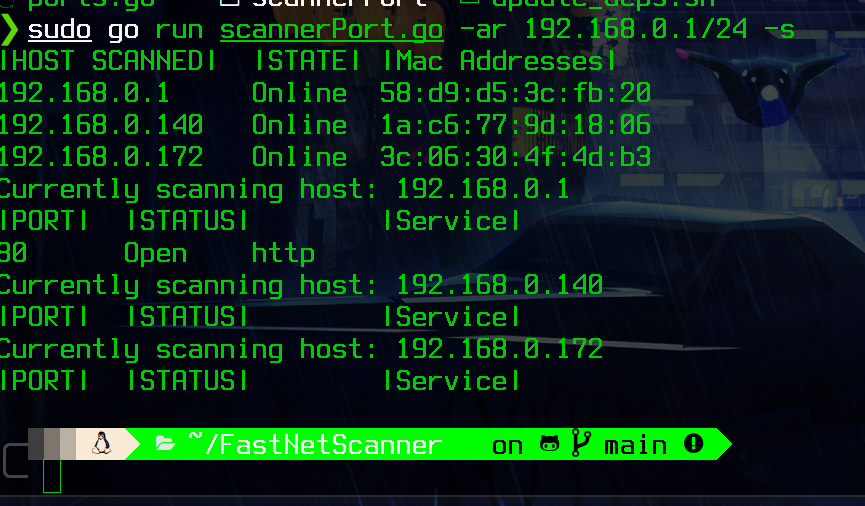
chmod +x install.sh
./install.sh [as root]
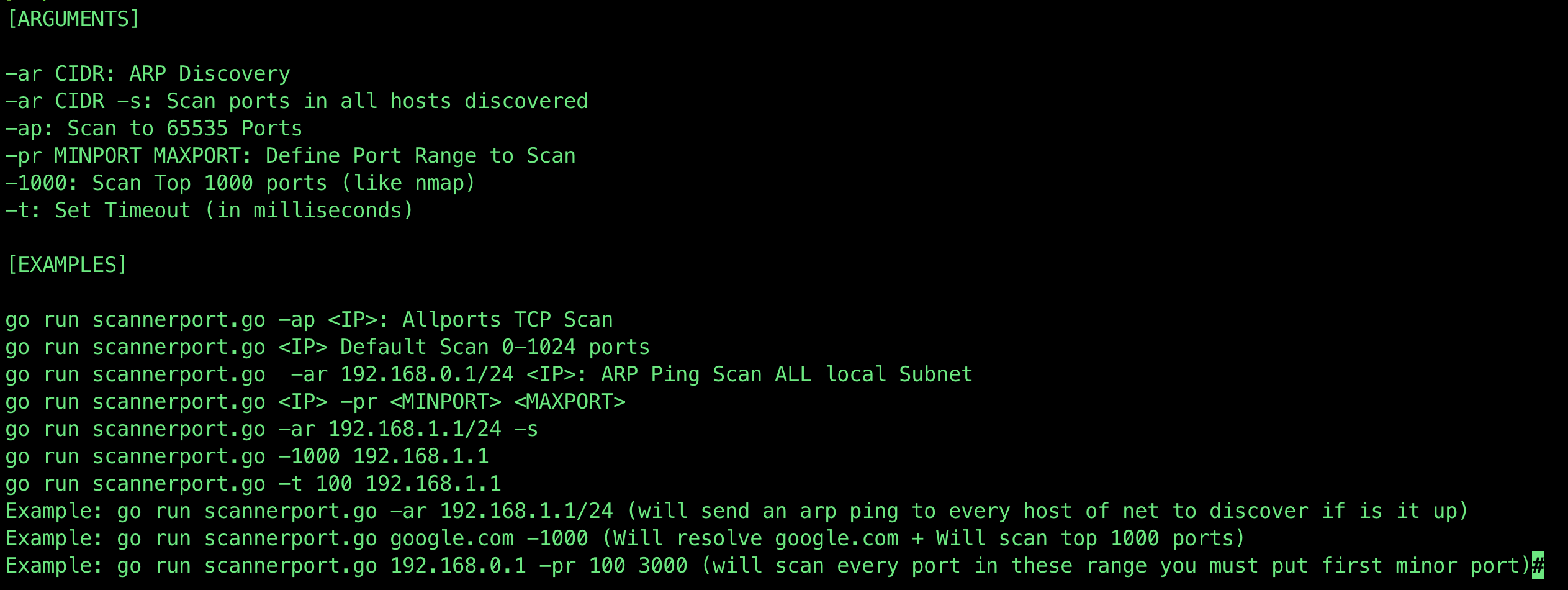
[ARGUMENTS]

-ar CIDR: ARP Discovery
-ar CIDR -s: Scan ports in all hosts discovered
-ap: Scan to 65535 Ports
-pr MINPORT MAXPORT: Define Port Range to Scan
-1000: Scan Top 1000 ports (like nmap)
-t: Set Timeout (in milliseconds)

[EXAMPLES]

go run scannerport.go -ap <IP>: Allports TCP Scan
go run scannerport.go <IP> Default Scan 0-1024 ports
go run scannerport.go  -ar 192.168.0.1/24 <IP>: ARP Ping Scan ALL local Subnet
go run scannerport.go <IP> -pr <MINPORT> <MAXPORT>
go run scannerport.go -ar 192.168.1.1/24 -s
go run scannerport.go -1000 192.168.1.1
go run scannerport.go -t 100 192.168.1.1
Example: go run scannerport.go -ar 192.168.1.1/24 (will send an arp ping to every host of net to discover if is it up)
Example: go run scannerport.go google.com -1000 (Will resolve google.com + Will scan top 1000 ports)
Example: go run scannerport.go 192.168.0.1 -pr 100 3000 (will scan every port in these range you must put first minor port)
Aller dans le fichier ports.go
func Ports() map[int]string {
	//Based in well known ports
	ports := map[int]string{
		1:     "echo",
		9:     "WOL",
		20:    "ftp data",
		21:    "ftp control",
		22:    "ssh",
		23:    "telnet",
		25:    "smtp",
		43:    "whois",
		49:    "TACACS",
		53:    "DNS",
		67:    "BOOTP",
		69:    "TFTP",
		70:    "Gopher",
		71:    "NETRJS",
		80:    "http",
		81:    "TorPark",
		82:    "TorPark",
		88:    "Kerberos",
		110:   "POP3",
		115:   "sFTP",
		143:   "imap",
		220:   "imap3",
		123:   "NTP",
		135:   "RPC",
		443:   "https",
		445:   "Microsoft-ds, Samba",
		465:   "SMTP over TLS",
		514:   "Syslog",
		520:   "RIP",
		521:   "RIPng",
		540:   "UUCP",
		543:   "klogin",
		544:   "kshell",
		587:   "submission",
		993:   "IMAP over TLS",
		995:   "POP3 over TLS",
		1433:  "Microsoft SQL Server",
		3306:  "MySQL",
		3389:  "rdp",
		5432:  "postgres",
		6667:  "irc",
		25565: "minecraft server",
	}
	return ports
Ajoutez simplement le numéro de port et le nom du service Exemple : Ajouter git
9418: "git",
Réalisé par @luijait Merci à @ajaniramon pour son aide sur ce projet !
