 edoardottt/scilla
Outil de collecte d'informations - DNS / Sous-domaines / Ports / Répertoires énumération


🏴☠️ Outil de collecte d'informations 🏴☠️ - Énumération DNS / Sous-domaines / Ports / Répertoires

Codé avec 💙 par edoardottt
Partager sur Twitter !
Installer • Démarrage • Exemples • Journal des modifications • Contribuer • Licence
brew install scilla
sudo snap install scilla
go install -v github.com/edoardottt/scilla/cmd/scilla@latest
Vous avez besoin de Go (>=1.23)
git clone https://github.com/edoardottt/scilla.git
cd scilla
go get ./...
make linux # (pour installer)
make unlinux # (pour désinstaller)
Modifiez le fichier ~/.config/scilla/keys.yaml si vous souhaitez utiliser des clés API.
One-liner : git clone https://github.com/edoardottt/scilla.git && cd scilla && go get ./... && make linux
Notez que l'exécutable ne fonctionne que dans le dossier cariddi (Alias ?).
git clone https://github.com/edoardottt/scilla.git
cd scilla
.\make.bat windows # (pour installer)
.\make.bat unwindows # (pour désinstaller)
Créez un fichier keys.yaml si vous souhaitez utiliser des clés API.
docker build -t scilla .
docker run scilla help
Énumération DNS :
scilla dns -target example.comscilla dns -oj output -target example.comscilla dns -oh output -target example.comscilla dns -ot output -target example.comscilla dns -plain -target example.comÉnumération des sous-domaines :
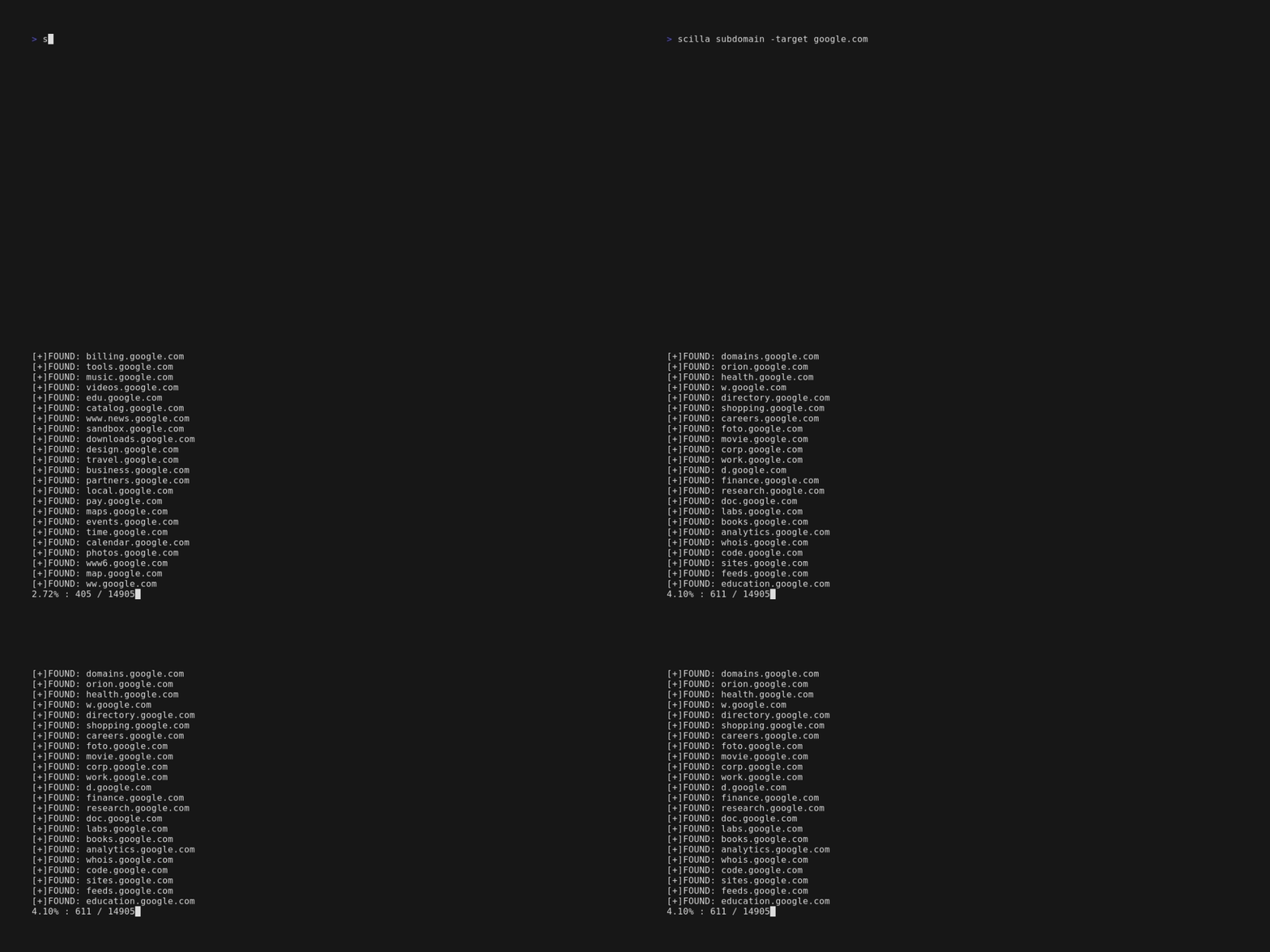
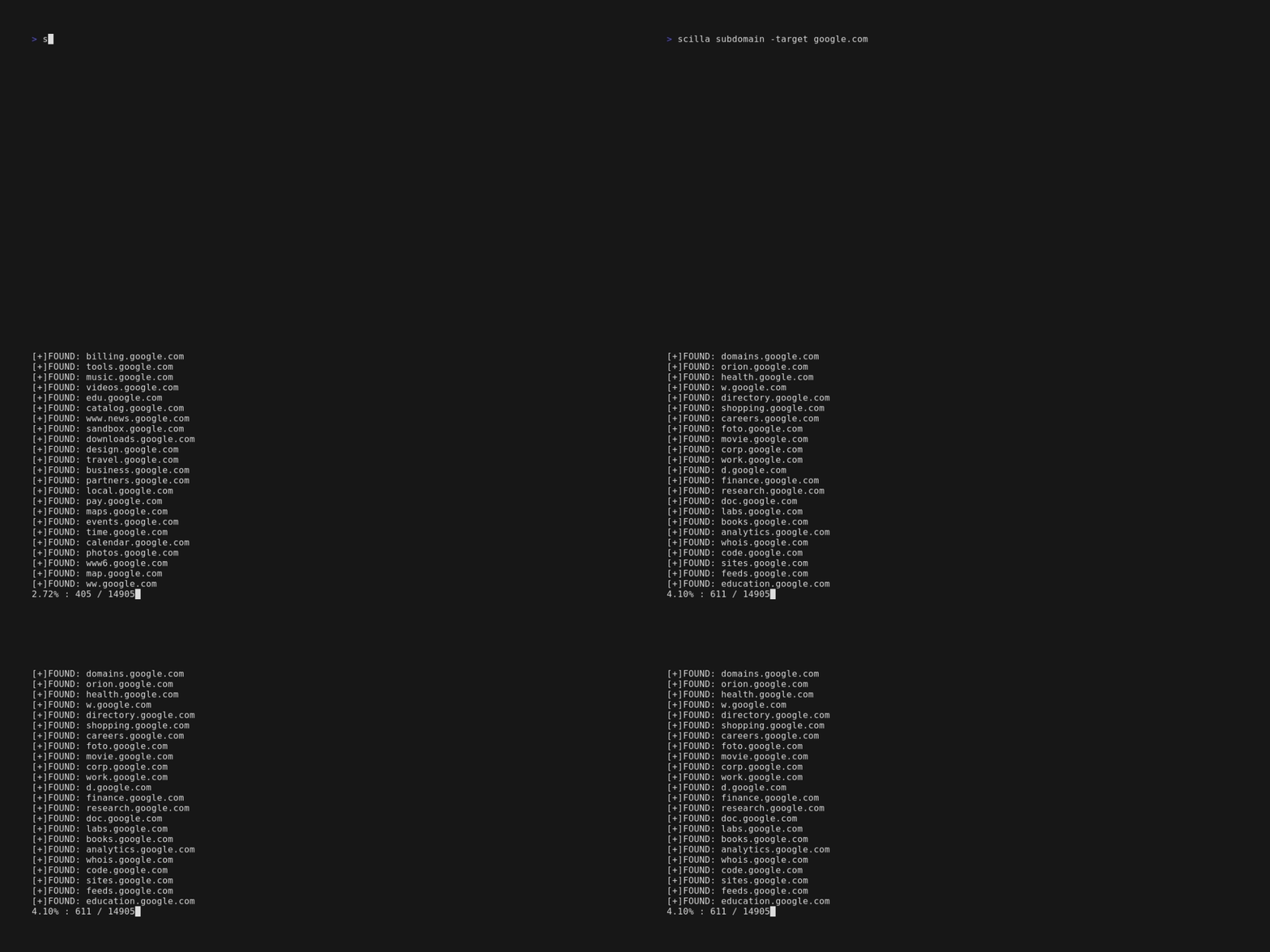
scilla subdomain -target example.comscilla subdomain -w wordlist.txt -target example.comscilla subdomain -oj output -target example.comscilla subdomain -oh output -target example.comscilla subdomain -ot output -target example.comscilla subdomain -i 400 -target example.comscilla subdomain -i 4** -target example.comscilla subdomain -c -target example.comscilla subdomain -db -target example.comscilla subdomain -plain -target example.comscilla subdomain -db -no-check -target example.comscilla subdomain -db -vt -target example.comscilla subdomain -db -bw -target example.comscilla subdomain -ua "CustomUA" -target example.comscilla subdomain -rua -target example.comscilla subdomain -dns 8.8.8.8 -target example.comscilla subdomain -alive -target example.comÉnumération des répertoires :
scilla dir -target example.comscilla dir -w wordlist.txt -target example.comscilla dir -oj output -target example.comscilla dir -oh output -target example.comscilla dir -ot output -target example.comscilla dir -i 500,401 -target example.comscilla dir -i 5**,401 -target example.comscilla dir -c -target example.comscilla dir -plain -target example.comscilla dir -nr -target example.comscilla dir -ua "CustomUA" -target example.comscilla dir -rua -target example.comÉnumération des ports :
scilla port -target example.comscilla port -p 20-90 -target example.comscilla port -p 20- -target example.comscilla port -p -90 -target example.comscilla port -p 21,25,80 -target example.comscilla port -common -target example.comscilla port -p 80 -target example.comscilla port -oj output -target example.comscilla port -oh output -target example.comscilla port -ot output -target example.comscilla port -plain -target example.comRapport complet :
scilla report -target example.comscilla report -p 20-90 -target example.comscilla report -p 20- -target example.comscilla report -p -90 -target example.comscilla report -p 80 -target example.comscilla report -p 21,25,80 -target example.comscilla report -oj output -target example.comscilla report -oh output -target example.comscilla report -ot output -target example.comscilla report -wd dirs.txt -target example.comscilla report -ws subdomains.txt -target example.comscilla report -id 500,501,502 -target example.comscilla report -is 500,501,502 -target example.comscilla report -id 5**,4** -target example.comscilla report -is 5**,4** -target example.comscilla report -cd -target example.comscilla report -cs -target example.comscilla report -db -target example.comscilla report -common -target example.comscilla report -nr -target example.comscilla report -db -vt -target example.comscilla report -ua "CustomUA" -target example.comscilla report -rua -target example.comscilla report -dns 8.8.8.8 -target example.comscilla report -alive -target example.comscilla help affiche l'aide dans la ligne de commande.
usage: scilla subcommand { options }
