 edoardottt/pphack
Scanner avancé de pollution de prototype côté client

Installation • Démarrage • Exemples • Journal des modifications • Contribution • Licence
go install github.com/edoardottt/pphack/cmd/pphack@latest
pphack repose sur chromedp, vous avez donc besoin de Chrome ou d'un navigateur basé sur Chromium.
Usage:
  pphack [flags]

Flags:
INPUT:
   -u, -url string   Input URL
   -l, -list string  File containing input URLs

CONFIGURATION:
   -c, -concurrency int       Concurrency level (default 50)
   -t, -timeout int           Connection timeout in seconds (default 20)
   -px, -proxy string         Set a proxy server (URL)
   -rl, -rate-limit int       Set a rate limit (per second)
   -ua, -user-agent string    Set a custom User Agent (random by default)
   -H, -headers string[]      Set custom headers
   -Hf, -headers-file string  File containing custom headers

SCAN:
   -p, -payload string            Custom payload
   -js, -javascript string        Run custom Javascript on target
   -jsf, -javascript-file string  File containing custom Javascript to run on target
   -e, -exploit                   Automatic Exploitation

OUTPUT:
   -o, -output string  File to write output results
   -v, -verbose        Verbose output
   -s, -silent         Silent output. Print only results
   -j, -json           JSON output
Scanner une seule URL
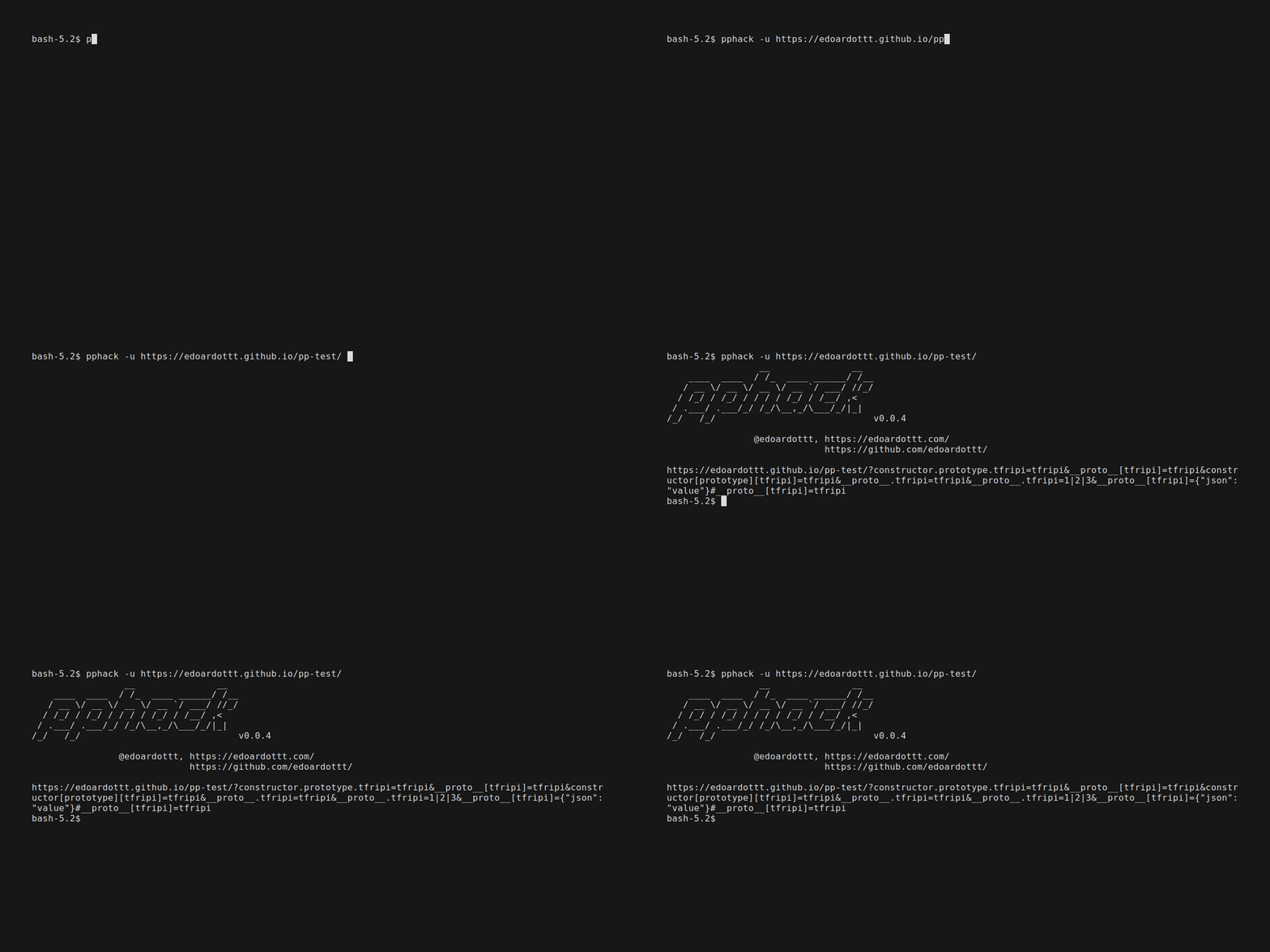
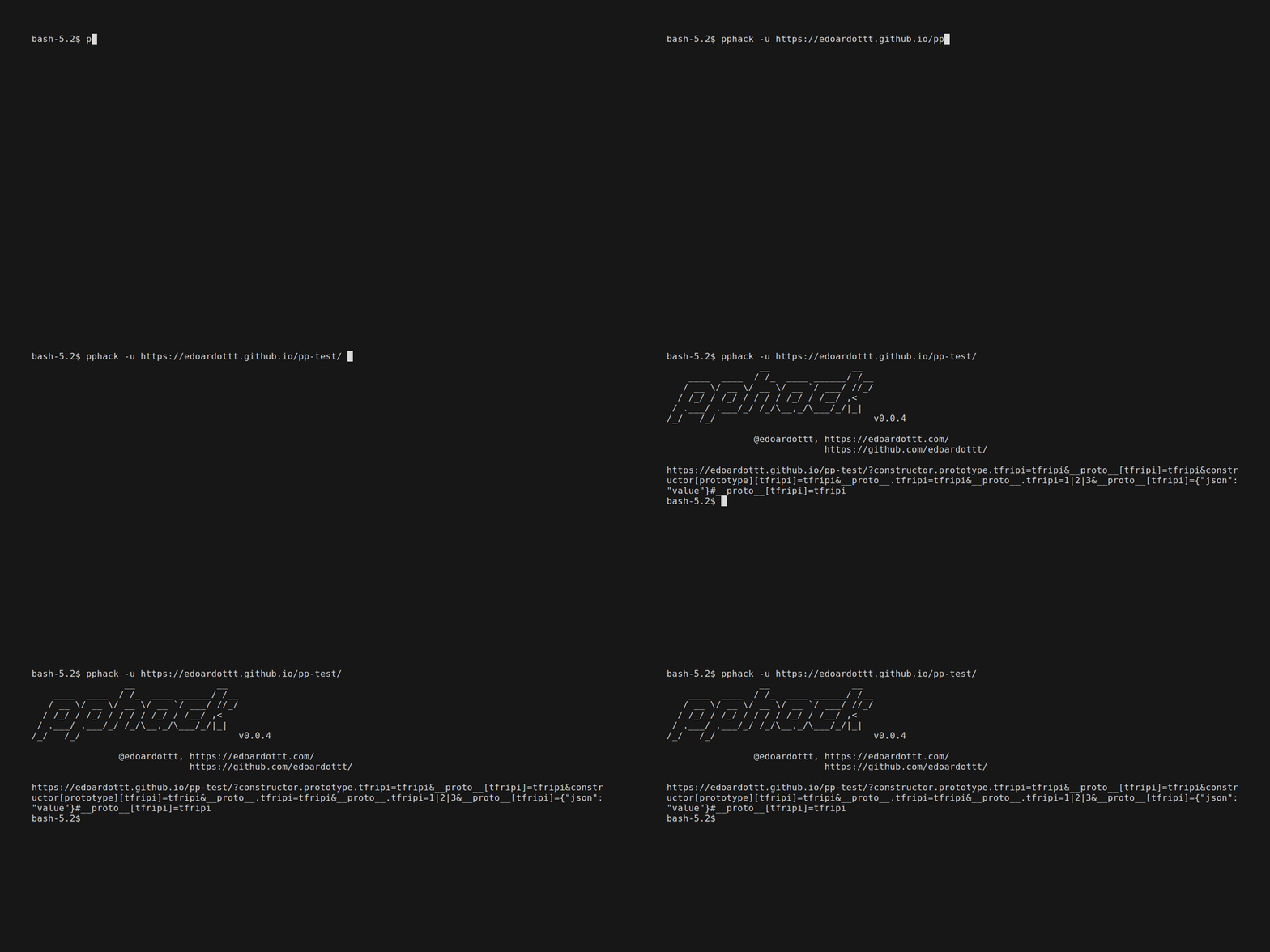
pphack -u https://edoardottt.github.io/pphack-test/
echo https://edoardottt.github.io/pphack-test/ | pphack
Scanner une liste d'URLs
pphack -l targets.txt
cat targets.txt | pphack
Exploitation automatique
pphack -e -u https://edoardottt.github.io/pphack-test/
Lire le Wiki pour comprendre comment utiliser pphack.
Les changements détaillés de chaque version sont documentés dans les notes de version.
Ouvrez simplement une issue / une pull request.
Avant d'ouvrir une pull request, téléchargez golangci-lint et exécutez
golangci-lint run
S'il n'y a pas d'erreurs, allez-y :)
Ce dépôt est sous licence MIT.
edoardottt.com pour me contacter.

