 edoardottt/cariddi
Prenez une liste de domaines, explorez les URLs et scannez les endpoints, secrets, clés API, extensions de fichiers, tokens et plus encore


Prenez une liste de domaines, explorez les URL et recherchez des endpoints, secrets, clés API, extensions de fichiers, jetons et plus encore

Codé avec 💙 par edoardottt
Partager sur Twitter !
Installation • Utilisation • Pour commencer • Journal des modifications • Contribuer • Licence
brew install cariddi
sudo snap install cariddi
go install -v github.com/edoardottt/cariddi/cmd/cariddi@latest
pacman -Syu cariddi
nix-shell -p cariddi
Vous avez besoin de Go (>=1.24.0)
git clone https://github.com/edoardottt/cariddi.git
cd cariddi
go get ./...
make linux # (to install)
make unlinux # (to uninstall)
One-liner: git clone https://github.com/edoardottt/cariddi.git && cd cariddi && go get ./... && make linux
Notez que l'exécutable ne fonctionne que dans le dossier cariddi.
git clone https://github.com/edoardottt/cariddi.git
cd cariddi
go get ./...
.\make.bat windows # (to install)
.\make.bat unwindows # (to uninstall)
Si vous souhaitez analyser une seule cible, vous pouvez utiliser
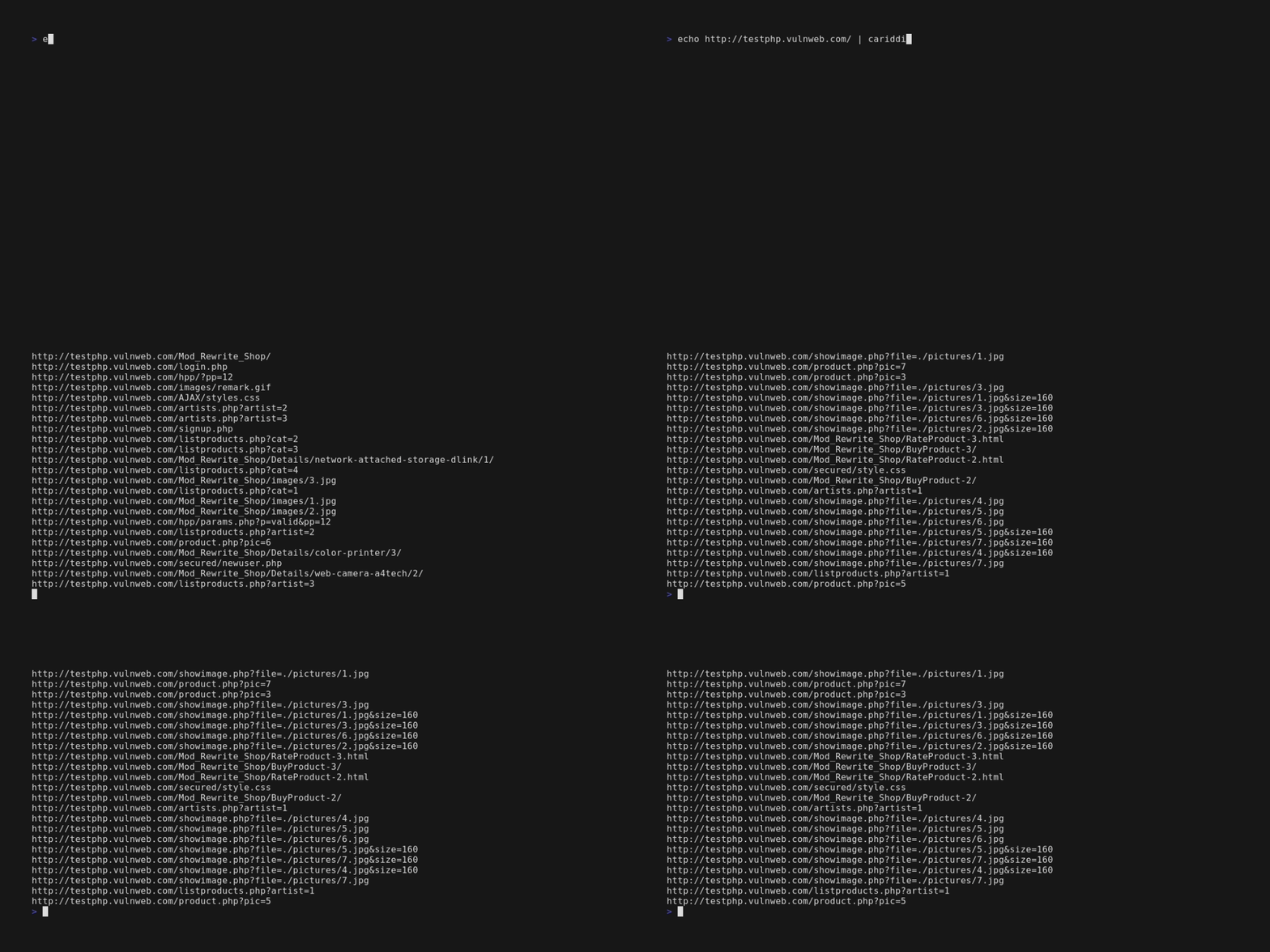
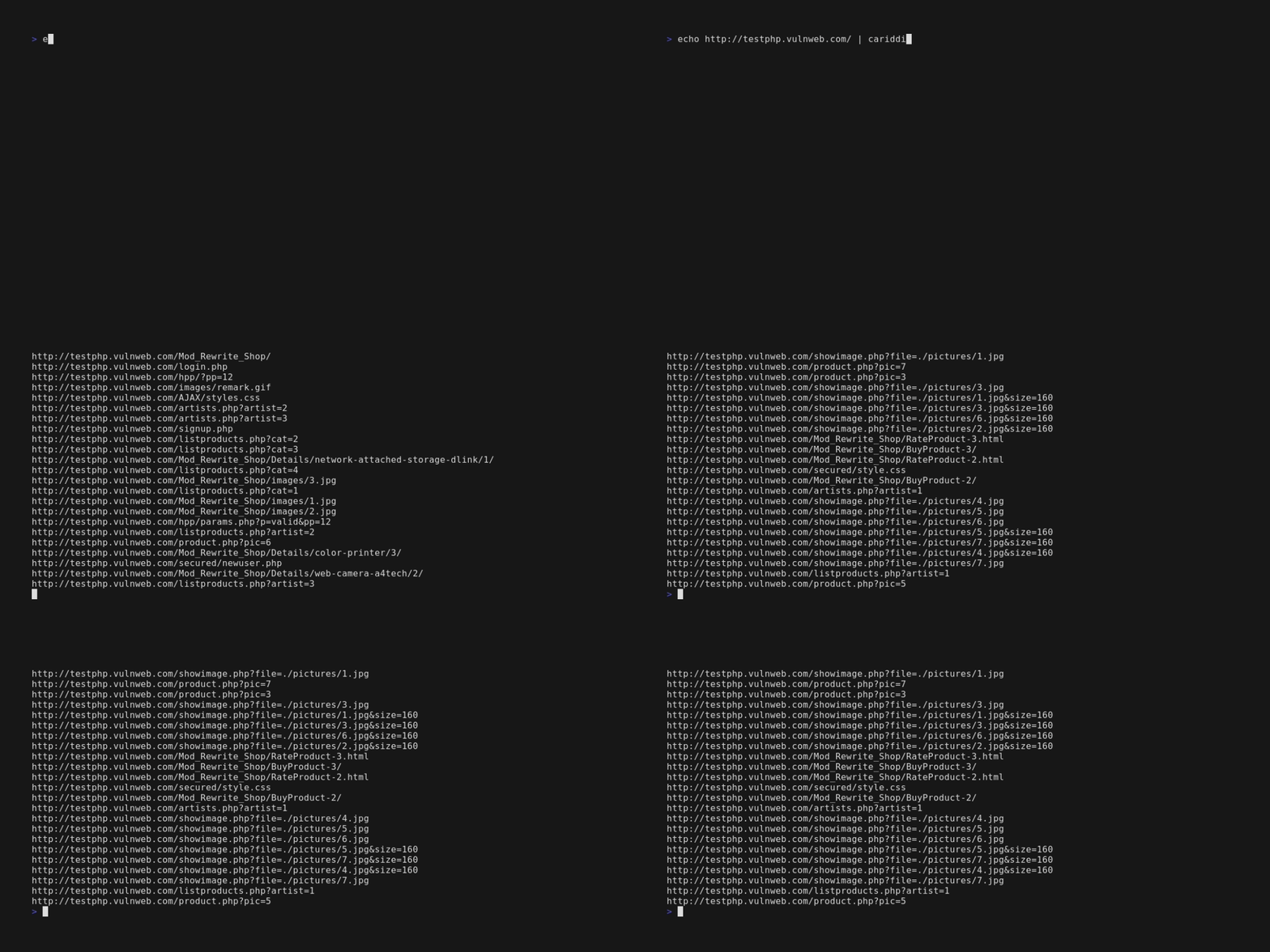
echo https://edoardottt.com/ | cariddi
Avec plusieurs cibles, vous pouvez utiliser un fichier à la place, par exemple urls.txt contenant :
https://edoardottt.com/
http://testphp.vulnweb.com/
Pour Windows :
powershell.exe -Command "cat urls.txt | .\cariddi.exe" dans l'invite de commandescat urls.txt | cariddi.exe avec PowerShellcariddi -version (Affiche la version)cariddi -h (Affiche l'aide)cariddi -examples (Affiche les exemples)cat urls.txt | cariddi -intensive (Explore en recherchant aussi les sous-domaines, identique à *.target.com)cat urls.txt | cariddi -s (Recherche les secrets)cat urls.txt | cariddi -err (Recherche les erreurs dans les sites web)cat urls.txt | cariddi -e (Recherche les endpoints intéressants)cat urls.txt | cariddi -info (Recherche les informations utiles dans les sites web)cat urls.txt | cariddi -ext 2 (Recherche les fichiers intéressants (niveau 2 sur 7))cat urls.txt | cariddi -e -ef endpoints_file (Recherche des endpoints personnalisés)cat urls.txt | cariddi -s -sf secrets_file (Recherche des secrets personnalisés)cat urls.txt | cariddi -ie pdf,png,jpg (Ignore ces extensions lors de l'analyse)Par défaut : png, svg, jpg, jpeg, bmp, jfif, gif, webp, woff, woff2, ttf, tiff, tif, mp4, webm, mkv, avi, mov, flv, wmv, mp3, wav, flac, ogg, m4a, aac, ico, cur, eot, otf sont ignorés lors de la recherche de secrets, d'informations et d'erreurs.
cat urls.txt | cariddi -proxy http://127.0.0.1:8080 (Définit un proxy, http et socks5 pris en charge)cat urls.txt | cariddi -d 2 (2 secondes entre le crawl d'une page et une autre)cat urls.txt | cariddi -c 200 (Définit le niveau de concurrence à 200)cat urls.txt | cariddi -i forum,blog,community,open (Ignore les URL contenant ces mots)cat urls.txt | cariddi -it ignore_file (Ignore les URL contenant au moins une ligne du fichier d'entrée)cat urls.txt | cariddi -cache (Utilise le dossier .cariddi_cache comme cache)cat urls.txt | cariddi -t 5 (Définit le délai d'attente pour les requêtes)cat urls.txt | cariddi -headers "Cookie: auth=admin;type=2;; X-Custom: customHeader"cat urls.txt | cariddi -headersfile headers.txt (Lit les en-têtes personnalisés depuis un fichier externe)cat urls.txt | cariddi -ua "Custom User Agent" (Utilise un User Agent personnalisé)cat urls.txt | cariddi -rua (Utilise un user agent de navigateur aléatoire à chaque requête)cat urls.txt | cariddi -plain (Affiche uniquement les résultats)cat urls.txt | cariddi -ot target_name (Résultats dans un fichier txt)cat urls.txt | cariddi -oh target_name (Résultats dans un fichier html)cat urls.txt | cariddi -json (Affiche la sortie au format JSON sur stdout)cat urls.txt | cariddi -sr (Stocke les réponses HTTP)cat urls.txt | cariddi -debug (Affiche les informations de débogage pendant le crawl)cat urls.txt | cariddi -md 3 (Maximum 3 niveaux de profondeur)cariddi -h affiche l'aide.
Usage of cariddi:
  -c int
     Concurrency level. (default 20)
  -cache
     Use the .cariddi_cache folder as cache.
  -d int
     Delay between a page crawled and another.
  -debug
     Print debug information while crawling.
  -e Hunt for juicy endpoints.
  -ef string
     Use an external file (txt, one per line) to use custom parameters for endpoints hunting.
  -err
     Hunt for errors in websites.
  -examples
     Print the examples.
  -ext int
     Hunt for juicy file extensions. Integer from 1(juicy) to 7(not juicy).
  -h Print the help.
  -headers string
     Use custom headers for each request E.g. -headers "Cookie: auth=yes;;Client: type=2".
  -headersfile string
     Read from an external file custom headers (same format of headers flag).
  -json
     Print the output as JSON in stdout.
  -md
     Maximum depth level the crawler will follow from the initial target URL.
  -i string
     Ignore the URL containing at least one of the elements of this array.
  -ie value
     Comma-separated list of extensions to ignore while scanning.
  -info
     Hunt for useful informations in websites.
  -intensive
     Crawl searching for resources matching 2nd level domain.
  -it string
     Ignore the URL containing at least one of the lines of this file.
  -oh string
     Write the output into an HTML file.
  -ot string
     Write the output into a TXT file.
  -plain
     Print only the results.
  -proxy string
     Set a Proxy to be used (http and socks5 supported).
  -rua
     Use a random browser user agent on every request.
  -s Hunt for secrets.
  -sf string
     Use an external file (txt, one per line) to use custom regexes for secrets hunting.
  -sr
     Store HTTP responses.
  -t int
     Set timeout for the requests. (default 10)
  -ua string
     Use a custom User Agent.
  -version
     Print the version.
Normalement, vous utilisez Burpsuite dans votre navigateur, il vous suffit donc de faire confiance au certificat de burpsuite dans le navigateur et c'est terminé.
Pour utiliser cariddi avec le proxy BurpSuite, vous devez effectuer quelques étapes supplémentaires.
