
Ce contenu est affiché en anglais. Une traduction pour votre langue n'est pas encore disponible.

New releaseOct 19, 2026
Aliens_eye v2.7.2
Hunt down 840+ social media accounts using AI
ALIENS EYE

AI-OSINT Username Scanner
Advanced AI-Powered Social Media Username Finder
Scan 840+ platforms with ML-blended detection





🐧 New from the author: lxask
lxask is a Linux command assistant that runs entirely on your own machine: describe what you want in plain English and it suggests the command. No API key, no cloud, about 1 GB on disk, no GPU. If you find Aliens Eye useful, a ⭐ on lxask helps a lot.
To hide the one-line mention of it under the Aliens Eye banner, set ALIENS_EYE_NO_PROMO=1.
💙 Sponsored by Swiftproxy
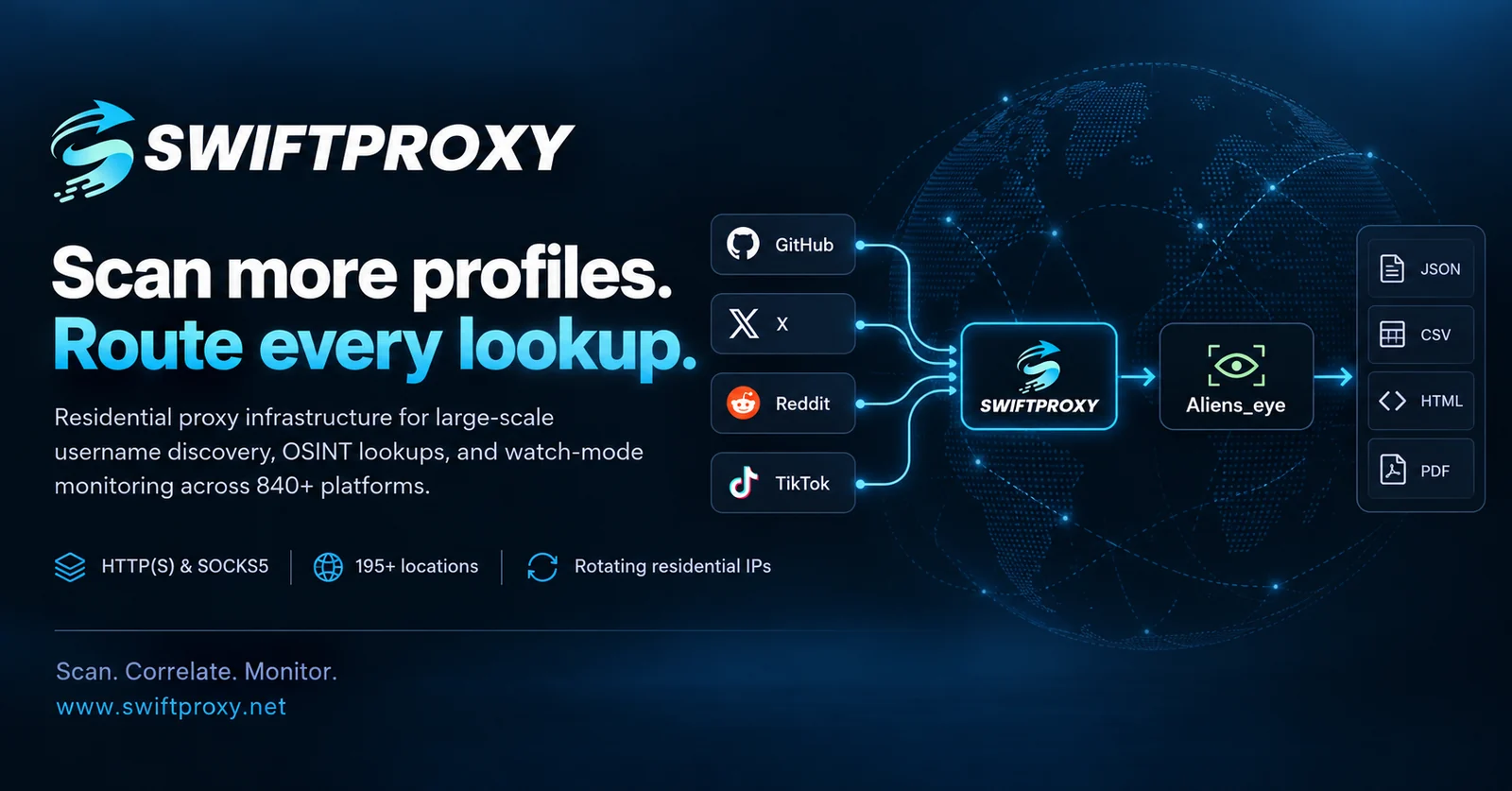
Power your web scraping and data collection with Swiftproxy — a residential proxy provider offering rotating and static residential proxies for reliable, efficient data access.
- 90M+ residential IPs across 220+ locations
- Protocols: HTTP(S) and SOCKS5
- Flexible sessions: Rotating and sticky
- Pricing: Plans starting at $0.7/GB
- Discount: Get an additional 10% off with code
PROXY90 - Free trials available
Highlights
- 840+ platforms scanned asynchronously in seconds
- ML + heuristic detection — a trained model blended with 30 structural signals (HTTP status, DOM shape, keywords, fingerprints) instead of naive status-code checks
- Profile extraction — display name, bio, and avatar pulled from each hit (OpenGraph / JSON-LD / per-site CSS)
- Cross-site correlation — cluster profiles that look like the same person by avatar hash, bio, shared links, and name (
--correlate) - Recursive expansion — follow linked usernames out of bios and re-scan them (
--recurse-depth N) - Domain check — is
<username>.{com,io,net,…}registered and live? (--domains) - Watch mode — re-scan on an interval and alert on changes, optionally to a webhook (
--watch 6h --notify <url>) - Resumable scans — checkpoint progress and continue after an interruption (
--resume file.jsonl) - Modern terminal UI — live progress, sorted result tables, summary panels (powered by rich); plus an interactive browser (
aliens_eye tui, optional extra) - MCP server — expose scanning to LLM agents (
aliens_eye serve, optional extra) - Proxy & Tor support —
--proxy socks5://...or just--tor - Site filtering —
--site github,reddit,--exclude-site,--no-nsfw, plus drop-insites.d/plugin site maps - A second opinion on every Found — the site is also asked for a username that cannot exist; if it shows the same page, the hit is downgraded to Maybe
- Calibrated self-check —
aliens_eye selfcheckreports precision / recall / F1 / FPR per site - Reproducible evaluation — record a frozen response corpus once, then replay it for identical metrics run to run (
aliens_eye corpus record/selfcheck --corpus) - Ablations and baselines —
aliens_eye eval ablatescores detector configurations with bootstrap confidence intervals;eval externalcompares against Sherlock / Maigret / WhatsMyName rules on the same stored responses - Retrainable + active learning — retrain with
aliens_eye train, or hand-label uncertain hits withaliens_eye label - Reports in JSON, CSV, HTML, Markdown, PDF, and graph formats (GEXF, Mermaid, Maltego CSV)
- Playwright fallback for JavaScript-heavy pages (optional extra)
Install
pip install aliens-eye
Optional extras:
pip install "aliens-eye[browser]"   # Playwright fallback for hard pages
python -m playwright install chromium

pip install "aliens-eye[train]"     # scikit-learn, for retraining the ML model
pip install "aliens-eye[correlate]" # Pillow, for avatar-image matching in --correlate
pip install "aliens-eye[pdf]"       # reportlab, for --format pdf
pip install "aliens-eye[tui]"       # textual, for the interactive `tui` browser
pip install "aliens-eye[serve]"     # mcp, for the `serve` MCP server
Or with Docker:
docker build -t aliens-eye .
docker run --rm -it aliens-eye username
From source:
git clone https://github.com/arxhr007/Aliens_eye.git
cd Aliens_eye
pip install -e .
Usage
# Interactive prompts
aliens_eye

# Single username
aliens_eye username

# Multiple usernames
aliens_eye username1 username2

# Advanced scan level (prefix/suffix variations)
aliens_eye username -l advanced

# Only scan specific sites
aliens_eye username --site github,reddit,gitlab

# Skip NSFW sites
aliens_eye username --no-nsfw

# Route through Tor (needs a local Tor daemon)
aliens_eye username --tor

# Any HTTP or SOCKS proxy
aliens_eye username --proxy socks5://127.0.0.1:1080

# Export everything
aliens_eye username --format all --output results

# Heuristics only, no ML
aliens_eye username --no-ml

# Non-interactive preset: quick / full / aggressive
aliens_eye username --profile quick

# Plain output for scripts and CI (no colors/progress)
aliens_eye username --plain

# The report as JSON on stdout, one line per username; the banner, progress and summary go to stderr
aliens_eye username --json-stdout | jq '.variations[].sites | to_entries[] | select(.value.status == "Found") | .value.url'

# Only Found/Maybe sites in the report (the counts still cover every site scanned)
aliens_eye username --json-stdout --only-found

# View results from a previous scan
aliens_eye -r results/username_advanced_20260611_120000.json

# Correlate hits into "likely same person" clusters + check domains
aliens_eye username --correlate --domains

# Follow linked usernames out of found bios and re-scan them
aliens_eye username --recurse-depth 1

# Export a graph of the results (import into Gephi / Maltego / Mermaid)
aliens_eye username --correlate --format gexf,mermaid,maltego

# Investigator PDF with embedded avatars
aliens_eye username --format pdf

# Watch for changes every 6 hours and POST them to a webhook
aliens_eye username --watch 6h --notify https://hooks.example/aliens

# Resume an interrupted scan
aliens_eye username --resume scan.jsonl