 n3ph0s/onionscan
Scan and analyze Tor hidden services (.onion) to extract metadata, SSH banners, email addresses, and potential IP leaks via mod_status, with a correlation lab for visualization.

note! this repo is a patched version of https://github.com/s-rah/onionscan and is designed to be run from a google cloud shell from hunchly at https://github.com/hunchly/funchly/tree/main/onionscan which has been used as the baseline and modified to also be able to deploy on a local instance.

https://gitlab.com/n3ph0s/onionscan/-/raw/main/cloudshell_install_onionscan.sh
chmod +x cloudshell_install_onionscan.sh
./cloudshell_install_onionscan.sh
docker run -it -p 127.0.0.1:9050:9050 --name torproxy -d dperson/torproxy
docker inspect torproxy
you will need to re-run the tor proxy / docker commands above each time you drop into a cloud shell.
onionscan -torproxyaddress <ip address of docker container>:9050 -verbose <onion address>
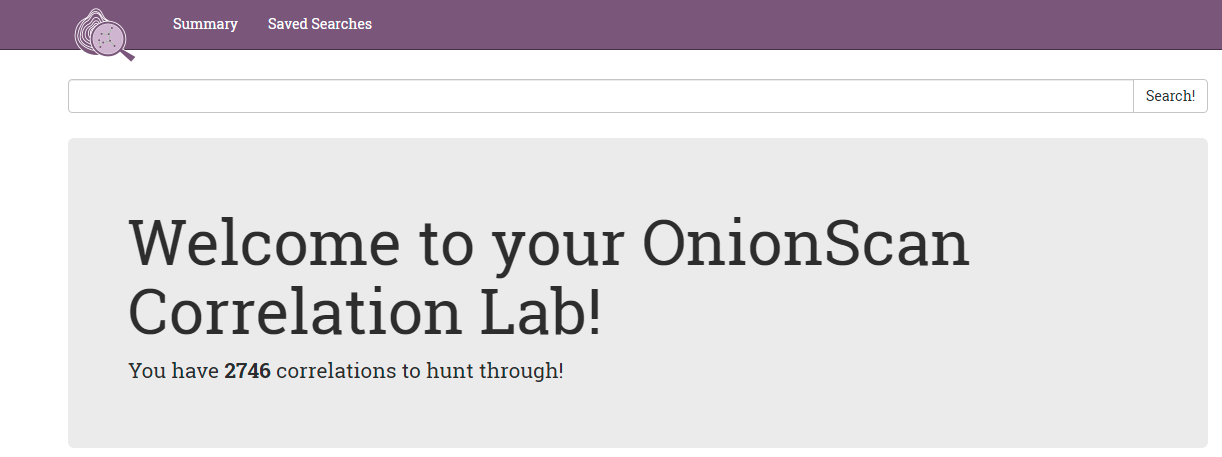
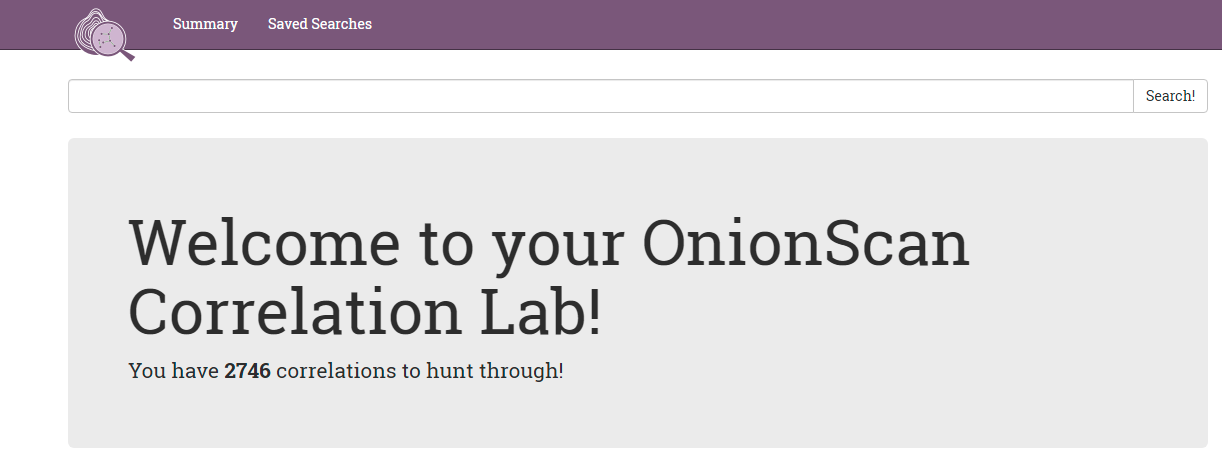
 your browser should open the onion scan correlation lab in a new tab:
snapshot - finds all types of all data extracted.
crawl - finds all successful crawls.
ssh - find all ssh banners retrieved.
email-address - search for extracted email addresses.
mod_status - this will find hidden services potentially leaking the "real" ip address.
or you can search for the title of a hidden service from the hunchly dark web report.
note! this is based on a clean installation of ubuntu 20.04 and the instructions can be modified for other versions of linux using the below instructions as a base
wget https://gitlab.com/n3ph0s/onionscan/-/raw/main/local_install_onionscan.sh
chmod +x local_install_onionscan.sh
./local_install_onionscan.sh
docker run -it -p 127.0.0.1:9050:9050 --name torproxy -d dperson/torproxy
docker inspect torproxy
onionscan -torproxyaddress <ip address of docker container>:9050 -verbose <onion address>
snapshot - finds all types of all data extracted.
crawl - finds all successful crawls.
ssh - find all ssh banners retrieved.
email-address - search for extracted email addresses.
mod_status - this will find hidden services potentially leaking the "real" ip address.
or you can search for the title of a hidden service from the hunchly dark web report.
head to the original repo: https://github.com/s-rah/onionscan
