 mbrandner-group/juiceshopgl
Intentionally vulnerable web application for security training, CTF competitions, and testing security tools. Covers OWASP Top Ten vulnerabilities and real-world flaws.




The most trustworthy online shop out there. (@dschadow) — The best juice shop on the whole internet! (@shehackspurple) — Actually the most bug-free vulnerable application in existence! (@vanderaj) — First you 😂😂then you 😢 (@kramse) — But this doesn't have anything to do with juice. (@coderPatros' wife)
OWASP Juice Shop is probably the most modern and sophisticated insecure web application! It can be used in security trainings, awareness demos, CTFs and as a guinea pig for security tools! Juice Shop encompasses vulnerabilities from the entire OWASP Top Ten along with many other security flaws found in real-world applications!
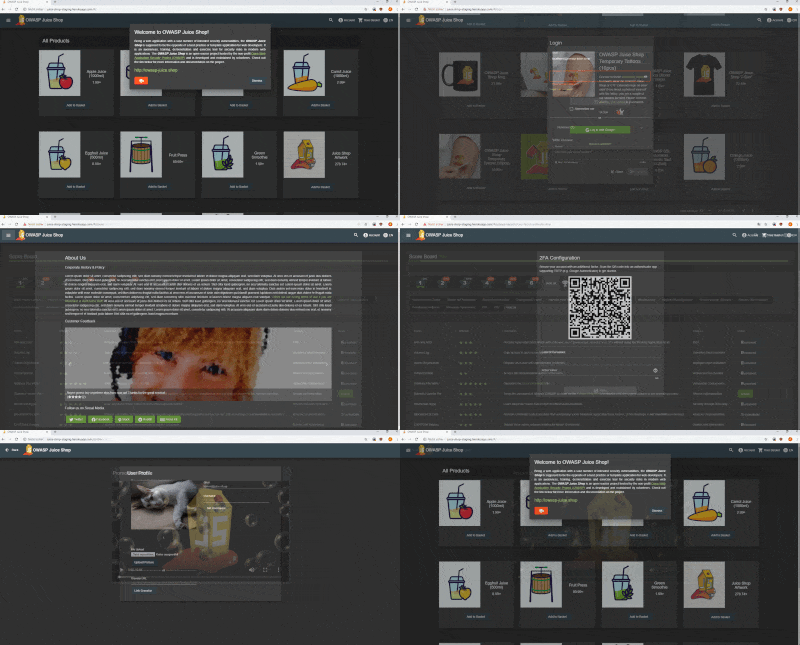
For a detailed introduction, full list of features and architecture overview please visit the official project page: https://owasp-juice.shop
You can find some less common installation variations in the Running OWASP Juice Shop documentation.

This is the quickest way to get a running instance of Juice Shop! If you have forked this repository, the deploy button will automatically pick up your fork for deployment! As long as you do not perform any DDoS attacks you are free to use any tools or scripts to hack your Juice Shop instance on Heroku!

git clone https://github.com/bkimminich/juice-shop.git (or
clone your own fork
of the repository)cd juice-shopnpm install (only has to be done before first start or when you
change the source code)npm start

juice-shop-<version>_<node-version>_<os>_x64.zip (or
.tgz) attached to
latest releasecd into the unpacked foldernpm startEach packaged distribution includes some binaries for
sqlite3andlibxmljsbound to the OS and node.js version whichnpm installwas executed on.




docker pull bkimminich/juice-shopdocker run --rm -p 3000:3000 bkimminich/juice-shopgit clone https://github.com/bkimminich/juice-shop.git (or
clone your own fork
of the repository)cd vagrant && vagrant up#!/bin/bash
yum update -y
yum install -y docker
service docker start
docker pull bkimminich/juice-shop
docker run -d -p 80:3000 bkimminich/juice-shop






