MagicArch is a comprehensive post-installation script built with Ansible, designed to transform a basic Arch Linux installation into a fully equipped Pentesting Distro customized for pentesting and performance. With a focus on security assessments, customization, and performance optimization, MagicArch simplifies the setup process and ensures a tailored environment for pentesting tasks.
 magicbytes/magicarch

MagicArch is a comprehensive post-installation script built with Ansible, designed to transform a basic Arch Linux installation into a fully equipped Pentesting Distro customized for pentesting and performance. With a focus on security assessments, customization, and performance optimization, MagicArch simplifies the setup process and ensures a tailored environment for pentesting tasks.
Ansible-Powered Automation: Leveraging the power of Ansible, MagicArch streamlines the setup process, automating the configuration of essential tools and settings.
Pentesting Tool Integration: MagicArch includes a wide array of pentesting tools, conveniently configured and ready for use, enhancing efficiency and productivity in security assessments and penetration testing tasks.
Customization: MagicArch deploys various customizations such as themes, wallpapers, desktop configurations, and more, ensuring a unique user experience.
Performance Optimization: MagicArch incorporates performance tweaks and optimizations, enhancing system responsiveness and ensuring smooth operation during intensive tasks.
curl -s -O https://gitlab.com/MagicBytes/magicarch/-/raw/main/install.sh && bash install.sh
Installation: Start with a vanilla Arch Linux installation.
Clone Repository: Clone the MagicArch repository to your local machine.
Run Script: Execute the install.sh script to initiate the setup process.
... or just run the quick install command that does not require anything besides sudo and curl
[optional] Customize: Modify the provided configuration files (if you wish).
install required packages (run as root):
pacman -S git git-lfs sudo ansible-core
install required ansible collections (do not run as root):
ansible-galaxy collection install community.general ansible.posix community.postgresql
clone the repository:
git clone https://gitlab.com/MagicBytes/magicarch
change to the newly cloned repo:
cd magicarch
install Git LFS for this repo (do not run as root):
git lfs install
pull the MagicArch KDE config from Git LFS (do not run as root):
git-lfs pull
install MagicArch (do not run as root):
ansible-playbook site.yml --connection=local --ask-become-pass
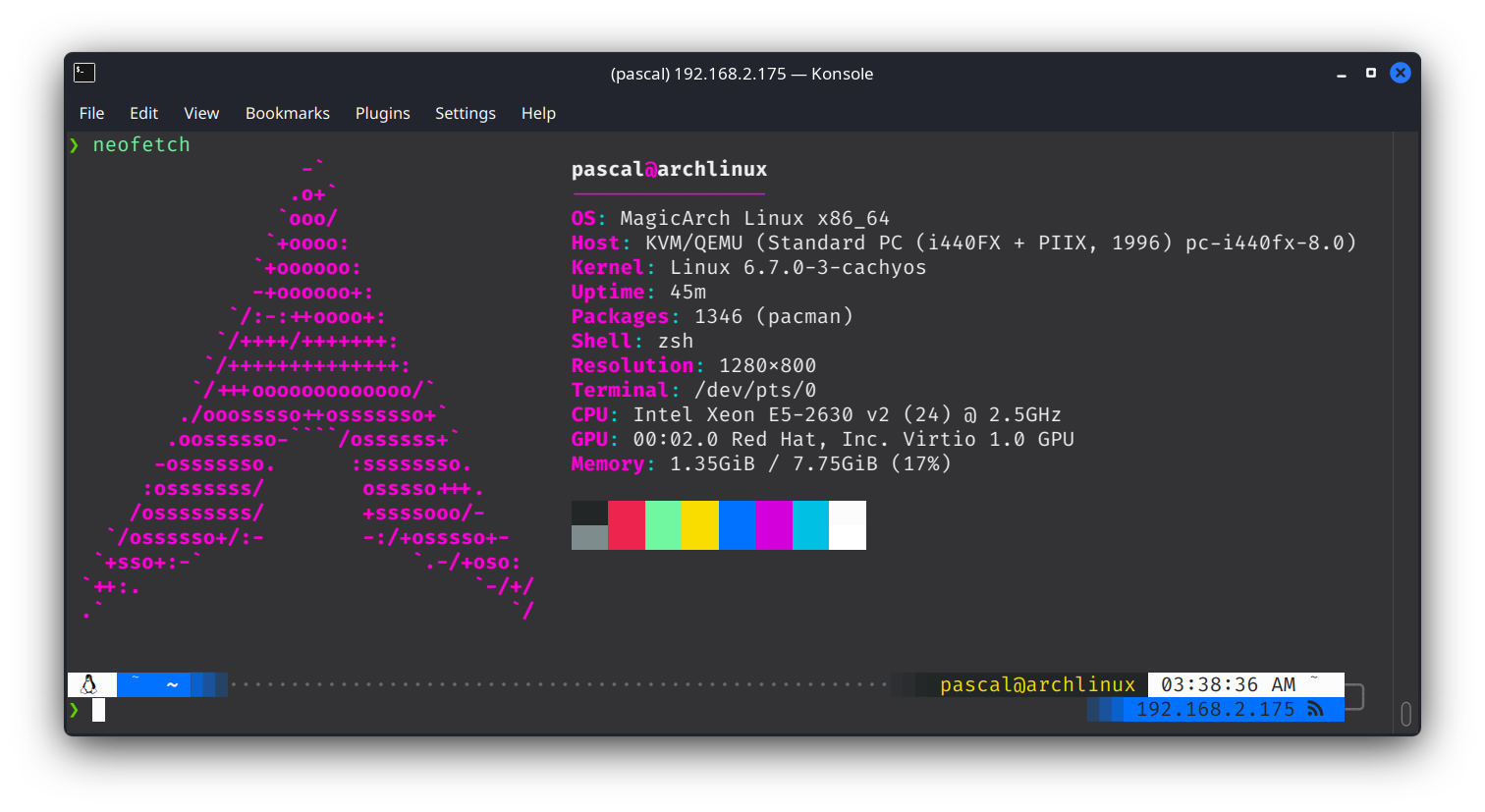
neofetch screenshot:
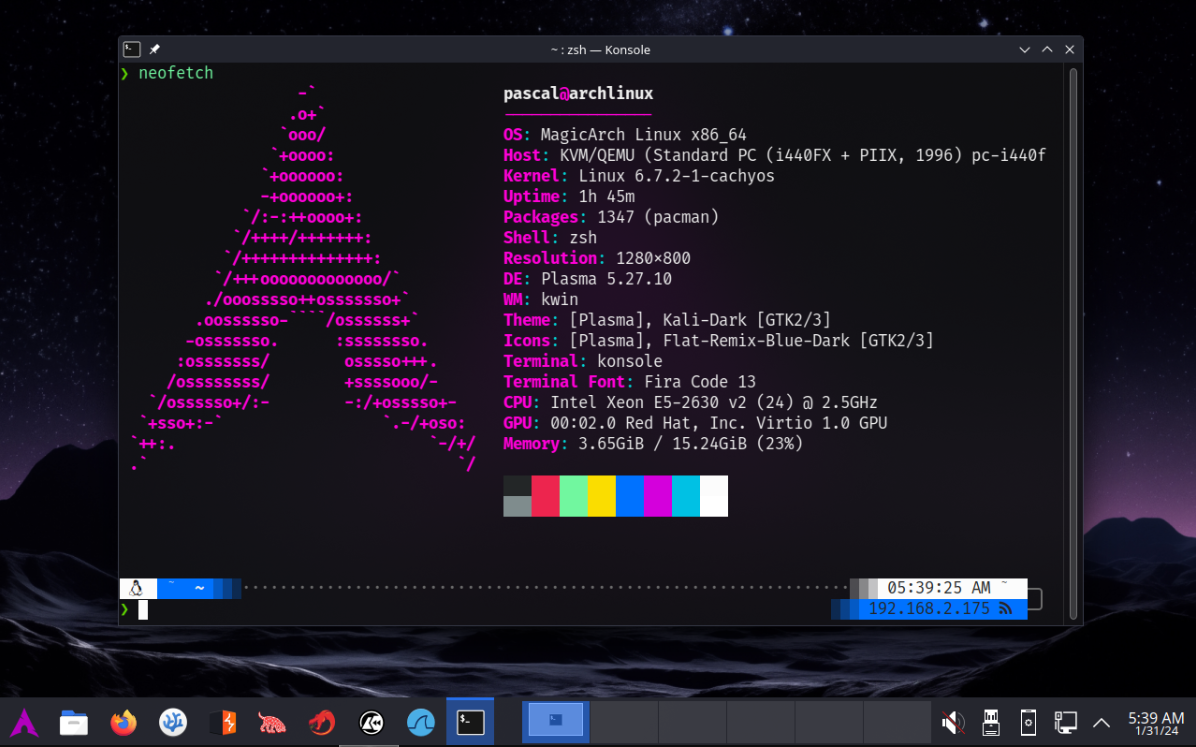
KDE workspace screenshot:
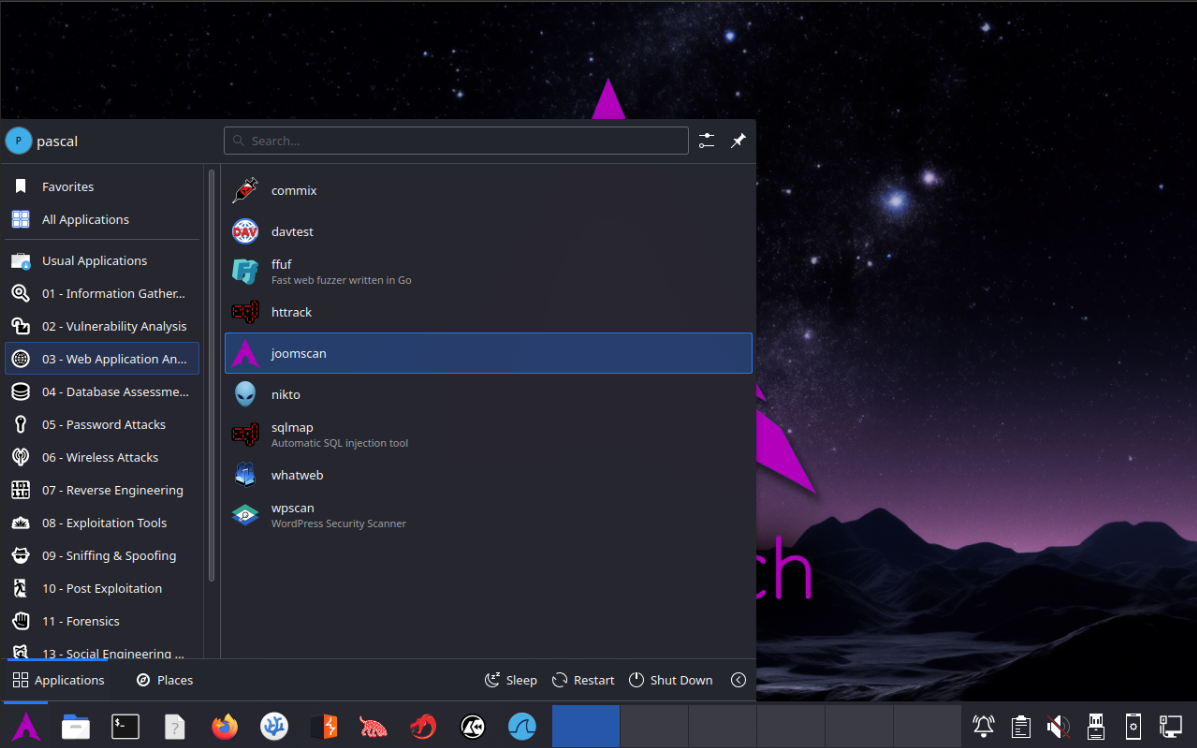
KDE menu:
1080p wallpaper:

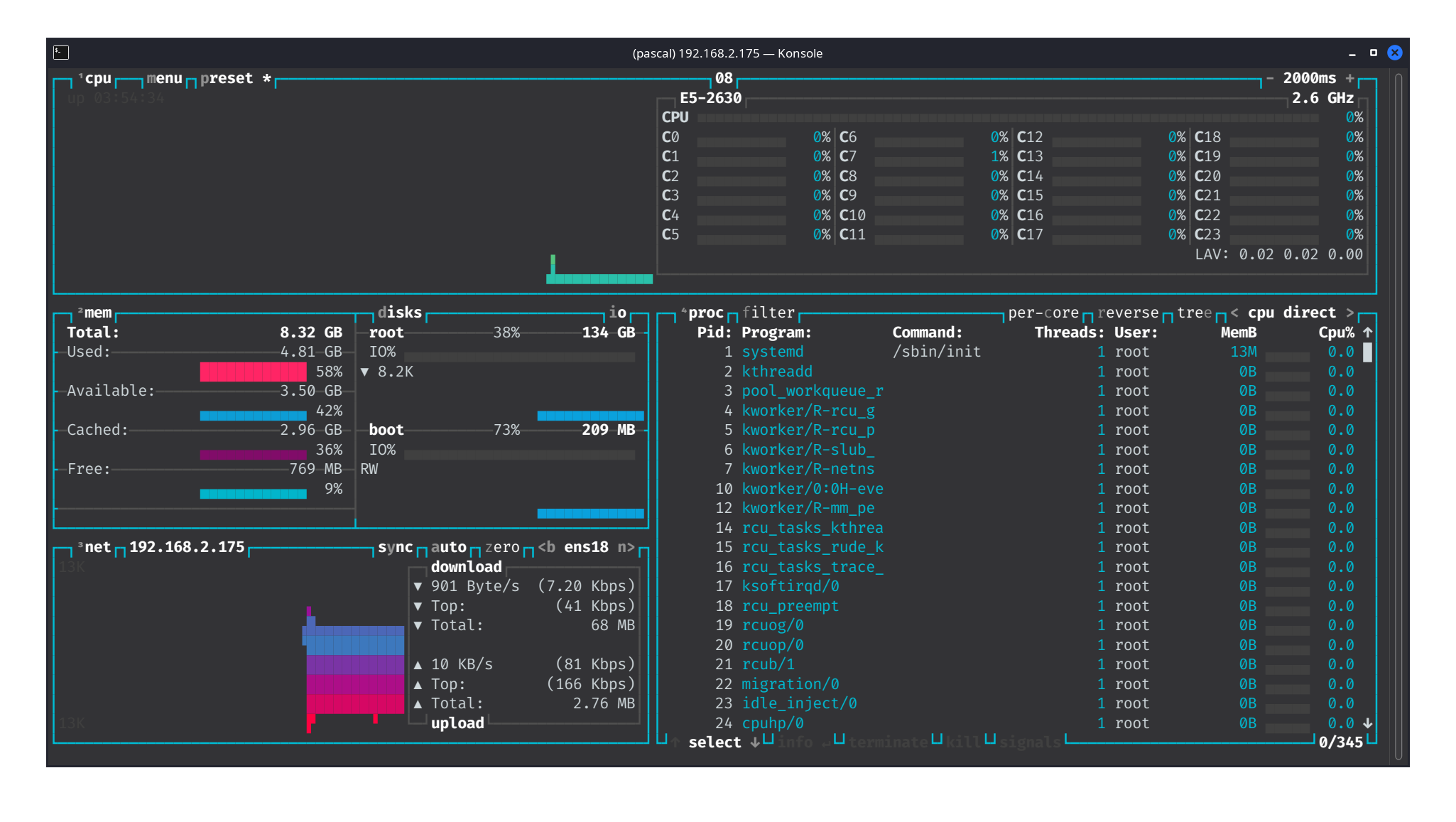
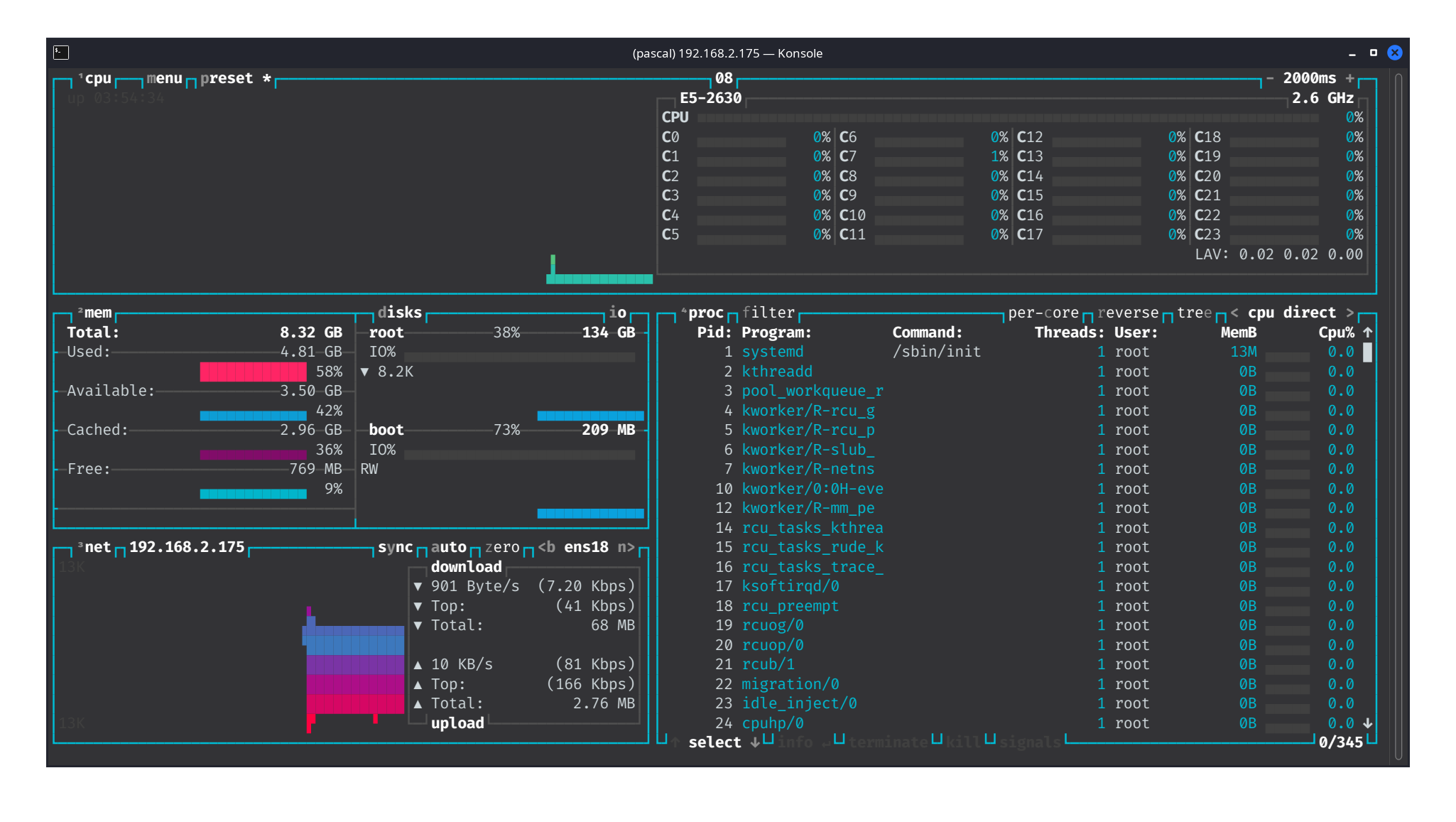
btop++ screenshot:
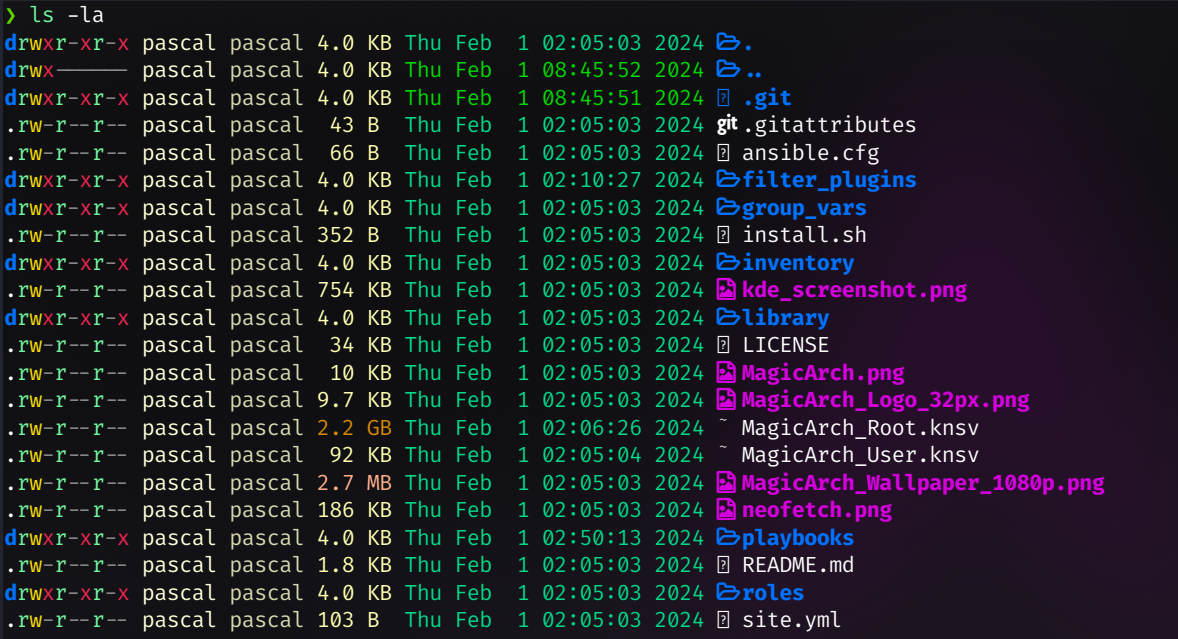
colorful ls output:
colorful cat output:

colorful system utilities:
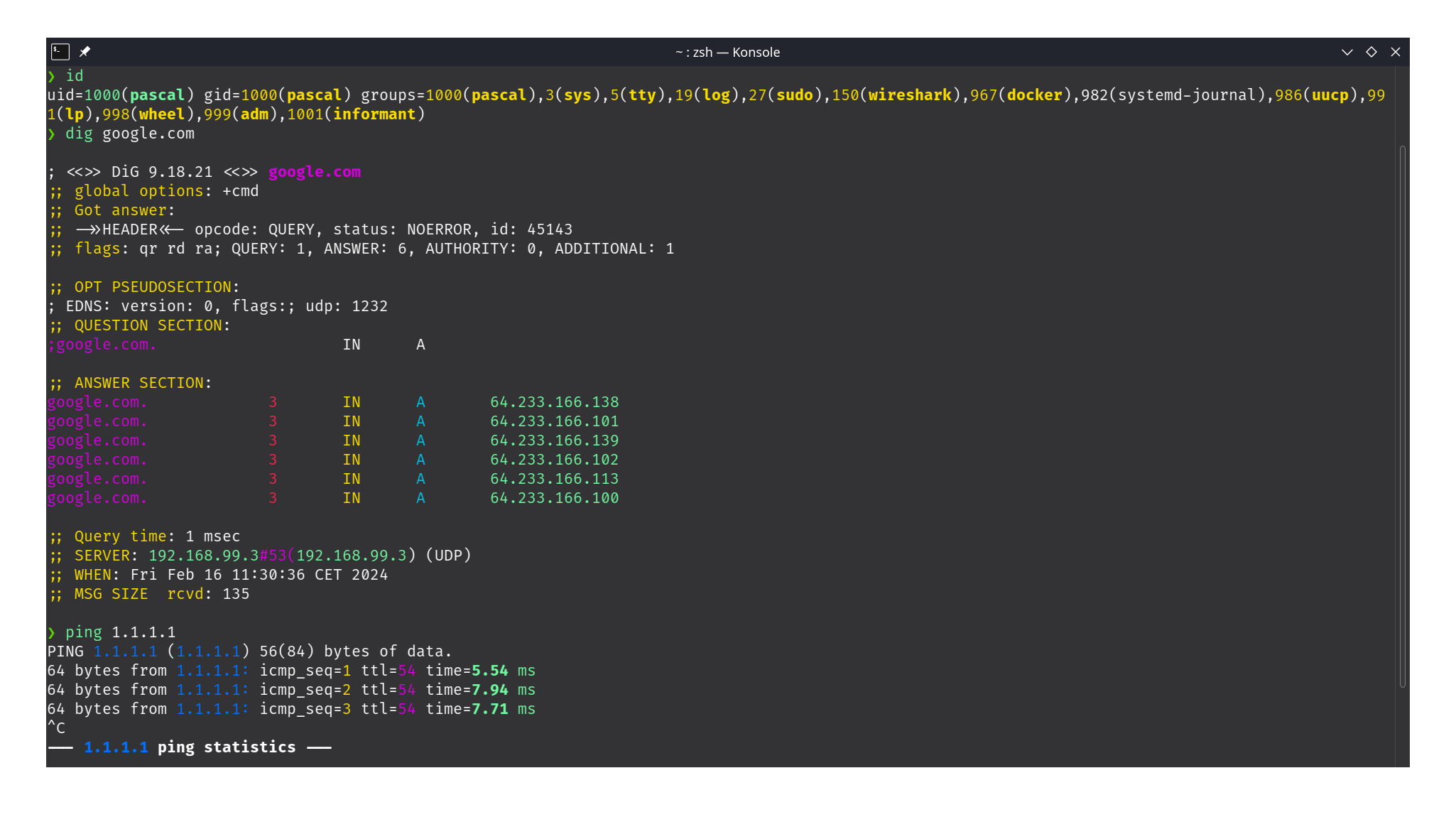
Ansible Configuration: Configure Ansible behavior and settings in ansible.cfg.
Inventory: Define hosts to be managed by Ansible in inventory/hosts.ini. (default is localhost but remote hosts via ssh are also possible)
Group Variables: Customize settings for different host groups in group_vars/.
Playbooks: Execute specific tasks with Ansible playbooks in playbooks/.
Roles: Organize tasks and configurations into reusable roles in roles/, covering a wide range of functionalities from repository setup to desktop customization and performance optimization.
Contributions to MagicArch are welcome! Feel free to fork the repository, make improvements or add new features, and submit pull requests.

This program is Free Software: You can use, study share and improve it at your will. Specifically you can redistribute and/or modify it under the terms of the GNU General Public License as published by the Free Software Foundation, either version 3 of the License, or (at your option) any later version.
MagicArch is developed and maintained by MagicBytes, with inspiration and contributions from the open-source community.
For any questions, issues, or suggestions, please refer to the README.md or open an issue on the repository.
MagicArch includes logos and wallpapers provided in the logos/ and wallpapers/ directories, respectively.
MagicArch is provided as-is and without warranty. Use at your own risk.
