
Skip to content
KitploitKITPLOIT
ToolsBlog
Submit
ToolsBlog
Submit

Hacking, PenTest, and Cybersecurity Tools for Your Security Arsenal!

Kitploit is a directory of hacking, cybersecurity, and pentesting tools. Discover the latest project updates to find vulnerabilities, analyze systems, automate testing, and strengthen your security.

··Feeds·Contact·Privacy·© 2026 Kitploit

Tool Directory

Categories

View all categories
Loading categories
SharkTooth — Port Scanner with Docker & Prometheus + Grafana integration. A tool for network auditing with multithreading support and real-time monitoring. | Kitploit
Tools/GitHubGitHub/znakar/sharktooth
Container SecurityNetwork MappingPort ScanningNetwork SecurityDevSecOps
GitHubznakar/sharktooth

SharkTooth

Port Scanner with Docker & Prometheus + Grafana integration. A tool for network auditing with multithreading support and real-time monitoring.


View Repository
41 month agoNot yet reviewed

Most Popular

View all →

Discover the most used tools by our community.

Explore all tools

Browse our collection of tools

View all tools →
Share

SharkTooth

Python license stars issues GitLab Docker Prometheus Grafana

SharkTooth is a port scanner with TCP and UDP support. Suitable for basic network auditing and training.

The project is fully containerized using docker and docker compose for rapid deployment of the monitoring system.

The project demonstrates:

  • Creating network connections
  • Checking port availability
  • TCP and UDP scanning
  • Multithreading
  • Progress bar
  • Availability of help for commands
  • Monitoring

Demonstration of work

Basic help output Basic help output

Scan by ip address Scan by ip address*

Scan by domain name Demonstration of scanning by domain name

📈 Monitoring

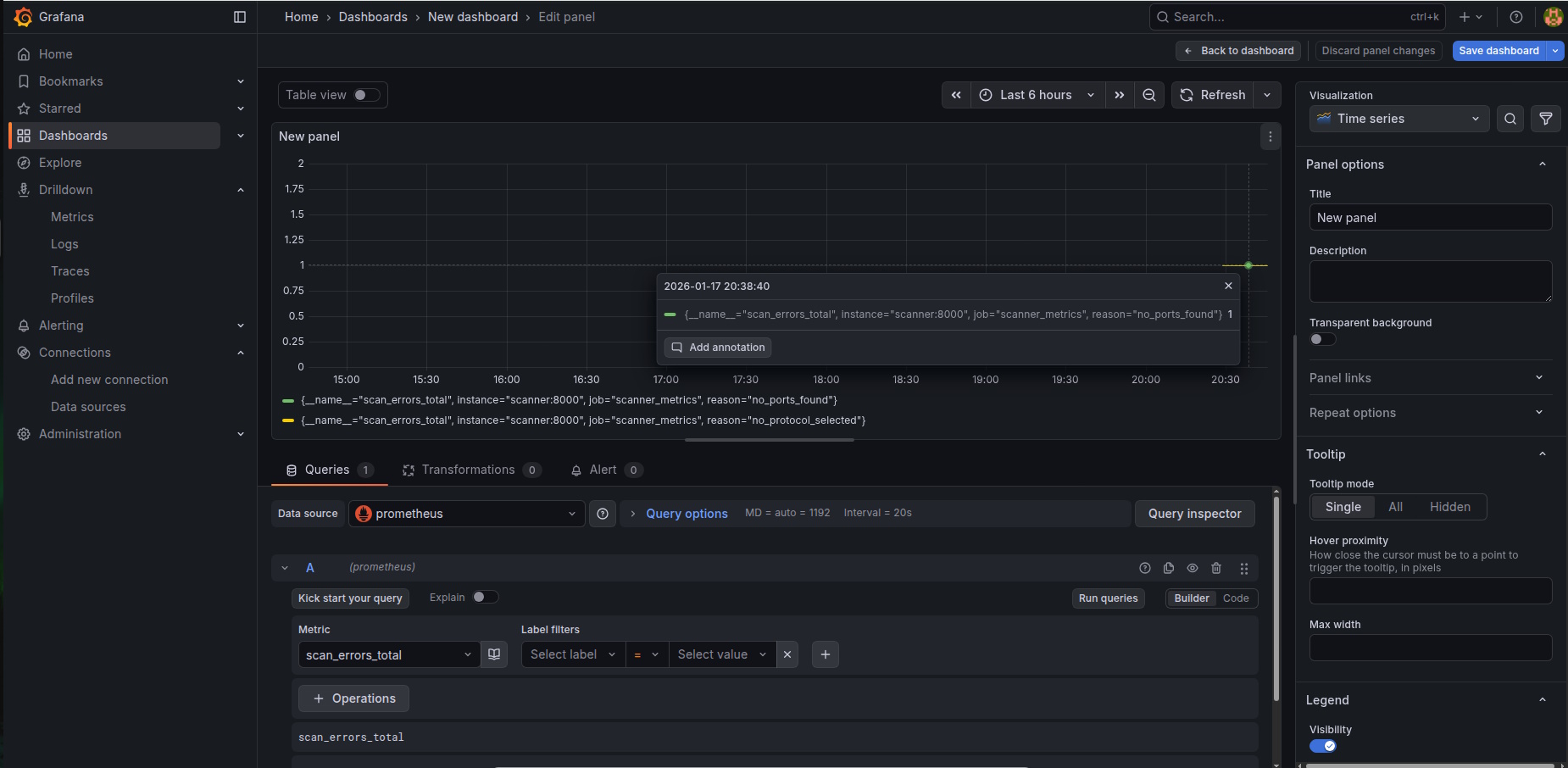
✨ Grafana

Grafana

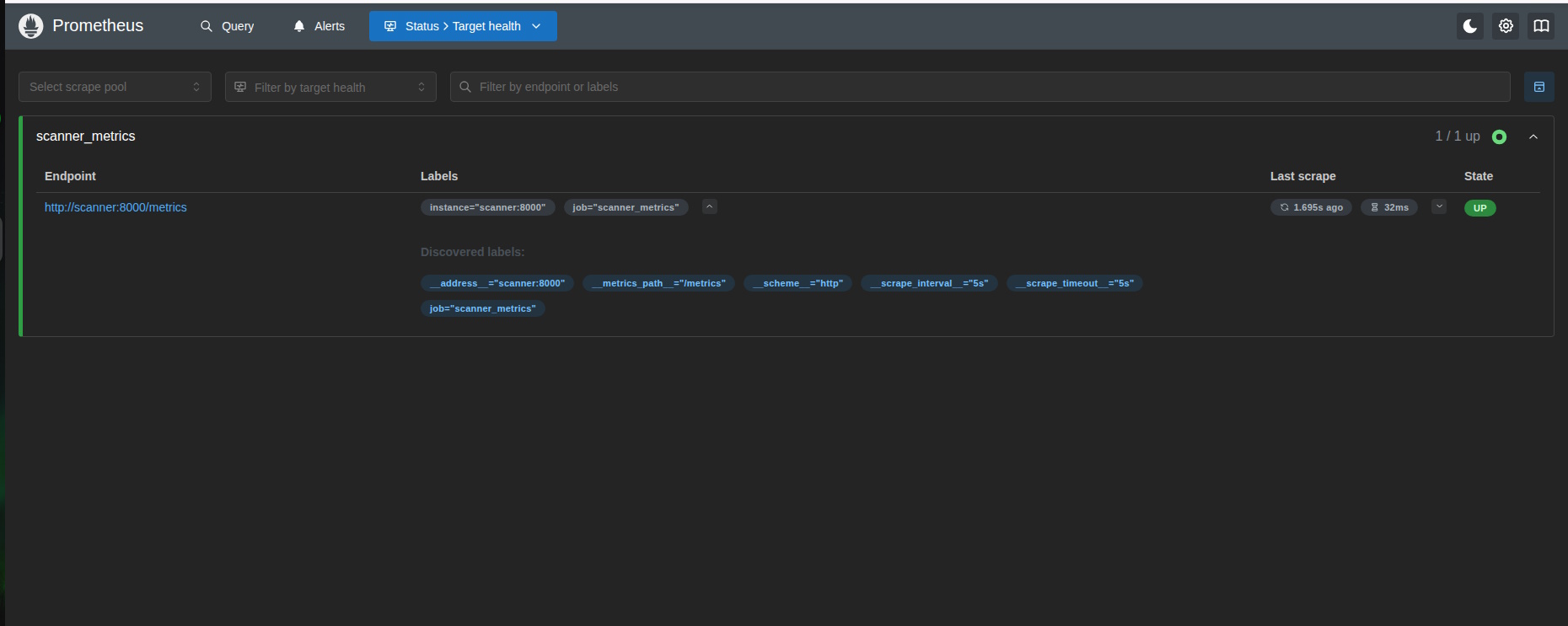
⚙️ Prometheus

Prometheus

🚀 Installation and launch

requirements

  • Python 3.13.1
  • tqdm
  • prometheus_client

icons8-windows-10-48 (1) Windows 10/11

  1. Download ZIP, Code → Download Zip
  2. Unzip the archive to a convenient location
  3. Open a command prompt (Win + r → cmd)
  4. Go to the project folder (cd "path\to\project")
  5. Run python port-scanner.py --help

icons8-linux-24 Ubuntu: latest version

  1. apt update
  2. apt install python3 python3-pip git
  3. git clone https://github.com/znakar/Python-Port-Scanner
  4. apt install python3-tqdm
  5. cd Python-Port-Scanner/
  6. python3 port-scanner.py --help

icons8-bug-24 (1) Find a bug?

If you found an issue or would like to submit an improvment to this project, please submit an issue using the issues tab above. If you would like to submit a PR with a fix, reference the issue you created.

Last update: 23.01.2026

Download Tool