
Skip to content
KitploitKITPLOIT
ToolsBlog
Submit
ToolsBlog
Submit

Hacking, PenTest, and Cybersecurity Tools for Your Security Arsenal!

Kitploit is a directory of hacking, cybersecurity, and pentesting tools. Discover the latest project updates to find vulnerabilities, analyze systems, automate testing, and strengthen your security.

··Feeds·Contact·Privacy·© 2026 Kitploit

Tool Directory

Categories

View all categories
Loading categories
AperiSolve — Automated steganalysis platform that detects hidden data in images using 16 parallel analyzers, bit-layer visualization, and an in-app wiki for CTF and forensic investigations. | Kitploit
Tools/GitHubGitHub/zeecka/aperisolve
ForensicsSteganographyCryptographyCTFLearning & Education
GitHubzeecka/aperisolve

AperiSolve

Automated steganalysis platform that detects hidden data in images using 16 parallel analyzers, bit-layer visualization, and an in-app wiki for CTF and forensic investigations.

View Repository
8341015 days agoReviewed by Kitploit

Most Popular

View all →

Discover the most used tools by our community.

Explore all tools

Browse our collection of tools

View all tools →
Share
Website

Aperi'Solve

Website CI Lint Docker Python Version Ruff uv ty License GitHub Issues GitHub Pull Requests Last Commit Contributors Rawsec's CyberSecurity Inventory

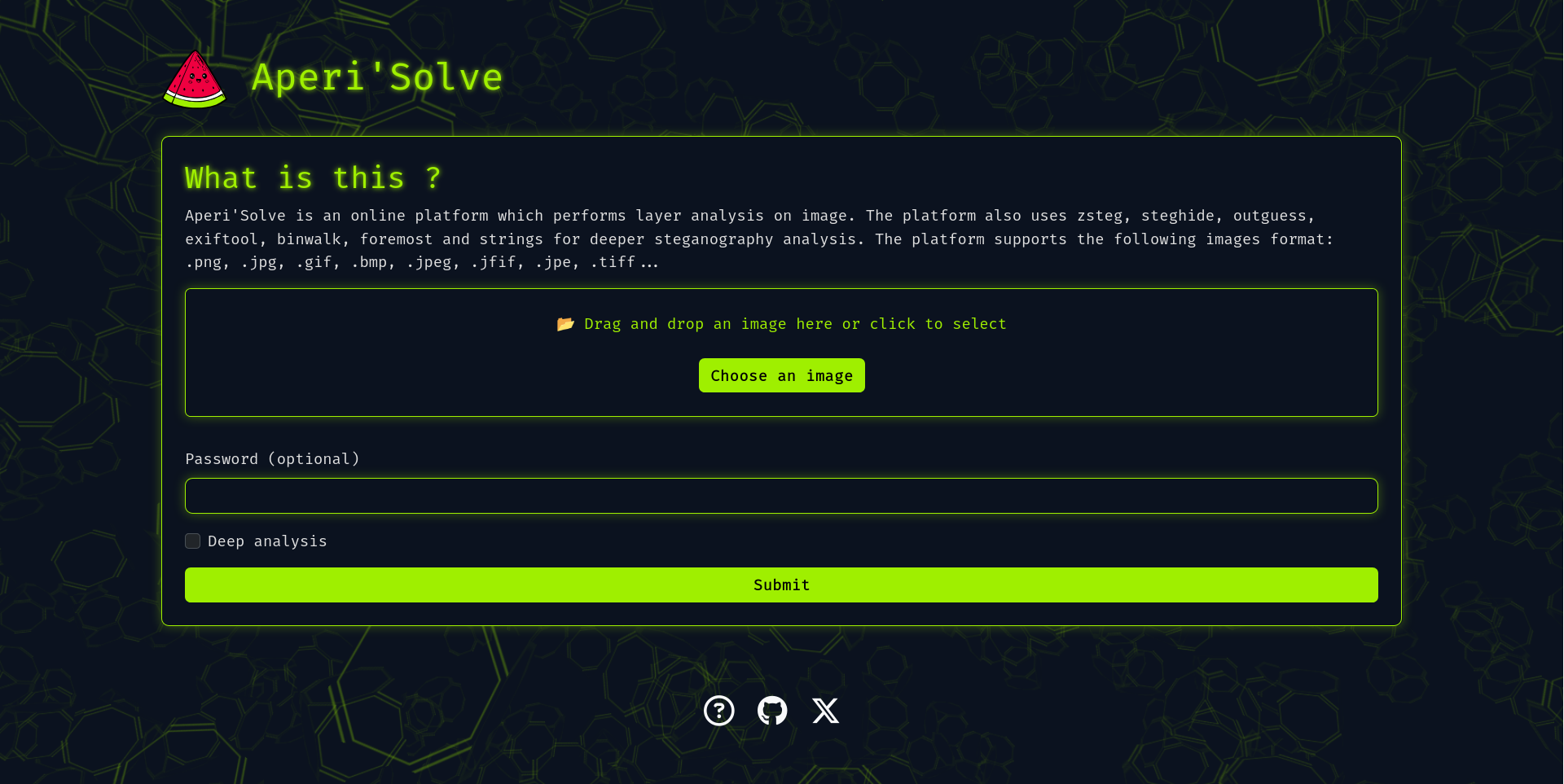
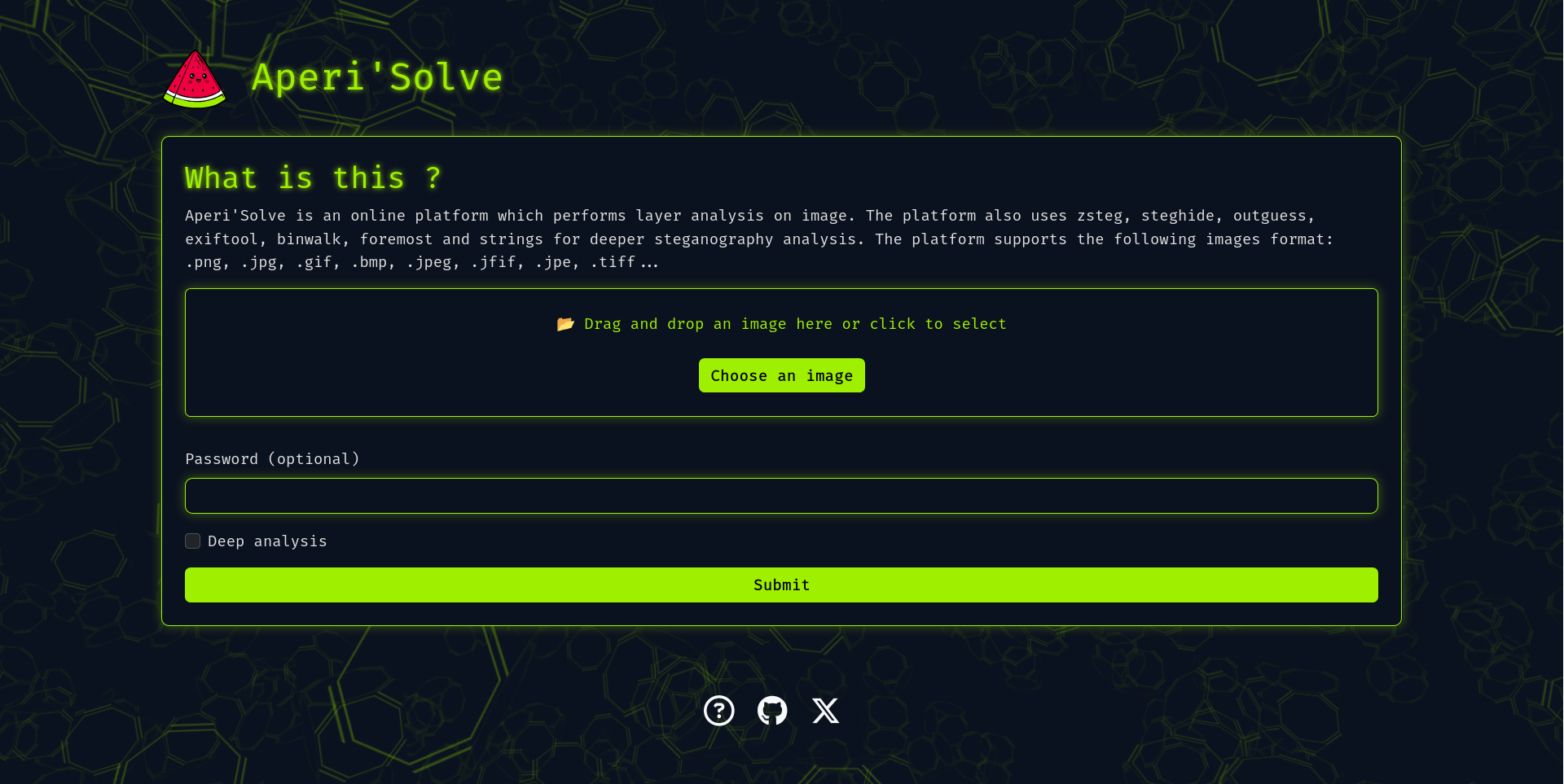
Aperi'Solve screenshot

Try it now: https://www.aperisolve.com

Support Aperi'Solve:

Sponsor Aperi'Solve on GitHub

Aperi'Solve is an open-source steganalysis web platform that performs automated analysis on images to detect and extract hidden data using common steganography tools and techniques.

Key features

  • Visualize each bit layer (LSB and other layers) per image channel (R/G/B/Alpha).
  • Color remapping (random palette remaps with 8 generated variants)
  • Runs 16 analyzers in parallel and displays their output, with per-tool success/no-result badges and one-click download of extracted files:
    • binwalk (embedded archives)
    • exiftool (metadata and geolocation)
    • file (MIME type and format detection)
    • GraphicsMagick identify (image info & properties)
    • foremost (carved files)
    • jsteg (JPEG LSB extraction)
    • jpseek / jphide (JPEG steganography extraction, with password)
    • openstego (extraction with password)
    • outguess (extraction with password, deep analysis)
    • pcrt (PNG check & repair)
    • pngcheck
    • steghide (extraction with password)
    • strings
    • zsteg (LSB text/data extraction)
  • In-app wiki (/wiki): a HackTricks-style steganography handbook — a triage methodology, a decision-tree cheatsheet, technique pages per medium (image, audio, text, files), and a guide per analyzer, all authored as Markdown.
  • Internationalization: UI available in English, French, Spanish, German, Russian, Chinese and Portuguese under language-prefixed URLs (/fr/, , …).

Adding an analyzer

Adding an analyzer is a single file: subclass SubprocessAnalyzer, set a few class attributes (name, has_archive, needs_password, deep_only, display_order), and install the tool in the Dockerfile. The worker run list, download allow-list, and frontend order are all derived automatically. See docs/adding-analyzer.md.

Quick start (Docker)

In case you want to host your own version of https://www.aperisolve.com/.

Required: Docker + Docker Compose.

root@kitploit:~
git clone https://github.com/Zeecka/AperiSolve.git
cd AperiSolve
cp .env.example .env
docker compose up -d

Then browse url: http://localhost:5000/

Ads and analytics are disabled by default; every integration (CUSTOM_EXTERNAL_SCRIPT, GOOGLE_ADS_TXT, SITE_BASE_URL, Sentry) is opt-in via environment variables documented in .env.example. The app never injects ad markup itself: CUSTOM_EXTERNAL_SCRIPT loads the AdSense script and placement is left to Auto ads.

Architecture

The stack runs as Docker Compose services:

  • web — Flask app served by gunicorn (Jinja templates + vanilla JS frontend).
  • worker — an RQ worker that runs the analyzers for each submission, fanning out to one thread per tool.
  • cron — an RQ cron scheduler that runs the retention cleanup off the request path.
  • initdb — a one-shot service that creates the tables and pre-fills the IHDR CRC recovery database.
  • postgres — stores image metadata and submission status.
  • redis — RQ broker (DB 0) and rate-limiter storage (DB 1).
  • rqdashboard — queue monitoring, bound to localhost:9181.

This separation keeps heavy tools (binwalk, foremost, zsteg, etc.) isolated and avoids blocking the web worker. Identical submissions are deduplicated by a content hash, and derived images are cached with long-lived immutable HTTP headers, so repeat traffic is cheap.

Documentation

  • docs/adding-analyzer.md — add a new analyzer.
  • docs/deploy.md — the tag-driven production deploy flow.
  • CONTRIBUTING.md — dev setup, tests, wiki pages, and translations.

Testing

root@kitploit:~
uv sync --extra dev
uv run pytest -q            # unit tests (no services needed)

# end-to-end analyzer tests through the running app:
docker compose -f compose.dev.yml up -d
uv run pytest tests/test_webapp_analyzers.py -v

Roadmap

See Issues.

Contributing

See CONTRIBUTING.md.

Security

[!WARNING] If you discover a security issue, please report it privately to the repository owner instead of opening a public issue.

Credits

Thanks to donors:

  • Philip Zimmermann
  • Ed Guillory
  • Silje Hollås

Thanks to contributors:

  • Zeecka - (author)
  • aradhyacp
  • Philip Zimmermann
  • abneeeees

Thanks to the open-source community: binwalk, exiftool, GraphicsMagick identify, foremost, jsteg, jphide/jpseek, openstego, outguess, pcrt, pngcheck, steghide, strings, zsteg, ...

Download Tool
/es/
  • Worker queue architecture for offloading heavy/slow analyzers (Redis + background workers).
  • Content-addressed result cache, HTTP caching, and per-endpoint rate limiting.
  • Results stored temporarily for later browsing and download, then cleaned up automatically by a scheduled job.