 yuanyuanxiang/simpleremoter
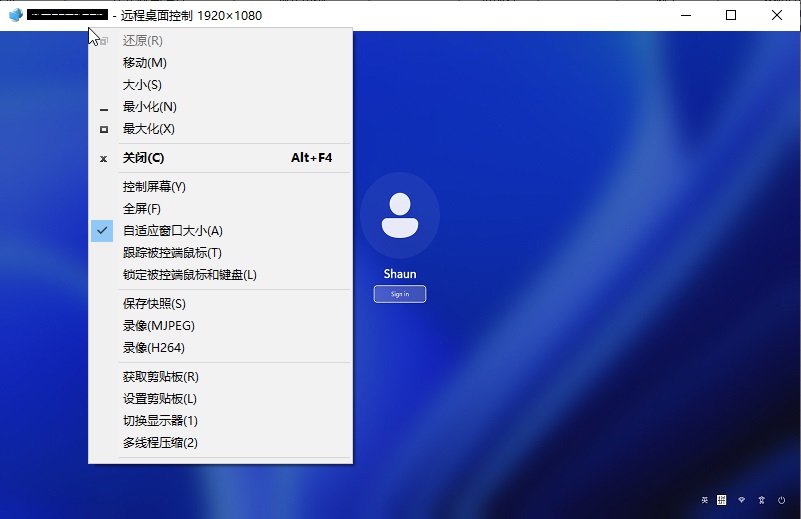
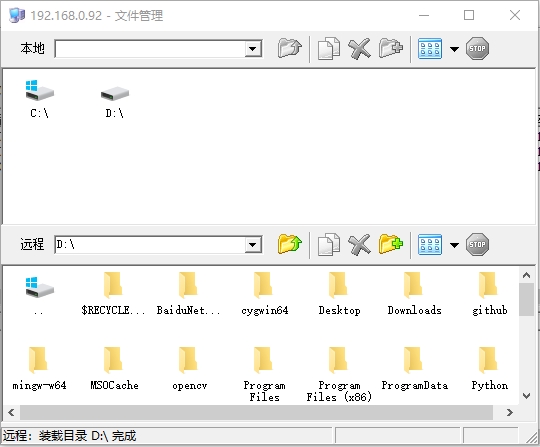
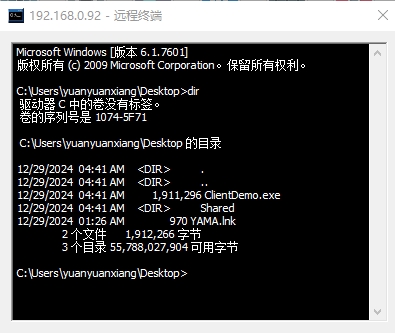
A remote control program based on Gh0st: 实现了终端管理、进程管理、窗口管理、远程桌面、文件管理、语音管理、视频管理、服务管理、注册表管理等功能,优化全部代码及整理排版,修复内存泄漏缺陷,程序运行稳定。项目代码仅限于学习和交流用途。








[!WARNING] Important Legal Notice
This software is intended solely for educational purposes and authorized use cases such as:
- Remote IT administration within your own organization
- Authorized penetration testing and security research
- Personal device management and technical learning
Unauthorized access to computer systems is illegal. Users are fully responsible for compliance with all applicable laws. The developers assume no liability for misuse.
SimpleRemoter is a full-featured remote control solution, rebuilt from the classic Gh0st framework using modern C++17. Started in 2019, it has evolved into an enterprise-grade remote management tool supporting both Windows and Linux platforms.
| Category | Features |
|---|---|
| Remote Desktop | Real-time screen control, multi-monitor support, H.264 encoding, adaptive quality |
| File Management | Bi-directional transfer, resumable uploads, C2C transfer, SHA-256 verification |
| Terminal | Interactive shell, ConPTY/PTY support, modern web terminal |
| System Management | Process/service/window management, registry browsing, session control |
| Media Capture | Webcam monitoring, audio listening, keylogging |
| Networking | SOCKS proxy, FRP tunneling, port forwarding |
Original Source: zibility/Remote | Started: 2019.1.1
Please read the following statement carefully before using this software:
Lawful Use: This project is intended solely for legitimate technical research, educational exchange, and authorized remote management. It is strictly prohibited to use this software for unauthorized access to others' computer systems, data theft, privacy surveillance, or any other illegal activities.
User Responsibility: Users must comply with the laws and regulations of their country/region. Any legal liability arising from the use of this software shall be borne by the user.
No Warranty: This software is provided "as is" without any express or implied warranties, including but not limited to warranties of merchantability or fitness for a particular purpose.
Limitation of Liability: The developers shall not be liable for any direct, indirect, incidental, special, or consequential damages arising from the use, misuse, or inability to use this software.
Copyright Notice: This project is open-sourced under the MIT License, allowing free use, modification, and distribution, provided that the original copyright notice is retained.
By continuing to use this software, you acknowledge that you have read, understood, and agreed to all the above terms.
[!IMPORTANT] Network Connection & Privacy Notice
The master program (server) communicates with the authorization server based on license status:
License Type Connection Behavior Trial Version Maintains persistent connection to authorization server V1/V2 Licensed Connects at startup for verification, disconnects after V2 Offline License No connection to authorization server required Unless offline authorization is obtained, the master program will exchange necessary data with the authorization server (e.g., detecting cracking attempts, validating license status).
By using this software, you accept the data transmission between the master program and the authorization server. If you do not agree, please do not use this software.