
Skip to content
KitploitKITPLOIT
ToolsBlog
Submit
ToolsBlog
Submit

Hacking, PenTest, and Cybersecurity Tools for Your Security Arsenal!

Kitploit is a directory of hacking, cybersecurity, and pentesting tools. Discover the latest project updates to find vulnerabilities, analyze systems, automate testing, and strengthen your security.

··Feeds·Contact·Privacy·© 2026 Kitploit

Tool Directory

Categories

View all categories
Loading categories
tryhackme-moniker-link — Documentation of my hands-on lab Moniker Link (CVE-2024-21413) completed on TryHackMe. | Kitploit
Tools/GitHubGitHub/yfelipecruvinel/tryhackme-moniker-link
Phishing ToolsVulnerability AnalysisExploitationLearning & EducationEmail SecurityLabs & Practice
GitHubyfelipecruvinel/tryhackme-moniker-link

tryhackme-moniker-link

Documentation of my hands-on lab Moniker Link (CVE-2024-21413) completed on TryHackMe.

Most Popular

View all →

Discover the most used tools by our community.

Explore all tools

Browse our collection of tools

View all tools →
Share
View Repository
4329 days agoNot yet reviewed

tryhackme-moniker-link

Documentation of my hands-on lab Moniker Link (CVE-2024-21413) completed on TryHackMe.

Moniker Link CVE-2024-21413 — TryHackMe Lab

Overview

This repository documents my hands-on study in a TryHackMe room.

The goal of this exercise was to understand how the vulnerability works and to test it against an intentionally vulnerable machine.

Note: The original Proof of Concept used during this lab was provided as part of the TryHackMe learning material and is credited to CMNatic. I am not claiming authorship of the original exploit code.

Vulnerability

CVE-2024-21413 is a vulnerability related to Microsoft Outlook and the handling of specially crafted links.

During the lab, a crafted Moniker Link using the file:// protocol was included inside an HTML email.

The exercise demonstrated how interaction with this link could cause the victim's machine to attempt to authenticate to a remote resource controlled by an attacker.

What I Did

During the activity, I:

  • Reviewed the provided Python code.
  • Identified the important variables that needed to be configured.
  • Modified the attacker machine address for my TryHackMe environment.
  • Configured the SMTP server used by the lab.
  • Executed the Python script to send the crafted email.
  • Opened the email from the target environment.
  • Observed the behavior generated by the malicious Moniker Link.
  • Analyzed why the vulnerability could expose authentication information.

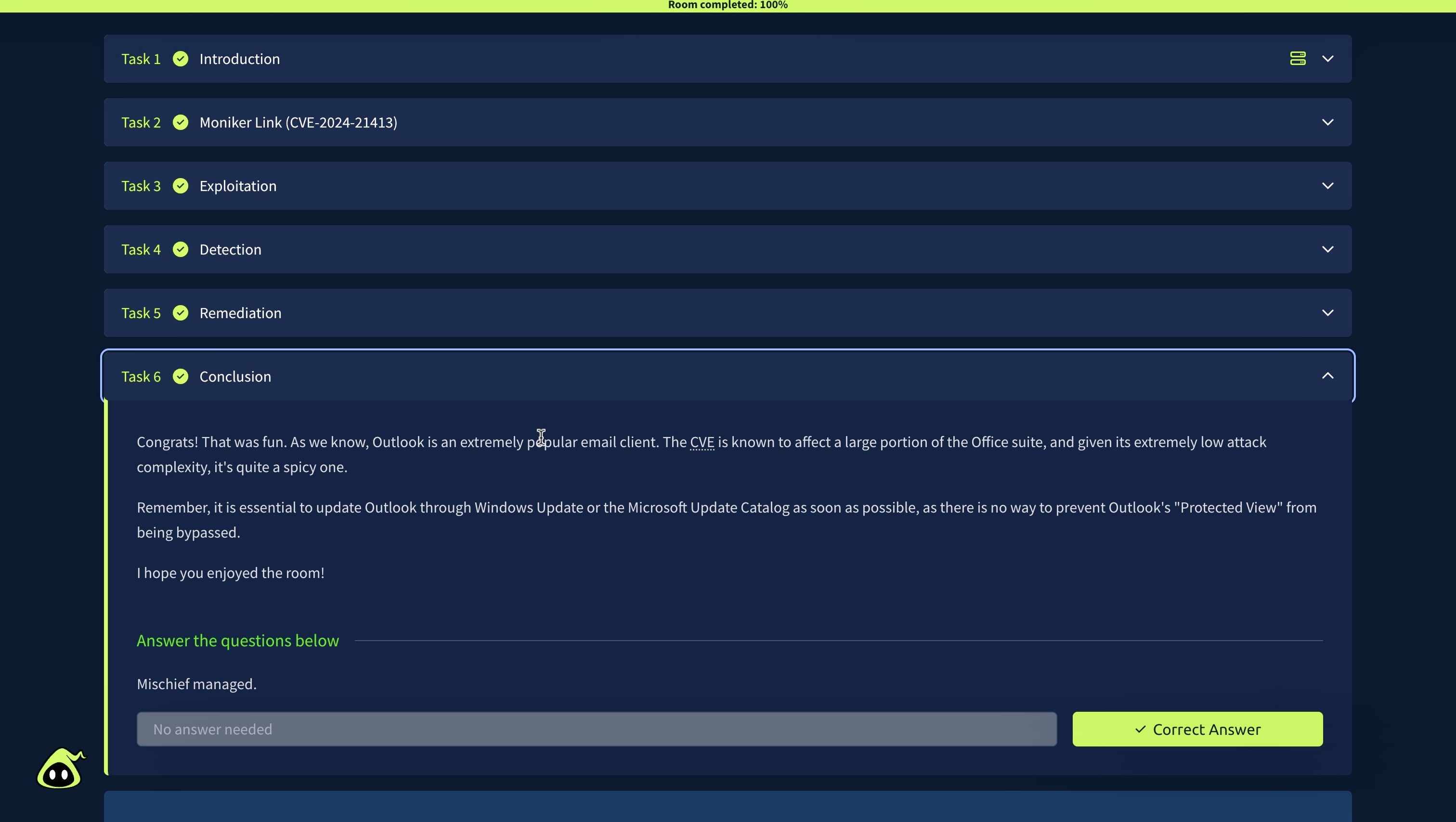
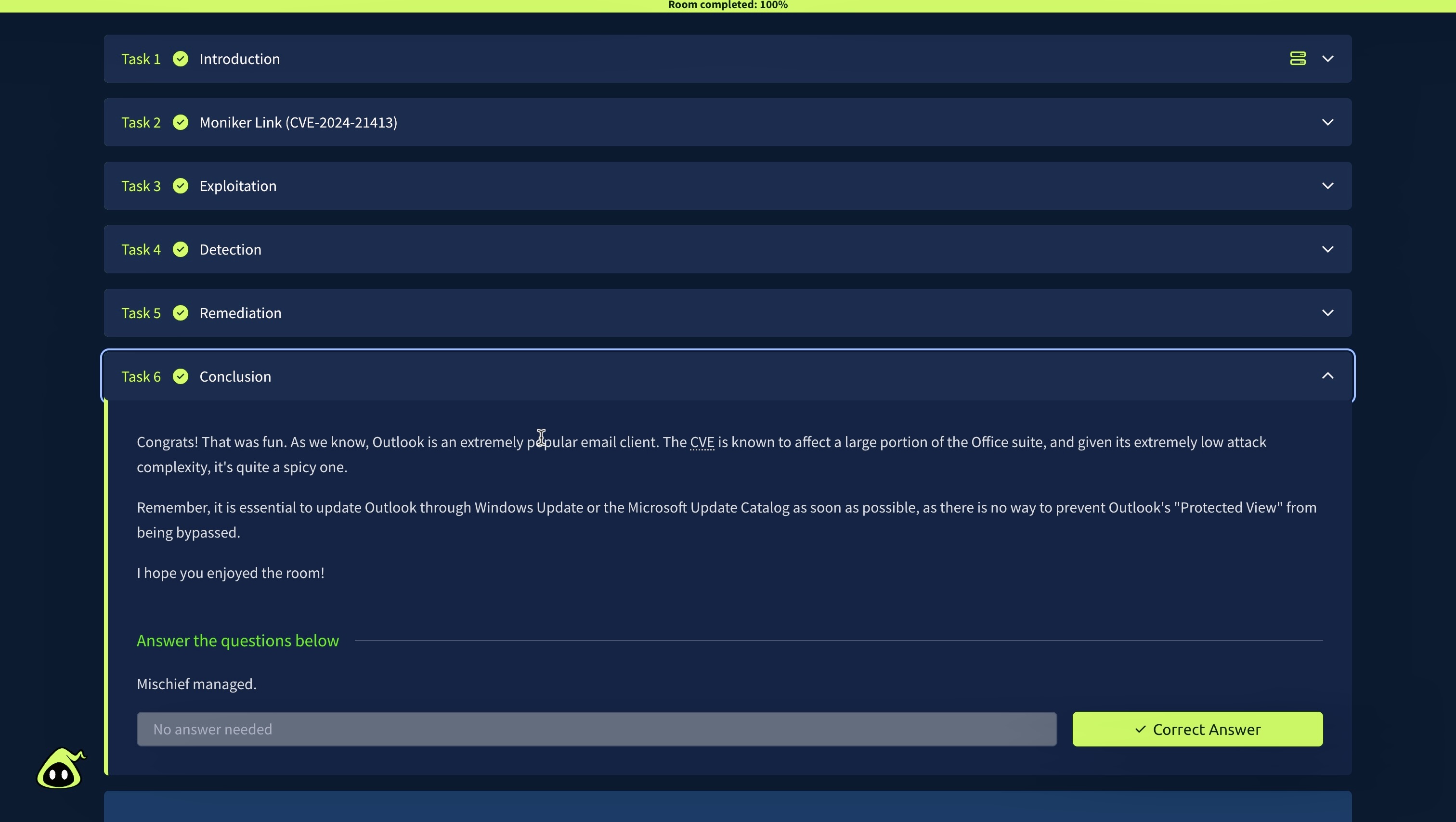
TryHackMe CVE-2024-21413 Lab Completion

What I Learned

This lab helped me better understand:

  • How Python can be used to automate email creation and delivery.
  • Basic SMTP interaction using Python.
  • How HTML content can be embedded inside an email.
  • How URI schemes such as file:// can interact with network resources.
  • How a Proof of Concept differs from the underlying vulnerability.
  • How security researchers reproduce vulnerabilities inside controlled environments.
  • The importance of configuring an exploit for the specific target and attacker environment.

Proof of Concept

I uploaded the original code as exploit.py.

The PoC used during the exercise was provided through the TryHackMe learning material and credited to:

CMNatic

This repository focuses on documenting my understanding and experience completing the lab rather than claiming ownership of the original exploit.

Skills Practiced

  • Vulnerability analysis
  • Python script configuration
  • SMTP fundamentals
  • HTML email structure
  • Proof-of-Concept analysis
  • Cybersecurity lab testing
  • CVE research
  • Technical documentation
Download Tool