 xoreaxeaxeax/repsych
Psychological warfare in reverse engineering

: Psychological Warfare in Reverse Engineering
github.com/xoreaxeaxeax/repsych // domas // @xoreaxeaxeax
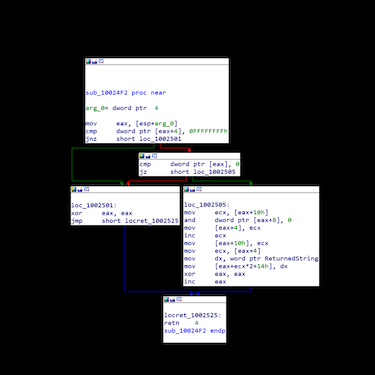
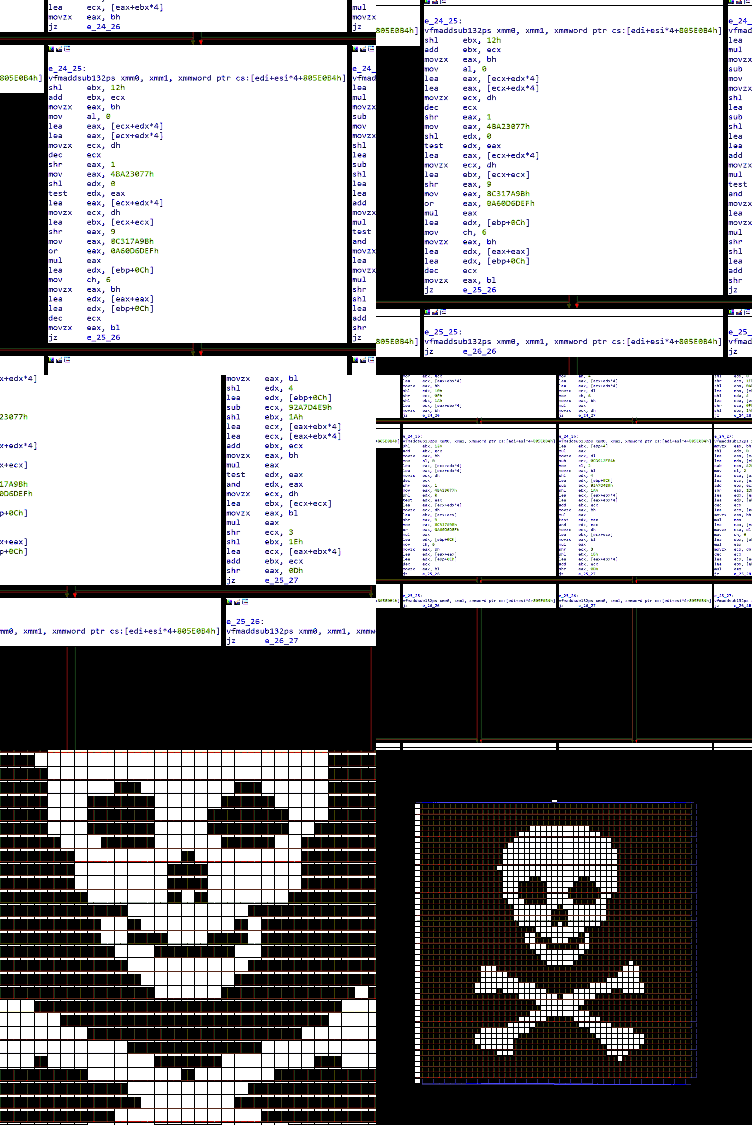
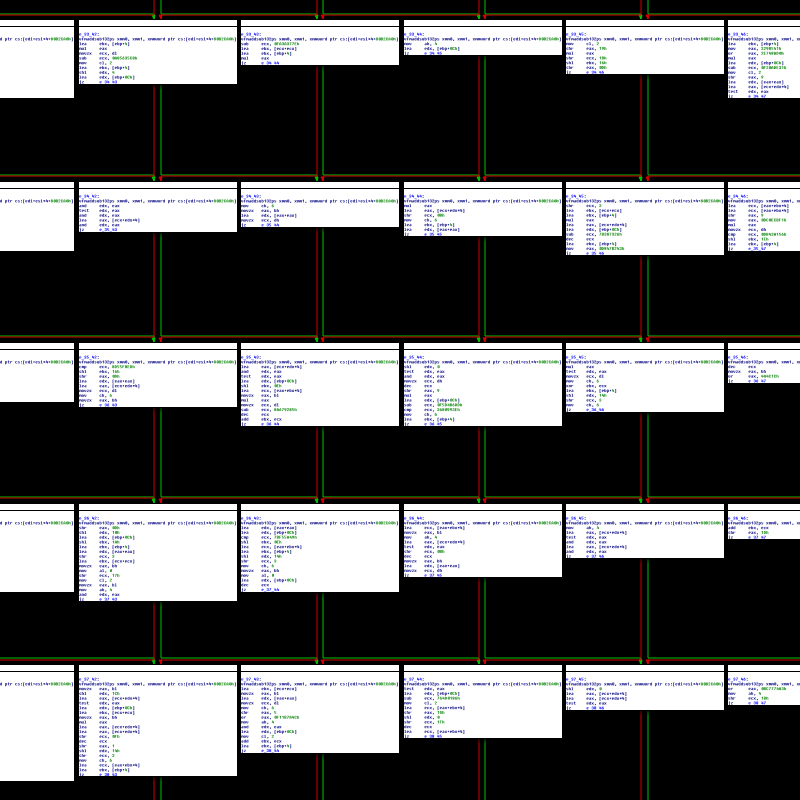
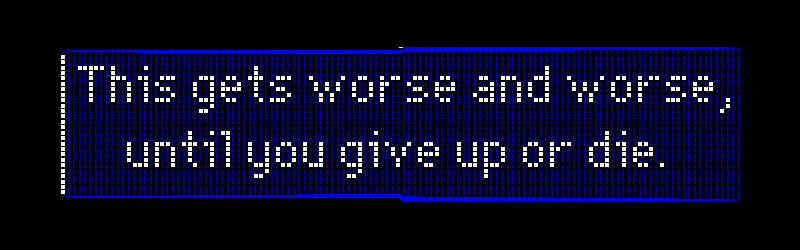
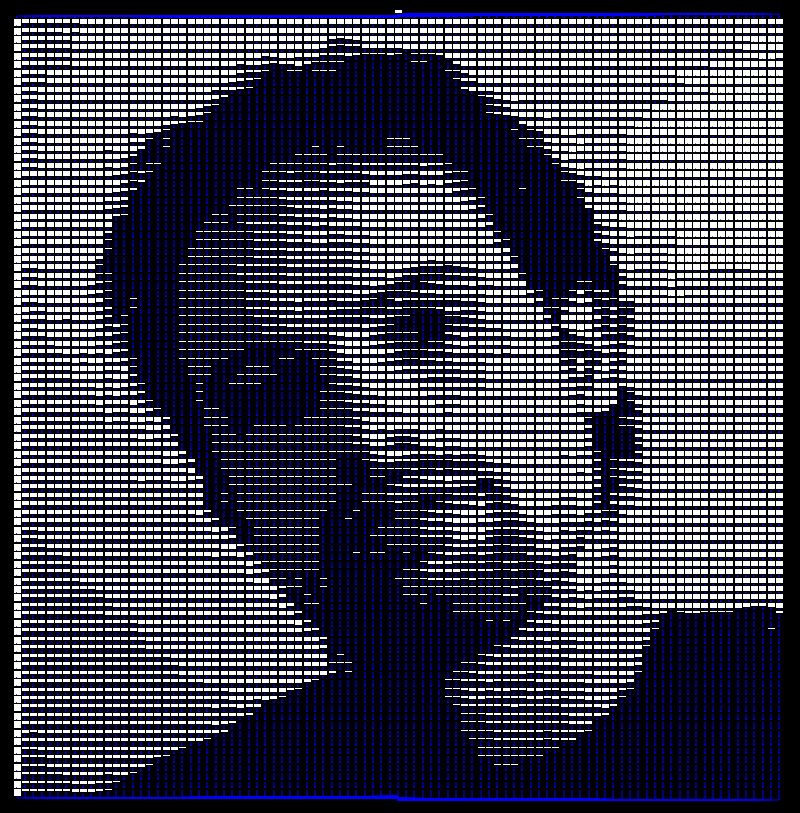
The REpsych toolset is a proof-of-concept illustrating the generation of images through a program's control flow graph (CFG).
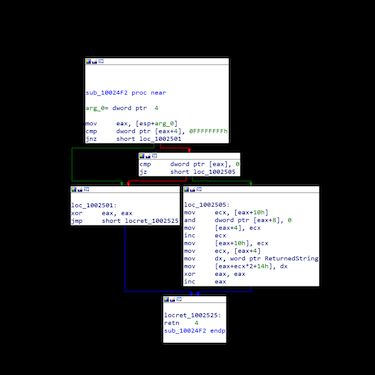
| A typical function's CFG | A REpsych generated CFG |
|---|---|
 |  |
There is no specific point to the project (other than to show that it can be done), but possible (non-serious) applications are outlined in the DEF CON presentation.
The program works reliably with all tested versions of the IDA Pro reverse engineering tool, and semi-reliably with other CFG viewers (Hopper, BinNavi, radare2, etc).
The toolset translates source images into functioning programs, such that the program's control flow graph generates the source image.
To generate a new program from an image:
Two functioning programs will be created: repsych_v1 and repsych_v2. Each uses a different strategy for ensuring the CFG renderer correctly places the CFG nodes.
The tool will create a basic block (CFG node) for each pixel of the source image; as such, you should try to use small source images (not larger than 100x100), and you may need to increase the number of allowed nodes in your CFG viewer.
When using an image of text as input to the tool, first convert the image to a 2 BPP black and white bitmap first, then to a 24 BPP bitmap; this will remove non black and white colors, and give the best results in the control flow graph.
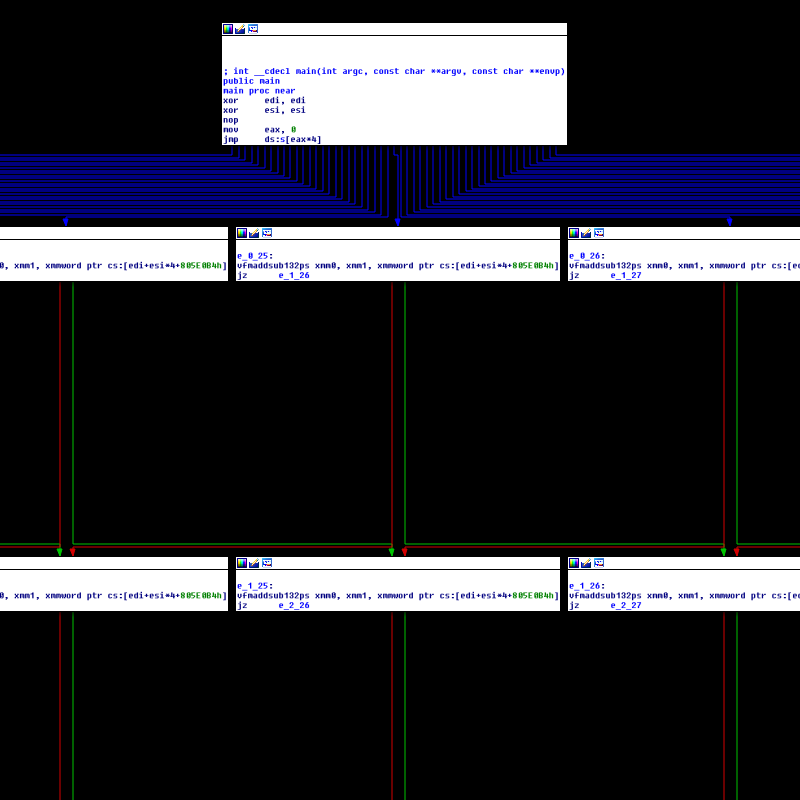

The technique is outlined in detail in the DEF CON presentation.
Slides from the presentation are provided here.
REpsych is a proof-of-concept from Christopher Domas (@xoreaxeaxeax).
