
Skip to content
KitploitKITPLOIT
ToolsBlog
Submit
ToolsBlog
Submit

Hacking, PenTest, and Cybersecurity Tools for Your Security Arsenal!

Kitploit is a directory of hacking, cybersecurity, and pentesting tools. Discover the latest project updates to find vulnerabilities, analyze systems, automate testing, and strengthen your security.

··Feeds·Contact·Privacy·© 2026 Kitploit

Tool Directory

Categories

View all categories
Loading categories
hexcymatix — Visualizes repeated byte sequences in binary files to reveal hidden structure, supporting reverse engineering and pattern discovery without predefined signatures. | Kitploit
Tools/GitHubGitHub/xoreaxeaxeax/hexcymatix
Static AnalysisReverse EngineeringBinary Analysis
GitHubxoreaxeaxeax/hexcymatix

hexcymatix

Visualizes repeated byte sequences in binary files to reveal hidden structure, supporting reverse engineering and pattern discovery without predefined signatures.


View Repository
1315 days agoNot yet reviewed

Most Popular

View all →

Discover the most used tools by our community.

Explore all tools

Browse our collection of tools

View all tools →
Share

hexcymatix

errlook.exe

hexcymatix is an exploratory research project, loosely envisioned as a binary reverse engineering tool for extracting structural information from repeated byte patterns in binary files.

The idea never materialized into a usable tool, but still yields some fascinating representations of the striking self-symmetry in everyday data.

Overview

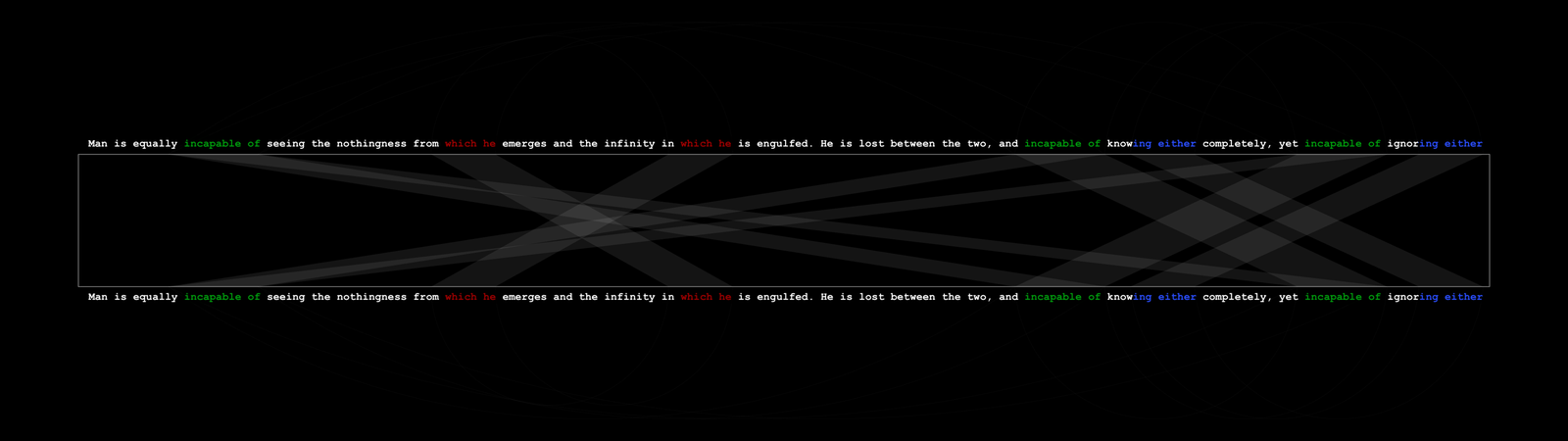
Sometimes in reverse engineering you have an example of some data — a table, a compressed blob, a protocol payload — and want to find similar data elsewhere in a file, without yet being able to write a rule or parser that describes it. You want similarity without specification.

hexcymatix posits that repeated byte strings imply structure or relationship, even if we don't know what that structure is. By visualizing repetitions, we can surface related data without knowing exactly what we're looking for.

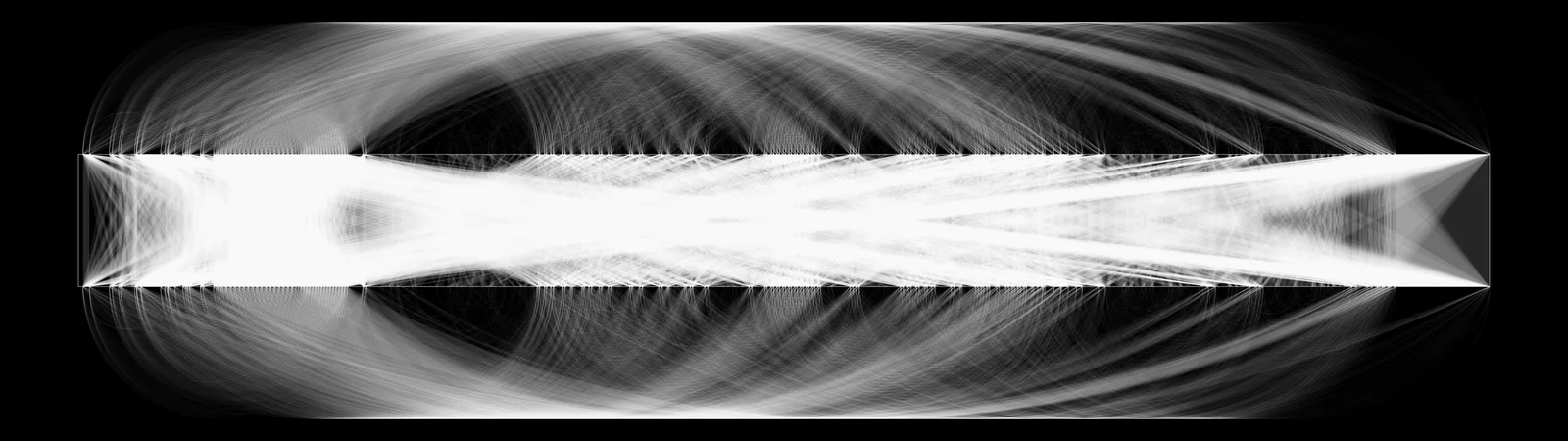
For example, the Pensées passage below has several self-repeating sequences (' incapable of ', ' which he ', 'ing either ') — hexcymatix lays the file out across two lines and connects any repeated byte sequences of at least 8 bytes:
Pascal Pensees

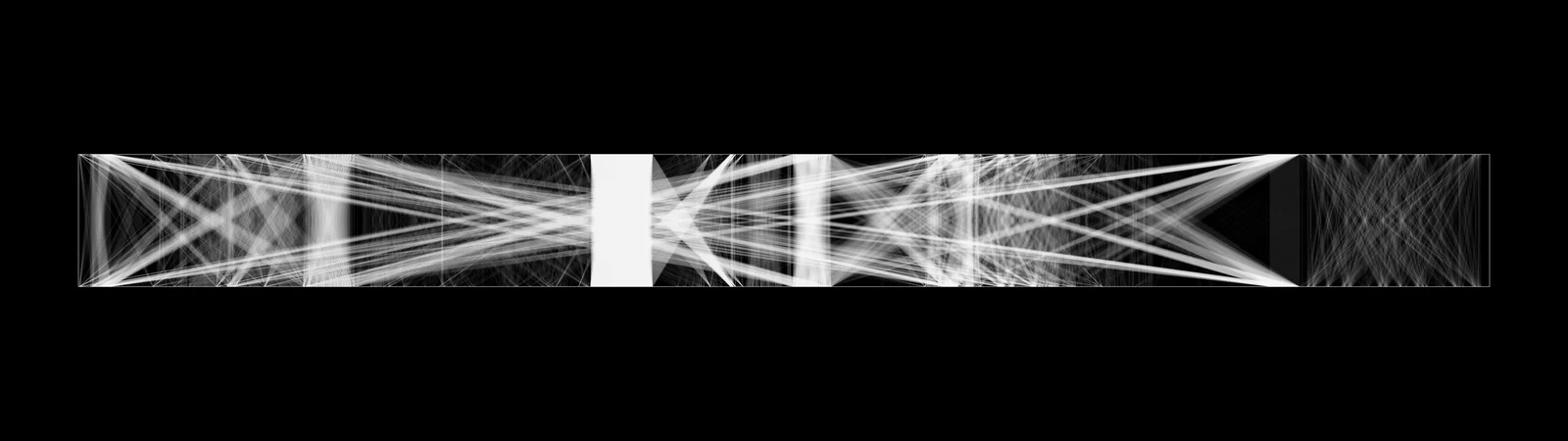
The connections that emerge then hint at underlying structure and relationships in the data.

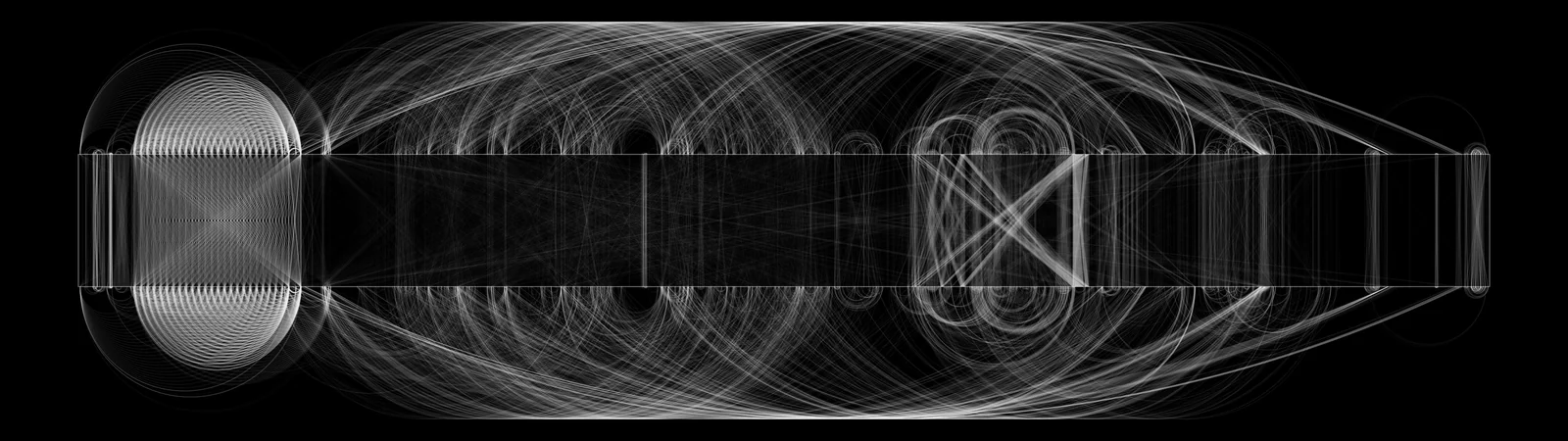
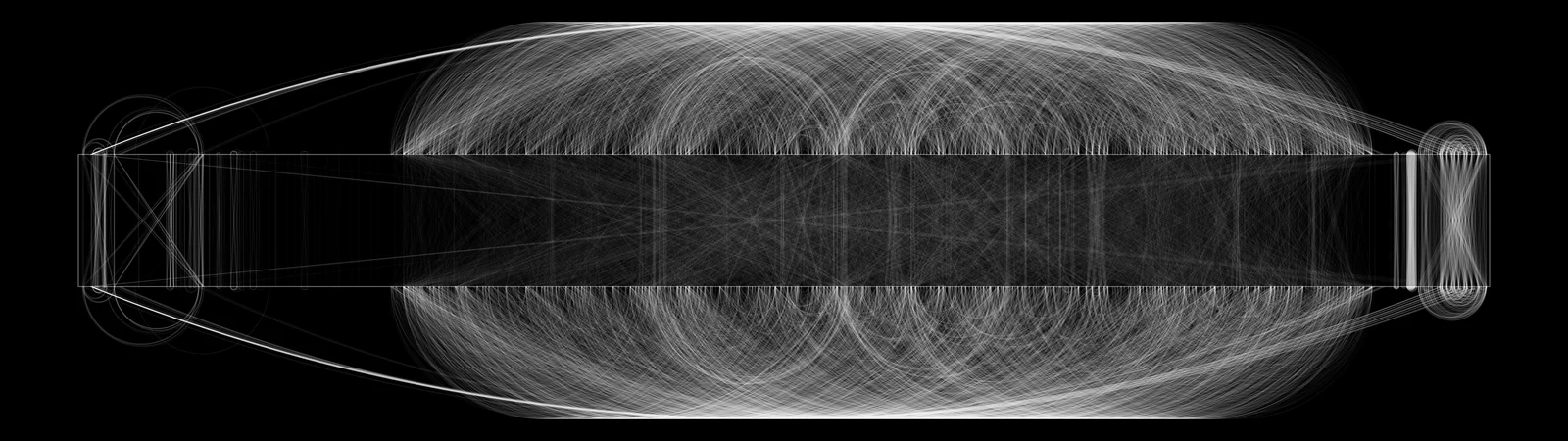
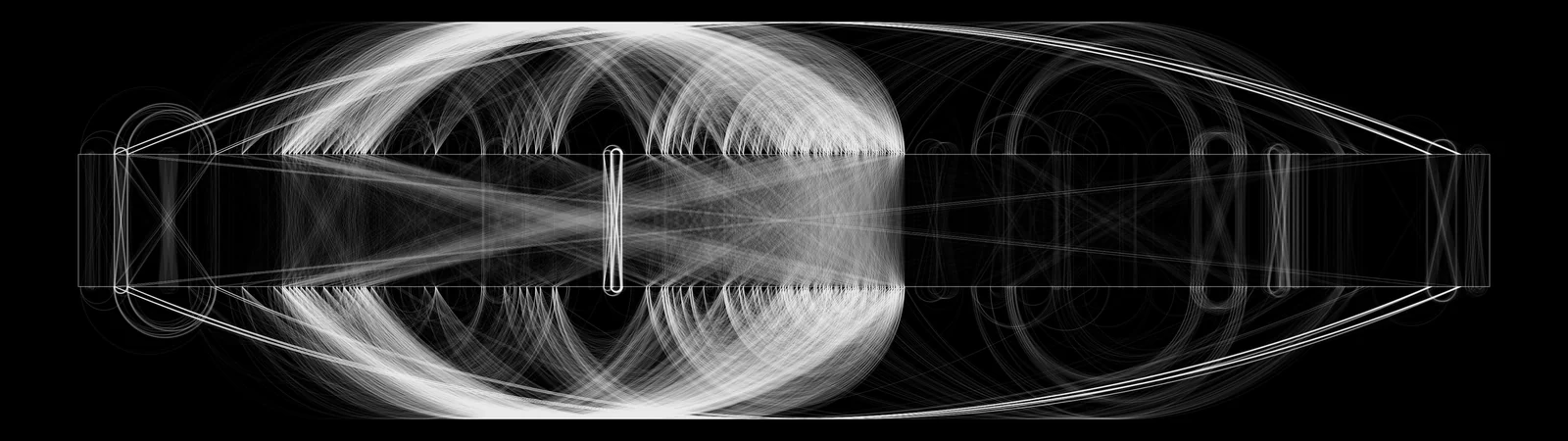
Repeating this process on an everyday binary file starts to automatically pull out unexpected self-similarity, connections, and structure. As an example, here is the error lookup executable in a standard Windows install:
errlook.exe

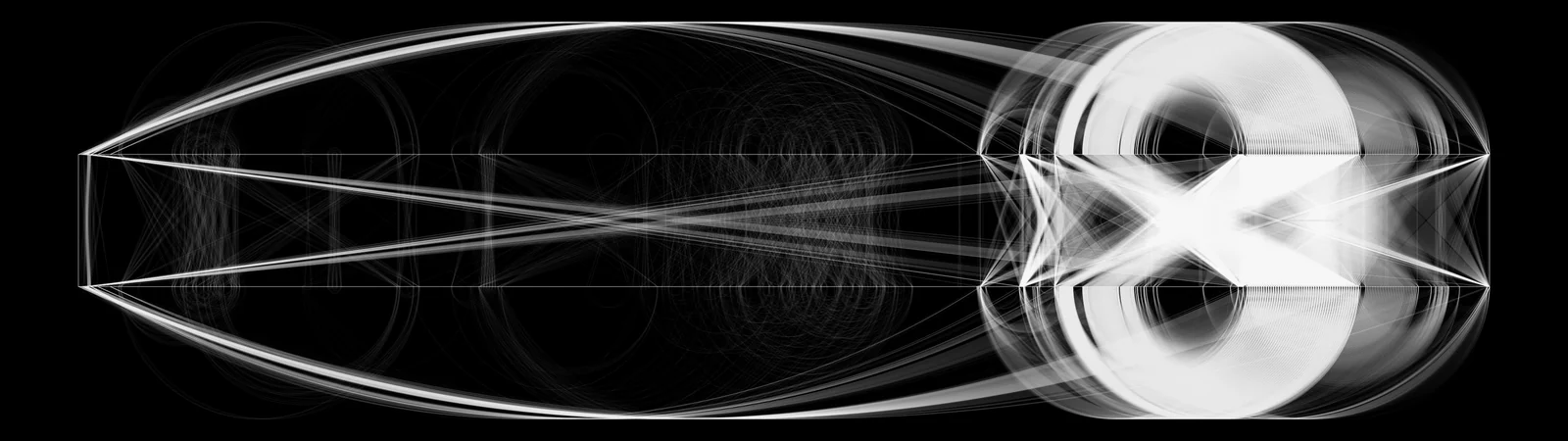
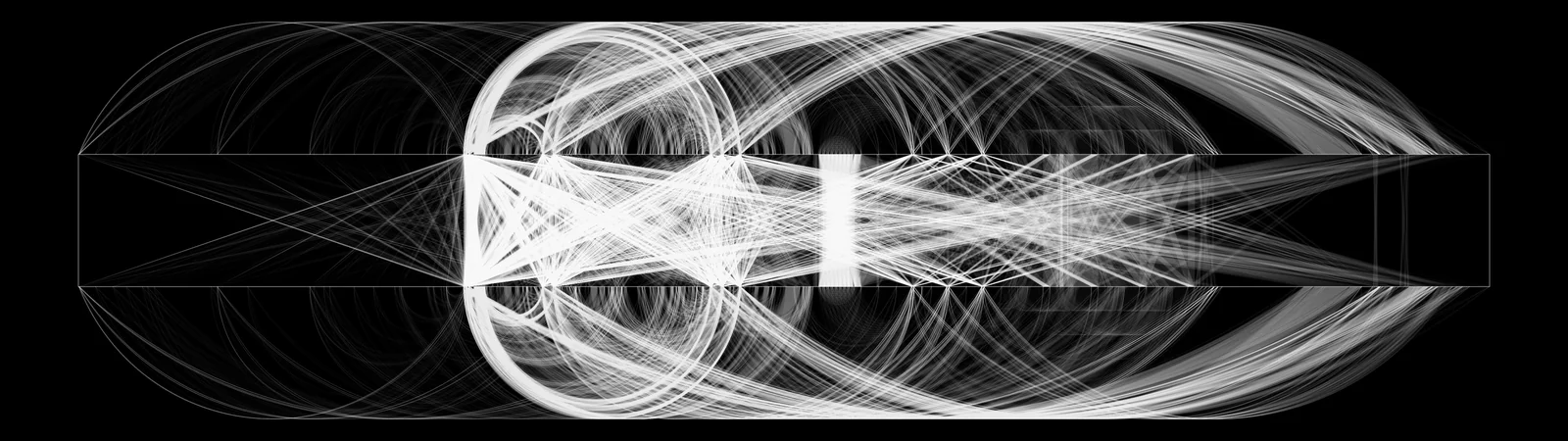
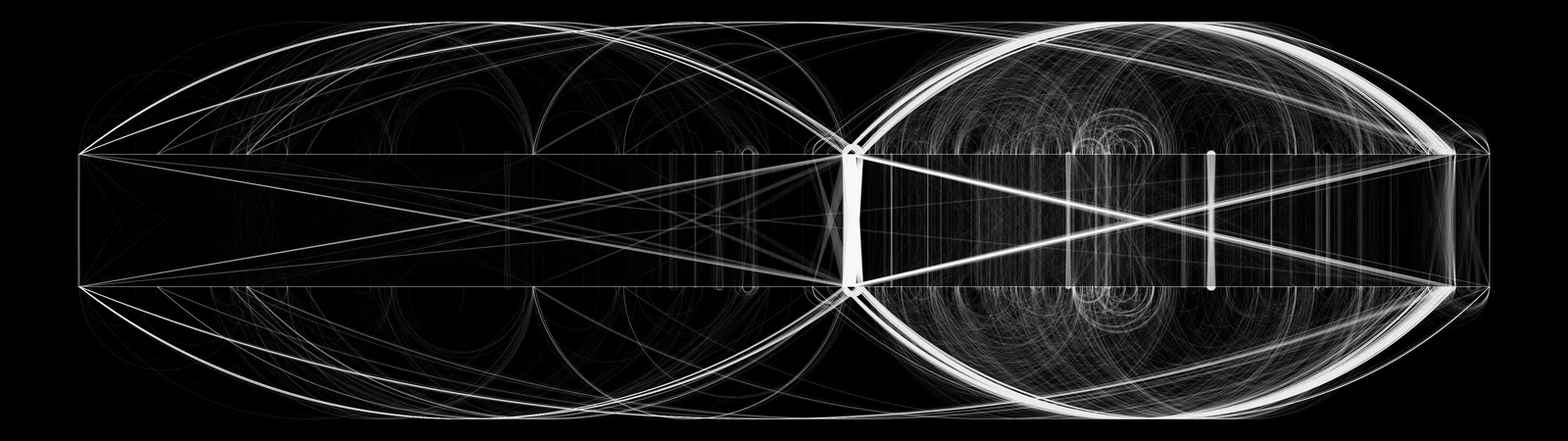
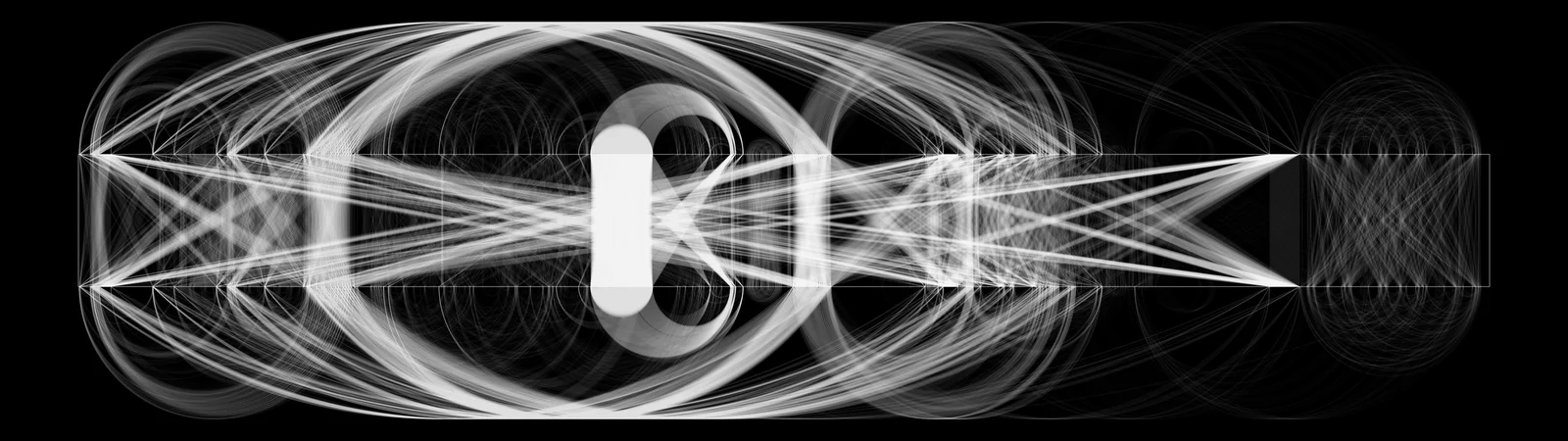
The most important part of the process is adding arcs between the fragment connections to make the output look cool:
errlook.exe

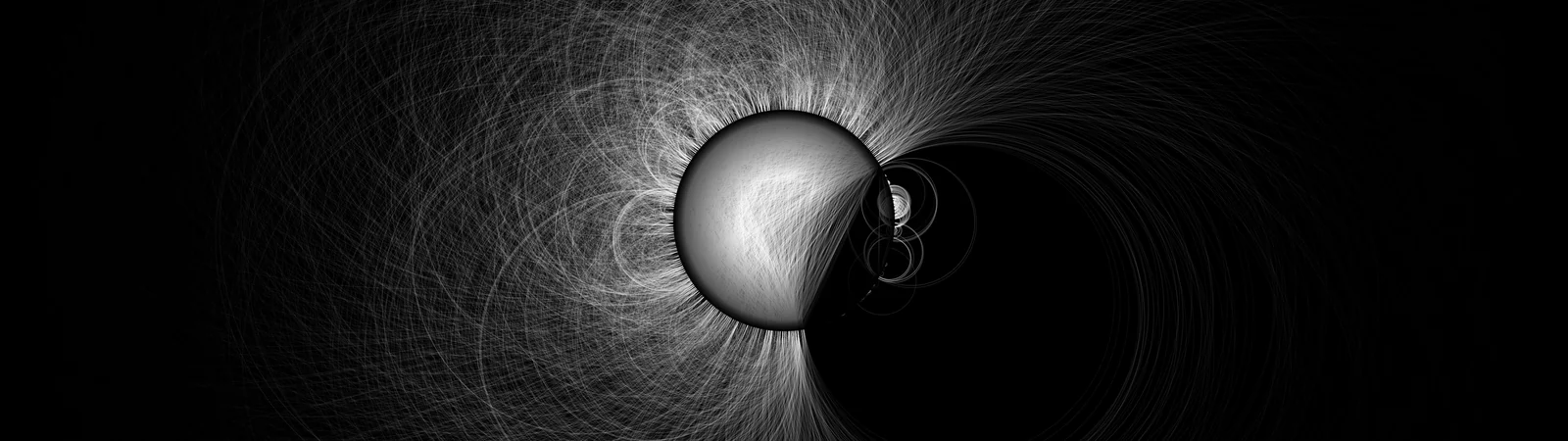
Having completely lost the plot, we can experiment with varied representations of the data. For example, the same file and connections rendered around the perimeter of a circle appears as follows:

errlook.exe

Usage

root@kitploit:~
python hexcymatix.py [options] file [file ...]

Flags

Examples

root@kitploit:~
# Circular visualization of an executable
python hexcymatix.py --circular guidgen.exe

# Linear visualization, top 500 fragments only
python hexcymatix.py --linear --top 500 guidgen.exe

# Batch, 4K output
python hexcymatix.py --circular --resolution 4k *.exe
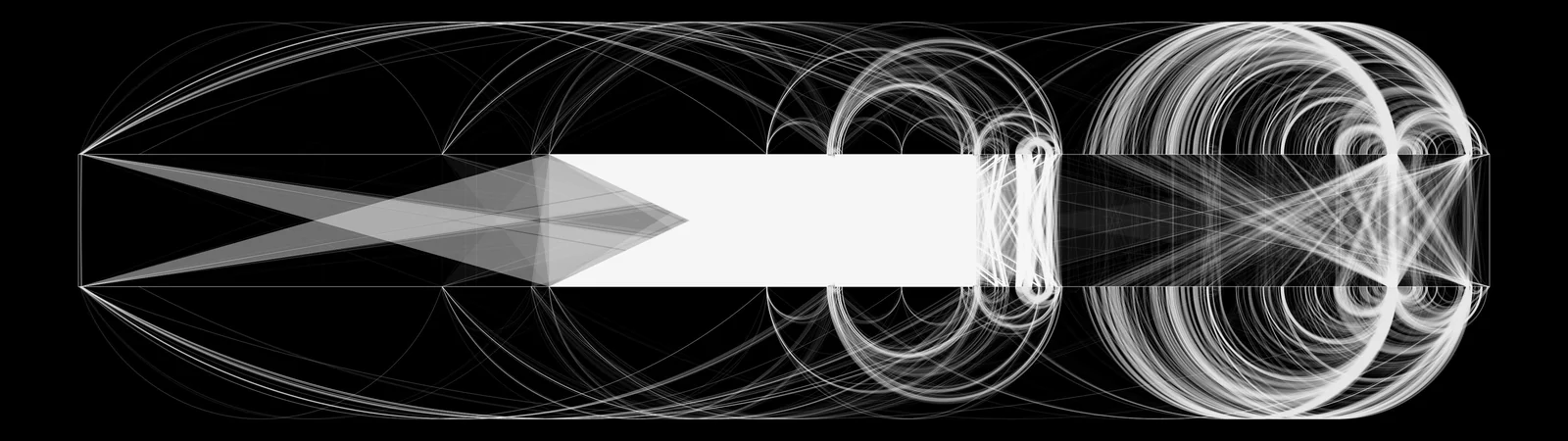

Output

Executables

cmd.exe

cmd.exe circular

cmd.exe circular

calc.exe

calc.exe linear

calc.exe circular

explorer.exe

explorer.exe linear

explorer.exe circular

Fonts

Arial TTF

arial.ttf linear

arial.ttf circular

Comic Sans TTF

comic.ttf linear

comic.ttf circular

Courier New TTF

cour.ttf linear

cour.ttf circular

Libraries

kernel32.dll

kernel32.dll linear

kernel32.dll circular

spwizres.dll

spwizres.dll linear

spwizres.dll circular

user32.dll

user32.dll linear

user32.dll circular

Images

Windows 95 Default Background ("Clouds")

Clouds.bmp linear

Clouds.bmp circular

Windows XP Default Background ("Bliss")

bliss.jpg linear

bliss.jpg circular

Plain Text

Windows XP EULA

eula.txt linear

eula.txt circular

Pascal's Pensées

pg18269.txt linear

pg18269.txt circular

Audio

Windows XP startup sound

xpstartu.wav linear

xpstartu.wav circular

Windows XP WMA (Beethoven's 9th, included with install)

beethov9.wma linear

beethov9.wma circular

Dependencies

root@kitploit:~
pip install pycairo numpy pillow

pycairo builds against the native cairo library, which has to be present first — brew install cairo pkg-config on macOS, or apt install libcairo2-dev pkg-config on Debian/Ubuntu.

Applications and Future

The tool was developed as a reverse engineering aid: given a single known example of some data — a struct, a compressed blob, a protocol payload — find other instances of it in the file without needing additional RE. The hope was that regions sharing many repeated subsequences with the known example would cluster into candidates worth investigating further.

Ultimately, the idea seemed shaky and the use-case narrow, so the technique was never developed into the sort of seamless plugin it needed to be for useful research. The work is shared here so that it is not lost to the ether, in the hopes that perhaps someone else can build on it.

AI Disclaimer

This project was originally written by hand in C#. It has been ported to Python using LLMs, with little oversight or review.

Author

hexcymatix is a research effort from Christopher Domas (@xoreaxeaxeax).

errlook.exe

Download Tool
FlagDescription
--circularCircular layout: byte offsets map to angles on a ring (default)
--linearParallel-bars layout: two horizontal bars connected by crossing quads
--top N [N ...]Keep only the N longest fragments before rendering; pass several values to render one image per cutoff
--no-arcsDraw chords only, skipping the arcs (substantially faster, less visual noise)
--resolution RESOutput resolution as WxH or a preset: 480p, 720p, 1080p, 1440p, 4k, uwfhd (2560x1080), suwfhd (3840x1080) (default: 1080p)
--ultraShorthand for --resolution 4000x4000
--circle-fill FFraction of the canvas diameter used by the circle (default: 0.25, or 0.50 for the ultra-wide presets)
--jpgAlso write an 80% quality JPEG alongside each PNG
--output-dir DIRDirectory for output files (default: output)