 wrogistefan/desktop-2fa
A secure offline desktop application for generating and managing TOTP 2FA codes. Features encrypted vault storage, modern cryptography (Argon2 + AES‑GCM), modular architecture, and a local‑first approach with no cloud dependencies. Designed for reliability, extensibility, and future cross‑platform UI.
A secure, offline two-factor authentication (2FA) manager for desktop environments. Built with Python, featuring strong encryption and no cloud dependencies.
🌐 Landing Page: desktop-2fa.org






| Feature | Description |
|---|---|
| 🔐 Vault Security | AES-256-GCM encryption with Argon2id key derivation |
| ⏱️ TOTP Generation | RFC 6238 compliant code generation |
| 💻 Full CLI | Complete command-line interface for managing tokens |
| 📋 Clipboard Support | Automatic copying of TOTP codes to clipboard |
| 🔓 Stateless Design | Every command requires explicit password authentication |
| 🛡️ Password Policy | Configurable password strength enforcement with zxcvbn |
| 🧪 Well Tested | 289 tests passing with comprehensive coverage |
| 📖 Security Model | Detailed threat analysis and cryptographic design documentation |
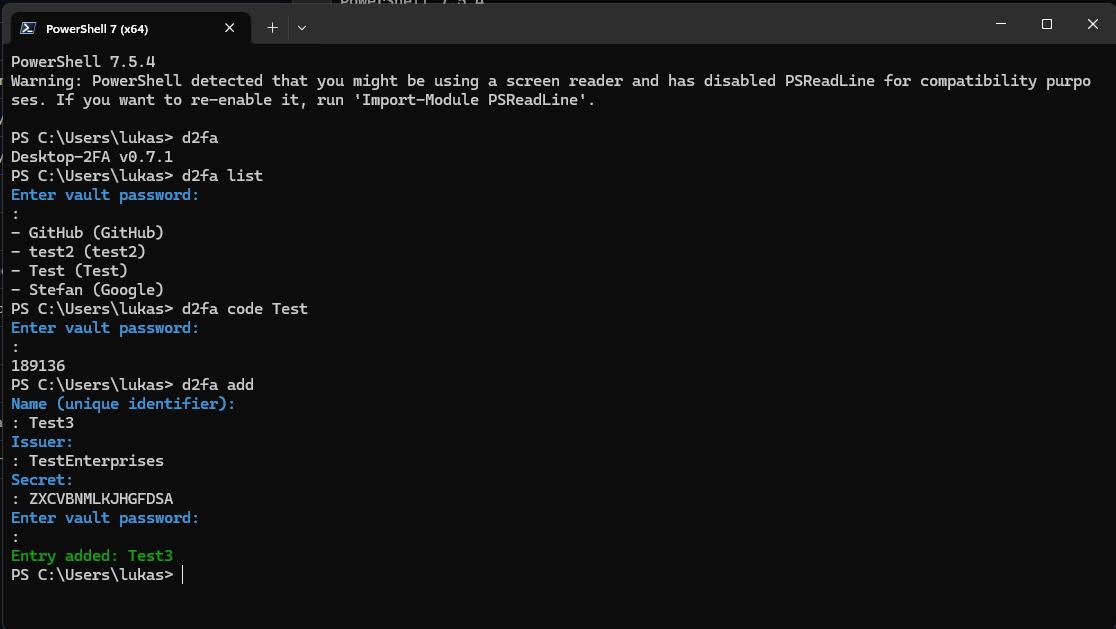 Adding a new TOTP entry interactively
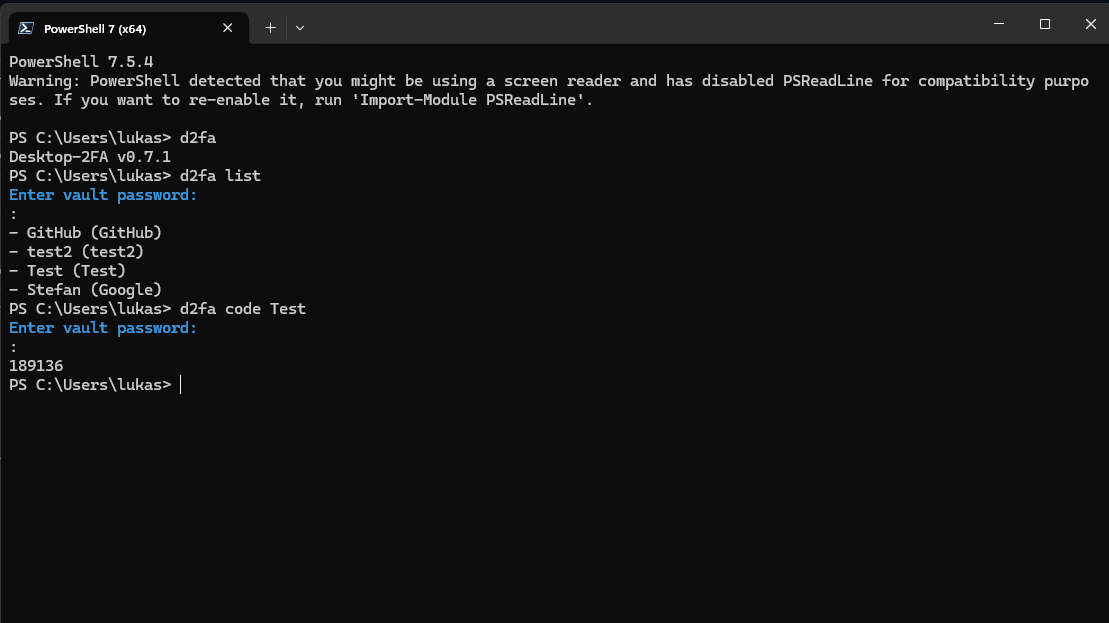 Generating a TOTP code for an entry
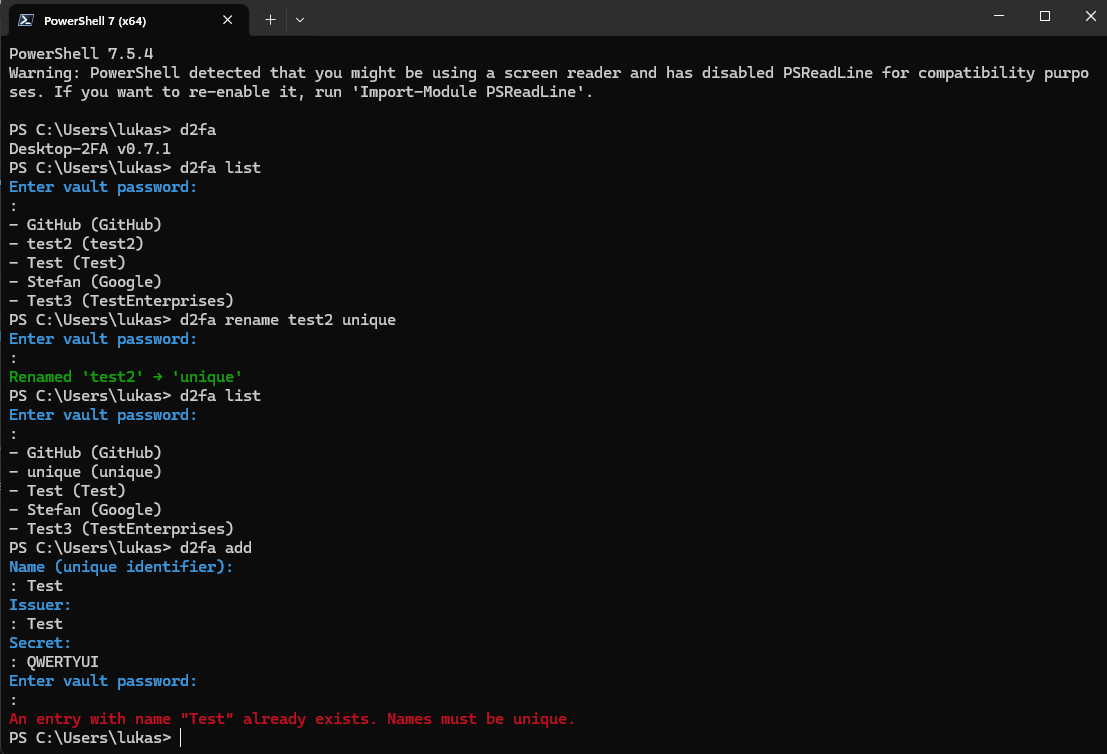 Renaming an entry with duplicate detection
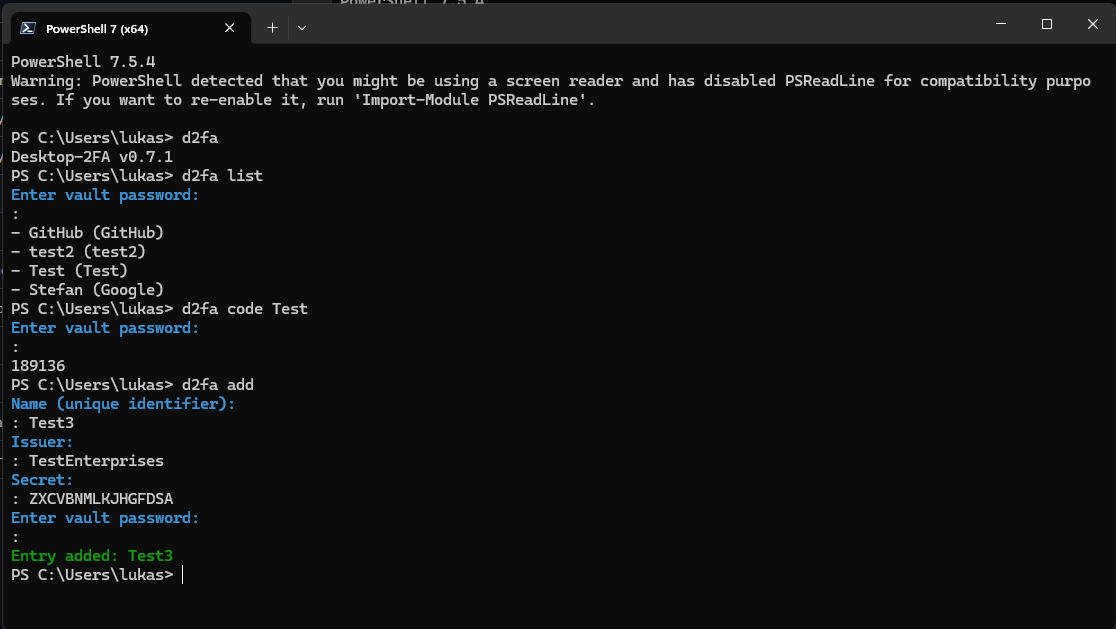
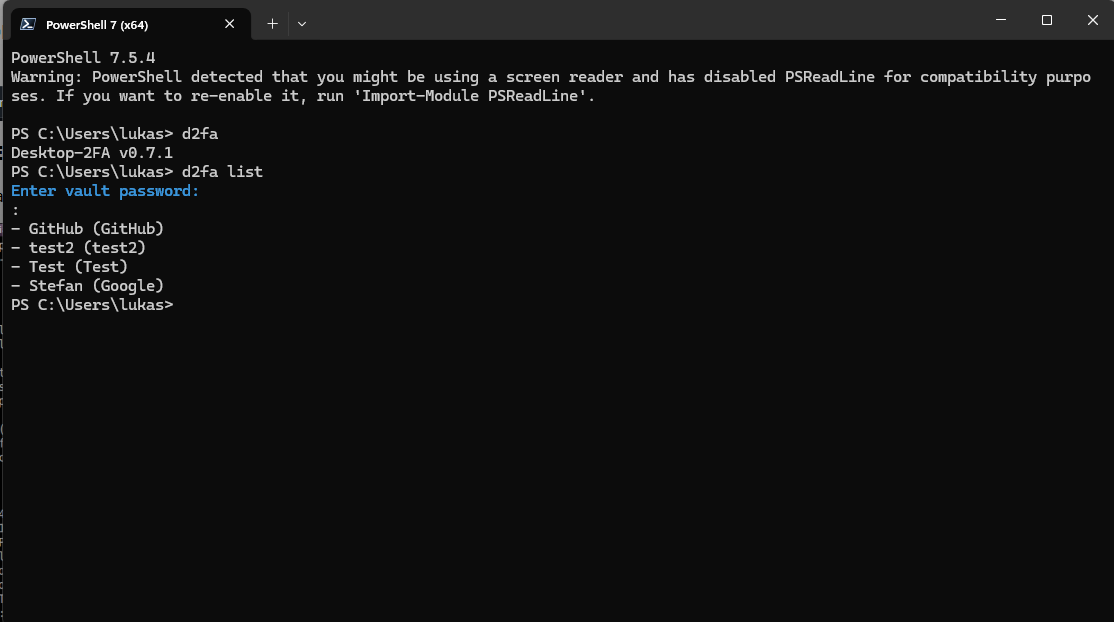 Viewing version info and listing all entries
pip install desktop-2fa
Verify installation:
python -c "import desktop_2fa; print(desktop_2fa.__version__)"
# Output: 0.8.1dev
# Initialize a new vault
d2fa vault init

# Add a new TOTP token
d2fa vault add GitHub GitHub JBSWY3DPEHPK3PXP

# List all entries
d2fa vault list

# Generate a code
d2fa code GitHub
# Provide password via command line
d2fa vault add GitHub GitHub JBSWY3DPEHPK3PXP --password mypassphrase

# Provide password via file
d2fa vault add GitHub GitHub JBSWY3DPEHPK3PXP --password-file /path/to/passphrase.txt
The vault is an encrypted storage file located at ~/.desktop-2fa/vault.
When a command requires a vault and none exists:
--password/--password-file (non-interactive mode)Vault created at <path>When a command requires a vault and it exists:
typer.Exit(1)The rename command enforces deterministic behavior when multiple entries match the target name:
Error: Multiple entries named '<name>' exist. Operation aborted. Resolve duplicates first.| Command | Description |
|---|---|
d2fa vault add <name> <issuer> <secret> | Add a new TOTP entry |
d2fa vault list | List all stored TOTP entries |
d2fa vault rename <old> <new> | Rename an entry |
d2fa vault remove <name> | Remove an entry |
d2fa code <name> [--copy|--copy-only] | Generate TOTP code with clipboard copy options |
| Command | Description |
|---|---|
d2fa vault init [--force] | Initialize a new vault |
d2fa vault unlock | Open vault with weak password warning (if configured) |
d2fa vault change-password | Change the vault password |
d2fa vault backup | Create an encrypted backup of the vault |
d2fa vault export <path> | Export vault to file |
d2fa vault import <path> [--force] | Import vault from file |
| Option | Description |
|---|---|
--password <pwd> | Provide vault password directly |
--password-file <path> | Read vault password from file |
--json | Output in JSON format |
--raw | Raw output (no formatting) |
--quiet | Suppress non-essential output |
--copy | Copy TOTP code to clipboard and display |
--copy-only | Copy TOTP code to clipboard only |
--force | Force operation (bypass confirmations) |
The vault uses:
Every command requires explicit password authentication. No session-based access.
Desktop-2FA uses zxcvbn to evaluate password strength when creating or changing vault passwords:
Examples:
password, 123456, qwerty, admin2024Battery-Horse-Staple-Correct, Mountain@River*2024, MySecureVault#42Configuration (~/.config/d2fa/config.toml):
[security]
# Require strong passwords (score >= 3)
reject_weak_passwords = false  # warn but allow | true: reject weak passwords
When reject_weak_passwords = false:
When reject_weak_passwords = true:
Backward Compatibility:
If you have min_password_entropy set in your config (legacy option), it is recognized and treated as equivalent to requiring zxcvbn score >= 3.
Version 0.8.0 maintains all previous security hardening from v0.7.3 and introduces modular architecture for better code isolation:
